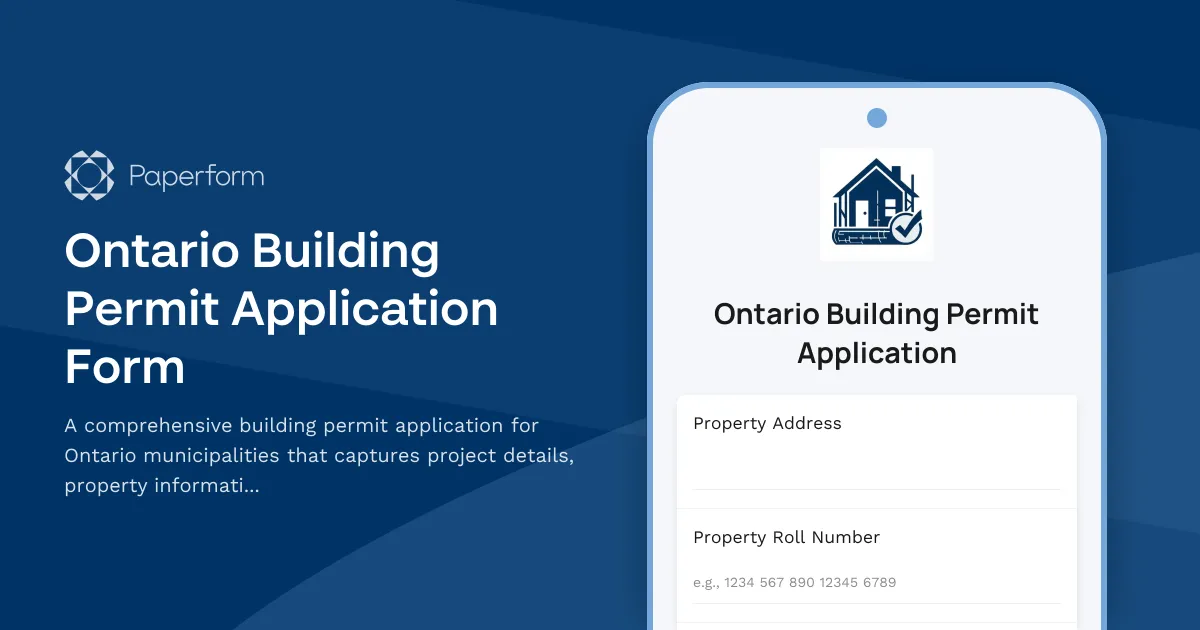
Every construction, renovation or addition project in Ontario requires proper building permit approval before work begins. Our Ontario Building Permit Application Form makes the permitting process straightforward for property owners, contractors and developers by capturing all the information municipal building departments need in one professional, organized submission.
Whether you're a contractor managing residential builds, a property owner planning a home renovation, a developer working on commercial projects, or an architect coordinating permit submissions for clients, this template streamlines the entire application process. Instead of juggling paper forms, multiple email attachments and unclear requirements, you can collect property details, project specifications, contractor information, architectural drawings and zoning compliance documents in a single online form.
The form guides applicants through every section required by Ontario municipalities: property identification, owner and contractor details, project scope and value, construction specifications, HVAC and plumbing systems, structural information, and all necessary supporting documentation. Built-in file upload fields accept architectural drawings, site plans, engineering reports and zoning compliance letters, keeping everything organized in one submission.
With Paperform's payment integration, you can collect permit application fees directly through the form using Stripe, PayPal or Square, eliminating the need for separate payment processing. Set up automated email confirmations that provide applicants with their submission reference number and next steps, while your building department receives organized, complete applications ready for review.
Use conditional logic to show or hide relevant sections based on project type—residential vs. commercial, new construction vs. renovation—ensuring applicants only see questions relevant to their specific permit application. This reduces confusion and increases completion rates.
Connect the form to your existing workflow tools using Stepper (stepper.io) to automatically route applications to the appropriate reviewers, update project management systems, generate inspection schedules, and keep applicants informed throughout the approval process. Integration with Google Sheets, Airtable or your municipal software means submission data flows directly into your existing systems without manual data entry.
For municipalities and construction firms managing multiple projects, Paperform's Agency+ plan lets you create customized versions for different jurisdictions or project types while maintaining centralized oversight. All submissions are SOC 2 Type II compliant, providing the security and audit trails required for official municipal records.



More templates like this
Parking Garage Repair Permit Application
A comprehensive permit application for parking structure repairs including concrete restoration, waterproofing, traffic coatings, structural assessments, and phasing plans for occupied facilities.
Commercial Awning and Canopy Permit Application
Apply for a commercial awning or canopy permit with wind load calculations, drainage specifications, fire rating requirements, and zoning compliance documentation.
Commercial Construction Permit Application Form
Streamline your commercial construction permit application with this comprehensive form covering project details, zoning compliance, building code requirements, environmental impact, and automated fee calculation.
Historic Building Window & Door Replacement Permit Application
Apply for a permit to replace windows and doors in historic buildings. Ensures compliance with preservation guidelines, energy efficiency standards, and architectural review board requirements.
Home Occupancy Permit Proof of Residence Form
Verify residency and request certificate of occupancy after home renovation. Submit contractor completion certificates, utility bills, and building code compliance documentation in one streamlined application.
Residential Basement Waterproofing Permit Application
Apply for a residential basement waterproofing permit with detailed specifications for membranes, drainage systems, sump pumps, and foundation inspection coordination.
Residential Elevator Pit Construction Permit Application
A comprehensive permit application for residential elevator pit construction, covering waterproofing specifications, sump pump requirements, depth calculations, and accessibility code compliance.
Residential Exterior Stairway Permit Application
Apply for a permit to construct or modify exterior residential stairs. Includes automated rise and run calculations, landing requirements, handrail specifications, and safety compliance checks.
Building Permit Dispute Form
Submit a formal dispute regarding building permit decisions, code interpretations, or inspector findings to the building appeals board for review and resolution.
Coastal Development Permit Application
Apply for a coastal development permit for beachfront construction. Includes sea level rise assessment, beach access preservation, visual impact analysis, and erosion control planning.
Commercial Stairway Construction Permit Application
A professional permit application for commercial stairway construction projects, including technical specifications, rise and run calculations, handrail requirements, and accessibility compliance verification.
Czech Construction Completion Certificate Request
Comprehensive form for requesting a construction completion certificate (kolaudační souhlas) from Czech building authorities, including final inspection scheduling and technical documentation submission.