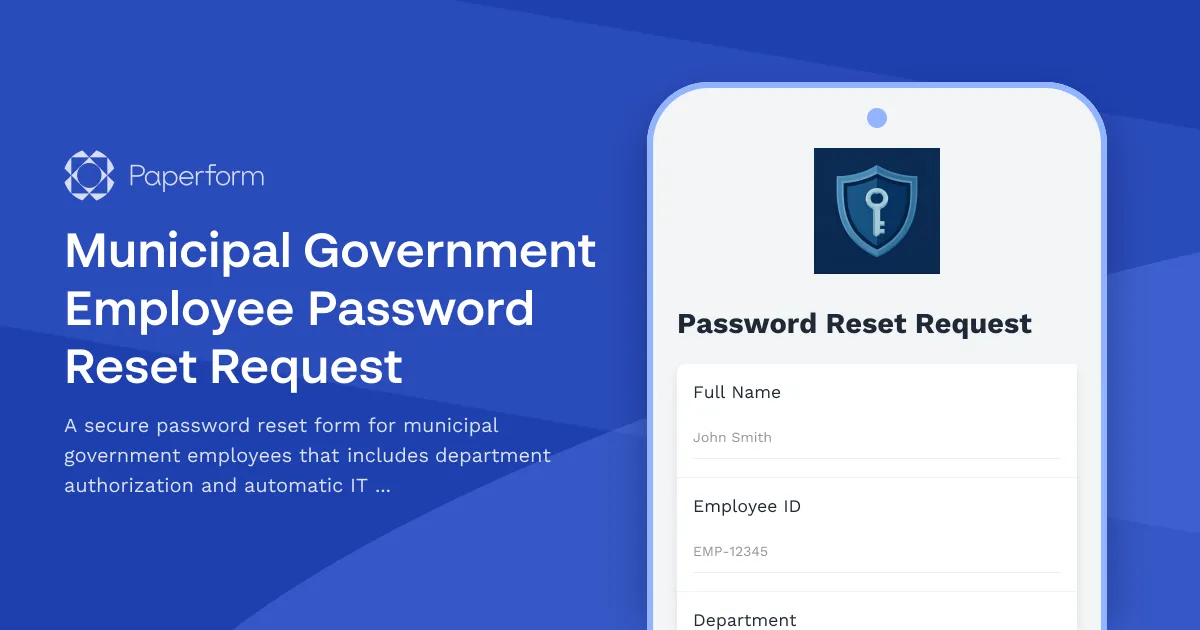
Streamline Municipal Government Password Resets with Paperform
Municipal government IT departments handle dozens of password reset requests every week from employees across various departments—from public works and planning to emergency services and administrative offices. This Municipal Government Employee Password Reset Request template helps IT teams manage account recovery efficiently while maintaining the security protocols required in public sector organizations.
Why This Template Works for Government IT
This form replaces scattered email requests and phone calls with a structured, trackable system. Employees can submit password reset requests 24/7, and IT staff get all the information they need upfront: employee ID, department verification, contact details and the specific issue. The built-in approval workflow ensures department heads can authorize requests when needed, maintaining compliance with municipal security policies.
Built for Public Sector Security Standards
Government organizations require clear audit trails and proper authorization channels. This template includes conditional logic to route high-security department requests through supervisor approval, captures all necessary verification details, and creates a complete record of every password reset request. You can customize fields to match your municipality's specific employee ID formats, department structures, and security protocols.
Automate IT Ticket Creation with Stepper
Connect this form to your help desk system using Stepper (stepper.io), Paperform's AI-native workflow automation tool. Each submission can automatically create a ticket in your IT service management platform, assign it to the right technician based on department or urgency, and send confirmation emails to both the employee and their supervisor. No more manual data entry or missed requests.
Complete Workflow Integration
Use Paperform's native integrations to sync password reset requests with Google Sheets for tracking, send Slack notifications to your IT team for urgent requests, or connect to your existing ticketing system via webhooks. The form works seamlessly across desktop and mobile, so employees can request resets from anywhere—essential for field staff and remote workers.
Trusted by government organizations nationwide, this template helps municipal IT teams reduce response times, maintain security compliance, and keep detailed records of all account recovery activities.



More templates like this
Accessibility Software & Hardware Request Form
Request assistive technology, accessibility software, and adaptive hardware to support workplace accommodations and ensure ADA compliance.
Airport Security Staff Password Reset Form
Secure password reset request form for airport security personnel with TSA clearance verification and restricted area access review to ensure proper authentication and authorization.
Archive System Access Request Form
Request access to archived records and historical data with compliance tracking for legal holds and retention policies.
Forestry Management System - Ranger Account Provisioning Form
Request new ranger access to the forestry management system with customized permissions for timber inventory, permit tracking, fire monitoring, and wildlife reporting.
IT Helpdesk Password Reset Request Form
Streamline password reset and account recovery requests with automated employee verification, department routing, and priority-based ticket management for IT support teams.
IT Password Reset Request Form
Streamline password reset requests with employee verification, department tracking, and priority-based ticket routing for IT helpdesks.
Multi-Factor Authentication Password Reset Form
Secure password reset form with multi-factor authentication, security question validation, and SMS verification to ensure safe account recovery for IT systems and applications.
Museum Staff Password Reset & Account Recovery Form
Streamline password resets and account recovery for museum staff with secure access to exhibit management and ticketing systems.
Travel Agency Password Reset & GDS Access Recovery Form
A secure password reset form for travel agency staff to recover access to GDS systems, booking platforms, and commission tracking tools with verification and system access management.
Accounting Software System Error Report
A comprehensive error reporting form for accounting firms to document software system issues, assess client data impact, prioritize tax deadline urgency, and coordinate IT vendor escalation.
Addiction Treatment Center Password Reset Request
A secure password reset and account recovery form designed for addiction treatment centers. Verify staff identity and restore access to electronic health record systems safely.
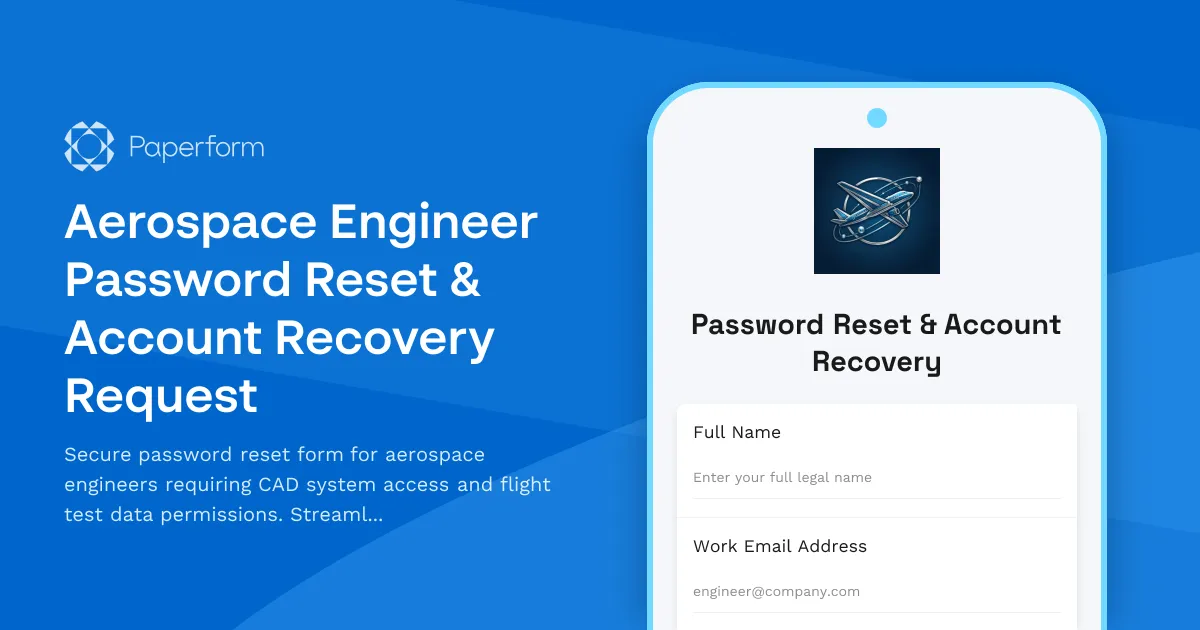
Aerospace Engineer Password Reset & Account Recovery Request
Secure password reset form for aerospace engineers requiring CAD system access and flight test data permissions. Streamline account recovery with verification and approval workflows.