Installing a manufactured home requires careful attention to local building codes, HUD standards, and structural requirements. This manufactured home installation permit application streamlines the approval process for contractors, homeowners, and building departments by capturing all essential foundation, anchoring, utility, and compliance details in one organized submission.
Whether you're a contractor managing multiple installations, a property owner placing a new manufactured home, or a building inspector processing permit applications, this template ensures nothing gets overlooked. The form guides applicants through foundation type selection, tie-down specifications, utility connection planning, skirting installation details, and HUD code compliance documentation—reducing back-and-forth revisions and accelerating permit approval timelines.
Built with Paperform's conditional logic, the form adapts based on your foundation type and installation specifics, showing only relevant questions for your project. This eliminates confusion and makes the application process faster for everyone involved. Construction professionals can save the partially completed form and return later, attach required drawings and certifications, and submit everything digitally without printing stacks of paperwork.
For building departments and municipal offices, Paperform integrations allow automatic routing of submissions to the right inspector, notifications when applications are complete, and seamless organization of permit records in your existing systems. Connect submissions to Google Sheets, Airtable, or your municipal software to maintain accurate permit tracking and compliance documentation.
Need to collect permit fees? Paperform's built-in payment processing through Stripe, PayPal, or Square lets you accept application fees directly within the form, automatically recording transaction details with each submission. You can even set up different fee structures based on home size, foundation type, or installation complexity using Paperform's calculation fields.
Once permits are approved, use Papersign to send installation agreements, contractor certifications, or homeowner acknowledgment forms for legally binding eSignatures—keeping your entire permit-to-installation workflow connected and compliant.
For contractors managing permits across multiple jurisdictions, Stepper can automate follow-up workflows: notify your team when permits are approved, create project kickoff tasks in your management software, update CRM records, or trigger inspection scheduling—all without manual data entry.
Trusted by contractors, building departments, and manufactured home dealers, this template helps ensure safe, code-compliant installations while reducing administrative burden on all parties. Paperform is SOC 2 Type II compliant and suitable for government and construction industry use.



More templates like this
Building Permit Dispute Form
Submit a formal dispute regarding building permit decisions, code interpretations, or inspector findings to the building appeals board for review and resolution.
Commercial Awning and Canopy Permit Application
Apply for a commercial awning or canopy permit with wind load calculations, drainage specifications, fire rating requirements, and zoning compliance documentation.
Environmental Permit Application - Project Site Verification
A comprehensive form for submitting environmental permit applications with proof of project site address, property documentation, site photos, and environmental impact assessment details.
Historic Building Window & Door Replacement Permit Application
Apply for a permit to replace windows and doors in historic buildings. Ensures compliance with preservation guidelines, energy efficiency standards, and architectural review board requirements.
Home Occupancy Permit Proof of Residence Form
Verify residency and request certificate of occupancy after home renovation. Submit contractor completion certificates, utility bills, and building code compliance documentation in one streamlined application.
Parking Garage Repair Permit Application
A comprehensive permit application for parking structure repairs including concrete restoration, waterproofing, traffic coatings, structural assessments, and phasing plans for occupied facilities.
Residential Basement Waterproofing Permit Application
Apply for a residential basement waterproofing permit with detailed specifications for membranes, drainage systems, sump pumps, and foundation inspection coordination.
Residential Elevator Pit Construction Permit Application
A comprehensive permit application for residential elevator pit construction, covering waterproofing specifications, sump pump requirements, depth calculations, and accessibility code compliance.
Roofing Permit Application
Professional roofing permit application with material specs, structural calculations, and contractor verification for building departments and permit authorities.
Building Envelope Air Sealing Permit Application
A comprehensive permit application form for building envelope air sealing projects during energy retrofits, including blower door testing requirements, material specifications, ventilation verification, and utility rebate documentation.
Chilean Municipal Construction Completion Certificate Application
Apply for a municipal construction completion certificate with final inspection scheduling and habitability approval. Complete this form to request final verification of completed construction projects in Chile.
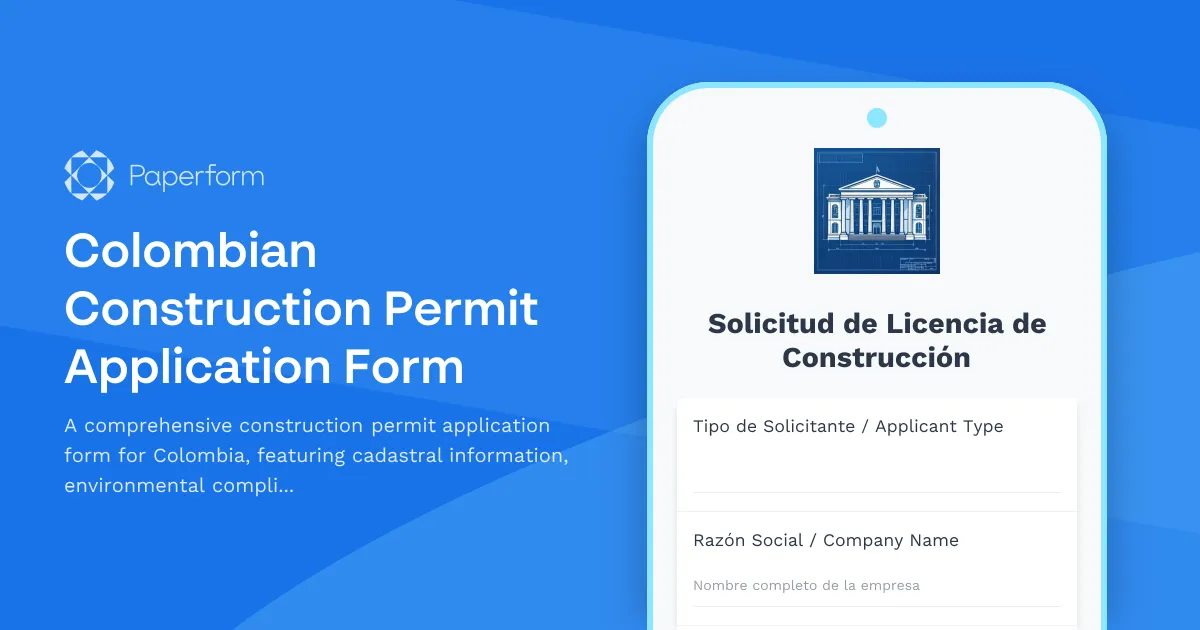
Colombian Construction Permit Application Form
A comprehensive construction permit application form for Colombia, featuring cadastral information, environmental compliance documentation, and municipal approval workflow requirements.