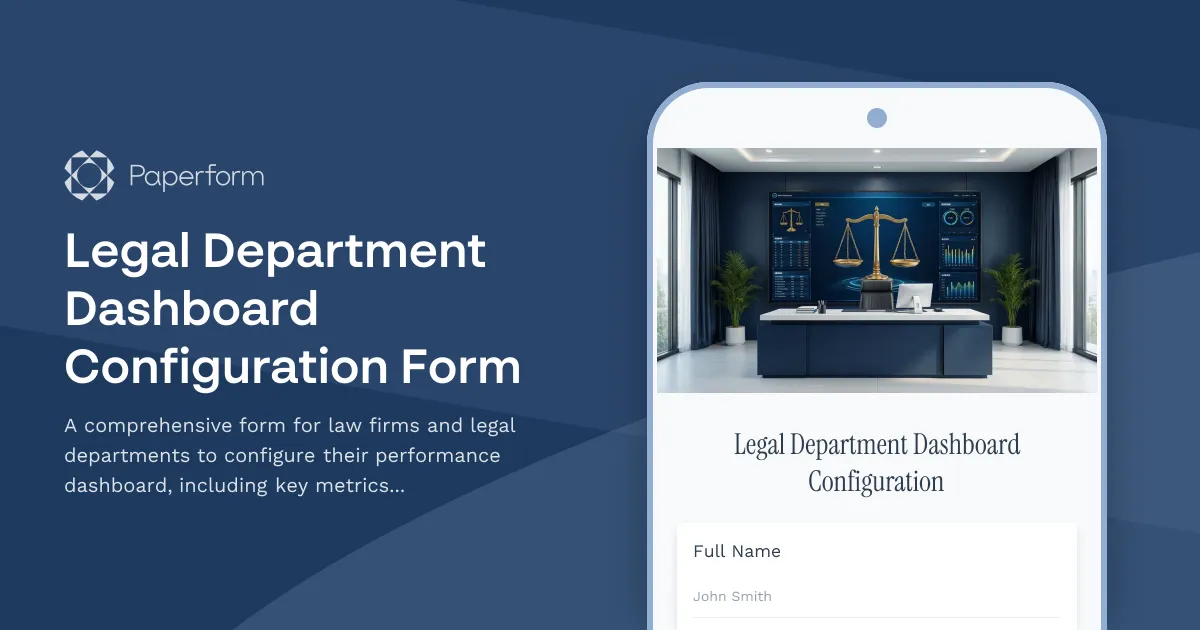
Streamline Your Legal Department Dashboard Setup with Paperform
For law firms and in-house legal departments, tracking the right metrics is essential for managing caseloads, measuring performance, and demonstrating value to stakeholders. This Legal Department Dashboard Configuration Form makes it simple to gather requirements from your team and build a customized analytics dashboard that delivers the insights you need.
Whether you're a managing partner, legal operations manager, or general counsel, this template helps you define exactly which KPIs matter most—from matter turnaround times and billing rates to client satisfaction and compliance metrics. The conditional logic ensures you only collect relevant information based on your practice areas and data sources.
How Law Firms Use This Template
Legal professionals use this dashboard configuration form to:
- Define key performance indicators across litigation, corporate, compliance, and other practice areas
- Identify and connect data sources from case management systems, billing platforms, and document repositories
- Set visualization preferences for charts, tables, and reports that suit different stakeholders
- Establish reporting cadences that keep leadership informed without overwhelming the team
- Customize access levels to ensure confidentiality and appropriate data visibility
Once submitted, you can use Stepper to automatically create tickets in your project management system, notify your IT or analytics team, and kick off the dashboard build process—all without manual handoffs. For firms managing multiple client matters, this workflow automation ensures nothing falls through the cracks.
Built for Legal Operations Teams
This template is optimized for legal operations professionals, practice group leaders, and anyone responsible for implementing business intelligence in a legal environment. The form adapts to your specific needs, whether you're a boutique firm tracking billable hours or an enterprise legal department monitoring contract lifecycle metrics.
With Paperform's professional design options, the form maintains the credibility and polish your clients and colleagues expect, while the no-code conditional logic ensures a streamlined experience that only asks relevant questions.
Get started with this Legal Department Dashboard Configuration Form and transform how your legal team tracks, analyzes, and reports on performance.



More templates like this
Legal Contract Lifecycle Management Form
Streamline your contract management process from template selection through negotiation, approval, and storage. Perfect for legal departments managing contract lifecycles efficiently.
Legal Matter Budget Request Form
A comprehensive form for law firms to request and allocate budgets for legal matters with phase-based cost estimates, resource planning, expense forecasting, and variance tracking capabilities.
Commercial Dispute Witness Statement Form
A comprehensive witness statement form designed for commercial disputes, capturing detailed testimony about contract breaches, financial impacts, and supporting arbitration or litigation preparation.
Corporate Compliance Training Attestation Form
Comprehensive compliance training attestation for law firms to document training completion, policy acknowledgment, reporting obligations, and annual certification for regulatory compliance.
Legal Bill Review & Audit Form
Streamline legal invoice analysis with comprehensive rate verification, task code validation, and billing guideline compliance checks for corporate legal departments and law firms.
Legal Department Budget Request Form
Streamline your legal department's budget planning with this comprehensive request form covering matter forecasts, outside counsel needs, technology investments, and cost-saving initiatives.

Legal Department Diversity Metrics Form
Track and analyze diversity metrics across your legal department with comprehensive data on hiring, promotions, retention, and inclusion initiatives to build a more equitable practice.
Legal Department Strategic Sourcing Form
A comprehensive form for legal departments to evaluate service categories, analyze spend, consolidate vendors, and manage competitive bidding for legal services and suppliers.
Legal Department Succession Planning Form
A comprehensive succession planning tool for law firms to identify key personnel, document critical knowledge, plan cross-training initiatives, and establish contingency coverage to ensure business continuity.
Legal Project Staffing Request Form
A comprehensive form for law firms to request project staffing with specific skill requirements, experience levels, availability needs, budget constraints, and diversity objectives.
Litigation Hold Release Form
A comprehensive form for law firms to formally release litigation holds, notify custodians of data preservation end, and resume normal retention schedules after matter resolution.
Antitrust Compliance Questionnaire
A comprehensive compliance questionnaire for law firms to assess antitrust risk, covering market positioning, pricing practices, competitor interactions, and merger activities for clients across all industries.