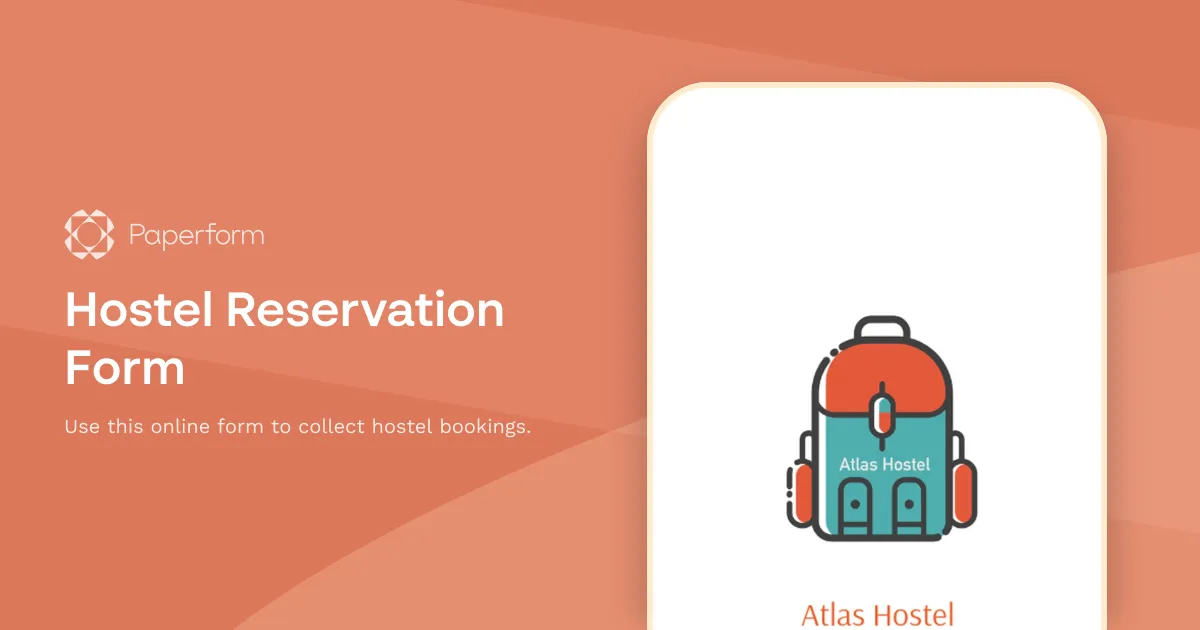
Hostel Reservation Form Template
If you're running a hotel, it's absolutely essential to allow your customers to submit reservations online. First of all, it might be a huge timesaver for both you and your guests. After all, filling out an online form is much faster and easier than calling over the phone. And secondly, if your guests are coming from another country, your website might be the only way for them to get in touch with you.
We created this hostel reservation form template to help you get started faster. On the first page, it features a simple logo of an imaginary Atlas Hostel. Once you start editing this template, you might easily replace it with your own logotype and optionally add a short description of your hostel. The following page collects all the personal information of the responders, and additionally asks "How did you hear about us?" question. Finally, the last page allows the responders to select the room type where they'd like to stay, and pick the check-in and check-out dates. Paperform's forms are smart: if the date isn't formatted correctly, the prospective guests won't be able to submit their reservation.
Make this form yours now!
Key Features
This template is designed to help you collect information efficiently and professionally. It includes carefully crafted questions and fields that gather all the essential details you need.
Why Use This Template
- Save time: Start with a pre-built structure instead of creating from scratch
- Professional design: Looks polished and trustworthy to respondents
- Easy customization: Modify fields, colors, and branding to match your needs
- Mobile-friendly: Works seamlessly on all devices
How to Use This Template
- Click "Use this template" to import it into your Paperform account
- Customize the questions and fields to match your specific requirements
- Adjust the design and branding to reflect your organization
- Share the form link or embed it on your website
- Start collecting responses and managing submissions
Customization Options
Paperform's visual editor makes it easy to:
- Add or remove questions
- Change colors, fonts, and images
- Set up conditional logic to show/hide fields
- Configure email notifications and integrations
- Accept payments if needed
Get started today and create a professional form in minutes.



More templates like this
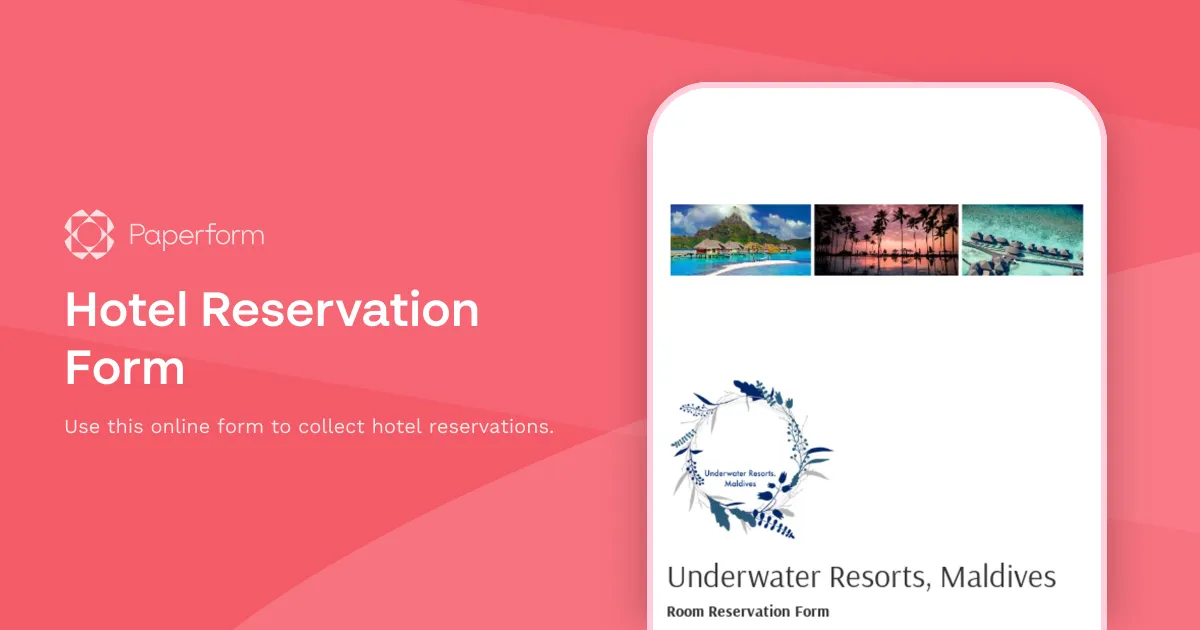
Hotel Reservation Form
Use this online form to collect hotel reservations.
Hotel Room Booking Form
Use this online form to collect hotel room bookings and reservations.
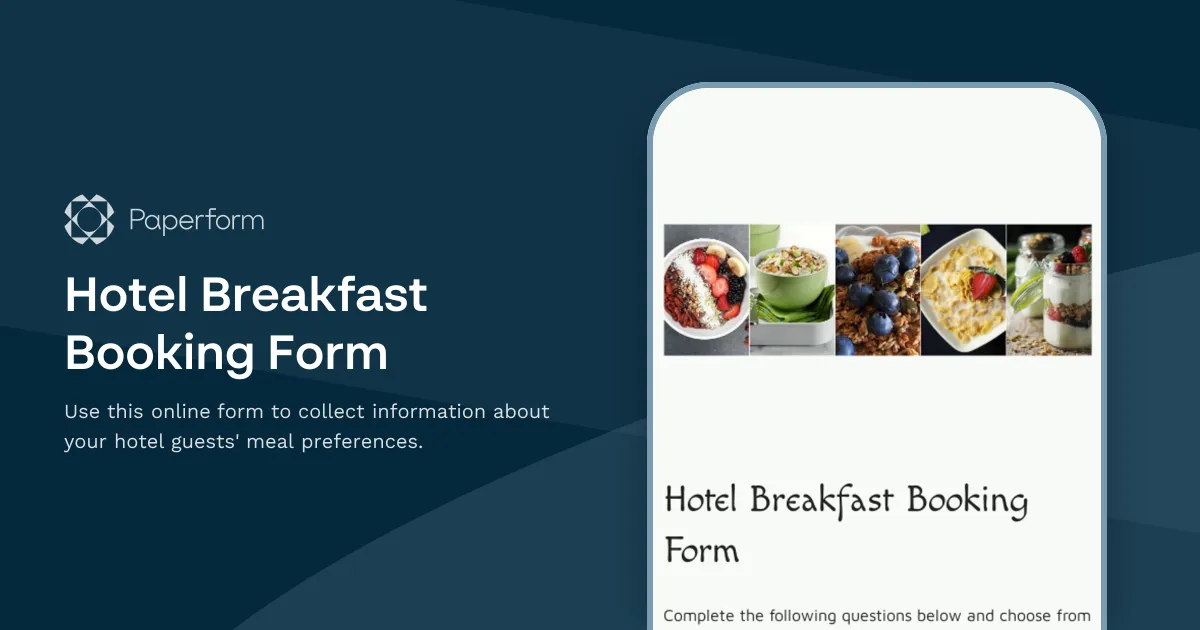
Hotel Breakfast Booking Form
Use this online form to collect information about your hotel guests' meal preferences.
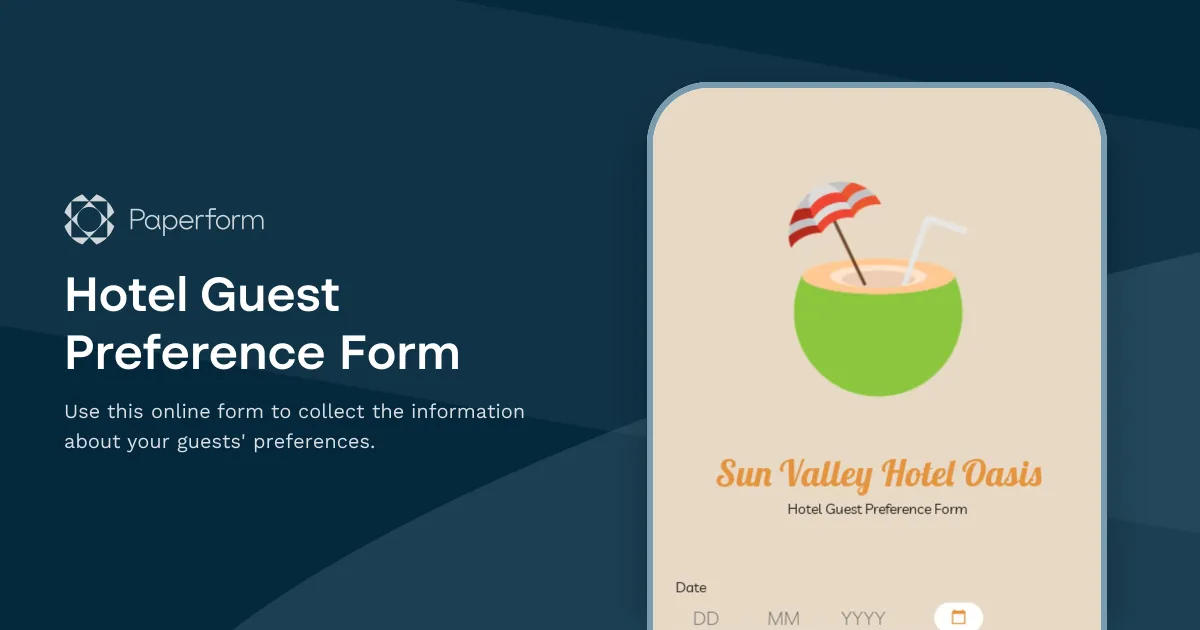
Hotel Guest Preference Form
Use this online form to collect the information about your guests' preferences.
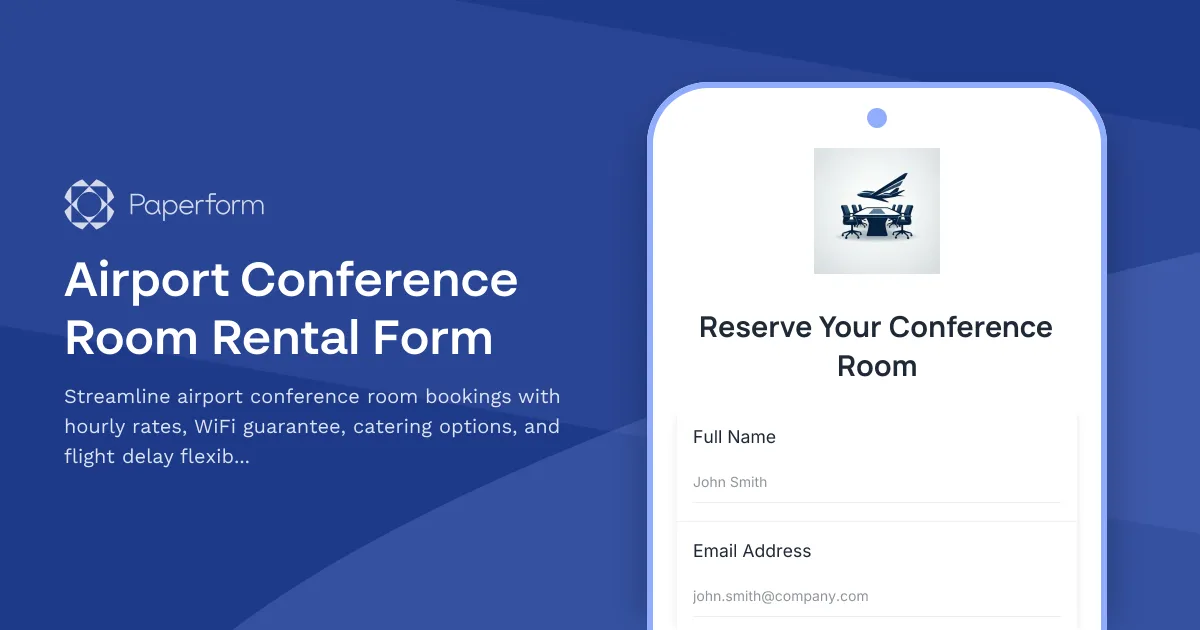
Airport Conference Room Rental Form
Streamline airport conference room bookings with hourly rates, WiFi guarantee, catering options, and flight delay flexibility. Perfect for business travelers needing reliable meeting spaces.
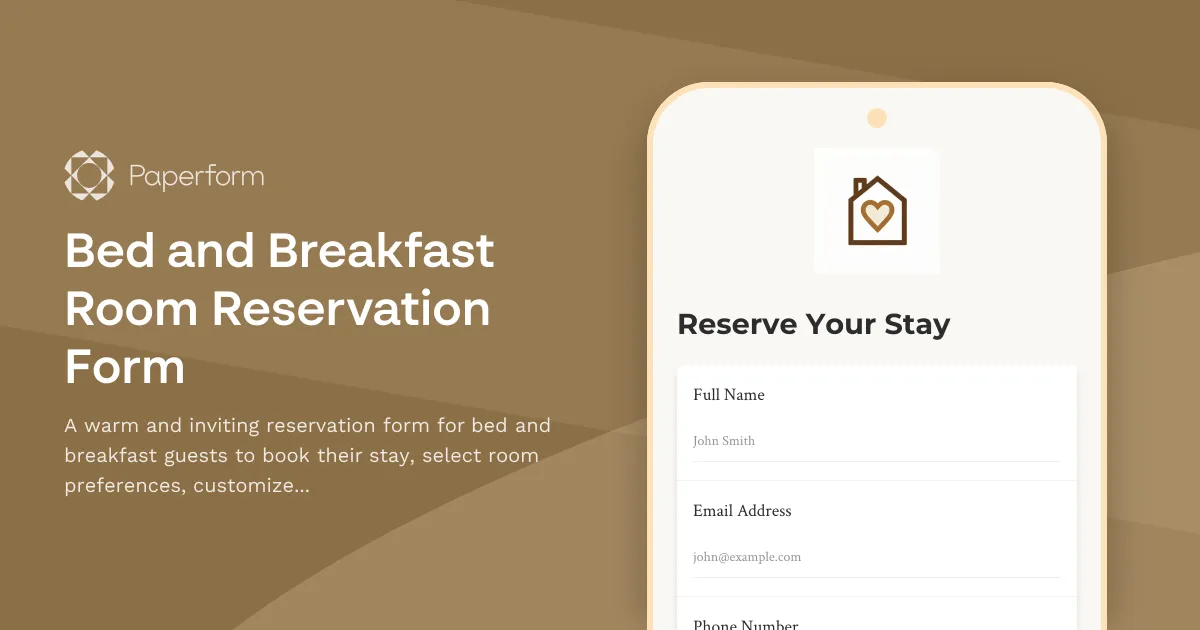
Bed and Breakfast Room Reservation Form
A warm and inviting reservation form for bed and breakfast guests to book their stay, select room preferences, customize breakfast options, and add special packages for a memorable experience.
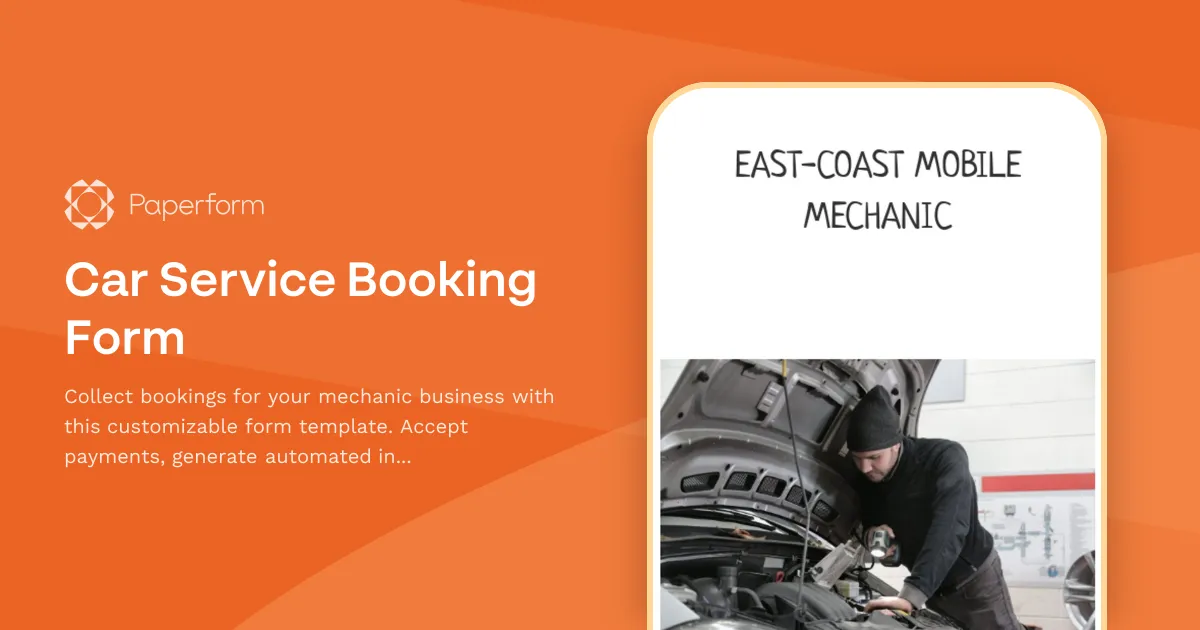
Car Service Booking Form
Collect bookings for your mechanic business with this customizable form template. Accept payments, generate automated invoices & more.
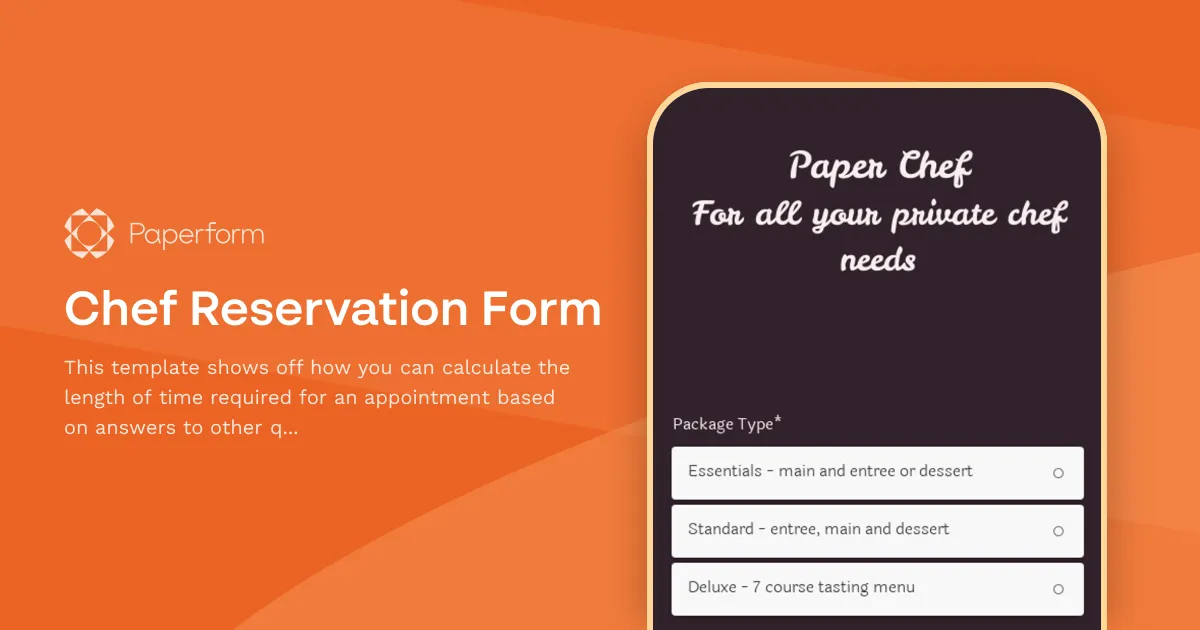
Chef Reservation Form
This template shows off how you can calculate the length of time required for an appointment based on answers to other questions.
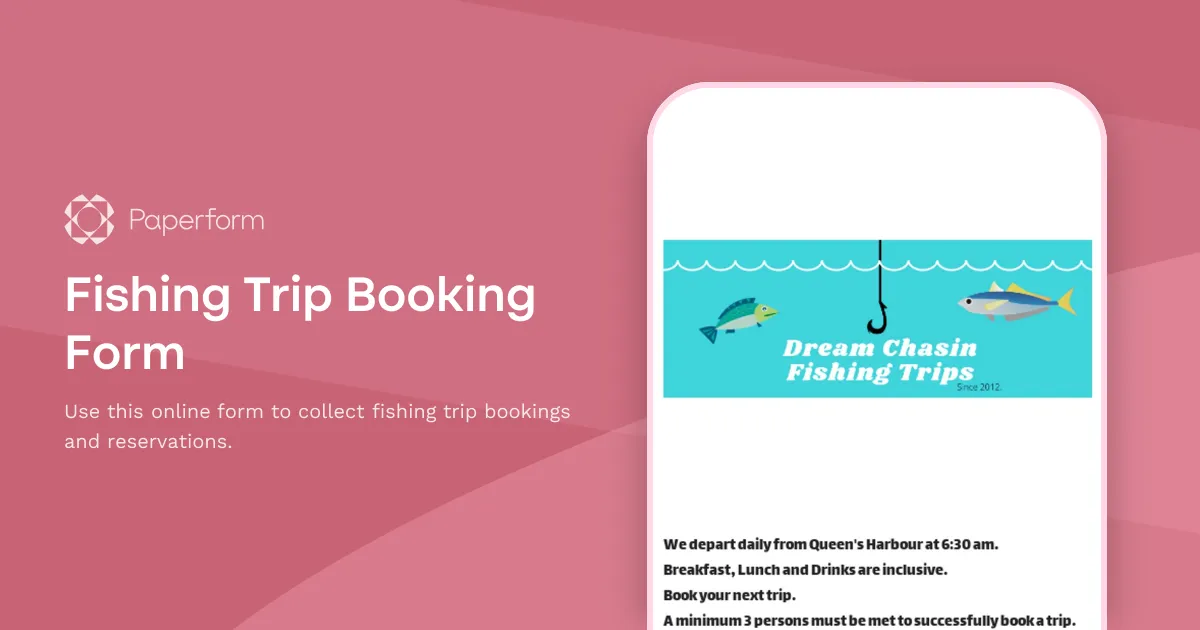
Fishing Trip Booking Form
Use this online form to collect fishing trip bookings and reservations.
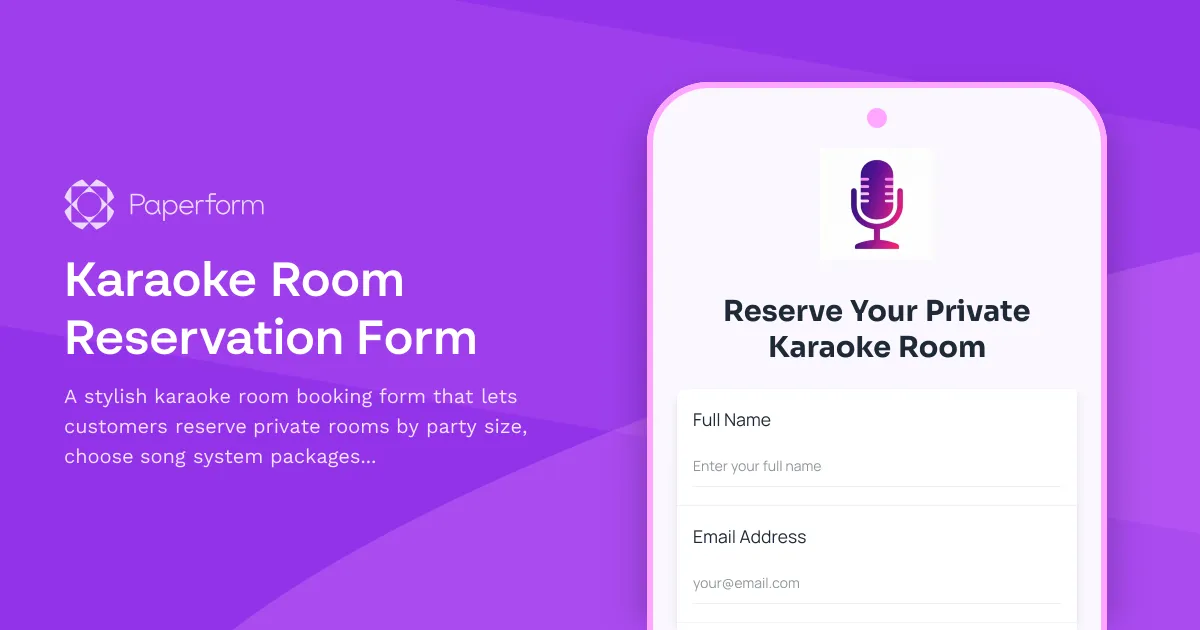
Karaoke Room Reservation Form
A stylish karaoke room booking form that lets customers reserve private rooms by party size, choose song system packages, and add food, beverage, and bottle service options with time extensions.
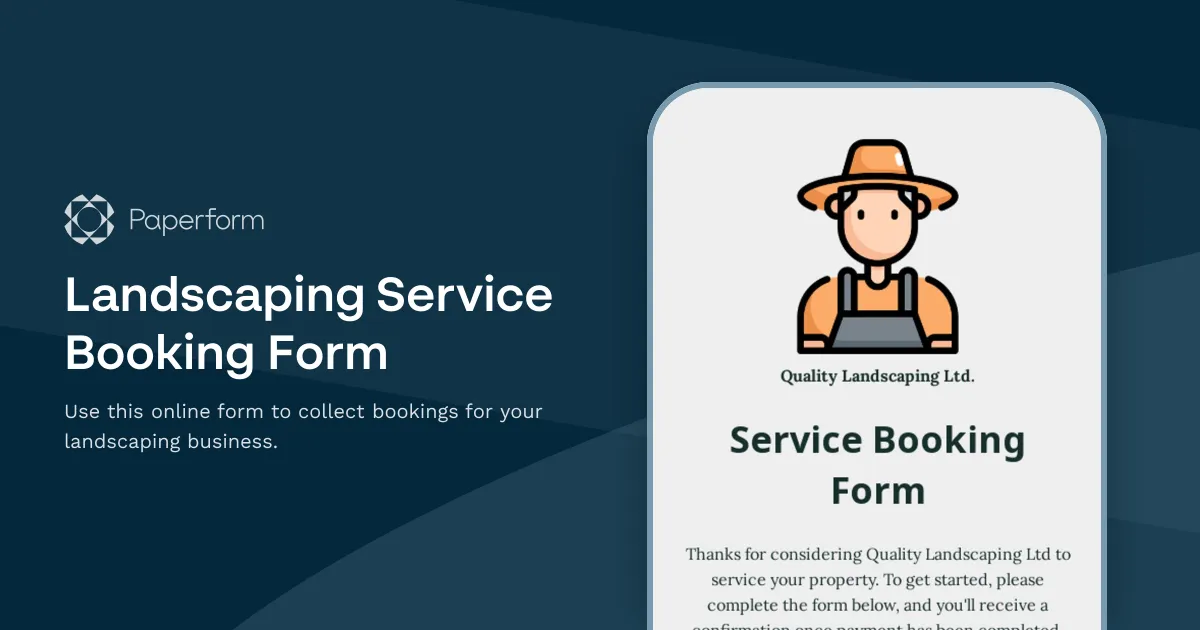
Landscaping Service Booking Form
Use this online form to collect bookings for your landscaping business.
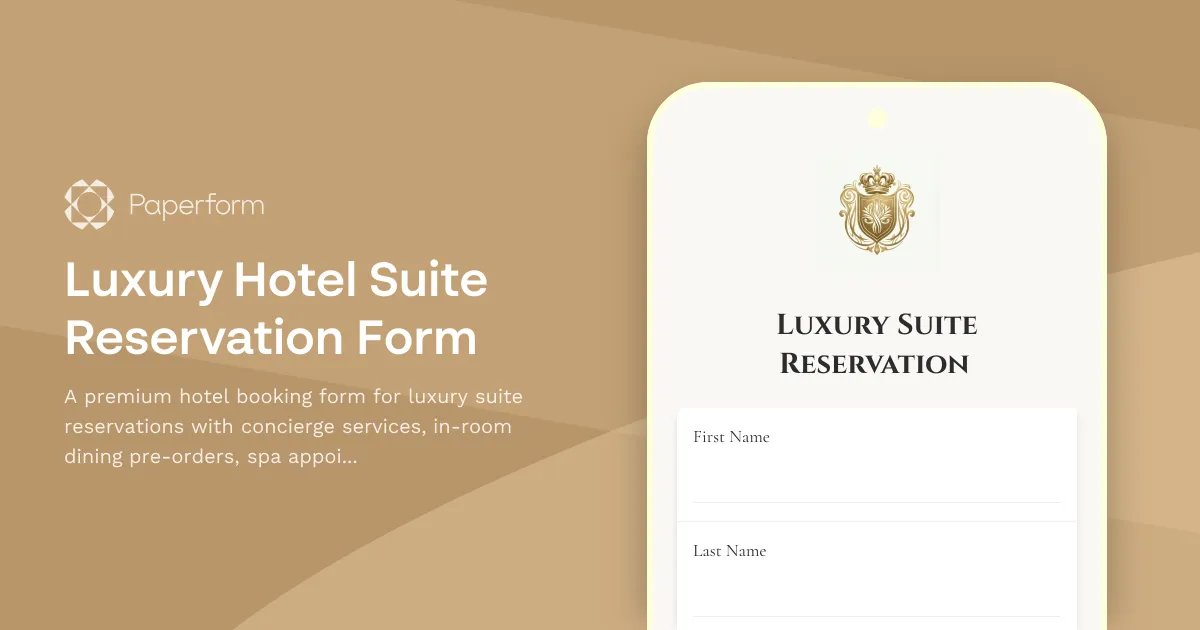
Luxury Hotel Suite Reservation Form
A premium hotel booking form for luxury suite reservations with concierge services, in-room dining pre-orders, spa appointments, and limousine transfers.