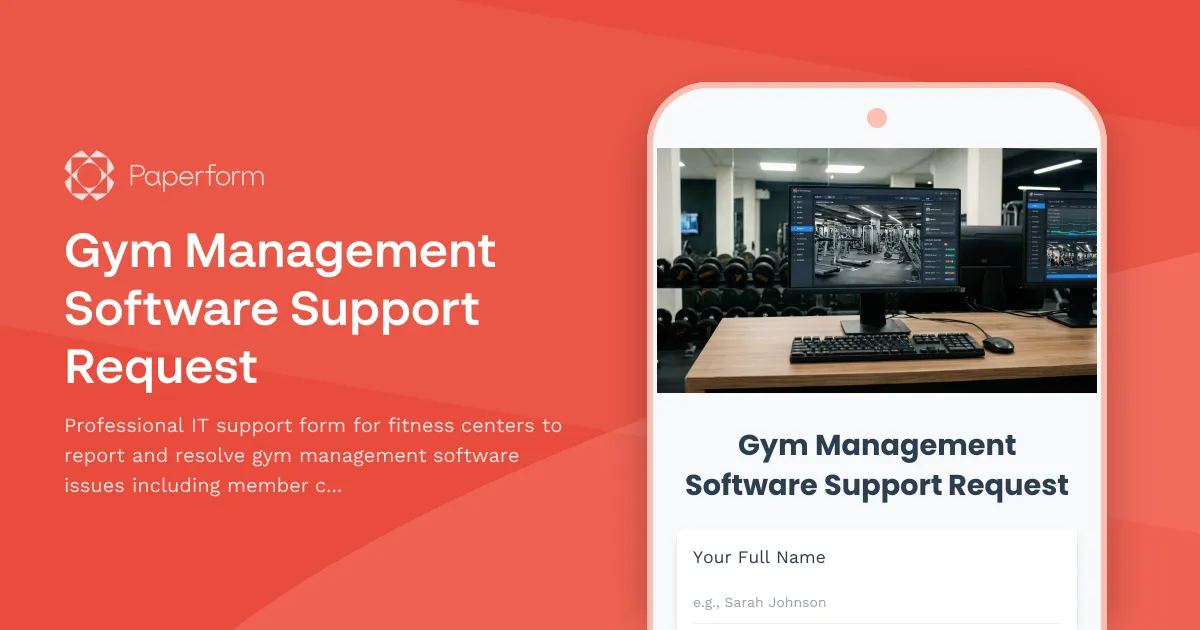
Running a fitness center means your gym management software needs to work flawlessly—especially when members are waiting at the front desk. When check-in systems freeze, billing glitches occur, or class schedules don't sync, your staff needs immediate technical support to keep operations running smoothly.
This Gym Management Software Support Request template is built specifically for fitness centers, health clubs, and boutique studios using gym management platforms. It helps your front desk team, managers, and fitness staff quickly report technical issues with clear context, priority levels, and all the details your IT team or software vendor needs to resolve problems fast.
The form captures essential information like issue type (member check-in, billing, class scheduling, equipment integration), affected systems, error messages, number of impacted members, and urgency level. This structured approach means faster diagnosis and resolution, less downtime, and happier members.
Perfect for fitness industry professionals managing gyms, yoga studios, CrossFit boxes, martial arts centers, swimming facilities, and wellness centers, this template ensures technical issues are documented properly and routed to the right support team immediately.
Need to automate your support workflow? Connect this form to Stepper to automatically route urgent issues to your IT team via Slack, create tickets in your help desk system, or notify your software vendor based on issue severity. You can also integrate with your CRM or operations tools to track resolution times and identify recurring problems with your gym management platform.
Built with Paperform, this template is fully customizable to match your fitness center's branding and specific software requirements. SOC 2 Type II compliant and trusted by fitness businesses worldwide, Paperform gives you the professional tools to keep your operations running smoothly—without needing a developer.



More templates like this
IT Asset Disposal Request Form
Streamline the secure disposal of IT equipment with automated tracking, data sanitization compliance, environmental standards verification, and certificate of destruction generation.
IT Helpdesk Problem Report Form
A comprehensive IT problem reporting form with asset tracking, priority assessment, and automatic SLA routing to streamline technical support workflows.
IT Helpdesk Ticket Submission Form
Submit IT support requests with issue details, urgency level, and screenshots. Track your tickets and get faster resolutions with our streamlined helpdesk form.
IT Support Ticket Form
A comprehensive IT support ticket form that helps small businesses efficiently track and manage technical issues with automated ticket generation and detailed problem categorization.

Project Management Software Technical Support Request
Submit technical support requests for project management software issues including task assignment errors, Gantt chart problems, resource allocation bugs, time tracking integration issues, and escalation to the PMO team.
Telecom & Phone System Support Request
Submit technical support requests for phone system issues, call quality problems, voicemail troubleshooting, and escalate carrier-related issues with this comprehensive telecom support form.
Workplace Collaboration Tool Support Request
Submit technical support requests for workplace collaboration tools, including access issues, file sharing errors, integration problems, and bot configuration assistance.
Application Performance Degradation Report
A comprehensive IT support form for reporting application performance issues, capturing load times, user impact, system details, and environment information to help technical teams diagnose and resolve slowdowns quickly.
Audio Production & DAW Software Request Form
A comprehensive request form for audio production software and digital audio workstation (DAW) needs, including track capacity, plugin requirements, MIDI integration, and collaboration features.

Automotive Service Advisor Password Reset Form
Secure password reset and account recovery form designed specifically for automotive service advisors to regain access to repair order systems and parts inventory management tools.
Backup and Recovery Request Form
Submit backup and data recovery requests with detailed specifications including data location, retention requirements, recovery objectives, and priority levels for IT support teams.
Digital Signage Technical Support Request
A technical support form designed for reporting and troubleshooting digital signage issues including display problems, content playback errors, scheduling conflicts, and network connectivity issues.