
Foundation Helical Anchor Installation Permit Application Form
Installing foundation helical anchors requires careful planning, engineering oversight, and regulatory compliance. Whether you're working on foundation stabilization, underpinning, tiebacks, or new construction applications, this Foundation Helical Anchor Installation Permit Application streamlines the entire approval process for contractors, structural engineers, and building departments.
Why Use This Helical Anchor Permit Template?
Foundation helical anchors (also called helical piles, screw piles, or earth anchors) are critical structural elements that require precise installation specifications and professional oversight. This permit application form captures all the essential technical data—from load capacity and torque readings to depth requirements and special inspection coordination—in one organized, professional submission.
Built with Paperform, this template replaces messy PDF applications and back-and-forth email exchanges with a clean, digital workflow that ensures nothing gets missed. Contractors can submit complete applications from the field, building officials can review submissions instantly, and structural engineers can provide approval digitally—all within one connected system.
Who Benefits from This Template?
General Contractors & Foundation Specialists can submit permit applications directly from job sites with all required technical specifications, avoiding delays from incomplete paperwork and ensuring projects stay on schedule.
Structural Engineers receive organized requests with all necessary project details, can coordinate inspections efficiently, and provide digital approval without printing, signing, and scanning documents.
Building Departments & Permit Offices streamline the review process with standardized submissions, clear documentation, and automatic notification workflows that keep applicants informed of permit status.
Property Owners & Developers gain transparency into the permitting process and can track application progress without constant phone calls or office visits.
Key Features That Streamline Permitting
This form captures everything needed for helical anchor installation permits:
- Project identification with site address, parcel information, and property owner details
- Contractor licensing verification including state license numbers and insurance documentation
- Detailed anchor specifications covering manufacturer, model, shaft diameter, helix configuration, and material grades
- Load capacity requirements for tension, compression, and lateral loads with safety factors
- Installation depth parameters including minimum depth, bearing stratum, and bedrock considerations
- Torque correlation data linking installation torque to ultimate capacity per manufacturer specifications
- Soil conditions documentation including geotechnical reports and site-specific bearing capacity
- Special inspection coordination with third-party inspection firms and scheduling preferences
- Structural engineer approval with digital signature capabilities and sealed drawing uploads
- Site plan attachments for anchor locations, spacing, and structural connections
Conditional logic ensures applicants only see relevant questions based on their project type—whether it's residential foundation repair, commercial underpinning, retaining wall tiebacks, or new construction deep foundations.
Automate Your Permitting Workflow with Stepper
Once you've collected permit applications through Paperform, you can connect them to Stepper to automate the entire approval workflow. Automatically route applications to the appropriate reviewers based on project scope, send notification emails to inspectors and engineers, update permit tracking spreadsheets, and trigger approval workflows that keep projects moving forward.
For example, when a contractor submits a helical anchor permit application, Stepper can automatically:
- Send the application to the building department's structural review team
- Notify the designated structural engineer for approval
- Schedule the special inspection with a third-party firm
- Update your permit tracking system with the new application
- Send the contractor a confirmation email with their application number and estimated review timeline
This automation eliminates manual data entry, reduces processing time, and ensures consistent communication across all stakeholders.
Secure Document Management with Papersign
Foundation work requires signed and sealed drawings from licensed structural engineers. With Papersign, you can turn permit applications into official approval documents that require eSignatures from engineers, contractors, and building officials. Upload stamped drawings, send them for secure signature, and maintain a complete audit trail of all approvals—all connected to the original permit application.
This is especially valuable for multi-phase projects where foundation inspections occur at different stages (pre-installation, during installation, post-installation), and each phase requires signed inspection reports before proceeding.
Built for Construction and Engineering Professionals
This template is designed with the language, technical requirements, and workflows familiar to construction professionals. The form captures ICC code references, manufacturer specifications, and engineering terminology that building officials expect, while remaining accessible enough for property owners who need to understand the scope of work being permitted.
For building departments managing multiple permit types, this form integrates seamlessly with existing permit tracking systems through Paperform's native integrations with Airtable, Google Sheets, and other databases. Connect permit fees to Stripe or Square for online payment processing, and send automatic status updates as applications move through review, approval, and inspection phases.
Get Started with Professional Permit Management
Whether you're a contractor submitting your first helical anchor permit or a building department looking to modernize your permitting process, this Paperform template provides the foundation for efficient, compliant, and transparent permit management.
Paperform's SOC 2 Type II compliance and secure data handling ensure that sensitive project information, contractor licenses, and engineering documents remain protected throughout the permitting process. With custom branding options, you can match the form to your municipality or company identity, creating a professional experience that reflects well on your organization.
Start streamlining your foundation helical anchor permitting today with Paperform—the form builder trusted by construction professionals, engineering firms, and municipal building departments worldwide.



More templates like this

Commercial Trash Compactor Installation Permit Application
Apply for a permit to install a commercial trash compactor. Submit electrical requirements, drainage specifications, ventilation details, access clearances, and waste management coordination information for review and approval.

Roofing Permit Application
Professional roofing permit application with material specs, structural calculations, and contractor verification for building departments and permit authorities.
Building Envelope Air Sealing Permit Application
A comprehensive permit application form for building envelope air sealing projects during energy retrofits, including blower door testing requirements, material specifications, ventilation verification, and utility rebate documentation.

Commercial Emergency Generator Load Bank Testing Permit
Apply for a permit to conduct load bank testing on commercial emergency generators with temporary power routing, exhaust management, and noise mitigation plans.
Commercial Emergency Lighting System Permit Application
Apply for a commercial emergency lighting system permit with battery backup specifications, illumination calculations, exit path coverage, testing schedules, and code compliance verification.
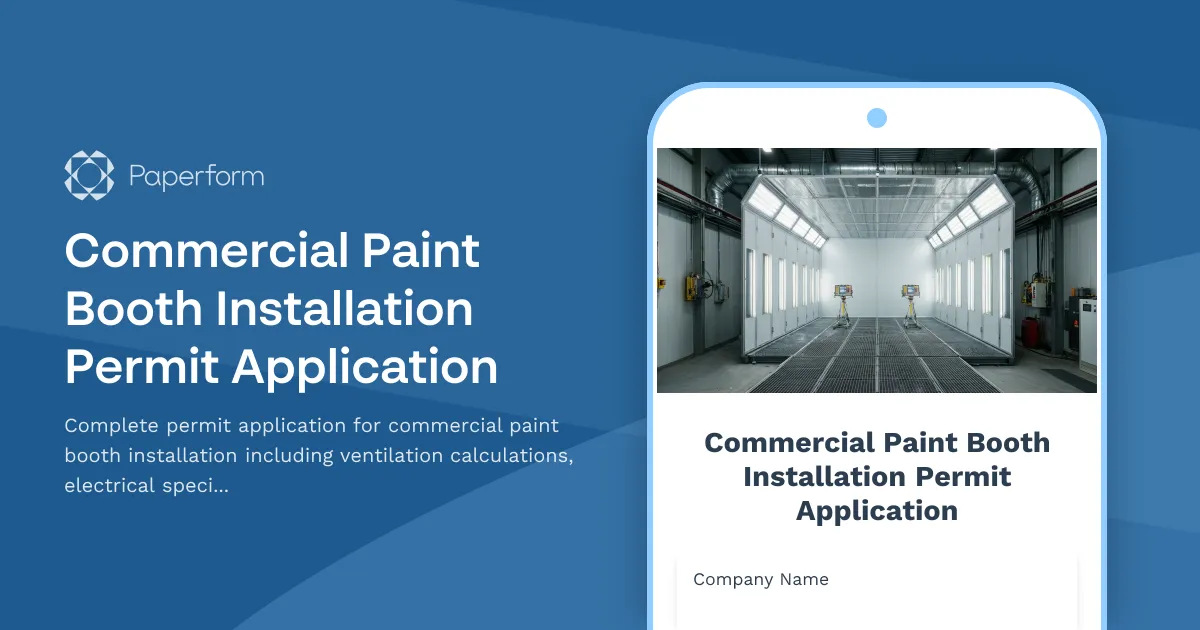
Commercial Paint Booth Installation Permit Application
Complete permit application for commercial paint booth installation including ventilation calculations, electrical specifications, fire suppression systems, and environmental compliance documentation.
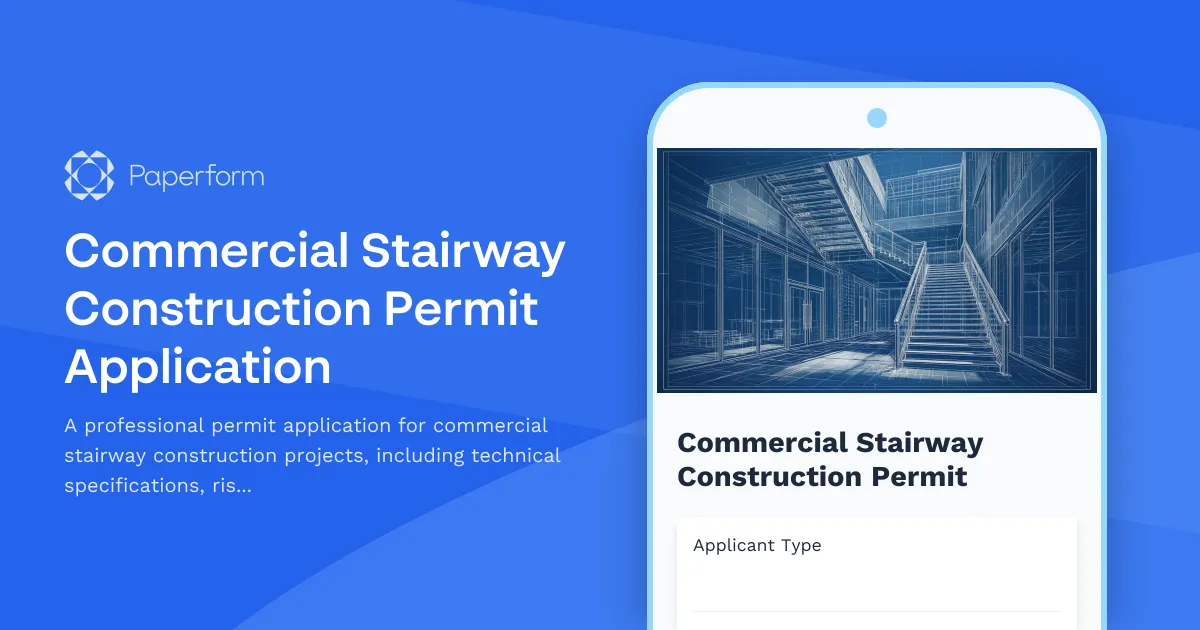
Commercial Stairway Construction Permit Application
A professional permit application for commercial stairway construction projects, including technical specifications, rise and run calculations, handrail requirements, and accessibility compliance verification.
Deck and Porch Construction Permit Application
Apply for a building permit for deck or porch construction with built-in structural calculations, frost line compliance checks, and safety requirement documentation.
Radon Mitigation System Installation Permit Application
Apply for a permit to install a radon mitigation system with detailed fan specifications, vent routing, monitoring devices, and post-mitigation testing requirements.
Residential Balcony Construction Permit Application
Apply for a residential balcony construction permit with detailed structural specifications, load calculations, and design requirements for safe installation.
Residential Basement Waterproofing Permit Application
Apply for a residential basement waterproofing permit with detailed specifications for membranes, drainage systems, sump pumps, and foundation inspection coordination.
Residential Carport Construction Permit Application
Apply for a residential carport construction permit with detailed specifications for foundation, structure, materials, and compliance requirements.