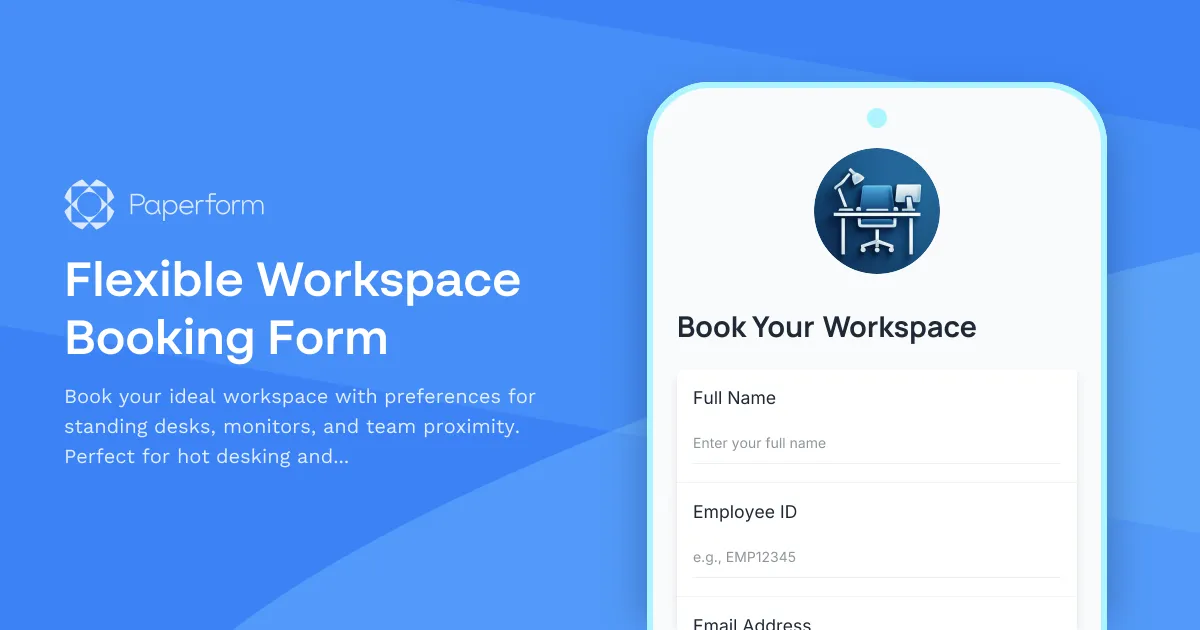
Managing flexible workspace bookings doesn't have to be complicated. This workspace booking form template makes it simple for teams to reserve desks, specify equipment needs, and coordinate seating arrangements—all in one streamlined flow.
Built for modern offices embracing hot desking and hybrid work models, this template helps employees quickly book the workspace that fits their needs. Whether someone needs a standing desk, dual monitors, or a spot near their project team, they can communicate those preferences upfront, helping facilities teams optimize space allocation and ensure everyone has the tools they need to do their best work.
Why Paperform for workspace management?
Paperform's conditional logic means you can show different options based on booking type—daily hot desking versus longer-term assigned seating. Calculate and display available capacity in real-time, send automated confirmation emails with desk locations and building access codes, and sync bookings straight into your facilities calendar or Airtable workspace tracker.
For offices managing multiple floors, buildings, or locations, you can embed this form on your intranet or send it via Slack, then use Stepper to trigger follow-up workflows: notify the facilities team when specialized equipment is requested, update your floor plan in real time, or automatically send a check-in reminder the morning of the booking.
Perfect for office managers, workplace experience teams, HR departments, and coworking spaces, this template helps you deliver a smooth, transparent booking experience that keeps hybrid teams connected and your workspace running efficiently.



More templates like this
Hybrid Attendance Forecast Form
Plan your office space effectively with this hybrid attendance forecast form. Collect employee office attendance predictions, conference room needs, and cafeteria usage to optimize facility resources and capacity planning.
Office Hoteling Amenity Customization Form
Customize your workspace preferences including standing desks, dual monitors, and ergonomic seating for a productive office experience.
Workspace Desk Modification Request Form
Request ergonomic modifications, standing desk conversions, or equipment changes for your workspace. Includes ergonomic assessment and facilities approval workflow.
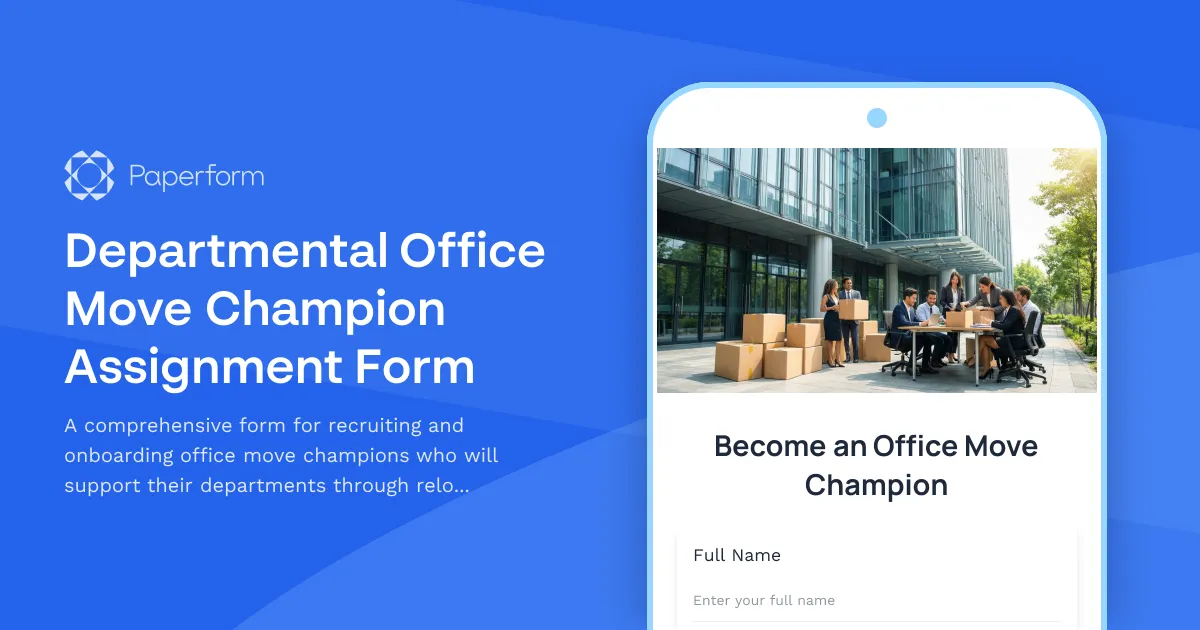
Departmental Office Move Champion Assignment Form
A comprehensive form for recruiting and onboarding office move champions who will support their departments through relocations, including volunteer selection, training requirements, and communication responsibilities.
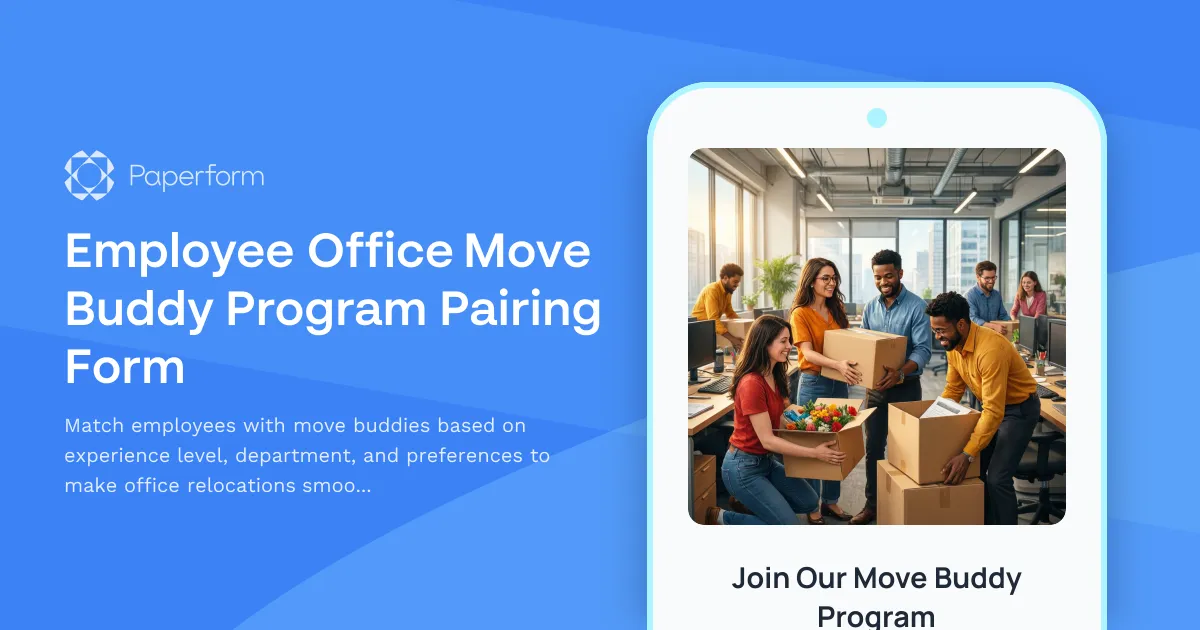
Employee Office Move Buddy Program Pairing Form
Match employees with move buddies based on experience level, department, and preferences to make office relocations smoother and build connections across teams.
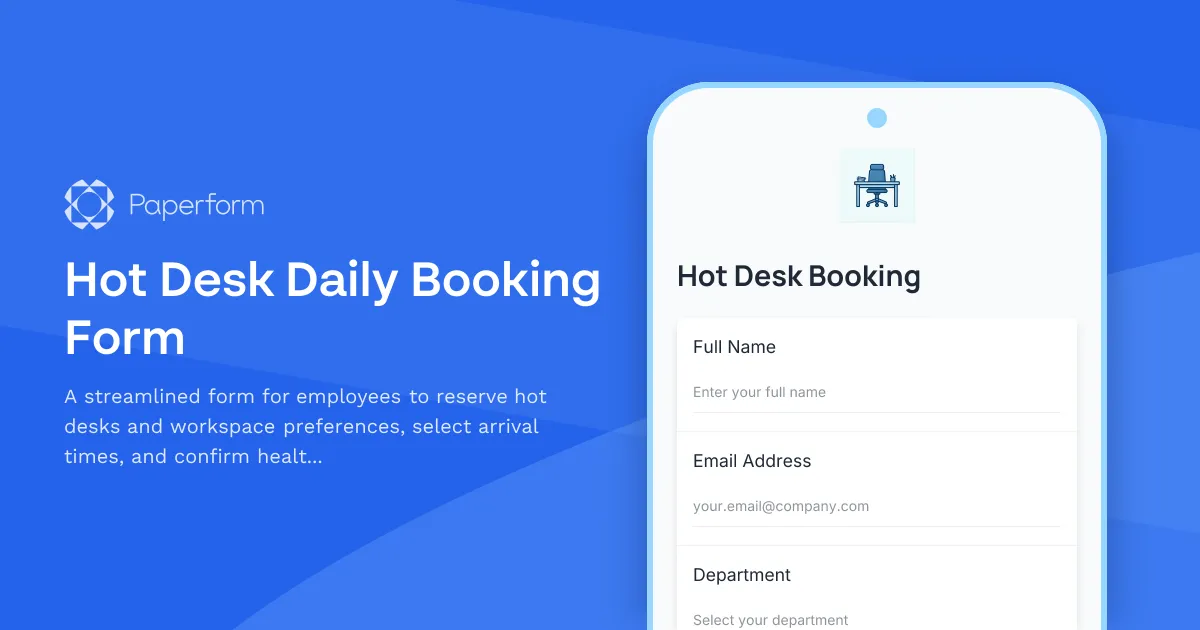
Hot Desk Daily Booking Form
A streamlined form for employees to reserve hot desks and workspace preferences, select arrival times, and confirm health & safety acknowledgments for hybrid and flexible working environments.
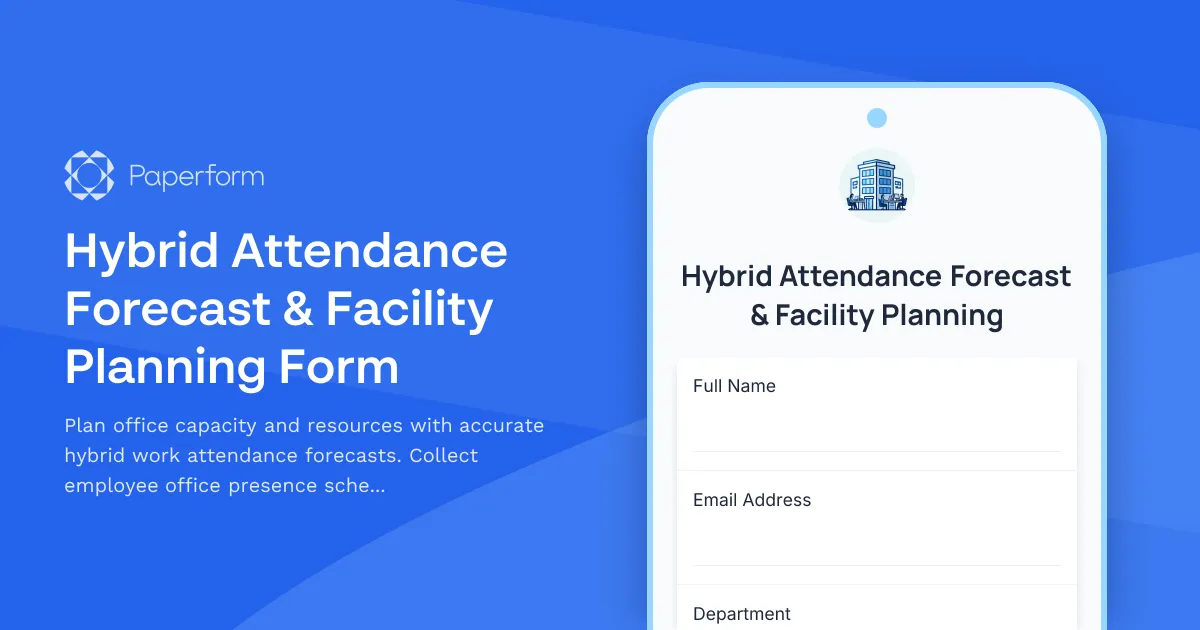
Hybrid Attendance Forecast & Facility Planning Form
Plan office capacity and resources with accurate hybrid work attendance forecasts. Collect employee office presence schedules, conference room requirements, and facility usage predictions.
Hybrid Work Commute Pattern Survey
Gather employee commute preferences, transportation methods, parking needs, and carpool interest to optimize hybrid work scheduling and office resource planning.
Hybrid Workplace Desk Booking Form
Streamline hybrid work with desk and team pod reservations, flexible booking periods, and integrated parking allocation for modern flexible workspaces.
Office Library and Resource Center Setup Form
A comprehensive form for setting up a new office library and resource center, including book collection organization, digital resources, study room bookings, and staffing requirements.
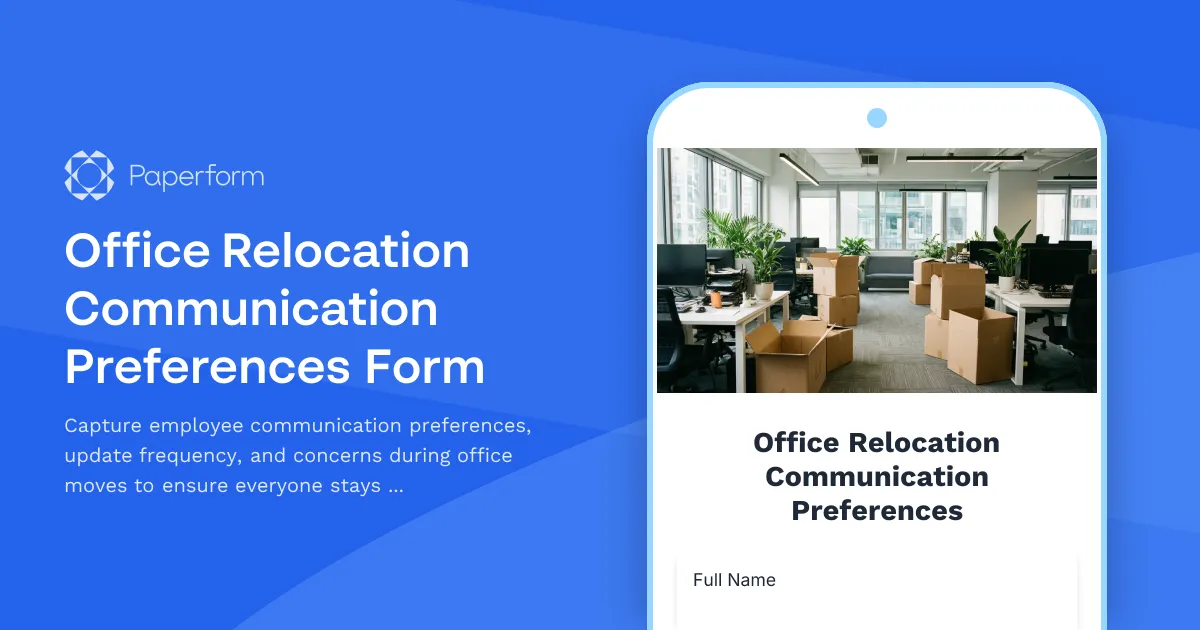
Office Relocation Communication Preferences Form
Capture employee communication preferences, update frequency, and concerns during office moves to ensure everyone stays informed and supported throughout the relocation process.
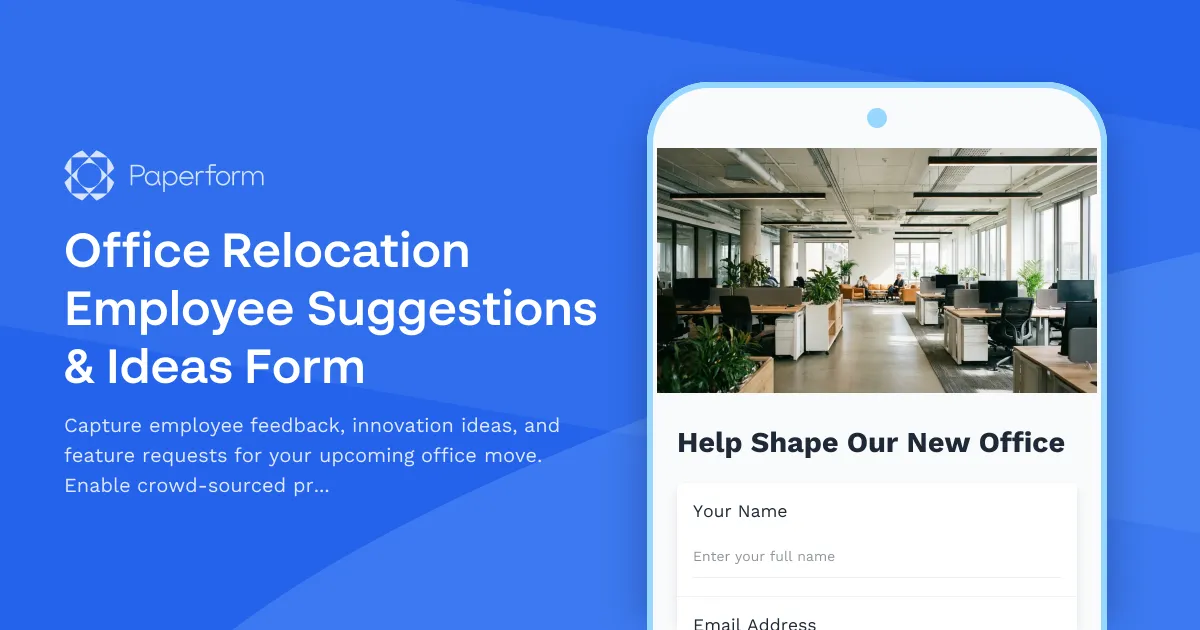
Office Relocation Employee Suggestions & Ideas Form
Capture employee feedback, innovation ideas, and feature requests for your upcoming office move. Enable crowd-sourced problem solving and gather votes on proposed improvements.