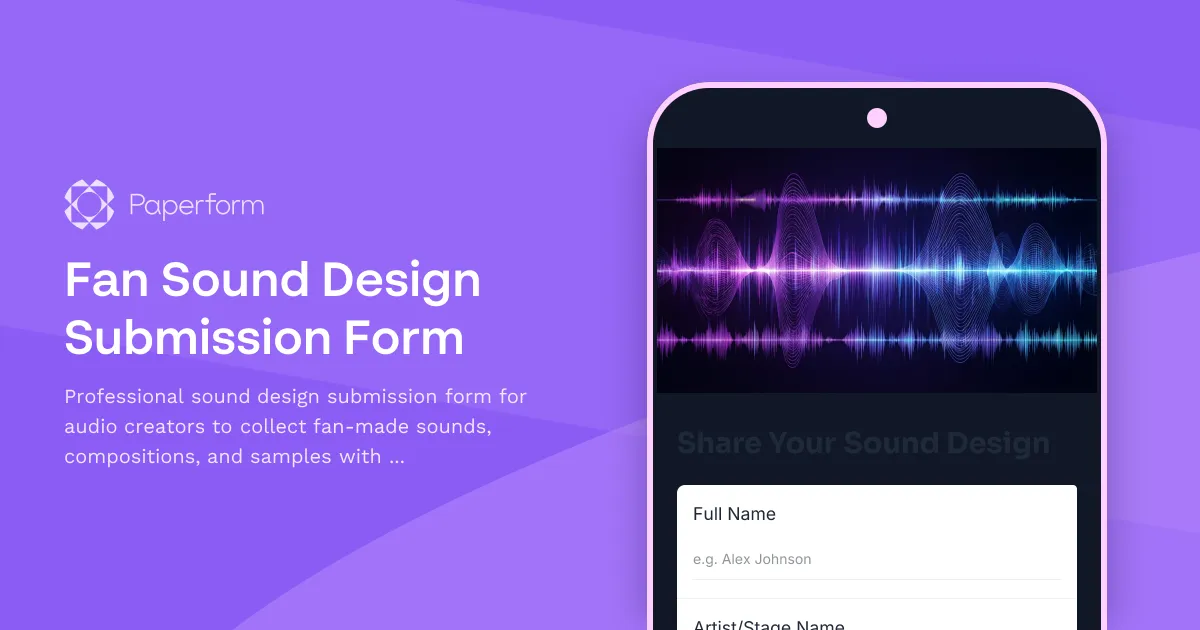
Fan Sound Design Submission Form: Curate Your Community's Audio Creativity
Building an engaged audio creator community means inviting your fans to contribute their own work—whether it's original sound effects, musical loops, synth patches, or field recordings. A Fan Sound Design Submission Form gives you a professional, organized way to collect fan-made audio, review production details, negotiate licensing terms, and potentially add the best submissions to your sound library or sample pack.
For audio creators, music producers, sound designers, podcast creators, and content creators working with audio, this Paperform template streamlines the entire submission-to-library workflow without the need for messy email chains, FTP servers, or confusing Google Drive folders.
Why Audio Creators Need a Structured Submission Form
When you open submissions to your community, you're likely to receive dozens (or hundreds) of files. Without structure, it becomes chaos:
- Audio files scattered across email attachments, DMs, and cloud links
- No metadata, context, or production notes about what you're listening to
- Unclear licensing terms leading to legal grey areas
- Difficulty evaluating technical quality, format, and usability
- No way to track contributor information for credits or royalty splits
A well-designed submission form solves all of this. It captures the audio file, creator details, technical specs, production context, and licensing preferences in one place—giving you everything you need to review, curate, and potentially feature fan sounds in your projects or commercial libraries.
What Makes This Template Work
This Paperform template is purpose-built for audio community engagement:
Contributor & Contact Information
Capture the creator's name, stage name or alias, email, social handles, and website or portfolio. This ensures you can credit them properly, stay in touch, and feature their work across your channels.
Audio File Upload & Technical Details
A dedicated file upload field accepts audio submissions (WAV, MP3, AIFF, FLAC, etc.), with questions about format, sample rate, bit depth, BPM, key, and duration. This technical metadata helps you quickly assess whether the sound fits your library standards and makes searching and categorizing submissions much easier.
Production Notes & Creative Context
Give creators space to explain their process: What gear or software did they use? What inspired the sound? How should it be used? These production notes add depth to the submission and help you understand the creative intent behind each sound.
Usage Licensing & Rights
This is the most critical part. The form asks contributors to specify their preferred licensing model—royalty-free, attribution required, commercial use restrictions, exclusive vs. non-exclusive—and confirm they own or have cleared all rights to the submitted audio. You can tailor the licensing options to match your library's policies, whether you're building a free community pack or a commercial sample library.
Library Inclusion Consent
A clear checkbox or dropdown asks if the creator agrees to have their sound included in your library, sample pack, or project, and whether they want to be credited. This explicit consent protects both you and the contributor.
Optional Payment & Royalty Information
If you plan to compensate contributors or offer royalty splits, you can include fields for payment preferences, PayPal email, or other payout details. For free community packs, simply hide or remove this section.
Follow-Up & Community Engagement
Add a newsletter opt-in, Discord or Patreon link, and a question asking if they'd like to participate in future sound design challenges or collaborations. This keeps contributors engaged and builds a tighter creative community around your brand.
How This Fits Into Your Workflow
Once submissions come in, Paperform stores everything in a clean, searchable database. You can:
- Review & organize submissions by genre, format, or quality using Paperform's built-in filtering and tagging.
- Route to your team using Stepper workflows—automatically notify your sound engineer, label manager, or creative director when a new submission arrives.
- Send conditional confirmations based on submission quality or licensing terms—thank hobbyists, send contract templates to professional contributors, or auto-reject files that don't meet technical specs.
- Sync to your DAW or asset library by integrating with Google Drive, Dropbox, Airtable, Notion, or your own database via Stepper, Zapier, or webhooks.
- Trigger follow-up emails via Mailchimp, ConvertKit, or your CRM to let contributors know their sound made it into the pack, or invite them to the next round.
If you're selling the final pack or library, Paperform's built-in payment fields let you pre-sell access or offer early-bird pricing directly in the submission confirmation flow.
Who This Template Is For
This form is perfect for:
- Music producers & beatmakers building community sample packs or loop libraries
- Sound designers curating SFX collections for film, games, or content creators
- Podcast producers collecting intro music, stingers, and transitions from listeners
- YouTubers & streamers sourcing royalty-free audio from their fanbase
- Audio software companies running sound design contests or preset challenges
- Record labels & collectives discovering and signing new talent through open submissions
- Audio educators & course creators featuring student work in teaching libraries
Built for Audio Communities, Powered by Paperform
Paperform makes this easy because it's designed for creators who care about brand, experience, and automation:
- Beautiful, on-brand forms that reflect your aesthetic—customize fonts, colors, backgrounds, and layout to match your music brand or label identity.
- Large file uploads supported natively, with secure storage and instant download links.
- Conditional logic to show/hide licensing terms, payment fields, or follow-up questions based on submission type.
- Mobile-friendly so fans can submit sounds from their phone, tablet, or laptop without friction.
- SOC 2 compliant & secure, so you can confidently handle contributor data and licensing agreements.
And because Paperform integrates with Stepper (your AI-native workflow builder), you can automate the entire post-submission flow: send contracts via Papersign for eSignature, log submissions in Notion or Airtable, ping your Slack or Discord when a top-tier sound comes in, and even auto-populate metadata into your DAW's file management system.
Turn Fan Creativity Into Community Gold
A Fan Sound Design Submission Form isn't just about collecting audio—it's about building a participatory creative ecosystem. When your fans see their sounds featured in your projects, sample packs, or YouTube videos, they become ambassadors, collaborators, and advocates for your brand.
With Paperform, you get a professional, scalable, and legally sound way to manage submissions, respect contributor rights, and grow your audio library with the best sounds your community has to offer. Whether you're launching a free pack, running a contest, or building a commercial sound library, this template gives you everything you need to make it happen.
Start curating community sound design submissions with Paperform today—because great audio comes from great communities.



More templates like this
Community Archive Access Request Form
A professional form for fans to request access to exclusive legacy content and historical archives, with membership verification and personalized content recommendations.
Fan Anniversary Tribute Submission Form
Collect heartfelt fan memories, impact stories, and media for your anniversary tribute compilation. A beautiful way to celebrate your community and create lasting content.
Fan Unreleased Content Petition Form
Let fans petition for unreleased content, demonstrate demand, and show appreciation for exclusive releases. Perfect for creators, artists, and influencers building engagement.
Creator Tip Jar & Donation Form
A beautiful, customizable tip jar form for content creators to accept donations and tips from supporters with personalized thank you messages.
Fan Club Membership Application Form
A professional fan club membership application with tiered options, payment processing, and automated welcome flow. Perfect for creators, influencers, and artists building engaged communities.
Fan Greatest Hits Compilation Voting Form
Let your fans vote on their favorite tracks, themes, and formats for your upcoming greatest hits compilation. Gather preferences for anniversary releases with ranking and audience input.
Fan Remastered Content Voting Survey
A fan engagement survey to gather opinions on remastering classic content, measuring nostalgia, quality improvement interest, and re-release anticipation for creators and influencers.
Multi-Platform Franchise Development Collaboration Form
A comprehensive collaboration form for serial creators looking to partner on transmedia franchise development, world-building, character creation, and intellectual property expansion across multiple platforms.
Community Discord Event Planning Form
Gather event ideas, date preferences, host volunteers, and attendance commitments from your Discord community to plan engaging events that bring your fans together.
Community Feature Request & Advocacy Form
A collaborative form for community members to submit feature requests, describe pain points, propose solutions, and help prioritize platform improvements through collective advocacy.
Community Live Stream Topic Request Form
Let your community request and vote on live stream topics. Collect topic suggestions, urgency ratings, supporting resources, and schedule preferences to create content your audience actually wants to see.
Community Succession Planning & Legacy Content Form
A thoughtful form for content creators to document wishes for their digital legacy, nominate community curators, organize archives, and plan for content continuation or preservation after they're gone.