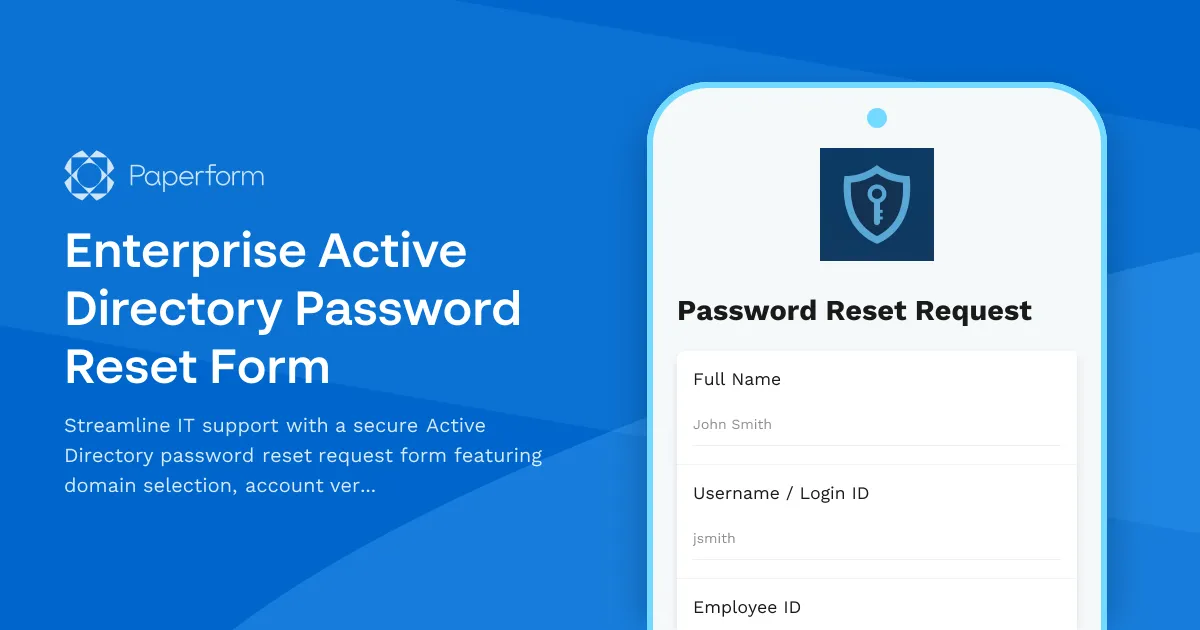
Enterprise Active Directory Password Reset Form
Managing password resets and account recoveries across enterprise Active Directory environments can be a constant drain on IT resources. This Enterprise Active Directory Password Reset Form provides a structured, secure way for employees to request password resets while giving IT teams the verification data they need to prevent unauthorized access and account lockout issues.
Built for IT teams supporting multi-domain environments
Whether your organization manages multiple AD domains, geographic locations, or business units, this template helps you capture essential information upfront—reducing back-and-forth emails and speeding up resolution times. The form collects domain selection, user identification details, and contact verification, ensuring IT support has everything needed to authenticate the request and reset credentials safely.
Secure verification and lockout prevention
Account lockouts cost productivity and create support ticket backlogs. This form includes conditional logic to identify potential lockout scenarios, verify user identity through multiple data points (employee ID, department, manager details), and flag suspicious or repeated requests. By capturing the right context—such as whether the user is on-site, remote, or traveling—your IT team can apply appropriate security protocols and expedite legitimate resets.
Automate triage and ticket routing with Stepper
Password reset requests shouldn't sit in a generic inbox. Connect this form to Stepper to automatically route requests to the right IT support queue based on domain, urgency, or user role. You can trigger automated verification emails, update your help desk system, notify managers for high-privilege accounts, and track resolution SLAs—all without manual handoffs.
Flexible, brandable and compliant
This Paperform template integrates seamlessly with your existing IT workflows. Embed it in your intranet, help desk portal, or employee self-service hub. Customize branding, conditional fields, and success messages to match your organization's tone and security policies. All submissions are encrypted, SOC 2 Type II compliant, and can be routed directly into your ITSM platform via integrations with ServiceNow, Jira Service Management, or other ticketing systems.
Who this template is for
This form is designed for IT professionals, help desk managers, system administrators, and enterprise IT teams managing Active Directory environments for mid-to-large organizations. It's ideal for companies that need to balance security with user autonomy, reduce password-related support volume, and maintain audit trails for compliance and governance.
Start using this template today to cut down on password reset ticket resolution time, improve security verification, and free up your IT team to focus on higher-value projects.



More templates like this
Email Security Gateway Support Request
Report and resolve email security issues including spam detection errors, phishing simulation problems, encryption failures, and messaging security concerns with streamlined IT support escalation.
Field Service Management System Support Request
Report and resolve technical issues with your field service management platform including scheduling, work orders, mobile apps, inventory sync, and more.
IT Asset Disposal Request Form
Streamline the secure disposal of IT equipment with automated tracking, data sanitization compliance, environmental standards verification, and certificate of destruction generation.
IT Helpdesk Password Reset Request Form
Streamline password reset and account recovery requests with automated employee verification, department routing, and priority-based ticket management for IT support teams.
Password Reset Request Form
Secure password reset request form with identity verification, department routing, and automated IT ticket generation for streamlined support workflows.
Remote Support Software Request Form
Request access to screen sharing and remote support software with configurable session limits, file transfer capabilities, and recording options for IT support teams.
Server Downtime Incident Report
Professional incident report form for documenting server downtime events, analyzing root causes, tracking resolution steps, and scheduling post-incident reviews.
Video Conferencing Platform Meeting Data Access Request Form
Request access to video conferencing meeting data including participant lists, recordings, chat transcripts, and related meeting information for authorized purposes.
Application Performance Degradation Report
A comprehensive IT support form for reporting application performance issues, capturing load times, user impact, system details, and environment information to help technical teams diagnose and resolve slowdowns quickly.
Backup and Disaster Recovery Security Audit Form
A comprehensive security audit form for evaluating backup systems, encryption compliance, restoration testing, and offsite storage protocols to ensure business continuity and data protection.
Cybersecurity Incident Report Form
Report and document cybersecurity incidents with threat classification, affected systems tracking, and automatic escalation to security leadership.
Document Management System Support Request
Submit technical support requests for document management system issues including version control, search functionality, permissions, workflow automation, and content services.