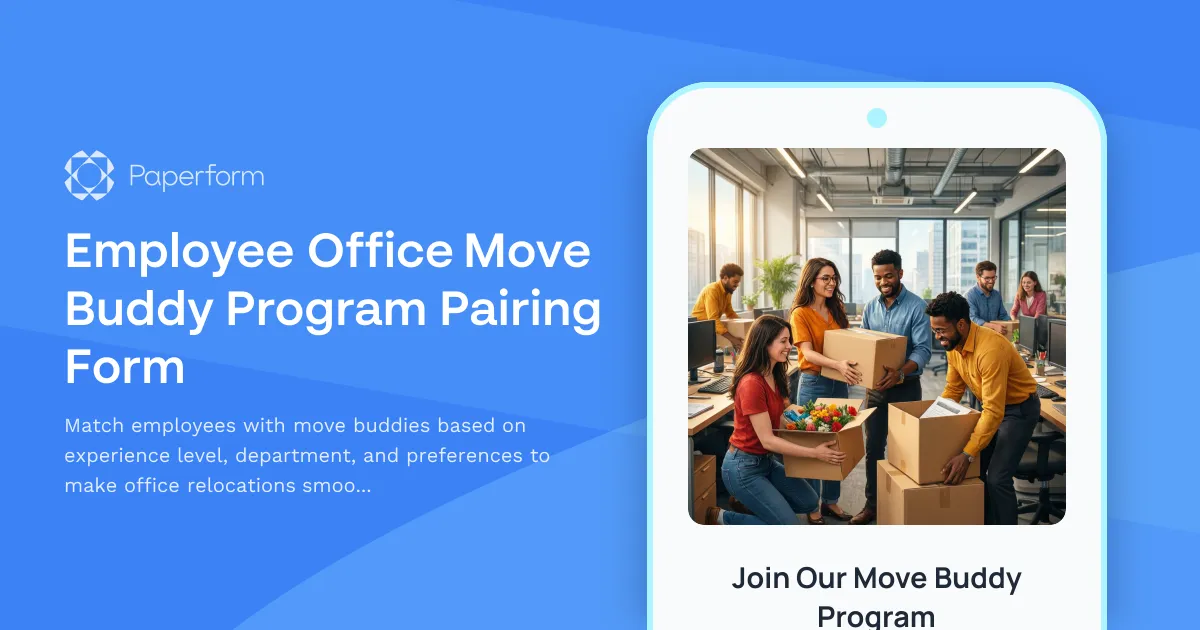
Make Office Moves Less Stressful with a Move Buddy Program
Office relocations and desk moves can be overwhelming for employees—new layouts, unfamiliar processes, and the logistics of packing up an entire workspace. An Employee Office Move Buddy Program pairs experienced team members with those who need guidance, creating a supportive network that makes transitions smoother while fostering cross-departmental connections.
This Office Move Buddy Pairing Form helps HR and facilities teams match employees based on move experience, department affiliation, scheduling needs, and communication preferences. Whether you're coordinating a full office relocation or helping new hires settle into their workspace, a buddy system reduces stress, improves onboarding, and builds community.
Why Paperform is Perfect for Move Buddy Programs
Paperform makes it easy to collect detailed pairing preferences and automate the matching process:
- Conditional logic shows relevant questions based on whether someone is offering help or seeking a buddy
- Multi-page layouts keep the form organized without overwhelming participants
- Automated workflows via Stepper can match buddies based on criteria, send introductory emails, and update your internal tracking systems
- Custom branding ensures the form feels like a natural extension of your employee experience
Facilities managers, HR coordinators, and office administrators across corporate offices, coworking spaces, and growing companies trust Paperform to streamline relocation logistics while keeping employees engaged and supported.
Automate Your Move Coordination Workflow
Once submissions come in, use Stepper to automatically pair buddies based on matching criteria, send personalized introduction emails with move tips, and sync details to your project management or HRIS platform. You can even trigger follow-up surveys post-move to gather feedback and improve future relocations.
With Paperform's SOC 2 Type II compliance, integrations with Slack, Google Workspace, Airtable, and more, your move buddy program becomes a seamless part of your workplace culture—no spreadsheets or manual matching required.



More templates like this
Departmental Office Move Champion Assignment Form
A comprehensive form for recruiting and onboarding office move champions who will support their departments through relocations, including volunteer selection, training requirements, and communication responsibilities.
Office Relocation Communication Preferences Form
Capture employee communication preferences, update frequency, and concerns during office moves to ensure everyone stays informed and supported throughout the relocation process.
Employee Desk Move Request Form
Request and coordinate employee desk moves and office relocations with this comprehensive form. Track workstation details, IT equipment, personal items, and preferred move dates to ensure smooth space transitions.
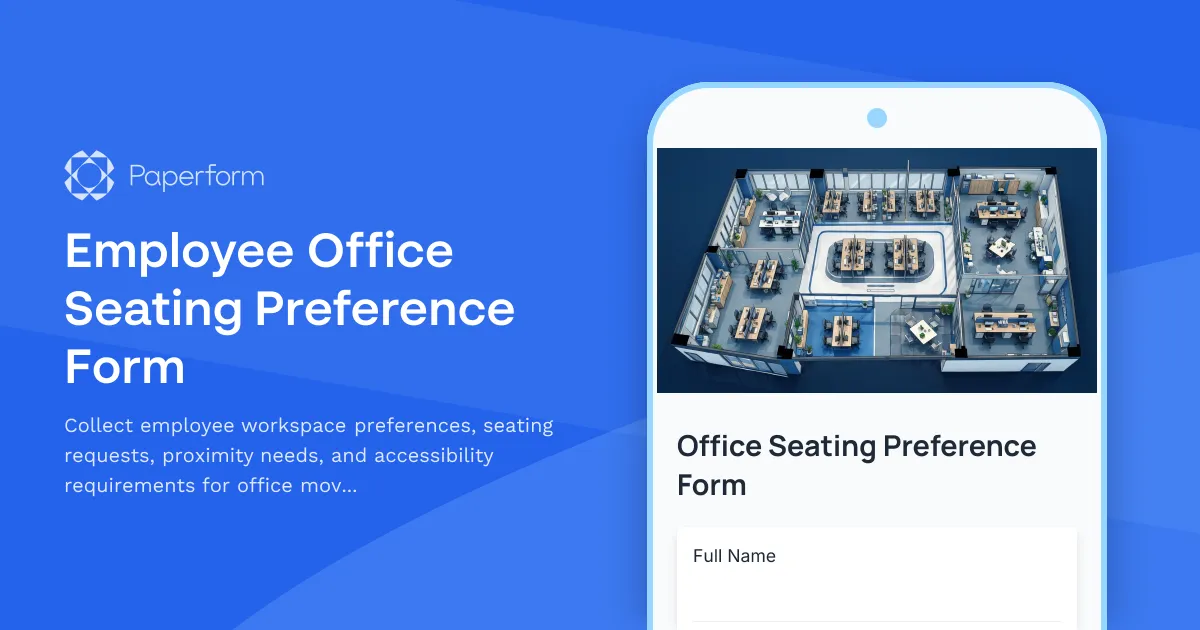
Employee Office Seating Preference Form
Collect employee workspace preferences, seating requests, proximity needs, and accessibility requirements for office moves, relocations, or desk assignments with this comprehensive seating preference form.
Office Floor Plan Feedback & Workstation Assignment Form
Gather employee input on new office layouts and assign workstations based on team proximity, department clustering, and workspace preferences for office moves and relocations.
Office Library and Resource Center Setup Form
A comprehensive form for setting up a new office library and resource center, including book collection organization, digital resources, study room bookings, and staffing requirements.
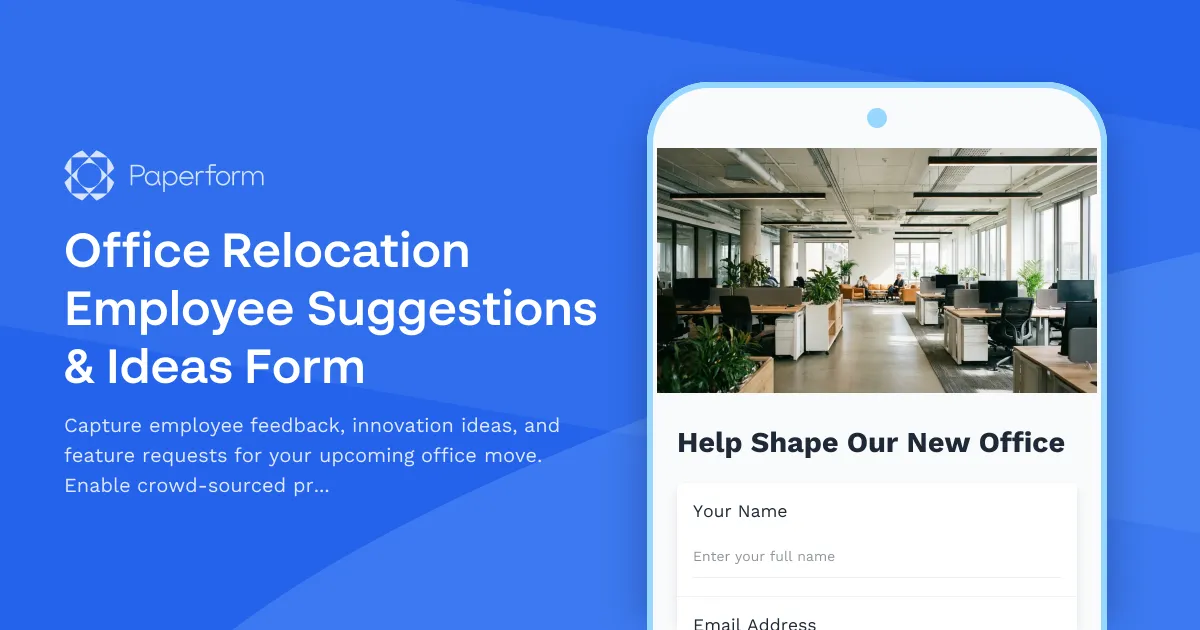
Office Relocation Employee Suggestions & Ideas Form
Capture employee feedback, innovation ideas, and feature requests for your upcoming office move. Enable crowd-sourced problem solving and gather votes on proposed improvements.
Flexible Workspace Booking Form
Book your ideal workspace with preferences for standing desks, monitors, and team proximity. Perfect for hot desking and hybrid office environments.
Office Commute Pattern Shift Notification Form
Notify your workplace of changes to your commute schedule, transportation method, and parking needs to help optimize office space and transportation planning.
Office Hoteling Amenity Customization Form
Customize your workspace preferences including standing desks, dual monitors, and ergonomic seating for a productive office experience.
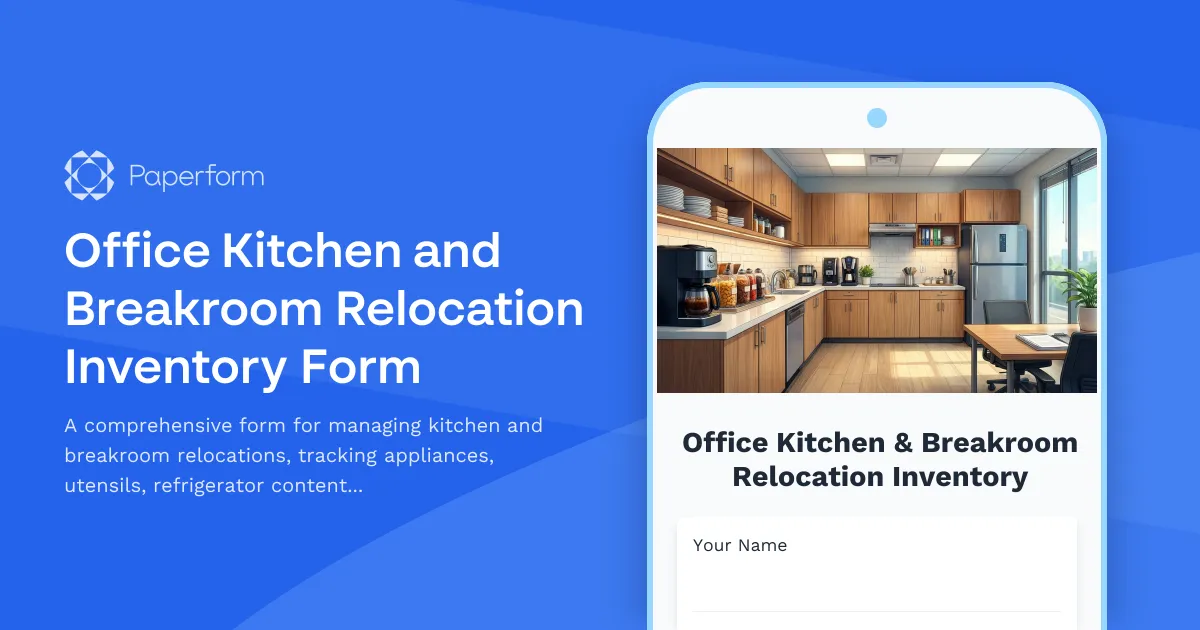
Office Kitchen and Breakroom Relocation Inventory Form
A comprehensive form for managing kitchen and breakroom relocations, tracking appliances, utensils, refrigerator contents, and coordinating cleaning and setup in your new space.
Office Move Change Adoption Tracking Form
Track employee concerns, resistance, and support needs during office relocations with objection logging, one-on-one requests, FAQ development, success stories, and change champion identification.