Simplify Dual Enrollment with an All-in-One Digital Application
Dual enrollment programs offer high school students an incredible opportunity to get a head start on college—but managing applications, approvals, and paperwork can quickly become overwhelming for schools, students, and families alike. This Dual Enrollment Application Form template brings everything together in one streamlined, professional digital form that makes the entire process easier for everyone involved.
Why schools and districts choose Paperform for dual enrollment
Managing dual enrollment applications traditionally means juggling paper forms, manual approvals, email chains, and follow-up calls to counselors and registrars. Paperform transforms this into a smooth, automated workflow that saves time, reduces errors, and creates a better experience for students and staff.
With Paperform's doc-style editor, you can customize every element of this template to match your school's branding and specific program requirements—whether you're a high school, community college, or district office coordinating dual enrollment across multiple campuses. Add your logo, adjust colors and fonts, embed video explainers about the program benefits, and organize questions in the exact flow that works for your approval process.
What makes this template work
This dual enrollment application captures everything you need in a single submission:
- Student information and eligibility screening with conditional questions that adapt based on grade level and GPA
- College course selection with clear options for both fall and spring semesters, plus prerequisites and credit hour tracking
- High school counselor approval section where students provide counselor contact information for verification
- Transcript and records consent with clear language about sharing academic records between institutions
- Academic goals and motivation statements to understand why students want to pursue early college credit
- Parent/guardian consent for students under 18, with digital signature capability through Papersign
The form uses conditional logic to show relevant questions based on student responses—for example, displaying additional course options only if a student meets GPA requirements, or showing different consent language for students over 18.
Automate approvals and keep everyone in sync
Once a student submits their application, Paperform doesn't just collect the data—it kicks off your entire approval workflow. With Stepper, Paperform's AI-native workflow builder, you can automatically:
- Send confirmation emails to students with next steps and timeline expectations
- Notify high school counselors that a student has applied and needs approval
- Route applications to academic advisors or dual enrollment coordinators for review
- Push approved applications to your student information system or CRM
- Update Google Sheets or Airtable databases to track application status across cohorts
- Trigger reminder emails if counselor approval hasn't been received within a certain timeframe
This means your team spends less time on administrative follow-up and more time supporting students through their early college journey.
Built for the entire dual enrollment ecosystem
This template serves multiple roles across your institution:
For high school counselors: Students come prepared with all their information in one place, and you receive structured notifications when approval is needed—no more hunting through email for half-completed forms.
For dual enrollment coordinators: Track applications in real-time, see which students are waiting on approvals, and generate reports on course demand and enrollment trends without manual data entry.
For registrars and admissions teams: Receive complete, standardized applications that include all necessary consents and supporting information, making it easier to process enrollments and maintain compliance with transcript-sharing agreements.
For students and families: A clear, mobile-friendly application experience that guides them through every requirement and lets them track their submission status—reducing anxiety and confusion during the process.
Integrate with your existing tools
Paperform connects seamlessly with the platforms schools already use. Send application data to Salesforce Education Cloud, HubSpot, or other CRMs, log submissions in Google Sheets for easy collaboration with counselors, sync with Notion or Monday.com for project tracking, or ping Slack channels when high-priority applications come through.
For institutions using specialized student information systems, Paperform's webhooks and API make it possible to push dual enrollment data directly where it needs to go, eliminating duplicate data entry and keeping records accurate across systems.
Security and compliance you can trust
Educational institutions need forms they can trust with sensitive student data. Paperform is SOC 2 Type II compliant and GDPR-ready, with data residency controls and encryption that meet the security standards schools require. Role-based permissions let you control who can view, edit, and export application data, and the platform's audit trail keeps a record of all form interactions.
With Papersign integration, you can turn approved applications into formal enrollment agreements that students and parents sign electronically, creating a complete digital audit trail from application through enrollment.
Customize for your program's unique requirements
Every dual enrollment program is different. Use Paperform's flexible editor to:
- Add program-specific eligibility requirements or placement test score thresholds
- Include course catalog information with descriptions, credit hours, and meeting times
- Embed instructional videos about navigating college-level coursework
- Add payment calculation fields if your program charges fees or requires textbook purchases
- Create multi-page sections that break the application into digestible steps
- Switch to Guided Mode for a one-question-at-a-time mobile experience
Start processing dual enrollment applications faster
With over 500,000 teams worldwide relying on Paperform for mission-critical workflows, this template gives your school a proven solution for managing dual enrollment applications without the paperwork burden. Whether you're processing 20 applications or 2,000, Paperform scales with your program and keeps your team organized.
Ready to transform your dual enrollment process? Start with this template and customize it to match your program in minutes—no IT support or coding required.



More templates like this
Alpha Chi National College Honor Society Application
Apply for membership in Alpha Chi, the premier national honor society recognizing academic excellence and interdisciplinary scholarship for college juniors and seniors in the top 10% of their class.
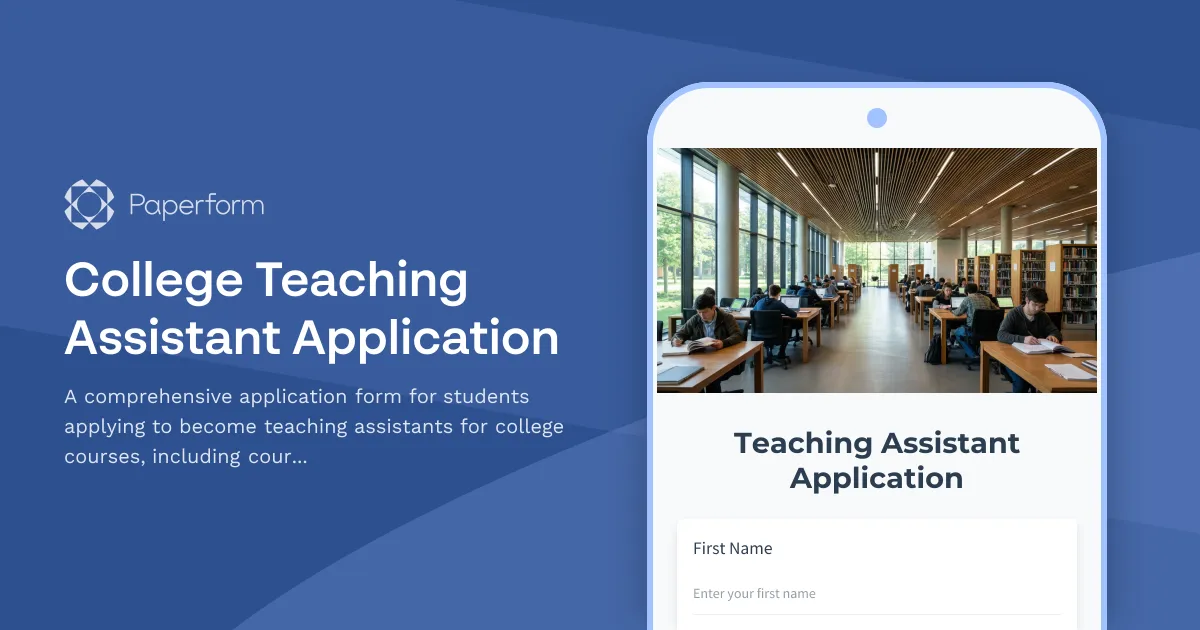
College Teaching Assistant Application
A comprehensive application form for students applying to become teaching assistants for college courses, including course preferences, instructor recommendations, experience, and compensation details.
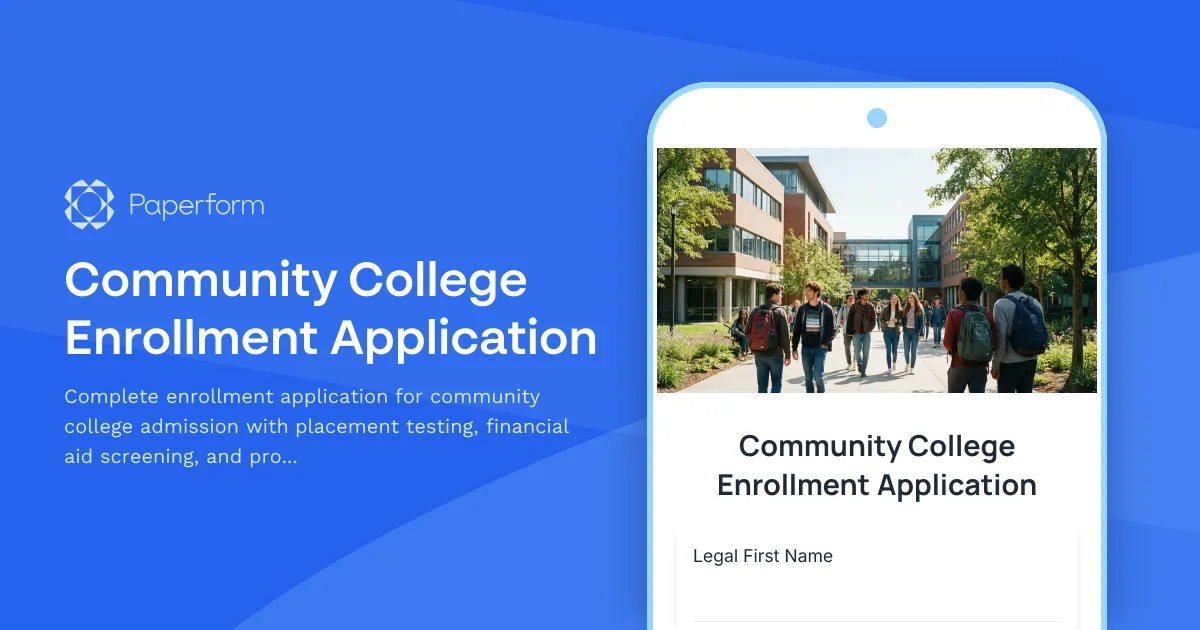
Community College Enrollment Application
Complete enrollment application for community college admission with placement testing, financial aid screening, and program selection in one streamlined form.
Cooperative Education (Co-op) Program Application
A comprehensive application form for students seeking cooperative education placements, featuring employer preferences, work-study commitment, industry goals, and career exploration objectives.
Educational Leadership EdD Application Form
A comprehensive Doctor of Education (EdD) application form for educational leadership programs, capturing administrative experience, school improvement initiatives, leadership philosophy, and dissertation interests.
Exchange Student Application Form
Complete application form for student exchange programs with academic records, host country preferences, cultural goals, and parental consent.
Master's in Education Program Application
Complete application form for graduate education programs with teaching certification uploads, classroom experience documentation, educational philosophy statement, and specialization selection.
Mathematics Competition Scholarship Application
A comprehensive scholarship application for mathematically talented students, featuring competition scores (AMC/AIME), problem-solving portfolios, math club leadership, and academic achievements for students pursuing quantitative fields.
Online Degree Program Application Form
A comprehensive application form for online degree programs that assesses applicants' academic background, technology readiness, self-motivation, remote learning experience, and virtual collaboration capabilities.
Radiologic Technology Program Application Form
A comprehensive application form for radiologic technology programs, assessing healthcare background, anatomy knowledge, patient care skills, and career readiness for diagnostic imaging professions.
Student Government Scholarship Application
A comprehensive scholarship application for student leaders seeking recognition for their service in student government, campus initiatives, and civic engagement.
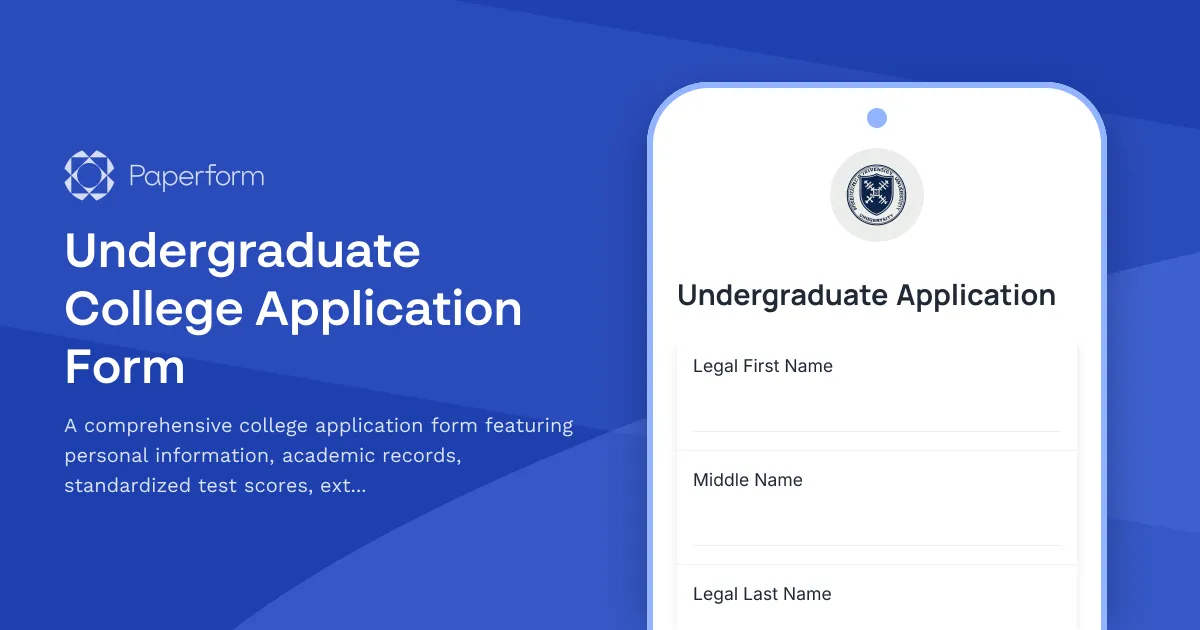
Undergraduate College Application Form
A comprehensive college application form featuring personal information, academic records, standardized test scores, extracurricular activities, honors and awards, essay prompts, and supplemental questions for prospective undergraduate students.