Streamline Disaster Recovery Housing Applications with Paperform
When disaster strikes—whether it's a hurricane, flood, wildfire, or other catastrophic event—displaced families and individuals need access to temporary housing quickly. But coordinating between insurance companies, FEMA, local agencies, and property owners creates a paperwork bottleneck at the worst possible time. Our Disaster Recovery Temporary Housing Application template helps housing authorities, nonprofits, relief organizations, and property management companies process emergency housing requests with clarity, compassion, and speed.
Why This Template Works for Disaster Relief Operations
This template is purpose-built for organizations managing temporary housing placements during recovery periods. It captures all the critical information you need in one place—insurance claim numbers, FEMA registration IDs, damage assessments, household composition, income verification, and rebuilding timelines—so you can match applicants with available housing, coordinate benefits, and maintain clear records for reimbursement and compliance.
Using Paperform's conditional logic, the form adapts based on each applicant's situation. If someone has filed an insurance claim, they'll see fields for their claim number and adjuster contact. If they've registered with FEMA, the form collects their registration number and assistance type. This intelligent branching keeps the form relevant and reduces friction during an already stressful time.
How Paperform Supports Housing Agencies and Relief Organizations
Paperform is trusted by nonprofits, government agencies, and community organizations because it combines flexibility with reliability. You can customize this template to reflect your agency's branding, add your logo, and adjust questions to match your local requirements or funding eligibility criteria. The doc-style editor makes it easy to include reassuring language, support resources, and clear instructions at every step.
Once submitted, applications can automatically route to the right team members based on location, damage severity, or household needs using Stepper workflows (stepper.io). You can trigger notifications to case managers, update your housing inventory in Airtable or Google Sheets, send confirmation emails with next steps, and flag urgent cases for immediate follow-up—all without writing a single line of code.
Key Features for Disaster Housing Workflows
- Insurance and FEMA Integration: Capture claim numbers, registration IDs, and assistance types to coordinate benefits and avoid duplication.
- Household and Income Verification: Collect details on family size, special needs, pets, and income to match applicants with appropriate housing options.
- Damage and Timeline Tracking: Understand the severity of property damage and estimated rebuilding timelines to plan temporary placements.
- Document Uploads: Allow applicants to attach proof of residency, insurance documents, FEMA letters, and identification securely.
- Conditional Logic: Show or hide questions based on disaster type, insurance status, or FEMA registration to keep the form streamlined.
- Multi-Language Support: Serve diverse communities by translating your form into multiple languages.
- Mobile-Friendly: Applicants can complete the form on any device, even from emergency shelters or temporary locations.
Automate Follow-Up and Case Management
After an application is submitted, Paperform can trigger a cascade of actions to keep your operations moving. Use Stepper to build workflows that:
- Send personalized confirmation emails with case numbers and contact information
- Create records in your case management system (Salesforce, Airtable, or custom databases)
- Notify housing coordinators via Slack or email when a new application arrives
- Schedule follow-up calls or home inspections based on application urgency
- Update dashboards and reports in real-time so leadership can track placements and capacity
You can also use Papersign (papersign.com) to send housing agreements, liability waivers, or program consent forms for eSignature once an applicant is approved, keeping the entire process digital and audit-ready.
Built for Speed, Security, and Compliance
Disaster recovery work demands both urgency and accountability. Paperform is SOC 2 Type II compliant, meaning your applicant data is handled with enterprise-grade security, encryption, and access controls. You can set up roles and permissions so only authorized staff can view sensitive information, and export data for audits, reimbursement claims, or grant reporting.
With Paperform's native integrations, you can sync applications with Google Sheets for real-time tracking, push data to HubSpot or other CRMs for follow-up, or connect with Zapier and Make for advanced automation. Everything stays organized, transparent, and accountable—even when your team is working around the clock.
Who This Template Is For
This template is ideal for:
- Local and state housing authorities managing emergency shelter and temporary housing programs
- Nonprofit disaster relief organizations coordinating placements and case management
- Property management companies offering temporary rentals to displaced families
- Community development organizations administering recovery grants and housing assistance
- Faith-based and volunteer groups supporting neighbors through rebuilding
- FEMA and insurance partners collecting standardized intake data for benefit coordination
Customize and Deploy in Minutes
Start with this template and adapt it to your program's needs. Add your agency's branding, adjust eligibility questions, include local resource links, and set up automated workflows. Paperform's doc-style editor makes customization fast and intuitive, so you can launch your disaster housing application the same day you need it.
When every hour counts, Paperform helps you focus on what matters most: getting families into safe, stable housing while they rebuild their lives.
Learn more about Stepper for disaster relief workflow automation, or explore Papersign for digital housing agreements and consent forms.



More templates like this
Accessible Housing Application for Adults with Autism Spectrum Disorder
A comprehensive, inclusive housing application designed specifically for adults with autism spectrum disorder, covering sensory needs, routine preferences, and communication support requirements.
Accessible Housing Application for Adults with Spinal Cord Injury
A comprehensive accessible housing application designed for adults with spinal cord injuries, featuring wheelchair accessibility requirements, adaptive equipment needs, and personal care assistance coordination.
Accessible Housing Modification Application
A comprehensive application for accessible housing modifications, including occupational therapist evaluations, contractor approvals, and funding coordination.
Affordable Housing Lottery Application
Complete application form for affordable housing lottery programs with income verification, household composition details, and priority preference selection for housing authorities and community development organizations.
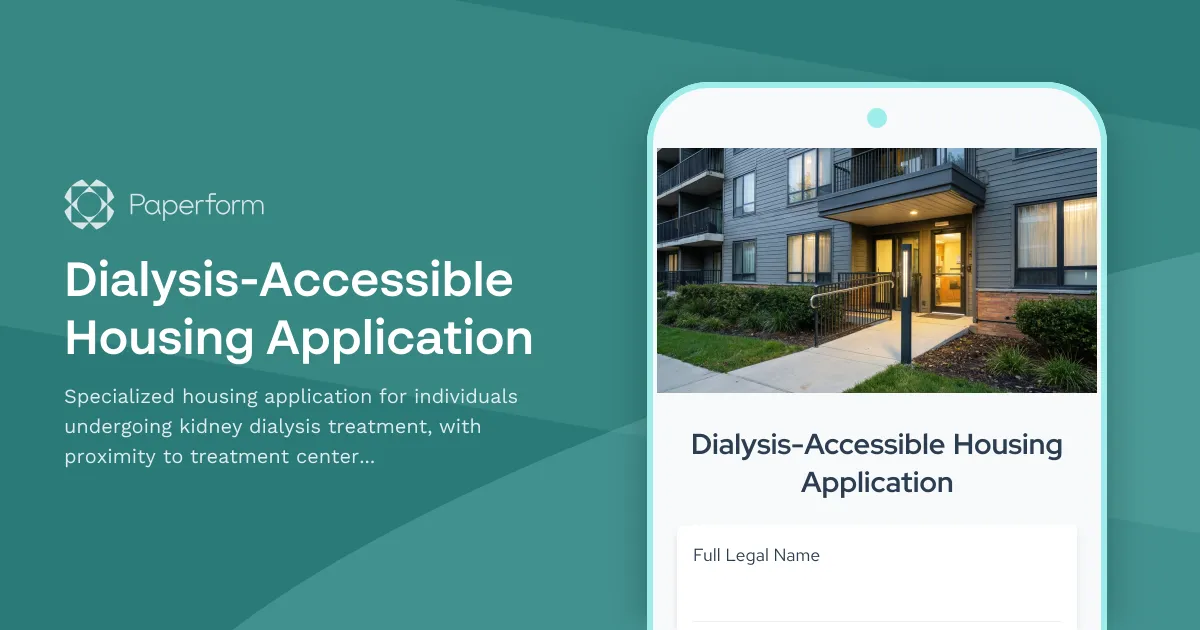
Dialysis-Accessible Housing Application
Specialized housing application for individuals undergoing kidney dialysis treatment, with proximity to treatment centers, flexible lease terms, and health-focused amenities.
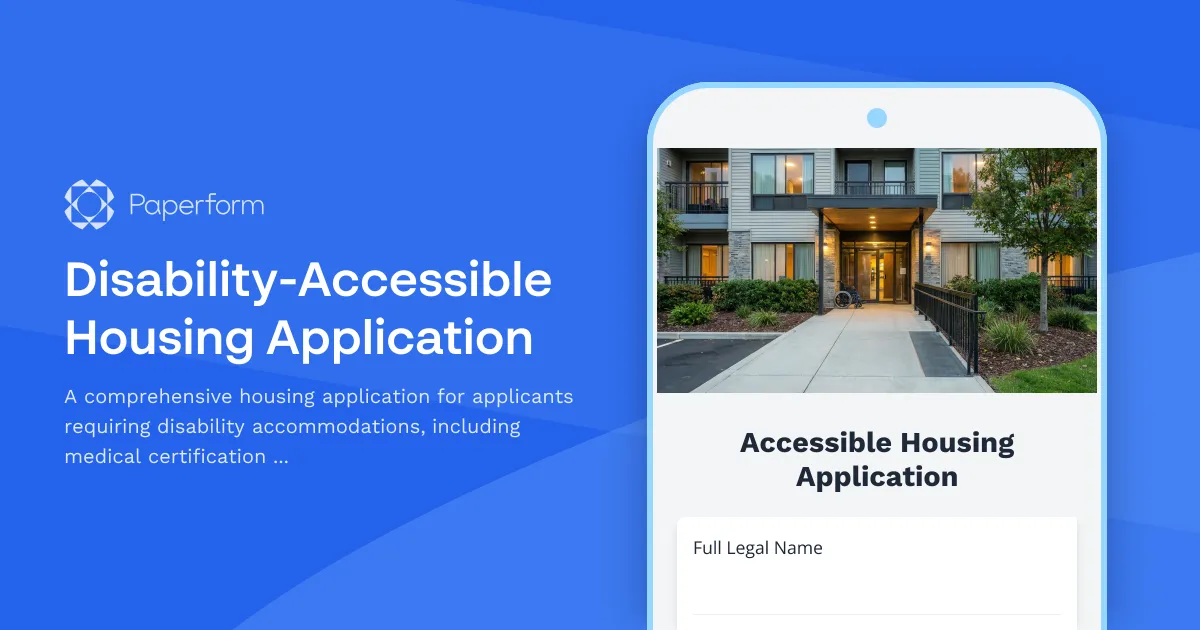
Disability-Accessible Housing Application
A comprehensive housing application for applicants requiring disability accommodations, including medical certification and modification approval requests for accessible living arrangements.
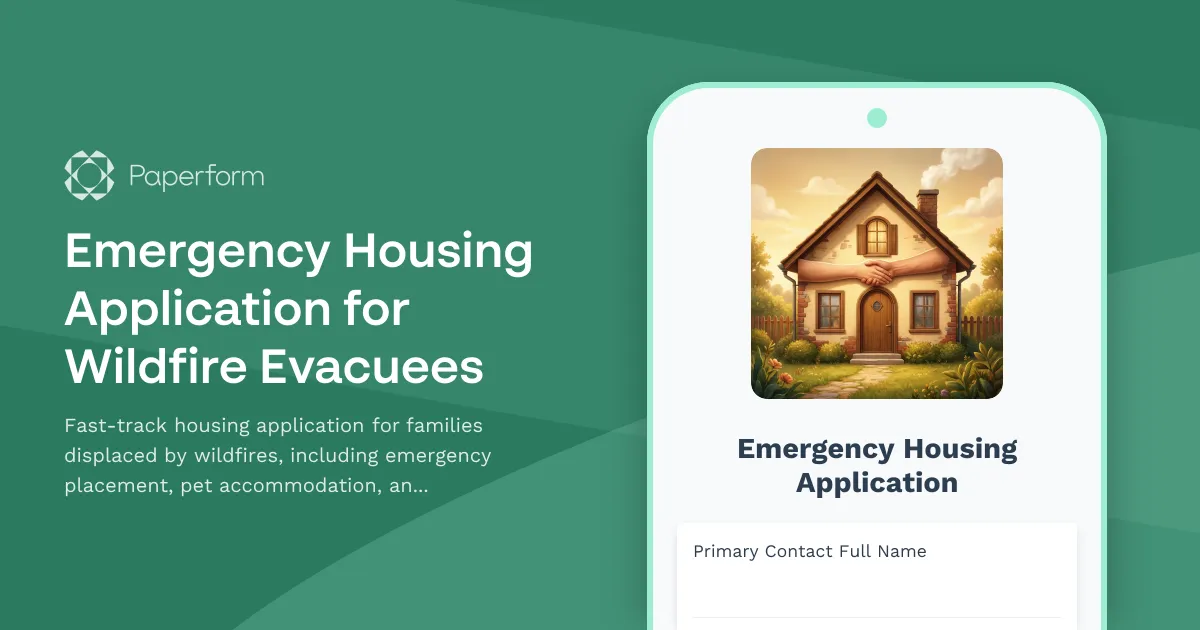
Emergency Housing Application for Wildfire Evacuees
Fast-track housing application for families displaced by wildfires, including emergency placement, pet accommodation, and temporary school enrollment assistance.
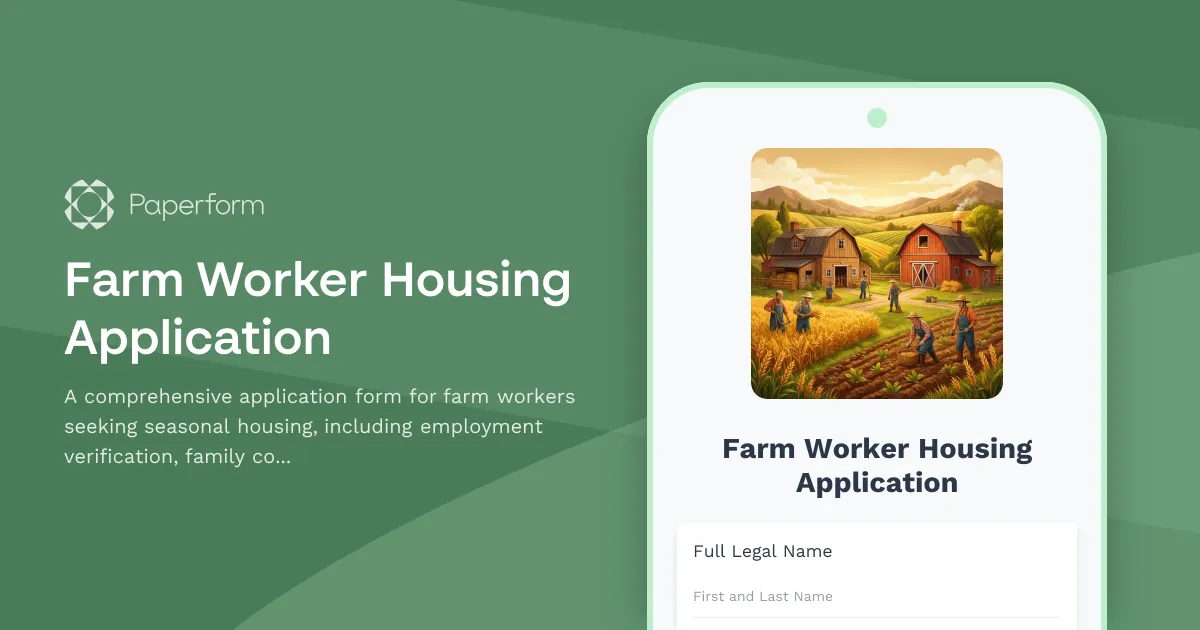
Farm Worker Housing Application
A comprehensive application form for farm workers seeking seasonal housing, including employment verification, family composition, and transportation requirements.
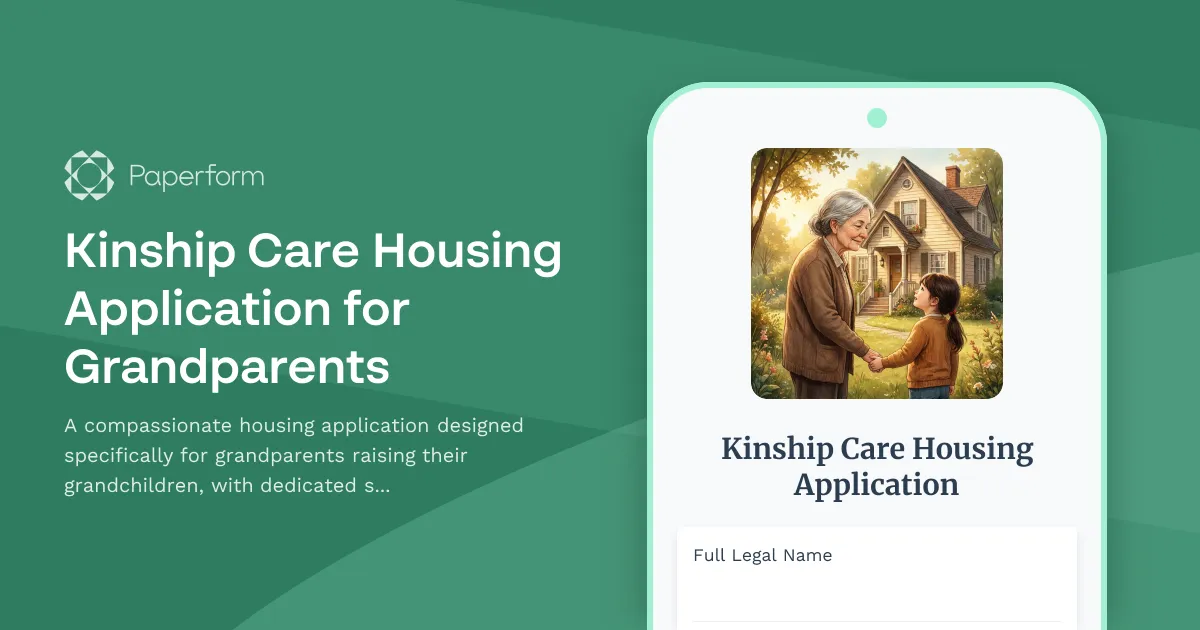
Kinship Care Housing Application for Grandparents
A compassionate housing application designed specifically for grandparents raising their grandchildren, with dedicated support for kinship care services, respite care options, and legal guardianship assistance.
Low-Income Housing Tax Credit (LIHTC) Application
Apply for affordable housing through the Low-Income Housing Tax Credit program. This application verifies household income, size, and eligibility for priority placement based on qualifying preferences.
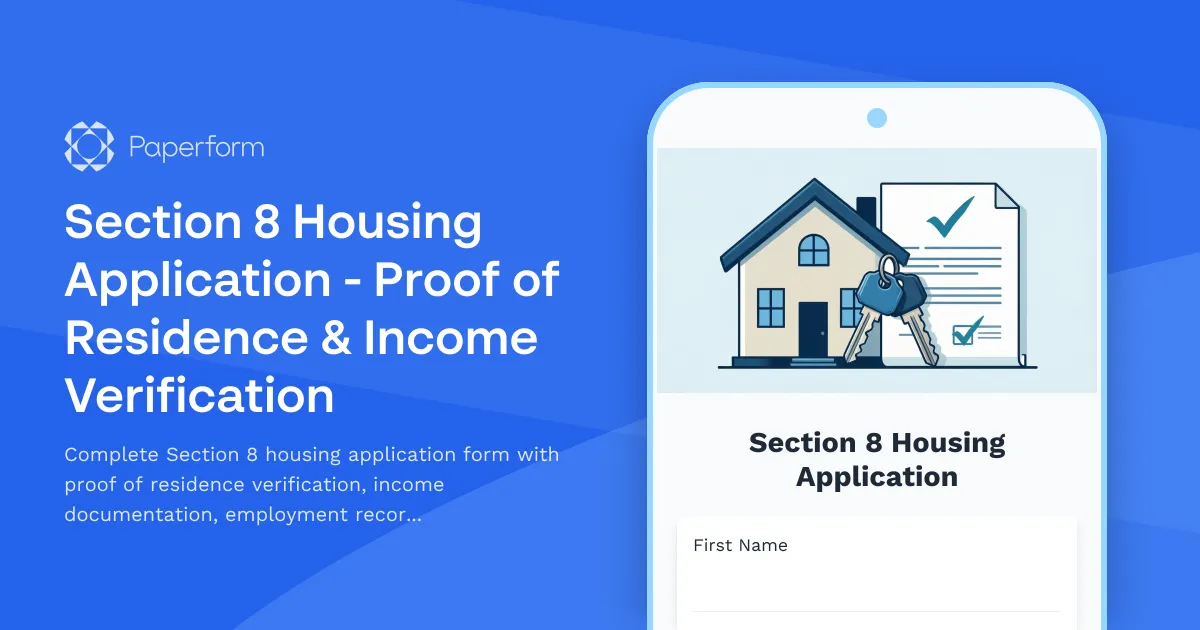
Section 8 Housing Application - Proof of Residence & Income Verification
Complete Section 8 housing application form with proof of residence verification, income documentation, employment records, landlord references, and background check consent.
Section 8 Housing Voucher Application
Complete Section 8 Housing Choice Voucher Program application with income verification, household information, and accommodation requests for affordable housing assistance.