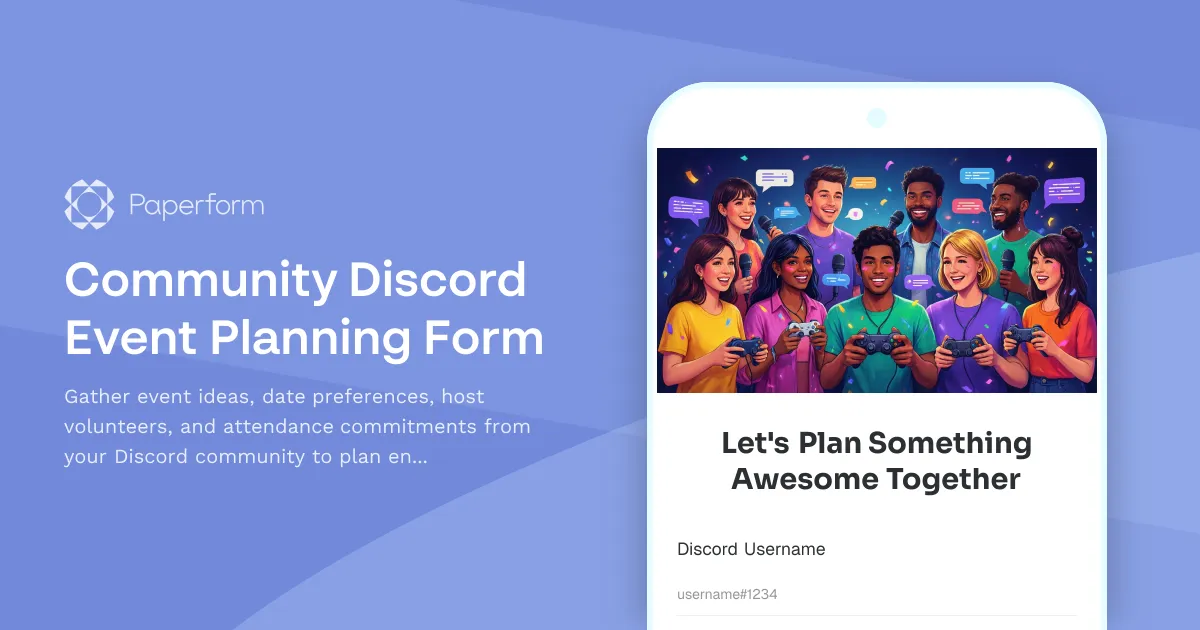
Plan Engaging Discord Events with Your Community
Building a thriving Discord community means creating events that your members actually want to attend. Whether you're a content creator, influencer, streamer, or community manager, this Community Discord Event Planning Form makes it easy to crowdsource event ideas, find willing hosts, and gauge attendance—all in one place.
Why Use This Template?
Discord communities thrive on engagement, but planning events can feel like guesswork. Are you scheduling game nights that nobody shows up to? Hosting AMAs at times when your core members are asleep? This form helps you make data-driven decisions by asking your community directly what they want, when they're available, and who's ready to step up and help.
Perfect for:
- Content creators and influencers planning community hangouts, watch parties, or exclusive Q&As
- Streamers and YouTubers organizing gaming sessions, tournaments, or collaborative streams
- Community managers running Discord servers for brands, games, or online communities
- Podcasters and creators hosting live listening parties or topic brainstorms
- Educators and course creators planning student meet-ups or study sessions
What Makes This Form Special
Unlike basic polls or scattered Discord messages, this template creates a structured way to collect detailed event planning input. Members can suggest specific event types, share their availability across different days and times, volunteer to host or co-host, and commit to attendance—giving you everything you need to plan events that actually work.
The form includes conditional logic that adapts based on responses, so if someone volunteers to host, you can collect additional details about their ideas. If they can't attend but want to help, you can capture that too. It's designed to be respectful of your community's time while gathering actionable insights.
How Paperform Makes Community Management Easier
Paperform is the perfect tool for creator economy workflows like community event planning. With its doc-style editor, you can create an on-brand form that matches your Discord aesthetic in minutes—add your server colors, custom graphics, or even embed a gif that matches your vibe.
The no-code platform means you don't need technical skills to set this up. Just customize the questions, share the link in your Discord announcement channel or pin it in your community, and watch the responses roll in. Every submission lands in a clean dashboard where you can filter, sort, and analyze what your community wants.
Automate your workflow with Stepper: Once responses come in, use Stepper to automatically notify event coordinators in Discord via webhook, add confirmed attendees to a Google Sheet, or send calendar invites to volunteers. You can even set up automated follow-ups to remind people about upcoming events they committed to attending.
Key features that help creators:
- Guided Mode option: Show one question at a time for a more conversational, mobile-friendly experience
- Conditional logic: Adapt questions based on previous answers (like asking for hosting details only if someone volunteers)
- Custom branding: Match your form to your Discord server's colors, fonts, and overall aesthetic
- Anonymous or named responses: Let members submit anonymously or collect usernames to follow up
- Real-time notifications: Get pinged in Discord or Slack when someone volunteers to host
- Integration with your stack: Connect to Google Calendar, Notion, Airtable, or any tool via Stepper, Zapier, or webhooks
Beyond Discord: A Flexible Community Tool
While this template is perfect for Discord communities, it works just as well for other platforms like Facebook Groups, Telegram channels, private Slack communities, or Circle/Mighty Networks spaces. The principles are the same: understand what your community wants, when they can show up, and who's willing to help make it happen.
This template helps you move beyond "Hey, would anyone be interested in...?" messages that get lost in chat. Instead, you create a single source of truth that respects your members' time and gives them a voice in shaping the community experience.
How Top Creators Use This Form
Streamers use it to plan viewer game nights, choosing games and times that work for the majority of their community. Podcasters collect topic suggestions and schedule live recordings when most listeners can tune in. Course creators organize study groups and peer learning sessions. Brand communities plan virtual meetups and collaborative projects.
The result? Higher attendance rates, more engaged members, and a community that feels heard and valued. When people have input in planning, they're more likely to show up and participate.
Get Started in Minutes
With Paperform's intuitive editor and this ready-to-use template, you can launch your community event planning form in just a few clicks. Customize the questions to match your community's needs, drop your Discord invite link or server branding, and share it with your members.
Paperform is trusted by over 500,000 teams worldwide, is SOC 2 Type II and GDPR compliant, and offers 30,000+ designer templates to help creators, influencers, and community builders work smarter. Whether you're running a 50-person Discord or a 5,000-member community, Paperform scales with you—no coding required.
Start planning events your community will actually love. Build stronger connections, boost engagement, and create memorable experiences that keep your Discord active and thriving.



More templates like this
Community Succession Planning & Legacy Content Form
A thoughtful form for content creators to document wishes for their digital legacy, nominate community curators, organize archives, and plan for content continuation or preservation after they're gone.
Fan Unreleased Content Petition Form
Let fans petition for unreleased content, demonstrate demand, and show appreciation for exclusive releases. Perfect for creators, artists, and influencers building engagement.
Community Archive Access Request Form
A professional form for fans to request access to exclusive legacy content and historical archives, with membership verification and personalized content recommendations.
Community Feature Request & Advocacy Form
A collaborative form for community members to submit feature requests, describe pain points, propose solutions, and help prioritize platform improvements through collective advocacy.
Creator AMA Question Bank Form
Collect, organize, and prioritize fan questions for your next AMA or live stream. Let your community submit questions, tag topics, and help surface the best content through an upvote system.
Fan Appreciation Gift Preference Form
Collect fan gift preferences, sizes, and shipping details for milestone celebration appreciation packages and community rewards.
Fan Journey & Evolution Documentation Form
A thoughtful form for fans to share their complete journey with a creator, from earliest memories to legacy perspectives, creating meaningful documentation of community impact.
Fan Time Capsule Message Submission
Capture heartfelt fan messages, predictions, and memories to be opened on a future anniversary date. Perfect for creators building meaningful community engagement and commemorative content.
Community Celebration Planning Form
Plan an unforgettable milestone celebration with your community. Gather fan ideas, participation preferences, and contribution offers to create a meaningful event that honors your journey together.
Community Live Stream Topic Request Form
Let your community request and vote on live stream topics. Collect topic suggestions, urgency ratings, supporting resources, and schedule preferences to create content your audience actually wants to see.
Community Mentorship Matching Form
Connect community members with mentors based on their goals, expertise, and availability. Perfect for creators, communities, and fan engagement programs looking to build meaningful mentorship relationships.
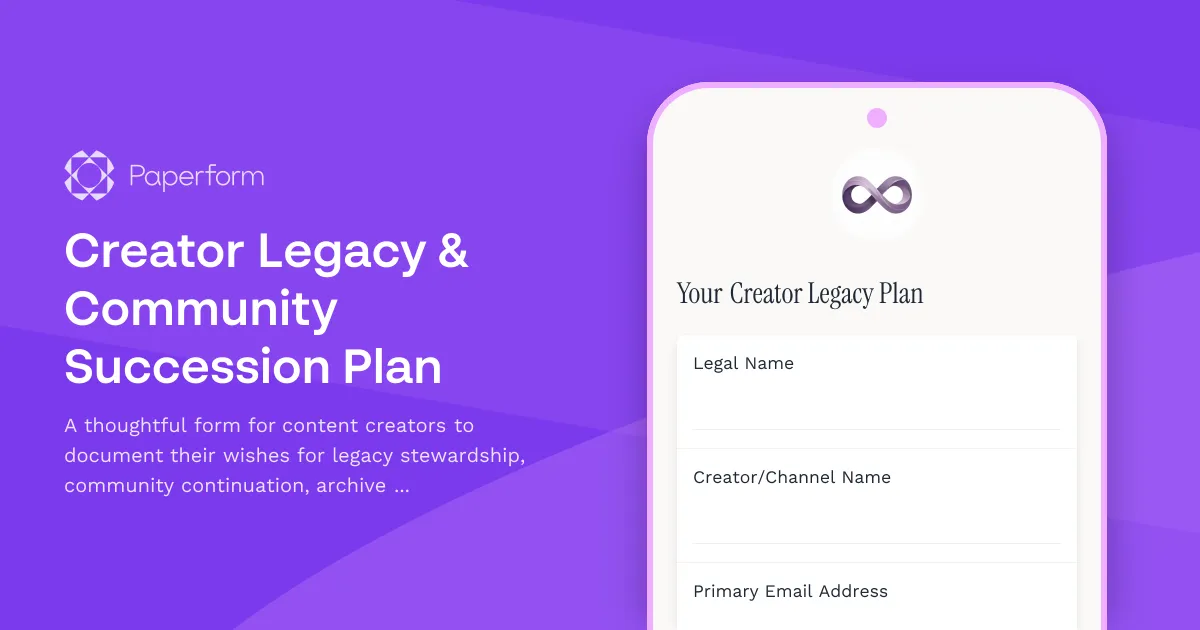
Creator Legacy & Community Succession Plan
A thoughtful form for content creators to document their wishes for legacy stewardship, community continuation, archive management, and memorial approach, ensuring their digital presence and community are cared for according to their values.