Commercial Trash Compactor Installation Permit Application Form
Installing a commercial trash compactor requires careful planning, proper permitting, and coordination with multiple municipal departments. Whether you're a property manager, contractor, or business owner, navigating the permit application process can be complex—but it doesn't have to be.
This Commercial Trash Compactor Installation Permit Application template from Paperform streamlines the entire submission process into one clean, professional form. Instead of juggling paper documents, email chains, and phone calls with various departments, you can collect all required information—electrical specifications, drainage details, ventilation requirements, access clearances, and waste management coordination—in a single, organized submission.
Who This Form Is For
This permit application form is designed for:
- Property managers overseeing commercial buildings, apartment complexes, and mixed-use developments
- General contractors and construction companies handling waste management infrastructure upgrades
- Facility managers coordinating building improvements and compliance projects
- Commercial business owners installing or replacing compactor equipment
- Mechanical and electrical contractors managing installation projects
- Waste management companies coordinating equipment placement and service logistics
Whether you're installing a new compactor system, replacing outdated equipment, or relocating an existing unit, this form ensures your permit application includes all the technical specifications and compliance information municipal authorities need for efficient review and approval.
Why Use Paperform for Permit Applications
Traditional permit applications often involve downloading PDFs, printing forms, handwriting specifications, and physically delivering documents to multiple departments. This creates delays, errors, and frustration for applicants and municipal staff alike.
Paperform transforms this experience with a doc-style editor that makes your permit application look professional and on-brand. You can embed your municipality logo, customize colors and fonts, add helpful instructions and reference images, and create a form that reflects your organization's standards—all without writing a single line of code.
The form works beautifully on any device, so contractors can submit applications from job sites using their phones, while property managers can complete detailed submissions from their desks. Conditional logic shows or hides questions based on previous answers, so applicants only see fields relevant to their specific installation scenario.
Key Features for Construction and Municipal Workflows
Comprehensive technical specifications: The form captures detailed electrical requirements including voltage, amperage, phase, and circuit specifications. It collects drainage and plumbing details for compactors that handle wet waste, ventilation requirements for odor control, and precise measurements for access clearances that ensure safe operation and maintenance.
File uploads for supporting documents: Applicants can attach site plans, electrical schematics, equipment specifications, manufacturer cut sheets, and photos directly to their submission. This eliminates the need for separate email attachments or physical document delivery.
Automatic routing and notifications: Using Paperform's built-in email notifications and integrations with Stepper (stepper.io), you can automatically route permit applications to the appropriate departments—building, electrical, plumbing, fire safety, and waste management—based on the installation details provided. This ensures the right reviewers see applications immediately, reducing processing time and preventing bottlenecks.
Digital record-keeping: Every submission is automatically saved to your Paperform account with a complete audit trail. You can integrate with Google Sheets, Airtable, or project management tools to maintain organized records, track application status, generate reports, and ensure compliance with record retention requirements.
Payment collection: If your municipality charges permit fees, Paperform's native payment integrations with Stripe, PayPal, and Square let you collect fees at the time of application. Use on-form calculations to automatically determine fees based on equipment size, installation complexity, or other factors, and collect payment securely without separate invoicing systems.
Streamline Multi-Department Review with Stepper
Commercial trash compactor installations typically require review and approval from multiple departments—building inspectors need to verify structural support and clearances, electrical inspectors review power requirements, plumbing departments assess drainage connections, fire safety officials check ventilation and access, and waste management coordinators evaluate service logistics.
Managing this multi-department review process manually creates confusion, delays, and duplicated effort. By connecting your Paperform permit application to Stepper, you can automate the entire review workflow:
- Route applications to the first reviewing department immediately upon submission
- Automatically notify the next department when the previous review is complete
- Track approval status in real-time without endless email threads
- Compile all department approvals into a final permit issuance
- Send automatic notifications to applicants at each stage of the process
This workflow automation means permit applications move through your organization efficiently, applicants receive timely updates, and nothing falls through the cracks.
Built for Compliance and Security
Municipal permit processes handle sensitive information including property addresses, equipment specifications, contractor licenses, and payment details. Paperform provides SOC 2 Type II compliance, SSL encryption, and data residency controls to protect applicant information and meet government security standards.
Role-based permissions let you control who can view, edit, and manage permit applications. You can give different access levels to front-counter staff, department reviewers, finance teams, and administrators, ensuring each user sees only the information relevant to their role.
Customize for Your Municipality or Organization
This template provides a comprehensive starting point, but every jurisdiction has unique requirements. Using Paperform's intuitive editor, you can easily:
- Add or remove questions to match your specific permit requirements
- Adjust conditional logic to show questions based on equipment type or installation location
- Customize fee calculations based on your fee schedule
- Update text to match your municipality's language and legal requirements
- Add your logo, colors, and branding for a professional appearance
- Translate the form into other languages for multilingual communities
No coding or technical skills required—if you can edit a document, you can customize this form.
Get Started in Minutes
Instead of designing a permit application from scratch or wrestling with outdated systems, this template gives you a professional, functional starting point that you can launch in minutes. Customize the questions, connect your payment processor, set up email notifications, and start accepting permit applications immediately.
Paperform is trusted by over 500,000 teams worldwide and meets SOC 2 Type II and GDPR compliance standards. With thousands of integration options and a doc-style editor that makes customization effortless, you can create permit applications and other municipal forms that work the way your community needs them to—without waiting on IT departments or external developers.
Transform your commercial trash compactor permit process from paperwork headache to streamlined digital workflow with Paperform.



More templates like this
Residential Basement Waterproofing Permit Application
Apply for a residential basement waterproofing permit with detailed specifications for membranes, drainage systems, sump pumps, and foundation inspection coordination.
Commercial Emergency Generator Load Bank Testing Permit
Apply for a permit to conduct load bank testing on commercial emergency generators with temporary power routing, exhaust management, and noise mitigation plans.
Electrical Work Permit Application
Apply for an electrical work permit with detailed scope of work, electrician license verification, inspection scheduling, and safety compliance documentation.
Radon Mitigation System Installation Permit Application
Apply for a permit to install a radon mitigation system with detailed fan specifications, vent routing, monitoring devices, and post-mitigation testing requirements.
Commercial Door Hardware Upgrade Permit Application
Apply for a commercial door hardware upgrade permit with life safety compliance documentation, panic device specifications, fire rating verification, and accessibility requirements.
Commercial Emergency Lighting System Permit Application
Apply for a commercial emergency lighting system permit with battery backup specifications, illumination calculations, exit path coverage, testing schedules, and code compliance verification.
Commercial Fire Door Installation & Modification Permit Application
A comprehensive permit application for commercial fire door installation and modification projects, including hourly rating verification, hardware specifications, and compliance documentation.
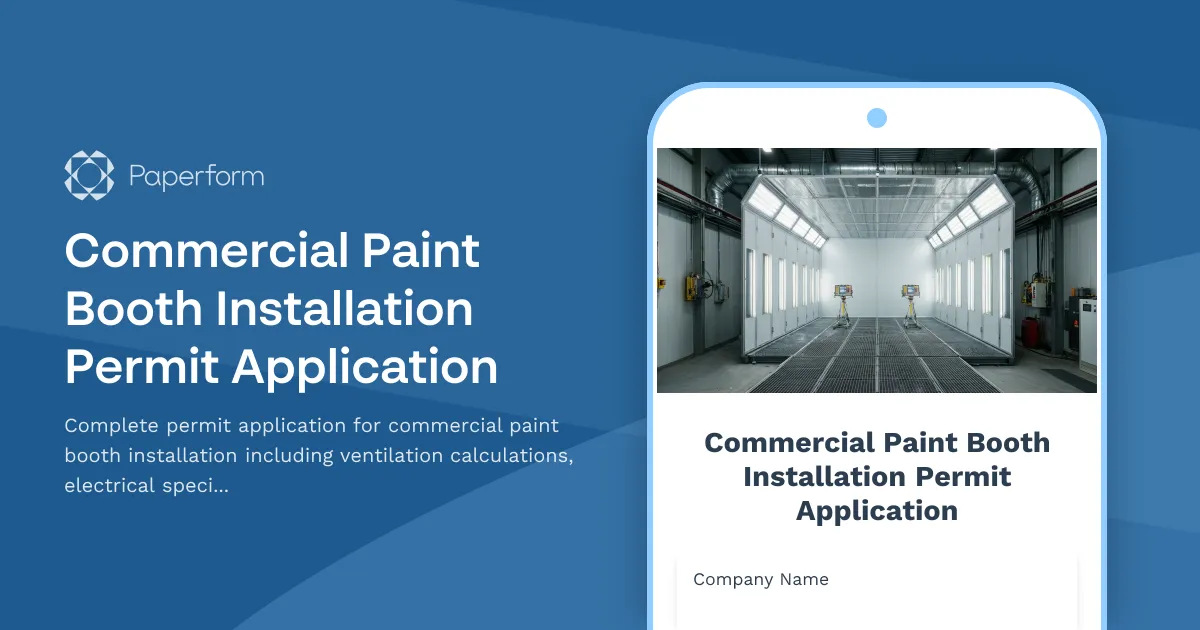
Commercial Paint Booth Installation Permit Application
Complete permit application for commercial paint booth installation including ventilation calculations, electrical specifications, fire suppression systems, and environmental compliance documentation.
Fire Escape Installation and Modification Permit Application
Professional permit application for fire escape installation or modification with load testing requirements, exit capacity calculations, and code compliance verification for commercial and residential buildings.

Foundation Helical Anchor Installation Permit Application
Apply for a permit to install foundation helical anchors with load capacity specifications, depth requirements, torque readings, and structural engineer approval.
Mezzanine Construction Permit Application
Comprehensive permit application for warehouse mezzanine construction including structural calculations, egress requirements, fire rating specifications, and occupancy load verification.
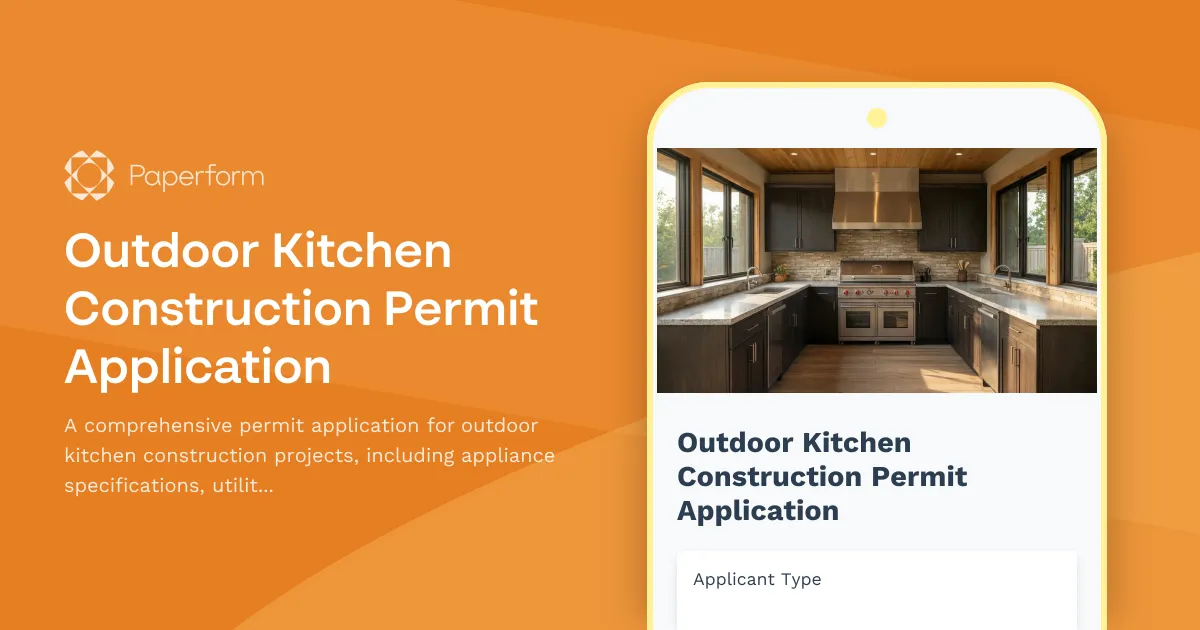
Outdoor Kitchen Construction Permit Application
A comprehensive permit application for outdoor kitchen construction projects, including appliance specifications, utility requirements, materials, and code compliance verification.