Upgrading commercial door hardware isn't just about aesthetics—it's about life safety, code compliance, and accessibility. Whether you're installing panic devices, upgrading fire-rated assemblies, or ensuring ADA compliance, the permit application process needs to be thorough and accurate.
This Commercial Door Hardware Upgrade Permit Application template helps building owners, contractors, and facility managers streamline the permitting process for door hardware upgrades. Designed specifically for life safety compliance projects, it captures all the critical information building departments need: panic device specifications, fire rating verification, accessibility requirements, and inspection coordination details.
Why Paperform for construction permits?
Paperform makes permit applications faster and more accurate for construction and trades professionals. Instead of wrestling with paper forms or static PDFs, you get a smart, conditional form that adapts based on the scope of work. Need to specify multiple doors? The form handles it. Different hardware types for different locations? Conditional logic shows only the relevant fields.
For contractors and facility managers juggling multiple projects, Paperform's document upload capabilities let you attach required plans, specifications, and certifications directly to your application. No more email chains or lost attachments—everything stays organized in one submission.
Automate your permit workflow with Stepper
Once your permit application is submitted, Stepper can automate what happens next. Route applications to the appropriate building inspector based on project type, send automatic notifications when plans are reviewed, and trigger follow-up reminders for inspection scheduling. You can even sync permit status updates back to your project management tools, keeping everyone in the loop without manual data entry.
This template is perfect for general contractors, commercial property managers, facility maintenance teams, and hardware installers working on code compliance projects. It's designed with the specific terminology and requirements that building departments expect, helping you get approvals faster and keep your projects on schedule.



More templates like this
Commercial Fire Door Installation & Modification Permit Application
A comprehensive permit application for commercial fire door installation and modification projects, including hourly rating verification, hardware specifications, and compliance documentation.
Fire Escape Installation and Modification Permit Application
Professional permit application for fire escape installation or modification with load testing requirements, exit capacity calculations, and code compliance verification for commercial and residential buildings.
Commercial Automatic Door Operator Permit Application
Apply for a commercial automatic door operator permit with complete safety sensor, backup power, ADA compliance, and maintenance specifications.
Radon Mitigation System Installation Permit Application
Apply for a permit to install a radon mitigation system with detailed fan specifications, vent routing, monitoring devices, and post-mitigation testing requirements.
Residential Basement Waterproofing Permit Application
Apply for a residential basement waterproofing permit with detailed specifications for membranes, drainage systems, sump pumps, and foundation inspection coordination.
Residential Exterior Stairway Permit Application
Apply for a permit to construct or modify exterior residential stairs. Includes automated rise and run calculations, landing requirements, handrail specifications, and safety compliance checks.
Tenant Improvement Permit Application for Retail Spaces
A comprehensive permit application for retail tenant improvements including ADA compliance verification, fire safety requirements, plumbing fixture documentation, and lease agreement submission.
Commercial Awning and Canopy Permit Application
Apply for a commercial awning or canopy permit with wind load calculations, drainage specifications, fire rating requirements, and zoning compliance documentation.
Commercial Building Fire Safety Inspection Checklist
A comprehensive fire safety inspection checklist for commercial properties covering emergency exits, sprinkler systems, fire extinguishers, and critical safety equipment to ensure code compliance and occupant protection.
Commercial Construction Permit Application Form
Streamline your commercial construction permit application with this comprehensive form covering project details, zoning compliance, building code requirements, environmental impact, and automated fee calculation.
Commercial Emergency Generator Load Bank Testing Permit
Apply for a permit to conduct load bank testing on commercial emergency generators with temporary power routing, exhaust management, and noise mitigation plans.
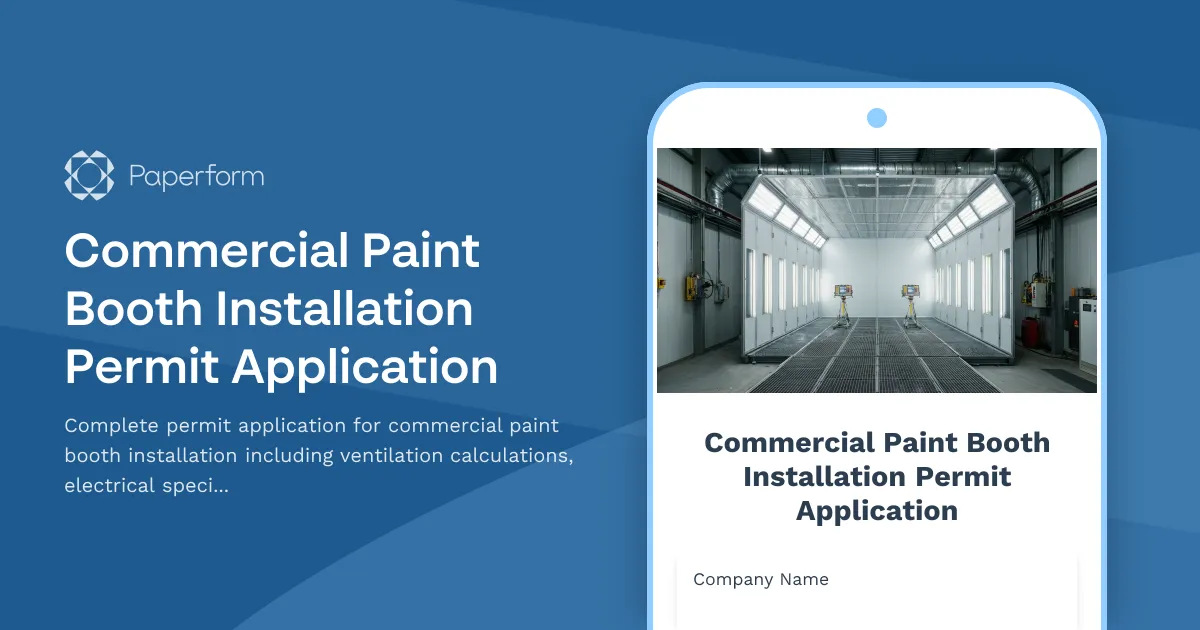
Commercial Paint Booth Installation Permit Application
Complete permit application for commercial paint booth installation including ventilation calculations, electrical specifications, fire suppression systems, and environmental compliance documentation.