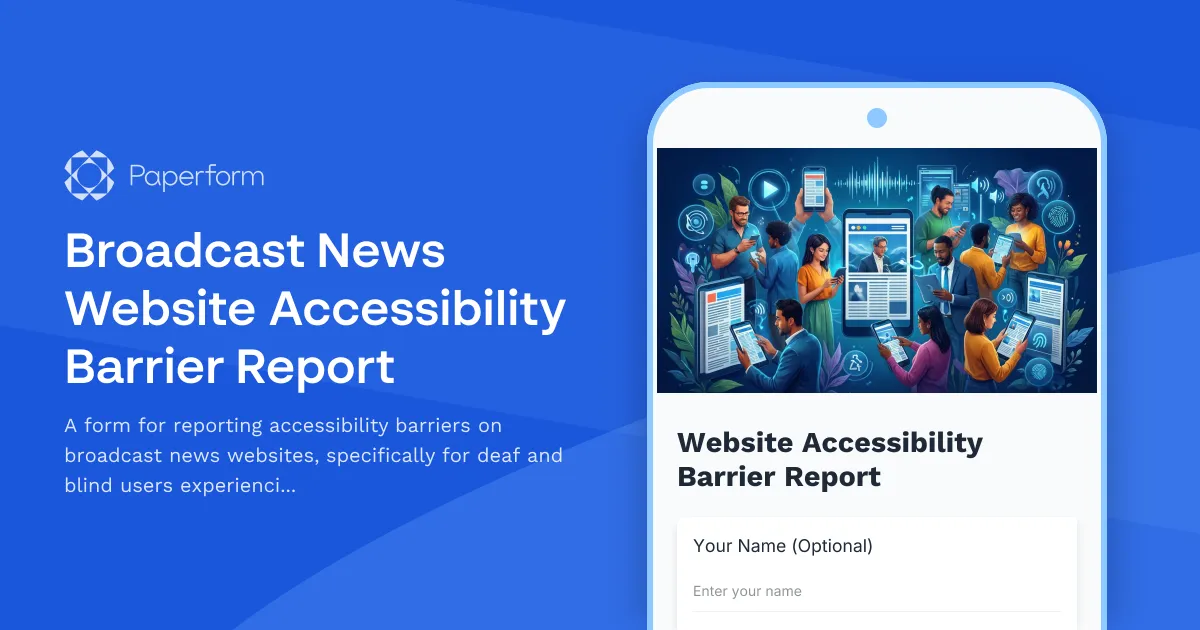
Make Your Broadcast News Content Accessible to Everyone
In today's fast-paced news environment, accessibility isn't optional—it's essential. When breaking news happens, every person deserves equal access to critical information, regardless of their sensory abilities. This Broadcast News Website Accessibility Barrier Report Form empowers deaf and blind users to share specific feedback about the barriers they encounter when accessing your video content and breaking news updates.
Why Accessibility Feedback Matters for News Organizations
News organizations have a unique responsibility: delivering timely, accurate information to the public. When accessibility barriers prevent deaf or blind users from accessing video content, live streams, or breaking news alerts, you're not just missing a portion of your audience—you're failing to fulfill journalism's core mission of informing the public.
This form template helps you:
- Identify specific accessibility gaps in your video player, captions, audio descriptions, and screen reader compatibility
- Prioritize improvements based on real user experiences and impact
- Demonstrate commitment to inclusive journalism and WCAG compliance
- Build trust with the disability community by actively seeking and acting on feedback
Perfect for Media, Broadcasting, and Digital Publishers
Whether you're a national broadcaster, local news station, digital news platform, or media company, this template is designed for organizations that need to understand and remove accessibility barriers from their digital content. It's particularly valuable for:
- Broadcast news networks transitioning more content online
- Digital news publishers expanding video and multimedia coverage
- Local TV stations improving their web presence
- Media accessibility teams conducting WCAG audits and improvements
- Content management teams responsible for captioning and alternative formats
How This Form Works
The template uses clear, purposeful questions to capture detailed information about accessibility barriers:
- User information and assistive technology details - Understanding what tools users rely on helps you test and fix issues more effectively
- Specific barrier descriptions - Open-ended questions let users describe exactly what's not working in their own words
- Context and priority assessment - Learn which barriers prevent access to critical breaking news versus general content
- Follow-up preferences - Show users you're committed to action by offering to keep them informed
The form is designed with accessibility best practices in mind, using clear labels, logical question flow, and compatibility with screen readers—because an accessibility feedback form should itself be accessible.
Automate Your Accessibility Improvement Workflow with Stepper
Once submissions come in, you can use Stepper to automatically route accessibility reports to the right teams. Create workflows that:
- Send video player issues to your development team
- Route captioning problems to your video production team
- Alert your accessibility coordinator for high-priority breaking news barriers
- Create tickets in your project management system
- Send acknowledgment emails to users confirming their report was received
This automation ensures no accessibility report falls through the cracks, and demonstrates to your audience that their feedback drives real improvements.
Building a More Inclusive News Experience
By implementing this feedback form, you're taking a concrete step toward inclusive journalism. Regular users with disabilities become partners in your accessibility journey, helping you identify blind spots and prioritize the improvements that matter most.
Paperform makes it easy to customize this template to match your brand, embed it directly on your accessibility page, and integrate responses with your existing workflow tools. You can add conditional logic to show different follow-up questions based on disability type, include file upload fields for screenshots, or connect responses to your internal ticketing system.
Trust and Compliance
For news organizations handling user feedback, security matters. Paperform is SOC 2 Type II compliant and GDPR-ready, ensuring user reports are handled with appropriate security and privacy controls. You can configure data residency settings, control access with roles and permissions, and maintain audit trails of how accessibility feedback is managed.
Start making your broadcast news content truly accessible to all users. With this template, you'll gather the specific feedback needed to remove barriers and ensure everyone can stay informed, regardless of their abilities.



More templates like this
Paragliding Center Accessibility Survey
Help us improve accessibility at our paragliding center. Share your experience with launch site access, equipment adaptations, and flight options for flyers with disabilities.
Ring Toss Game Accessibility Survey
Gather feedback from players with mobility aids to improve ring toss game accessibility, covering bottle placement, throwing accommodations, and prize retrieval.
Virtual Reality Arcade Accessibility Survey
Help us create an inclusive VR gaming experience. Share your feedback on accessibility barriers and accommodations for mobility, visual, and hearing needs in our virtual reality arcade.
Aquarium Accessibility Feedback Form
Collect visitor feedback on accessibility barriers and improvements for sensory, mobility, and cognitive needs throughout your aquarium's exhibits, pathways, and programs.
Axe Throwing Facility Accommodation Request Form
Request disability and accessibility accommodations for axe throwing activities, including throwing line modifications, equipment adaptations, and alternative safety instruction formats.
Boxing Gym Accessibility Feedback Form
Collect feedback from athletes with disabilities on boxing gym accessibility, equipment modifications, ring access, and training accommodations to create a more inclusive training environment.
Escape Room Accommodation Request Form
A comprehensive form for requesting disability and accessibility accommodations at escape room venues, including puzzle modifications, time extensions, and sensory adjustments.
Escape Room Design Consultation Accommodation Request Form
Request accessibility accommodations for escape room design consultations and puzzle experiences. Includes puzzle accessibility assessment, modification recommendations, and inclusive design integration to ensure an engaging experience for all participants.
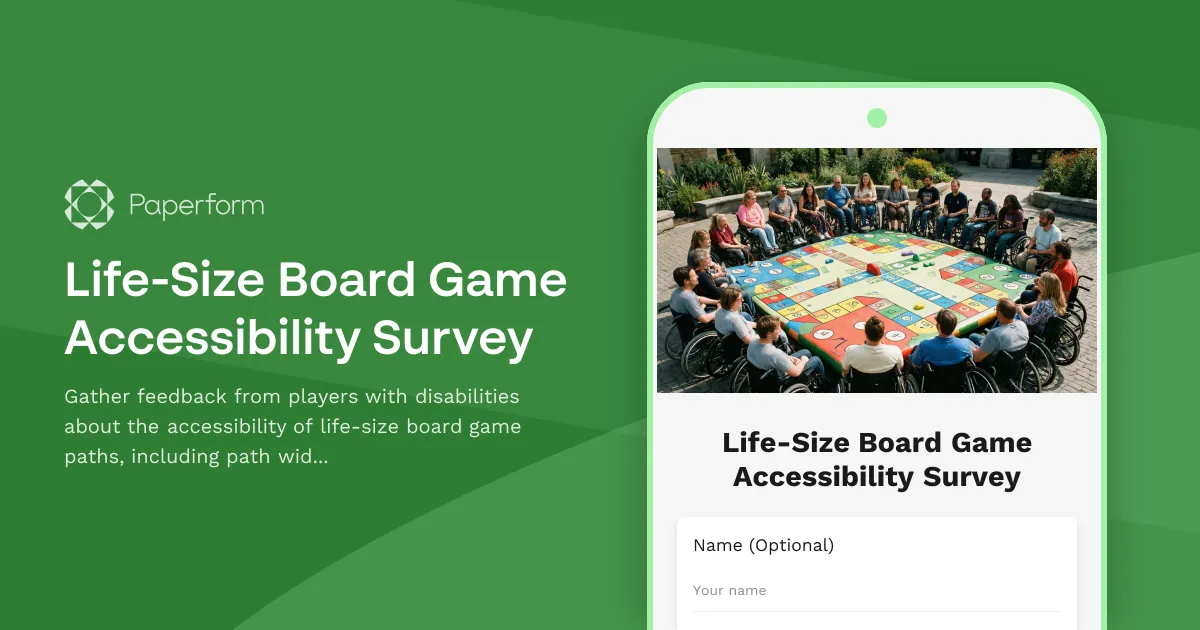
Life-Size Board Game Accessibility Survey
Gather feedback from players with disabilities about the accessibility of life-size board game paths, including path width, movement methods, and game card access.
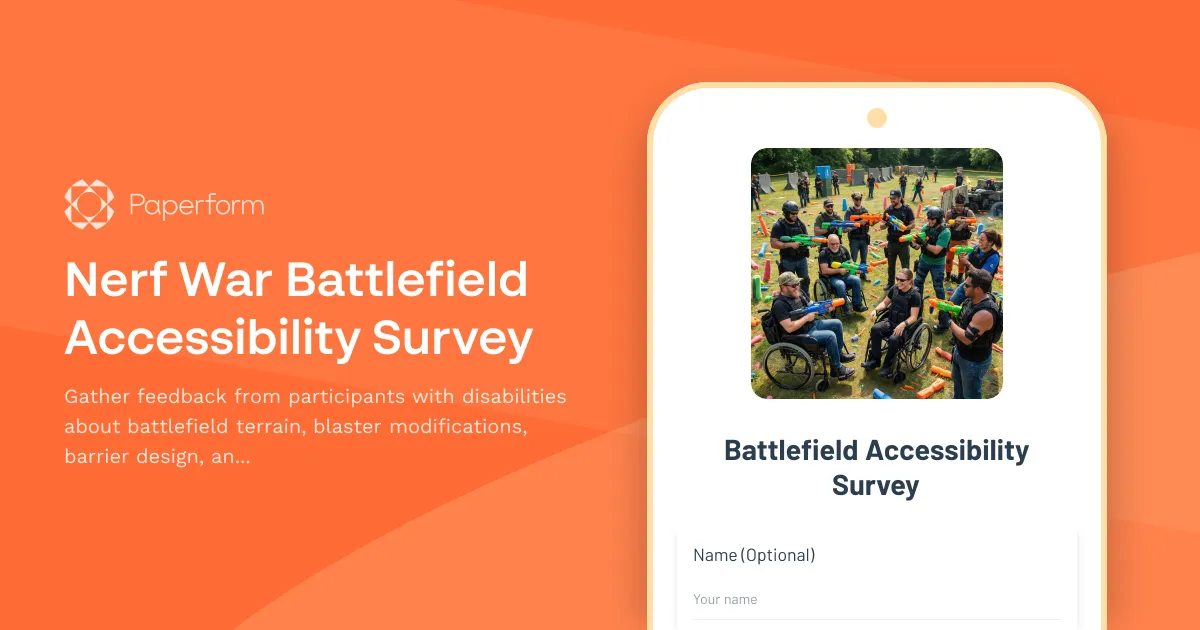
Nerf War Battlefield Accessibility Survey
Gather feedback from participants with disabilities about battlefield terrain, blaster modifications, barrier design, and accessibility improvements for inclusive Nerf war events.