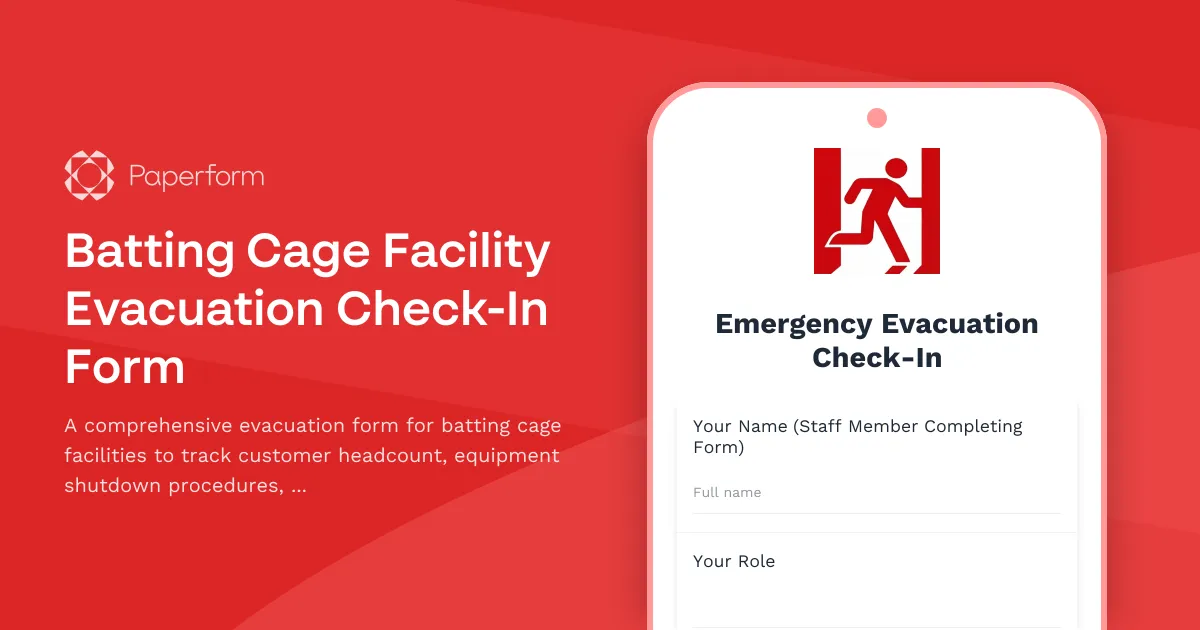
When an emergency strikes at your batting cage facility, every second counts—and so does every person. This Batting Cage Facility Evacuation Check-In Form helps sports facility managers quickly account for all customers, staff and contractors while ensuring critical shutdown procedures are completed safely.
Whether you're managing a standalone batting cage facility, a multi-sport complex, or a family entertainment center, this evacuation template streamlines your emergency response. Staff can use it on mobile devices to verify that pitching machines are powered down, balls are secured, helmets are returned, and cage doors are properly locked—all while maintaining an accurate headcount of everyone who has evacuated.
Built with Paperform, this template gives you real-time visibility into evacuation status across multiple cages and zones. Conditional logic guides staff through facility-specific protocols, while the mobile-friendly design works even when you're rushing to the assembly point. You can customize fields for your specific layout, add your facility map as a reference image, and integrate with emergency notification systems via Stepper to automatically alert management when evacuation is complete.
The form captures essential details including evacuee names, cage numbers, equipment status, and any injuries or incidents that occurred during evacuation. This creates an instant record for insurance claims, safety audits, and post-incident reviews—far more reliable than paper checklists that get lost in the chaos.
For sports facilities, recreation centers, and entertainment venues that take safety seriously, Paperform's evacuation templates provide the structure you need when seconds matter. Connect your submissions to Slack for instant team notifications, sync data to Airtable for incident tracking, or use Papersign to collect post-evacuation acknowledgment signatures from staff who completed shutdown procedures.
Trusted by facilities managers, safety coordinators, and operations teams, this evacuation form template helps you meet OSHA requirements, satisfy insurance compliance, and—most importantly—keep everyone safe when emergencies happen.



More templates like this
Airport Terminal Evacuation Check-In Form
A comprehensive emergency evacuation form for airport terminals to track passengers, airline staff, retail workers, security personnel, and ensure safe headcount verification during emergency situations.
Aquarium Emergency Evacuation & Safety Checklist
A comprehensive evacuation form for aquariums to track staff locations, visitor headcount, critical life support systems, backup power status, and marine biologist verification during emergency situations.
Axe Throwing Lane Preparation Checklist
A comprehensive daily checklist for axe throwing venue staff to ensure lanes are safe, targets are inspected, axes are sharp, and scoring systems are ready for customers.
Axe Throwing Venue Emergency Evacuation Form
An emergency evacuation and headcount form for axe throwing venues to account for participants, staff, and secure equipment during crisis situations.
Community Swimming Pool Evacuation Form
A comprehensive emergency evacuation checklist for community swimming pools to verify all swimmers, staff, and areas are accounted for and secured during an emergency evacuation.
Go-Kart Track Emergency Evacuation Form
A comprehensive emergency evacuation checklist for go-kart tracks to ensure all drivers, staff, and critical areas are accounted for during an emergency situation.
Ice Climbing Facility Emergency Evacuation Form
Emergency evacuation check-in form for ice climbing facilities to verify climber safety, equipment collection, and facility shutdown procedures during an evacuation event.
Indoor Skydiving Facility Evacuation Form
Emergency evacuation and headcount form for indoor skydiving facilities to account for flyers, instructors, staff, and track wind tunnel shutdown procedures and equipment status.
Indoor Skydiving Wind Tunnel Access Request Form
A professional access request form for indoor skydiving instructors to obtain wind tunnel facility access, including certification verification, safety training records, and operations manager authorization.
Movie Theater Evacuation Check-In Form
A comprehensive evacuation check-in form for movie theaters to track staff, screening room status, and audience headcount during emergency situations.
Amusement Park Ride Evacuation Form
A comprehensive emergency evacuation form for amusement park rides to ensure guest safety, track headcount, coordinate with first aid stations, and document mechanical shutdown procedures during emergency situations.
Axe Throwing Venue Equipment Inventory & Safety Checklist
Track axe inventory, handle replacements, lane safety inspections, and event booking material allocation for axe throwing venues with comprehensive equipment monitoring.