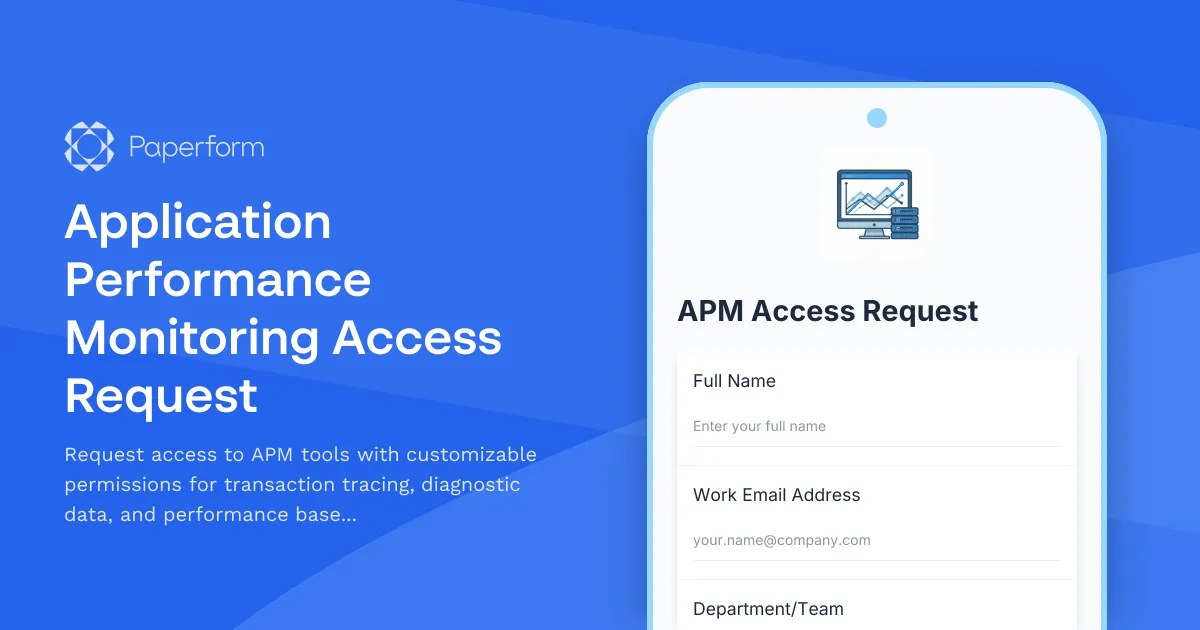
Streamline APM Tool Access with a Professional Request Form
Managing access to application performance monitoring (APM) tools is critical for maintaining system security while enabling development, operations, and support teams to diagnose issues effectively. This Application Performance Monitoring Access Request form provides IT teams with a structured, secure way to process access requests for APM platforms—complete with granular permission controls for transaction tracing, diagnostic data access, and performance baseline viewing.
Why Your IT Team Needs This APM Access Form
APM tools contain sensitive production data, performance metrics, and system diagnostics that require careful access management. Without a standardized request process, IT teams face:
- Security risks from overprovision of permissions
- Manual back-and-forth via email or Slack to clarify access needs
- Audit trail gaps when tracking who has access to what
- Delayed onboarding for new team members who need monitoring access
This Paperform template solves these challenges by capturing all necessary information upfront—requester details, business justification, specific permission levels, and manager approval—in a single, professional submission.
What Makes This Form Template Different
Built specifically for IT operations, DevOps, and platform teams, this template includes:
Granular Permission Controls: Choose from transaction tracing access, diagnostic data viewing, performance baseline access, real-time monitoring, and historical data access. Each permission level is clearly defined to help requesters select appropriate access.
Business Justification Capture: Understanding why someone needs access is as important as what they need. The form captures use case details, helping IT teams make informed decisions and maintain compliance.
Manager Approval Workflow: Built-in fields for manager approval ensure requests go through proper channels before provisioning, creating a clear approval trail.
Conditional Logic: The form adapts based on permission levels requested—if someone needs diagnostic data access, additional questions appear to specify what types of data they require.
Duration & Review Tracking: Specify whether access is permanent or temporary, with automatic fields for access review dates to support regular access recertification.
Application-Specific Requests: Capture which specific applications or services require monitoring access, preventing blanket permissions across all systems.
How IT Teams Use This Form
DevOps Engineers request access when joining incident response rotations or taking ownership of new services, clearly documenting which applications they need to monitor and what level of diagnostic access is required.
Support Teams submit requests for read-only access to performance baselines and transaction traces, enabling them to investigate customer-reported issues without broader system permissions.
External Consultants request time-limited access with specific scope, and IT teams can track exactly when that access needs to be revoked.
IT Managers review all requests in a centralized location, with complete context about who's requesting what and why, making approval decisions faster and more consistent.
Automate Your Access Provisioning with Stepper
Once a request is approved, manual provisioning in multiple APM tools (DataDog, New Relic, Dynatrace, AppDynamics, etc.) creates bottlenecks. That's where Stepper becomes invaluable.
Connect this Paperform to Stepper workflows that automatically:
- Create tickets in Jira or ServiceNow for IT team action
- Send approval requests to managers via email or Slack with one-click approve/deny
- Log access grants in your CMDB or access management system
- Schedule access reviews by creating calendar reminders or tasks
- Notify requesters when access has been provisioned with onboarding documentation
This automation transforms a manual, multi-day process into a streamlined workflow that completes in hours—while maintaining full audit trails for compliance.
Built for Security-Conscious Organizations
Access management isn't just about convenience—it's about security and compliance. This form helps IT teams:
- Implement least-privilege access by offering specific permission levels rather than blanket admin rights
- Maintain audit trails with timestamped records of who requested what, when, and why
- Support compliance requirements (SOC 2, ISO 27001, PCI-DSS) that mandate documented access control processes
- Enable regular access reviews by capturing access duration and review dates upfront
Customization for Your APM Stack
Whether you use DataDog, New Relic, Dynatrace, Splunk, AppDynamics, Elastic APM, or proprietary tools, this template adapts to your environment. Customize the permission options to match your specific APM platform's role structure, add dropdown menus for different application environments (production, staging, development), or include additional compliance questions relevant to your industry.
The form's professional design ensures it fits seamlessly into your internal IT service catalog, whether embedded in your intranet, shared via direct link, or integrated into your IT service management portal.
Who This Template Is For
This APM access request form is designed for:
- IT Operations Teams managing access to production monitoring tools
- DevOps Teams provisioning access for engineers across multiple applications
- Security Teams enforcing least-privilege access policies
- Platform Teams managing shared observability infrastructure
- Managed Service Providers handling access requests for multiple clients
Get Started in Minutes
With Paperform's intuitive editor, you can deploy this access request form in minutes—no coding required. Customize the permission levels, add your company branding, connect approval workflows via Stepper, and embed the form directly in your IT service portal or Slack workspace.
Trusted by IT teams worldwide, Paperform is SOC 2 Type II compliant and includes enterprise features like SSO, role-based permissions, and data residency controls—ensuring your access management process meets the same security standards as the systems you're protecting.
Transform your APM access provisioning from a manual bottleneck into an automated, auditable workflow that empowers your teams while maintaining security and compliance.



More templates like this
Application Dependency Mapping Tool Access Request
Request access to application dependency mapping tools with service relationship discovery, change impact visualization, and integration documentation capabilities.
Cloud Platform Access Request Form
Request access to AWS, Azure, or GCP with role-based permissions, cost center allocation, and security group assignment for your cloud infrastructure needs.
Data Catalog Access Request Form
Request access to your data catalog and governance platform with granular permissions for metadata management, data dictionary editing, and data product publishing.
Data Center Server Room Access Request Form
Request secure access to data center server rooms with two-factor authentication setup, equipment authorization, and compliance acknowledgment for IT professionals and technicians.
Development Environment Access Request Form
A comprehensive form for developers to request access to development environments, local admin rights, software installations, and acknowledge security policies.
Disaster Recovery Platform Access Request
Request access to disaster recovery orchestration platforms with failover testing permissions, recovery plan execution rights, and RTO/RPO monitoring capabilities.
DNS Management Access Request Form
Request DNS management access with zone editing permissions, record type restrictions, and approval workflow for IT infrastructure teams.
IT Security Architecture Review Board Submission Form
Submit security architecture proposals to the review board for evaluation, approval, and decision documentation with comprehensive risk assessments and compliance considerations.
IT Service Integration & Management Tool Access Request
Request access to integrated IT service management tools, configure third-party services, and set up unified dashboard permissions with workflow orchestration capabilities.
IT Training Environment Change Request Form
Request changes to training and sandbox environments including configuration updates, user access provisioning, and data refresh procedures for IT teams.
Load Balancer Configuration Access Request
Request access to load balancer configuration, traffic routing permissions, SSL certificate management, and failover testing environments with detailed justification and approval workflow.
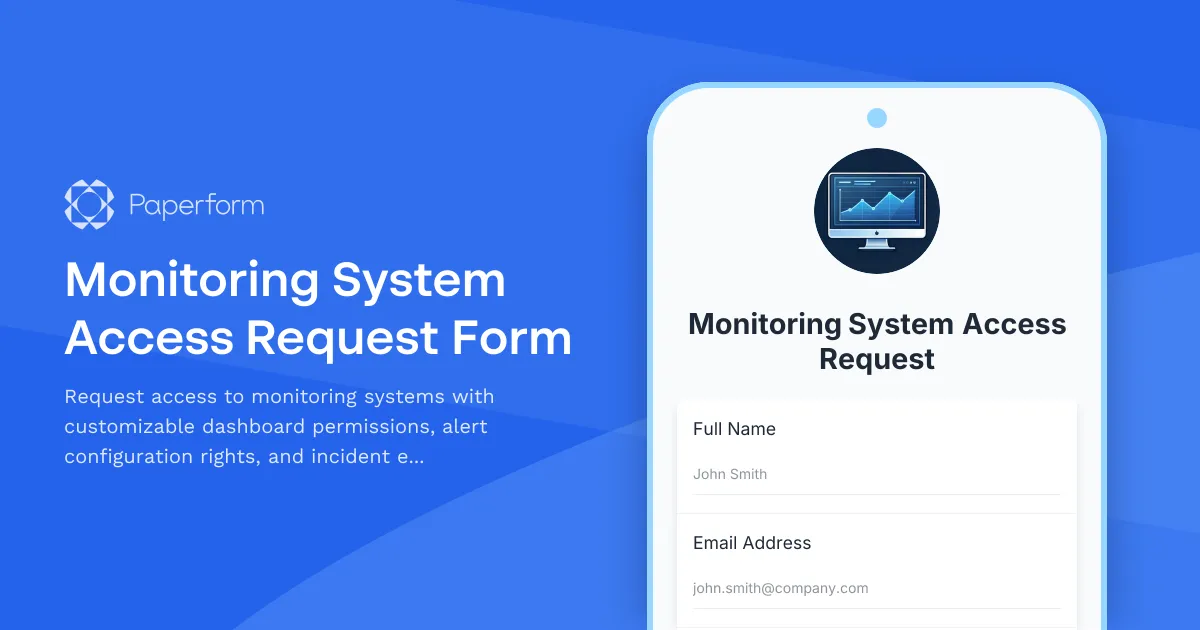
Monitoring System Access Request Form
Request access to monitoring systems with customizable dashboard permissions, alert configuration rights, and incident escalation responsibilities for IT teams.