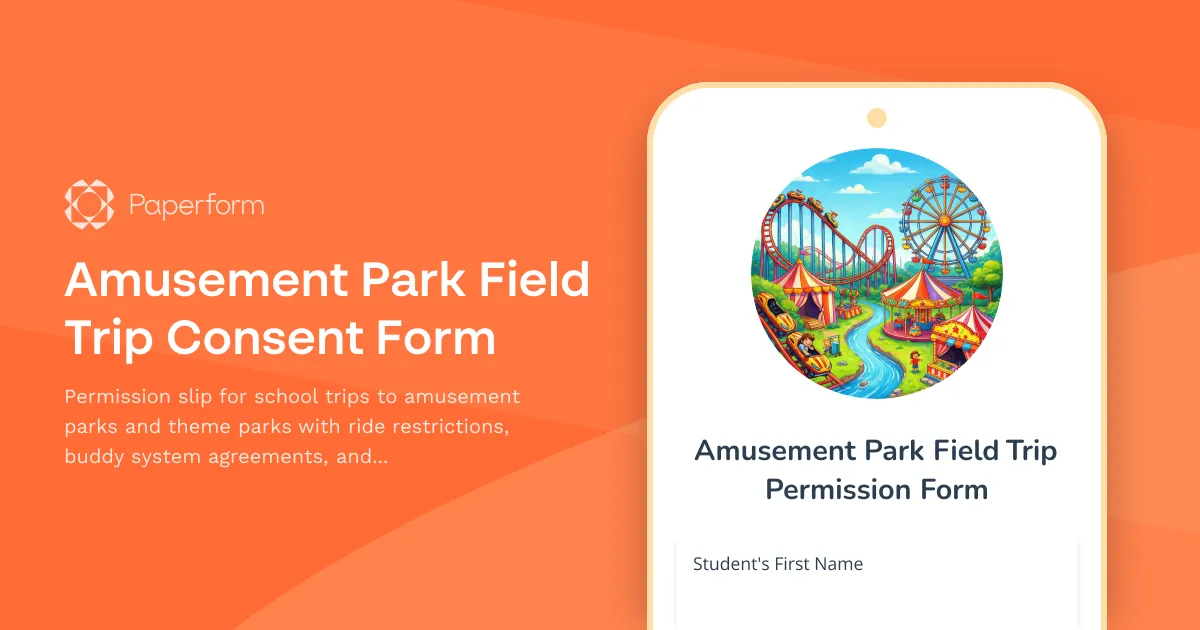
Streamline Your School's Theme Park Trip Permission Process
Planning an amusement park field trip is exciting for students and teachers alike, but managing permissions, safety protocols, and parent communication can be overwhelming. This Amusement Park Field Trip Consent Form template gives educators and trip coordinators a comprehensive, professional solution for collecting permissions, medical information, and safety acknowledgments—all in one organized digital form.
Why Schools and Youth Organizations Choose This Template
Whether you're a teacher organizing your class's end-of-year celebration, an after-school program coordinator planning a summer outing, or a youth group leader arranging a theme park visit, this template handles all the critical details. You'll collect parent/guardian consent, communicate ride height restrictions and safety rules, establish buddy system protocols, document emergency contacts, and ensure everyone understands meeting points and trip expectations.
Traditional paper permission slips get lost in backpacks, arrive incomplete, or come in at the last minute. This digital form template eliminates those headaches by centralizing all information in one place, making it easy to track who's submitted their forms and who still needs to respond. Parents can fill it out from their phone in minutes, and you'll have instant access to critical medical and contact information if emergencies arise.
Perfect for K-12 Schools, Youth Groups, and Activity Programs
This template is designed specifically for:
- Elementary, middle, and high school teachers coordinating class trips
- School administrators managing district field trip policies
- After-school program coordinators organizing recreational outings
- Youth group leaders from churches, scouts, and community organizations
- Summer camp directors planning off-site excursions
- Special education coordinators with specific accessibility needs
- PTA/PTO event planners coordinating parent-funded trips
The form addresses the unique challenges of amusement park trips: varying height restrictions across rides, the need for clear buddy system rules to keep students together, designated meeting points throughout large venues, and medical considerations for rides and activities.
Key Features That Make Trip Planning Safer and Easier
Comprehensive Permission and Liability Coverage The template includes clear permission language for participation, transportation, photography, and emergency medical treatment. Parents acknowledge they understand their child will be participating in amusement park activities and provide consent for the school or organization to act in their stead if immediate medical attention is needed.
Height and Ride Restriction Documentation Collect each student's height to help chaperones quickly determine ride eligibility. The form explains that certain attractions have minimum height requirements for safety, and parents acknowledge their child must follow all posted restrictions at the park.
Buddy System Agreement and Safety Protocols Students and parents agree to the buddy system rules, ensuring children stay in assigned groups throughout the day. The form clearly outlines expectations about staying with assigned chaperones, respecting meeting times and locations, and following all park safety rules.
Emergency Contact and Medical Information Gather multiple emergency contacts, medical conditions, allergies, current medications, and any physical limitations that might affect ride participation. This critical information travels with chaperones and is accessible if needed during the trip.
Meeting Point and Logistics Communication Establish clear understanding of departure times, return times, designated meeting points within the park, and what to do if someone gets separated from their group.
How Paperform Makes Field Trip Management Simple
Built with schools and educators in mind, Paperform's intuitive form builder lets you customize this template to match your specific trip details, school policies, and branding. Update park names, dates, times, costs, and specific rules in minutes using the doc-style editor—no technical skills required.
Conditional Logic for Smart Forms Use conditional fields to show different questions based on responses. For example, if a parent indicates their child has medical conditions, additional detail fields appear automatically. If a student requires specific accommodations, related questions appear to gather necessary information.
Payment Collection for Trip Fees Need to collect trip fees, lunch money, or souvenir funds? Paperform's built-in payment integrations with Stripe, PayPal, and Square let you accept payments right in the form. Set fixed amounts or let parents choose optional add-ons like photo packages or extra spending money.
Automated Confirmations and Reminders Set up automatic email confirmations when parents submit the form, providing them with trip details, packing lists, and confirmation that their permission was received. You can even include trip itineraries and emergency contact numbers in the success message.
Real-Time Submission Tracking View submissions as they come in through your Paperform dashboard or connected spreadsheet. Quickly identify which families haven't responded yet and send follow-up reminders. Export data to create chaperone lists, buddy system assignments, and medical information sheets for each group leader.
Automate Your Trip Workflow with Stepper
Once permission forms start flowing in, Stepper can automate what happens next. Build workflows that automatically add submitted students to your trip roster in Google Sheets or Airtable, send follow-up emails to families who haven't submitted forms as your deadline approaches, notify chaperones when their assigned students have completed forms, or create tasks in your project management tool for final trip preparations.
For schools managing multiple field trips throughout the year, these automations save hours of administrative work and ensure nothing falls through the cracks during busy planning periods.
Secure, Compliant, and Trusted by Educational Institutions
Paperform takes data security seriously with SOC 2 Type II compliance, ensuring sensitive student and family information is protected. Forms can be password-protected, submission limits can be set, and data can be exported or deleted as needed to comply with school district policies.
With customizable branding options, you can add your school logo, colors, and specific policies to create a professional, on-brand experience that builds trust with families. Embed forms directly into your school website or share via simple links through email, text, or parent communication platforms.
Get Started in Minutes
This template is ready to use right out of the box. Simply update the trip details, customize any field trip-specific rules or requirements for your organization, add your school's branding, and share with families. Within minutes, you'll start receiving organized, complete permission forms—giving you more time to focus on creating a safe, memorable experience for your students.
Whether you're planning a small class outing or coordinating a grade-level trip with hundreds of students, this amusement park field trip consent form template provides the professional infrastructure you need to manage permissions smoothly, safely, and stress-free.



More templates like this
Beach or Lakefront Field Trip Permission Slip
A comprehensive permission form for school beach and lakefront excursions, including water safety rules, sun protection requirements, and activity supervision details.
Coastal Cleanup Field Trip Consent Form
Permission slip for educational coastal cleanup field trips with marine debris education, ocean pollution awareness activities, and environmental service opportunities for students.
Orchard Field Trip Permission & Consent Form
A comprehensive permission slip for school orchard and fruit picking field trips, including ladder safety acknowledgment, farm education details, and emergency contact information.
Children's Museum Field Trip Permission Form
A comprehensive permission slip for school field trips to children's museums, covering consent for interactive exhibits, hands-on learning stations, supervised exploration, and emergency procedures.
Equestrian Center Field Trip Consent Form
A comprehensive permission form for school or group visits to horse stables and equestrian centers, covering safety protocols, horseback riding consent, and liability waivers.
Film Festival Field Trip Permission Form
Permission slip for student attendance at film festival or independent cinema screenings with media literacy education and cinematic arts appreciation components.
Sailing School Trip Permission & Consent Form
Secure parent/guardian consent for maritime education trips with water safety requirements, emergency contacts, and sailing activity permissions.
Slime Making Party Parental Consent Form
A fun and safe parental consent form for children's slime-making parties, covering ingredient safety, allergy information, texture preferences, and take-home arrangements.
Summer Camp Minor Camper Media Release Form
A comprehensive media release form for summer camps to obtain parent/guardian consent for photographing, filming, and sharing minor campers in promotional materials and social media.
Veterinary Clinic Field Trip Permission Form
A comprehensive permission form for school field trips to veterinary clinics and animal hospitals, covering animal handling safety protocols, observation guidelines, and parental consent for students learning about veterinary medicine.
Wind Farm & Solar Facility Field Trip Permission Form
School field trip permission form for renewable energy facility visits with safety acknowledgment, educational objectives, and parent consent for wind farm and solar plant tours.
Bowling Field Trip Permission Slip
A permission form for school bowling field trips that includes emergency contacts, shoe rental fees, skill level information, and participation preferences for both competitive and casual activities.