You can upload PDFs and images directly into our AI form creator, which saves time for anyone who needs to convert a physical form to be filled out and submitted online. Simply upload the original document, and our AI will get started building it out for you in Paperform.
Import file(s) and prompt the AI
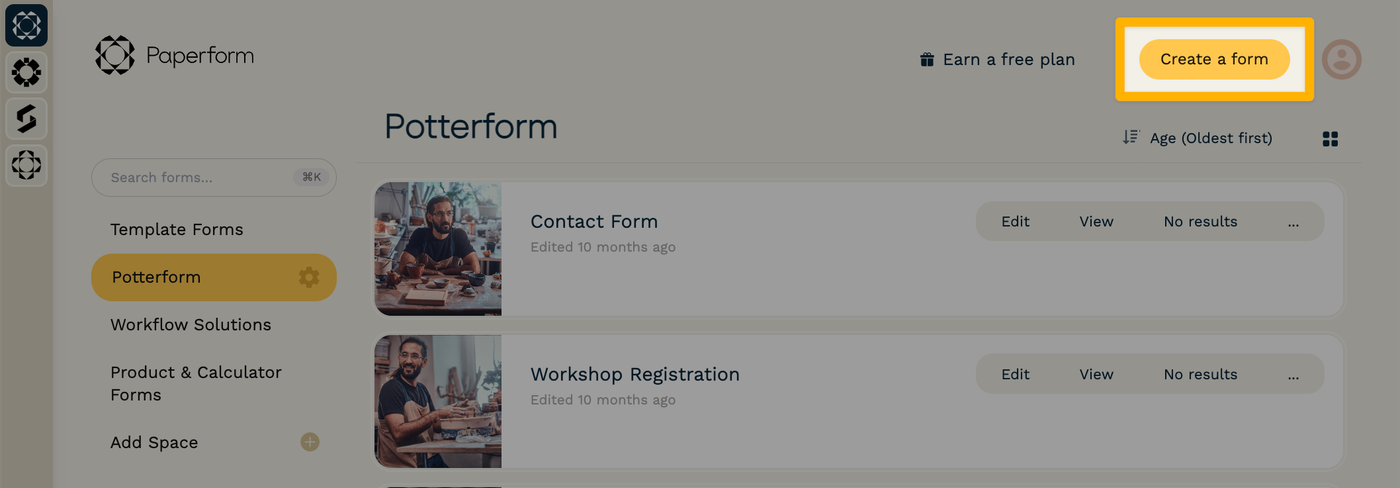
To get started, click the "Create a form" button in the top-right corner of your Paperform dashboard.
Under "What are you looking to create?" click "Attach PDF or images of a form to import," and then select the file(s) that you'd like to start with.
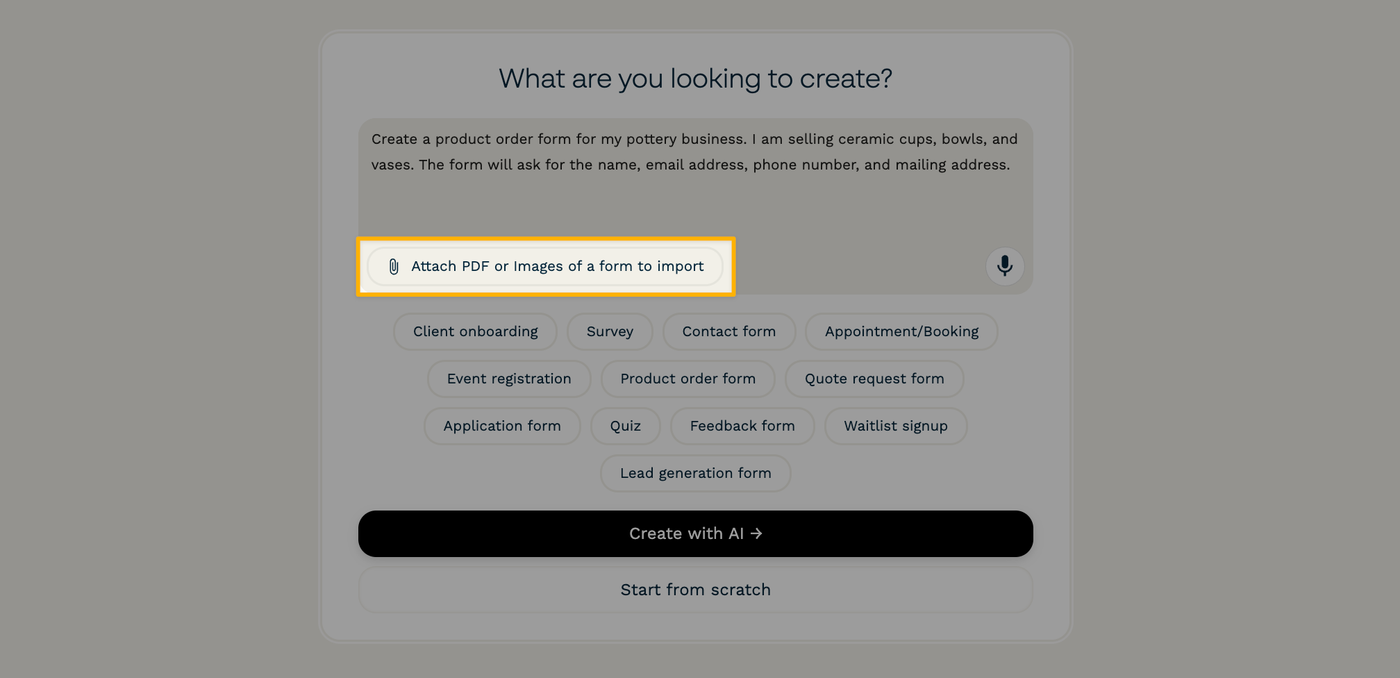
If you'd like to provide more specific instructions, you can also type a description of the form or any details that should be included into the prompt box. When you're ready, click "Create with AI →."
Clarify specifics and request changes
On the following screen, the AI form creator may ask you some questions about the tone, layout, or details about the form.
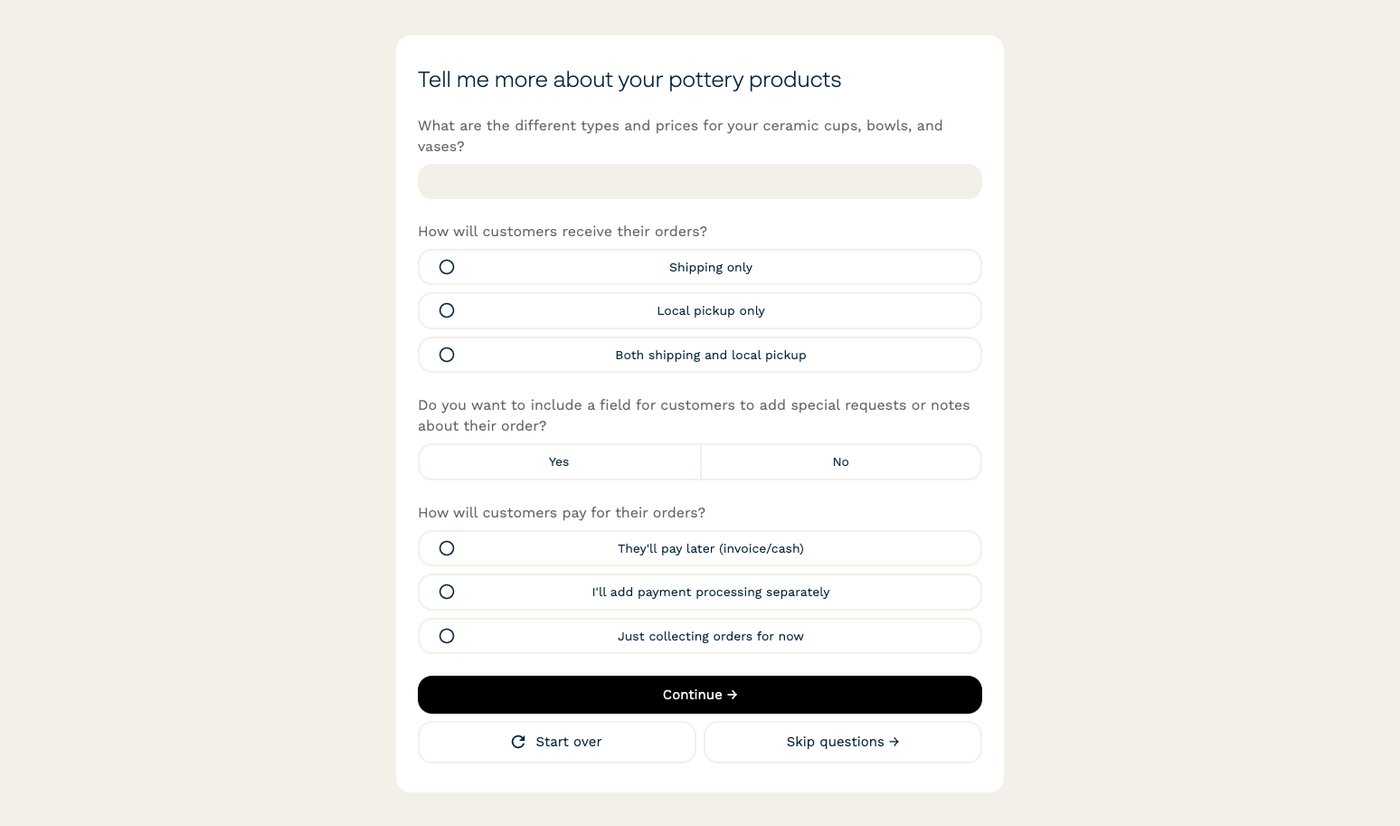
After you hit "Continue →," the AI will generate the first draft of your form. You can provide any feedback and request changes from here, and you can ask for as many revisions as you need before moving on.

When you're satisfied with the draft as a starting place, click "Continue in the editor →." You'll be taken to the form editor, where you can make manual changes to the form's content and visual style.
Once you're happy with everything, hit the "Publish" button to make your new form live and start receiving submissions.