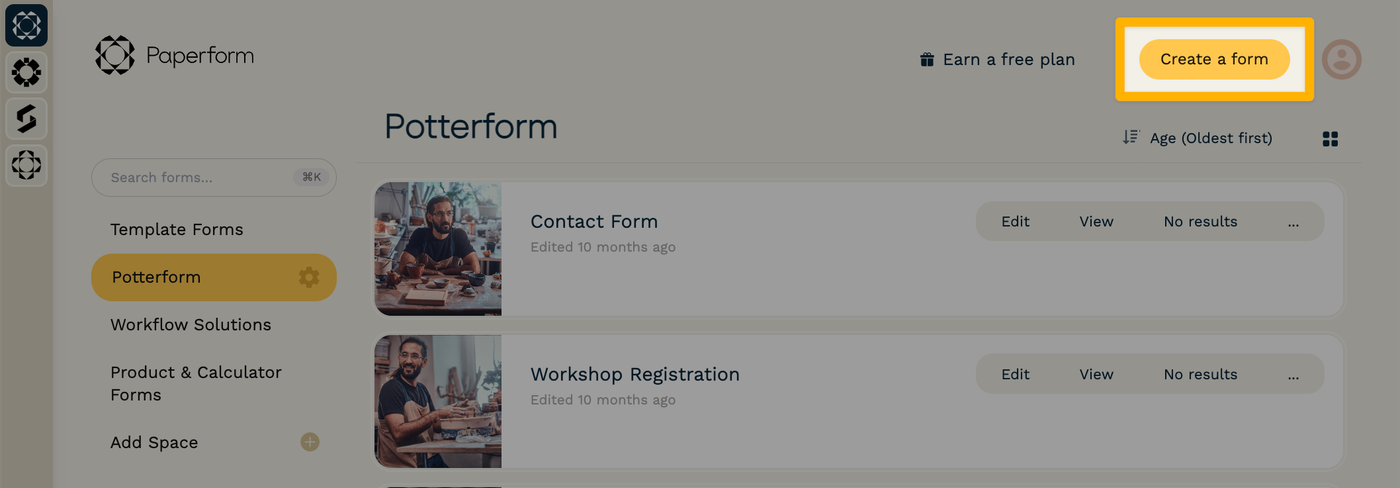
When you first log in to Paperform, you'll be taken to your account Dashboard. From here, you can click the "Create a form" button to get started with our AI form builder.
How does it work?
The AI form creator lets you to start with a text prompt, or you can import an existing form from a PDF or image(s).
Prompt the AI
Under "What form are you looking to create?" you can describe the form's purpose and desired outcome. If you know some or all of the specific questions you want to ask, you can enter them here too.
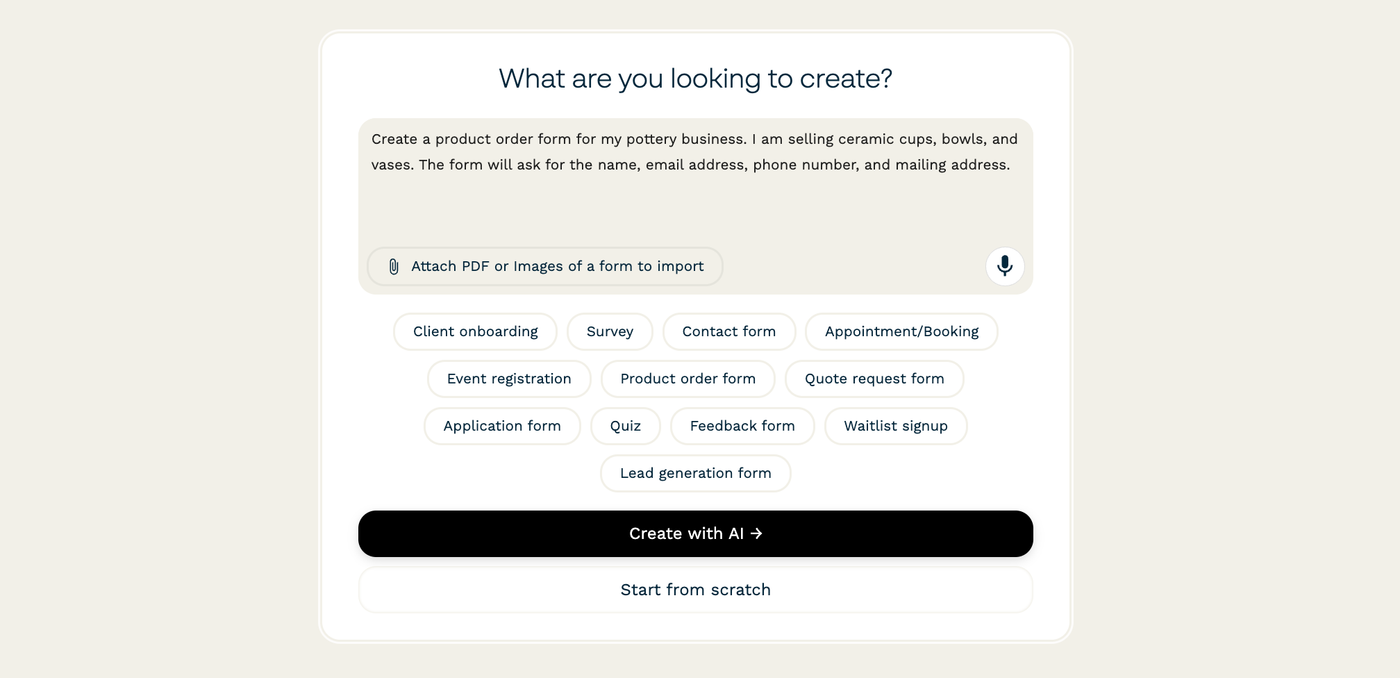
As a shortcut, you can also select a simple prompt from the buttons below the text box.
Here's a few examples:
- "I want to create a lead capture form for my consulting business, and it should send an email to me and my team when I receive a new form submission."
- "I'm making a t-shirt order form for my sports team - there should be three sizes of shirt available, and a field to enter their name to be printed on the back. I also need Stripe checkout."
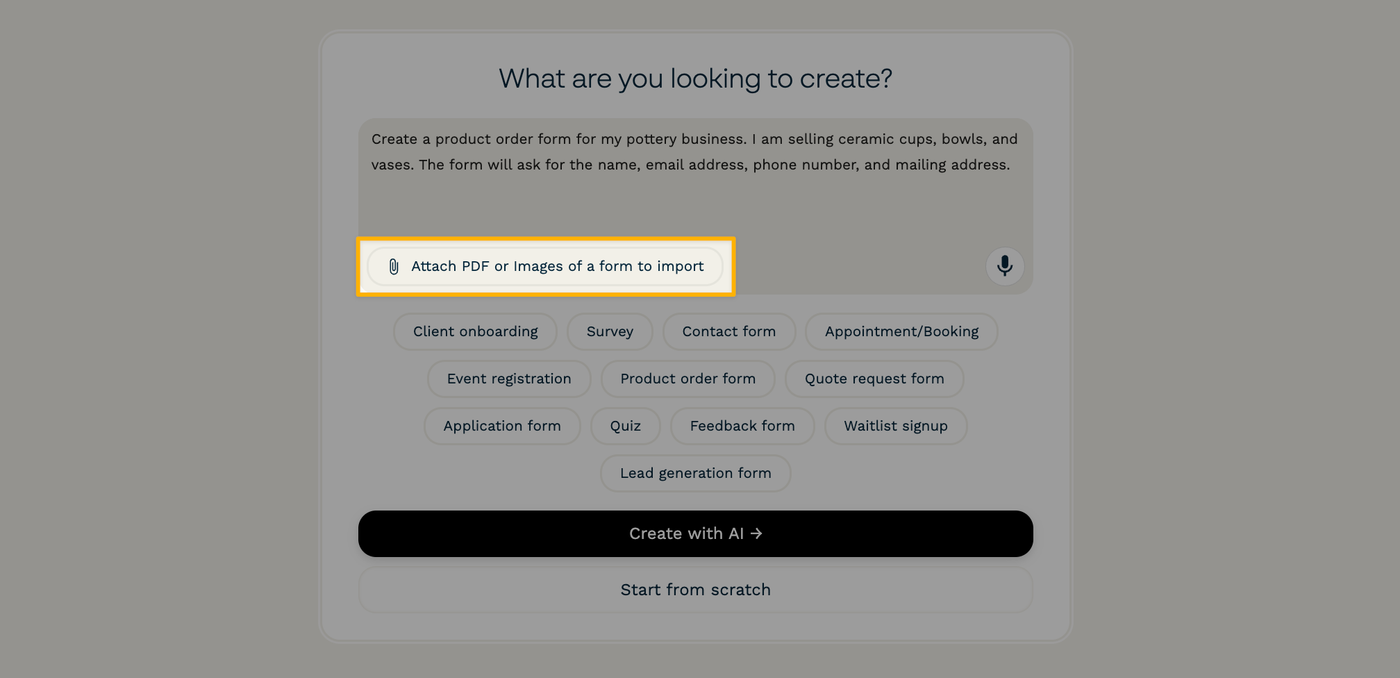
Import an image or PDF
If you are recreating a form from another place (e.g. digitizing a physical form), then you could also upload a PDF or image of the original. This will give our AI form builder a starting point for designing your form.
Clarify specifics
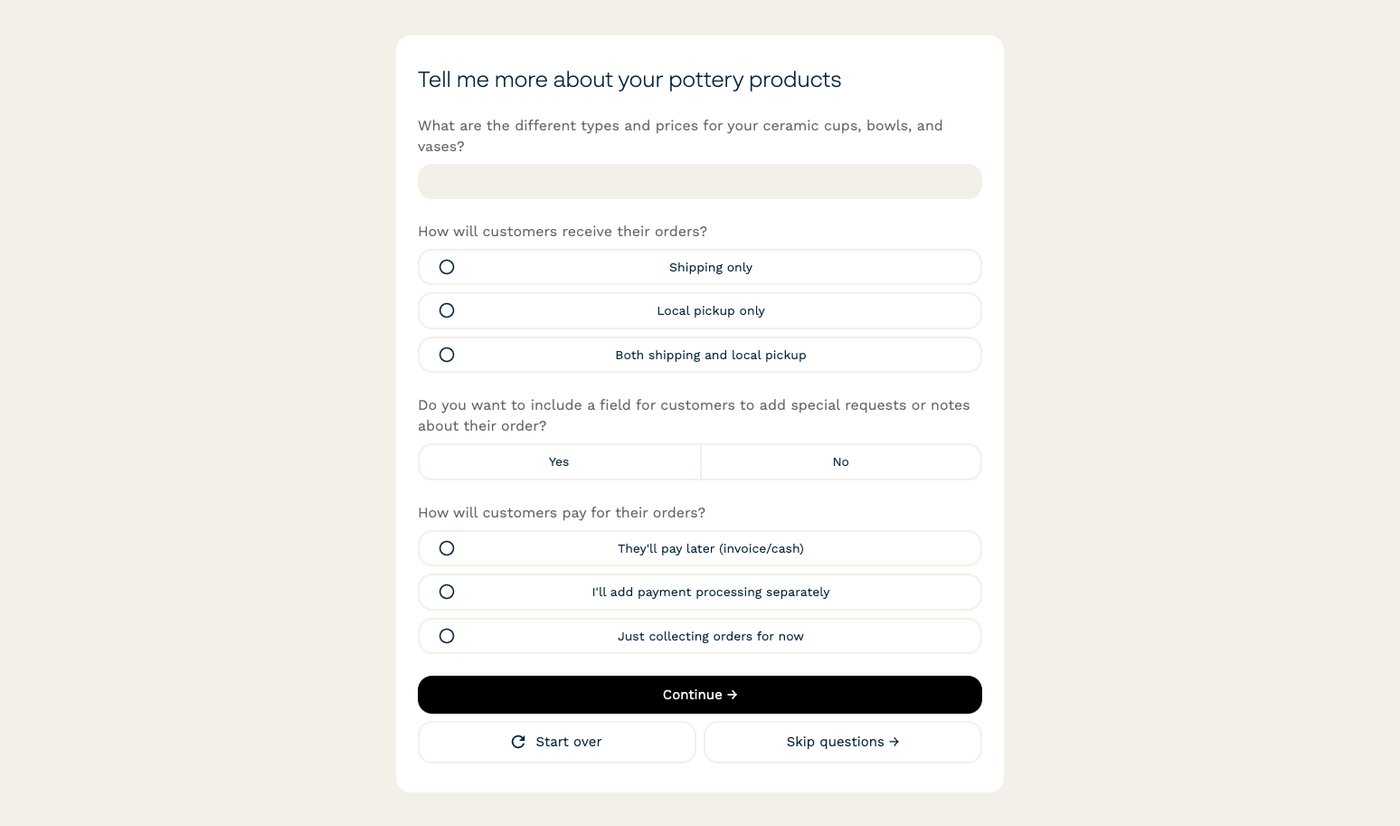
After you enter a prompt and/or attach a file, click "Create with AI →." The AI form creator may ask you to add some additional details to further refine the questions that will be asked on the form.
These clarifying questions help the AI form builder to understand your specific needs, and craft a form that's bespoke.
Request changes
Next, the AI will generate the first draft of your form. You can provide any feedback and request changes.

When you're satisfied with the form, click on the "Continue to Editor" button to navigate to the Form Editor where you can add the finishing touches.
Gotchas
- Can't find the "Create a form" button? Paperform doesn't currently support creating or editing forms on mobile devices or tablets.
- Once you click "Continue to Editor", you cannot return to the AI chat or AI form building tools.