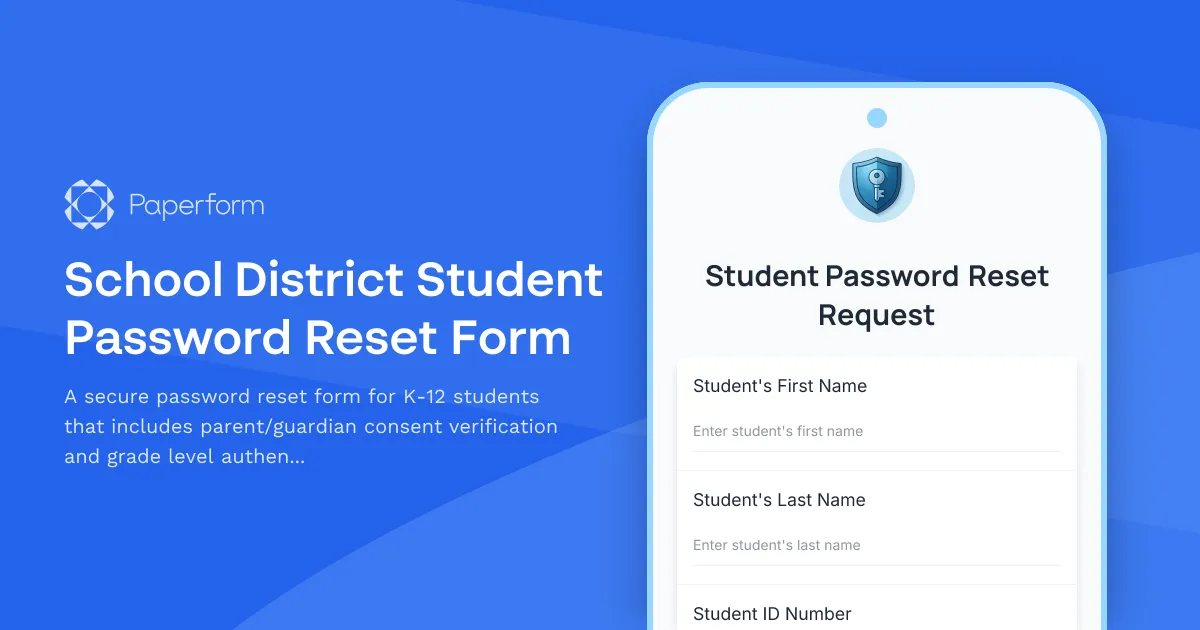
Streamline Student Password Resets with Parent Consent
Student password resets are one of the most common IT support requests in K-12 schools. When students forget their login credentials, it can disrupt learning and create administrative bottlenecks for IT staff. This School District Student Password Reset Form template provides a secure, efficient way to process password reset requests while maintaining proper verification and parental consent protocols.
Built for K-12 IT Departments
This template is designed specifically for school district IT administrators, help desk staff, and technology coordinators who need to balance security requirements with student accessibility. The form collects essential verification information including student ID numbers, grade levels, and parent/guardian contact details to ensure that password resets are legitimate and authorized.
Key Features for Safe Account Recovery
The form includes built-in verification checkpoints that help prevent unauthorized access while keeping the process simple enough for students and parents to complete independently. By requiring parent/guardian consent for younger students and collecting multiple verification data points, you can confidently process reset requests without compromising account security.
Automate Your Password Reset Workflow
Once a submission comes through, you can use Stepper (stepper.io) to automatically route requests to the appropriate IT staff member, create tickets in your help desk system, send confirmation emails to parents, and even update your student information system. This reduces manual work and ensures families receive timely communication about account changes.
Professional, Accessible Design
With Paperform's flexible design options, you can match this form to your school district's branding and ensure it's accessible to families on any device. Embed it directly on your district IT support page, share it through your parent portal, or send the link via email when password issues arise.
Whether you're managing a single school or an entire district, this template helps your IT team handle password resets efficiently while maintaining the security standards your community expects.



More templates like this
Summer Camp Director Password Reset & Account Recovery
Secure password reset request form for camp directors and staff to regain access to staff scheduling systems and parent communication portals.
International Student Technology Orientation Form
A comprehensive technology orientation form for international students covering device compatibility, WiFi setup, learning management system access, essential app downloads, and cybersecurity training requirements.
Museum Educator Account Provisioning Form
Streamline museum educator onboarding with this comprehensive account provisioning form. Request access to program scheduling, school group management, collection references, and registration tracking systems.

Online Course Platform Support Request
Submit technical support tickets for course platform issues including video streaming, quiz errors, certificate generation, and administrative escalations.
Personalized Learning Platform Teacher Account Setup Form
Complete teacher onboarding form for personalized learning platforms with student tracking access, adaptive content permissions, and parent communication tools setup.
Student Progress Data Access Request Form
Request access to student learning data including course completions, quiz scores, and certificate records from your online learning platform.

Summer Camp Counselor Password Reset & Account Recovery Form
A secure password reset form for summer camp counselors to regain access to camper records, activity schedules, and camp management systems.
University Faculty Account Provisioning Form
Streamline new faculty account creation with access to course management systems, research databases, grant portals, and academic calendars.
Accessibility Software & Hardware Request Form
Request assistive technology, accessibility software, and adaptive hardware to support workplace accommodations and ensure ADA compliance.
Alumni Association Graduate Records Access Request Form
Request access to alumni graduate records including degree information, donation history, and event participation data from your institution's database.

Blockchain Developer Fundamentals Quiz
Test your blockchain development knowledge with this comprehensive quiz covering smart contracts, cryptography, consensus mechanisms, and DeFi protocols.
Multi-Factor Authentication Password Reset Form
Secure password reset form with multi-factor authentication, security question validation, and SMS verification to ensure safe account recovery for IT systems and applications.