Anonymous Feedback Form Template
Collect honest feedback from your audience on just about anything with this Anonymous Feedback Form template. Whether you are running a business and want to collect product reviews from your customers, you're managing a team and looking to get employee feedback, or just looking for some honest opinions on your latest project or presentation, this form helps you collect reviews and suggestions easily and fast while allowing respondents to remain anonymous.
The Anonymous Feedback Form template includes a variety of question types to ask for honest feedback, such as long-form text questions, ratings, scales, and image uploads. You can customize it further by adding broad, open-ended questions to capture people's opinions on your product or use conditional logic to ask more targeted follow-up questions to help you pinpoint specific areas of improvement.
Make the template your own by editing all the visual elements to match your brand, like colors, typography, media, and layout. Once you're ready to start collecting responses, simply embed this form on your website or share it with your audience via a custom link.
[FAQ]
Is anonymous feedback more honest?
In general, anonymous feedback is more likely to be honest because it allows your audience to express their opinions and thoughts without fear of negative consequences.
It encourages honesty: When respondents can provide feedback anonymously, they tend to feel more comfortable sharing their honest opinions, without fear of judgment.
It increases response rates: Some respondents may be hesitant to share their opinions if their name is attached to it, but are more willing to provide input if they can stay anonymous.
It provides a safe space: Anonymity creates a safe space for your audience to share feedback, which is especially important when you're collecting feedback on sensitive topics.
What types of honest feedback can I collect with this survey?
You can customize the questions on this form to collect feedback on a variety of topics, such as:
Product or service feedback, including product ratings and NPS scores.
Website or app feedback, including customer feedback on usability, design, content, and pricing.
Event feedback, including what attendees liked, disliked, or how likely are to recommend the event to their friends.
Employee feedback on various topics such as job satisfaction, workplace culture and management.
These are just a few examples of the types of feedback you can collect with the Anonymous Feedback Form template. The form is highly customizable, so you can tailor the questions to suit your specific needs and collect the feedback that is most important to you.
Can I make any changes to this template?
You can customize all the questions as well as the look of this template.
Click on "Use this template" and edit the form questions by clicking on them and typing in your own text. You can also delete questions that you do not need and add new ones by clicking on the "+" icon.
Customize the form design by changing the colors, fonts, and images. You can access the design settings by clicking on the "Design" tab.
Modify the form fields by adding or removing input fields such as text boxes, radio buttons, or dropdown menus.
Remove any fields that ask for personal information if you want to keep the form anonymous.
Preview the form to ensure that it looks and functions as you want it to.
Save the changes to the form and publish it by sharing it with your audience via email, social media, or embedding it on your website.
How can I see the feedback responses I've collected with this form?
You can see the responses to the Anonymous Feedback Form by following these steps:
Click on the "Responses" tab at the top of the screen. You will see a list of all the responses that have been submitted to the form. You can click on each response to view the answers that were provided.
You can filter the responses by date, question, or answer. This will help you to focus on specific areas of interest.
You can also download the responses in CSV or PDF and export them to Google Sheets, Airtable or any other tool you're using.
Key Features
This template is designed to help you collect information efficiently and professionally. It includes carefully crafted questions and fields that gather all the essential details you need.
Why Use This Template
- Save time: Start with a pre-built structure instead of creating from scratch
- Professional design: Looks polished and trustworthy to respondents
- Easy customization: Modify fields, colors, and branding to match your needs
- Mobile-friendly: Works seamlessly on all devices
How to Use This Template
- Click "Use this template" to import it into your Paperform account
- Customize the questions and fields to match your specific requirements
- Adjust the design and branding to reflect your organization
- Share the form link or embed it on your website
- Start collecting responses and managing submissions
Customization Options
Paperform's visual editor makes it easy to:
- Add or remove questions
- Change colors, fonts, and images
- Set up conditional logic to show/hide fields
- Configure email notifications and integrations
- Accept payments if needed
Get started today and create a professional form in minutes.



More templates like this
Podcast Feedback Form
Use this online form to collect feedback on your podcast.
Customer Support Post Chat Survey
Transform support into loyalty and build lasting relationships with our Chat Survey template. Enhance customer satisfaction and create brand advocates.
Product Evaluation Form
Let your customers evaluate your product with this beautiful form.
Restaurant Feedback Form
Collect feedback from your restaurant's customers through this online form.
Workshop Evaluation Form
Workshop Evaluation Form Template
Account Manager Quarterly Performance Review
Evaluate account manager performance across client retention, upsell revenue, relationship quality, and issue resolution. A comprehensive quarterly review form for sales and customer success teams.
Bike Shop Service Feedback Form
Collect detailed customer feedback on bike repair services, mechanic expertise, parts quality, and overall service experience to improve your bike shop operations.
Brewery Taproom Customer Feedback Form
Collect valuable feedback from brewery taproom visitors on beer quality, service friendliness, and venue ambiance to improve your craft beer experience.
Catering Feedback Survey
Use this template to create a feedback survey for your catering business.
Class Evaluation Form
Collect feedback from your students through this online form.
Client Feedback Form
Understand your clients better and provide them with optimal service by collecting feedback with this beautiful template.
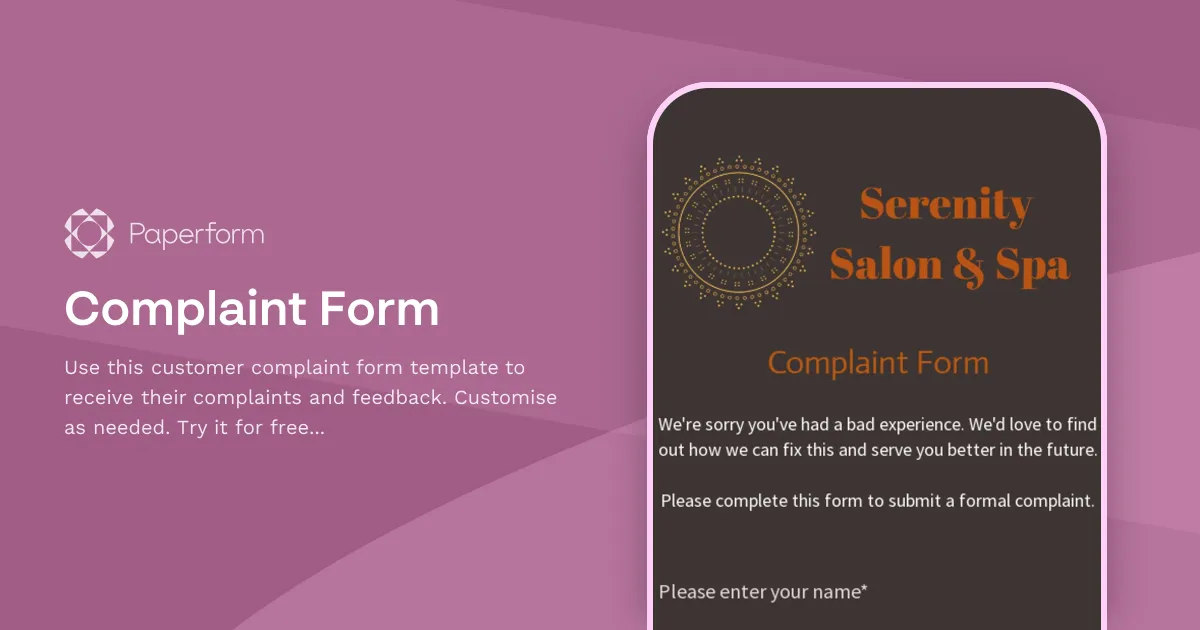
Complaint Form
Use this customer complaint form template to receive their complaints and feedback. Customise as needed. Try it for free now!