Streamline Website Hosting Support with Paperform
When your website goes down or hosting issues arise, every minute counts. This Website Hosting Technical Support Request template helps IT support teams, web hosting providers, and technical support specialists capture critical diagnostic information upfront—reducing back-and-forth emails and accelerating resolution times.
Built for technical support workflows
Whether you're managing internal infrastructure or providing hosting support to clients, this form collects everything your team needs: domain details, SSL certificate status, DNS configuration, uptime monitoring alerts, hosting provider credentials, and detailed problem descriptions. Conditional logic ensures you only see relevant questions based on the issue type, making the support experience faster and more focused.
Integration with your helpdesk and monitoring tools
Paperform connects seamlessly with the tools IT teams already use. Send support tickets directly into Zendesk, Freshdesk, or Jira Service Management. Log critical issues in Slack channels for immediate visibility. Push hosting details to Airtable or Google Sheets for tracking trends. Use webhooks to trigger automated diagnostics or alerts in your monitoring stack.
With Stepper workflows (stepper.io), you can automate the entire post-submission process: route urgent downtime issues to on-call engineers, create tickets with proper priority tags, send acknowledgment emails with estimated response times, and even trigger automated health checks on the reported domain.
Faster triage, happier customers
By capturing domain verification details, SSL expiry dates, DNS records, and error messages at the point of submission, your support team can begin troubleshooting immediately—no more asking customers to "send a screenshot" or "run a ping test." The form adapts to the issue type, showing DNS-specific questions for DNS problems and SSL fields for certificate issues.
For hosting providers and MSPs serving SMBs, this template demonstrates professionalism while reducing ticket resolution time. For internal IT teams, it standardizes how employees report hosting and domain issues, ensuring nothing critical gets missed.
Get started with this template today and turn chaotic support requests into structured, actionable tickets your team can resolve faster.



More templates like this
Application Performance Degradation Report
A comprehensive IT support form for reporting application performance issues, capturing load times, user impact, system details, and environment information to help technical teams diagnose and resolve slowdowns quickly.
Document Management System Support Request
Submit technical support requests for document management system issues including version control, search functionality, permissions, workflow automation, and content services.
Email Security Gateway Support Request
Report and resolve email security issues including spam detection errors, phishing simulation problems, encryption failures, and messaging security concerns with streamlined IT support escalation.
Microsoft 365 Technical Support Request Form
A comprehensive technical support form for Microsoft 365 issues, capturing service-specific problems, tenant details, and admin permissions to streamline resolution and Microsoft ticket integration.
ATS Integration Support Request Form
Submit technical support requests for applicant tracking system integrations, including job board posting errors, candidate import issues, API problems, and notification failures.
Cache System Technical Support Request
Submit technical support requests for cache system issues including invalidation errors, performance degradation, cluster failover problems, and escalations to backend engineering teams.
Cybersecurity Incident Report Form
Report and document cybersecurity incidents with threat classification, affected systems tracking, and automatic escalation to security leadership.
Emergency VPN Access Request Form
Fast-track urgent VPN access for after-hours incidents and critical system issues. Streamline emergency approvals with incident tracking and manager authorization.
Field Service Management System Support Request
Report and resolve technical issues with your field service management platform including scheduling, work orders, mobile apps, inventory sync, and more.
IT Asset Disposal Request Form
Streamline the secure disposal of IT equipment with automated tracking, data sanitization compliance, environmental standards verification, and certificate of destruction generation.
IT Help Desk Ticket Submission Form
A professional IT support ticket form for streamlined technical issue reporting. Includes issue categorization, priority levels, device details, and file attachments to help your IT team resolve problems faster.
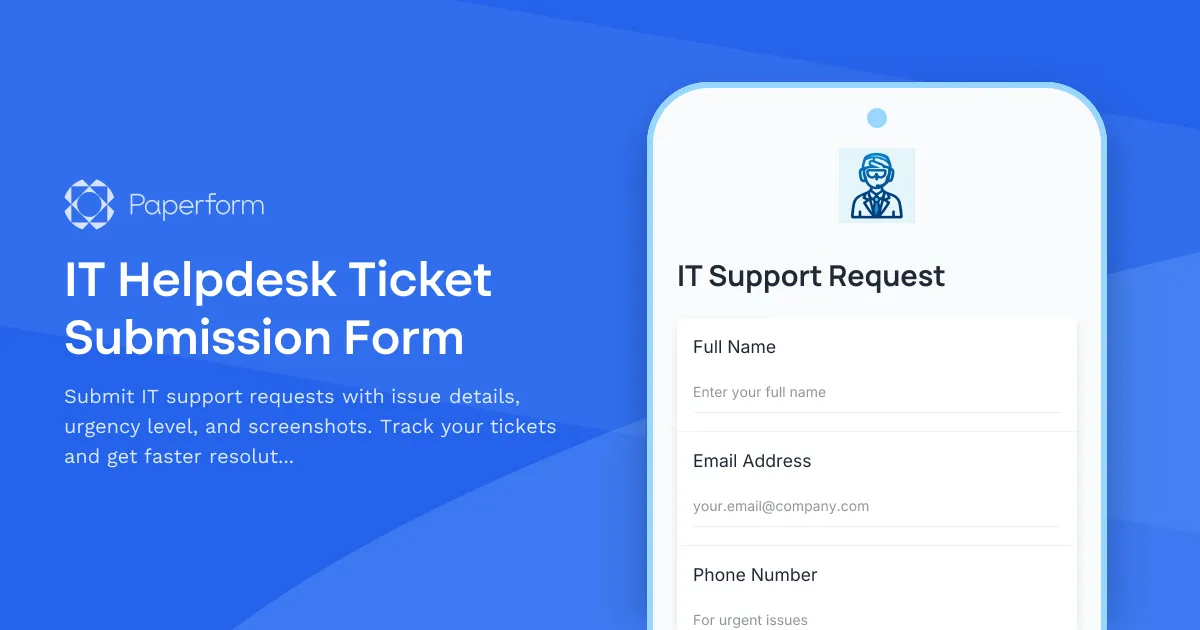
IT Helpdesk Ticket Submission Form
Submit IT support requests with issue details, urgency level, and screenshots. Track your tickets and get faster resolutions with our streamlined helpdesk form.