
Streamline Two-Factor Authentication Enrollment with Paperform
Security is non-negotiable for modern businesses, and two-factor authentication (2FA) is a critical layer of protection for your organization's systems and data. But rolling out 2FA across your team can be complex—especially when you're managing different device types, authentication preferences, and varying levels of technical comfort.
This Two-Factor Authentication Enrollment Support Form gives IT teams and system administrators a structured, user-friendly way to onboard employees into 2FA. Instead of fielding individual emails, Slack messages, or phone calls about setup issues, you can centralize enrollment requests, capture essential device and preference information, and provide immediate training resources—all in one place.
Built for IT support workflows
Whether you're rolling out 2FA company-wide or handling individual enrollment requests, this form template helps you:
- Capture device compatibility details so you know whether users need SMS, authenticator apps, or hardware tokens
- Collect authentication method preferences (SMS vs. app-based authentication) to streamline setup
- Request backup code generation to prevent lockouts and reduce support tickets
- Provide training resources and setup guides directly in the form, reducing back-and-forth
The form includes conditional logic to show relevant instructions based on the user's device type and chosen authentication method, creating a personalized enrollment experience that reduces confusion and speeds up adoption.
Perfect for IT departments, SaaS companies, and MSPs
This template is ideal for IT support teams, system administrators, managed service providers (MSPs), and cybersecurity professionals who need to deploy 2FA across organizations of any size. If you're in software development, financial services, healthcare IT, or any industry with compliance requirements, this form helps you document enrollment, track adoption, and maintain security standards.
Automate follow-ups with Stepper
Once someone submits their 2FA enrollment request, you can use Stepper to automate the entire workflow: send personalized setup instructions based on their device and method choice, generate and email backup codes securely, create tickets in your IT service management platform, and schedule follow-up check-ins to confirm successful enrollment. This eliminates manual processing and ensures no enrollment request falls through the cracks.
Whether you're a solo IT admin or part of a larger security team, Paperform makes 2FA enrollment smooth, secure, and scalable—without the need for expensive onboarding tools or custom development.



More templates like this
Email Security Gateway Support Request
Report and resolve email security issues including spam detection errors, phishing simulation problems, encryption failures, and messaging security concerns with streamlined IT support escalation.
Emergency VPN Access Request Form
Fast-track urgent VPN access for after-hours incidents and critical system issues. Streamline emergency approvals with incident tracking and manager authorization.
Application Performance Degradation Report
A comprehensive IT support form for reporting application performance issues, capturing load times, user impact, system details, and environment information to help technical teams diagnose and resolve slowdowns quickly.
Cloud Storage File Metadata & Access Request Form
Request file metadata, access logs, sharing permissions, and version history from your cloud storage service. Comprehensive data access request form for IT administrators and users.
Continuous Security Monitoring Effectiveness Audit
A comprehensive audit form for evaluating the effectiveness of your continuous security monitoring program, identifying detection coverage gaps, measuring alert fatigue, and optimizing sensor placement across your infrastructure.
Cybersecurity Awareness Training Quiz
Test employee knowledge on phishing detection, password security, and data protection with this comprehensive cybersecurity awareness quiz designed for workplace training programs.
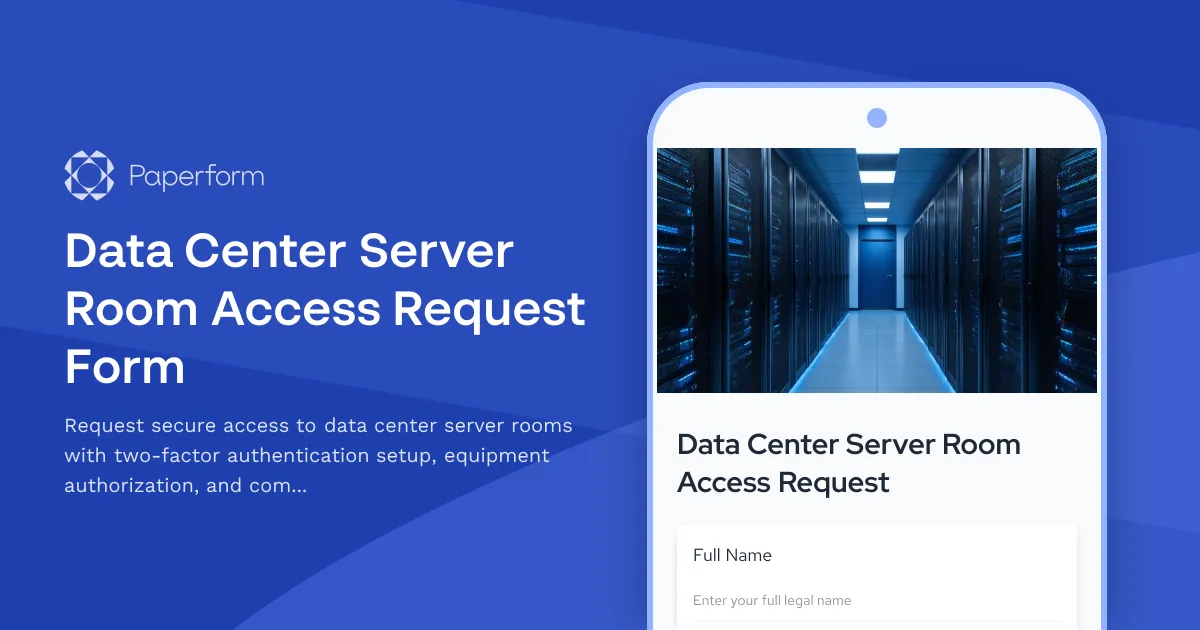
Data Center Server Room Access Request Form
Request secure access to data center server rooms with two-factor authentication setup, equipment authorization, and compliance acknowledgment for IT professionals and technicians.
Document Management System Support Request
Submit technical support requests for document management system issues including version control, search functionality, permissions, workflow automation, and content services.
Infrastructure Security Incident Response Form
Report and respond to infrastructure security incidents with threat classification, containment protocols, forensic preservation, and stakeholder communication tracking.
IT Asset Disposal Request Form
Streamline the secure disposal of IT equipment with automated tracking, data sanitization compliance, environmental standards verification, and certificate of destruction generation.
IT Helpdesk Ticket Submission Form
Submit IT support requests with issue details, urgency level, and screenshots. Track your tickets and get faster resolutions with our streamlined helpdesk form.
IT Log Management Configuration Change Request Form
Submit and track IT log management configuration changes including retention policies, parsing rules, and alerting thresholds for approval and implementation.