Maybe you've found a better eSignature tool. Maybe you don't think DocuSign is all it's cracked up to be. Maybe, just maybe, you crave the feeling of ink on paper. (Hey, this is a judgment-free zone—you do you!) The point is, you're looking for a tutorial on canceling Docusign. You're in the right spot.
Here's how to cancel your DocuSign subscription:
- Log into your DocuSign account as an Administrator.
- Select 'Settings' from the top navigation bar.
- Choose 'Plan and Billing' under the 'Account' section.
- Click on 'Cancel Subscription' at the bottom of the page.
- Confirm the cancellation by selecting 'Confirm Cancel'.
But what if you want to close your account for good?
Here's how to close your DocuSign account:
- Log into your DocuSign account as an Administrator.
- Select 'Settings' from the top navigation.
- Choose 'Plan and Billing' under Account.
- Scroll to the bottom of the page and select 'click here' under 'Close Account'.
That's that. No more Docusign.
Close DocuSign, open possibilities
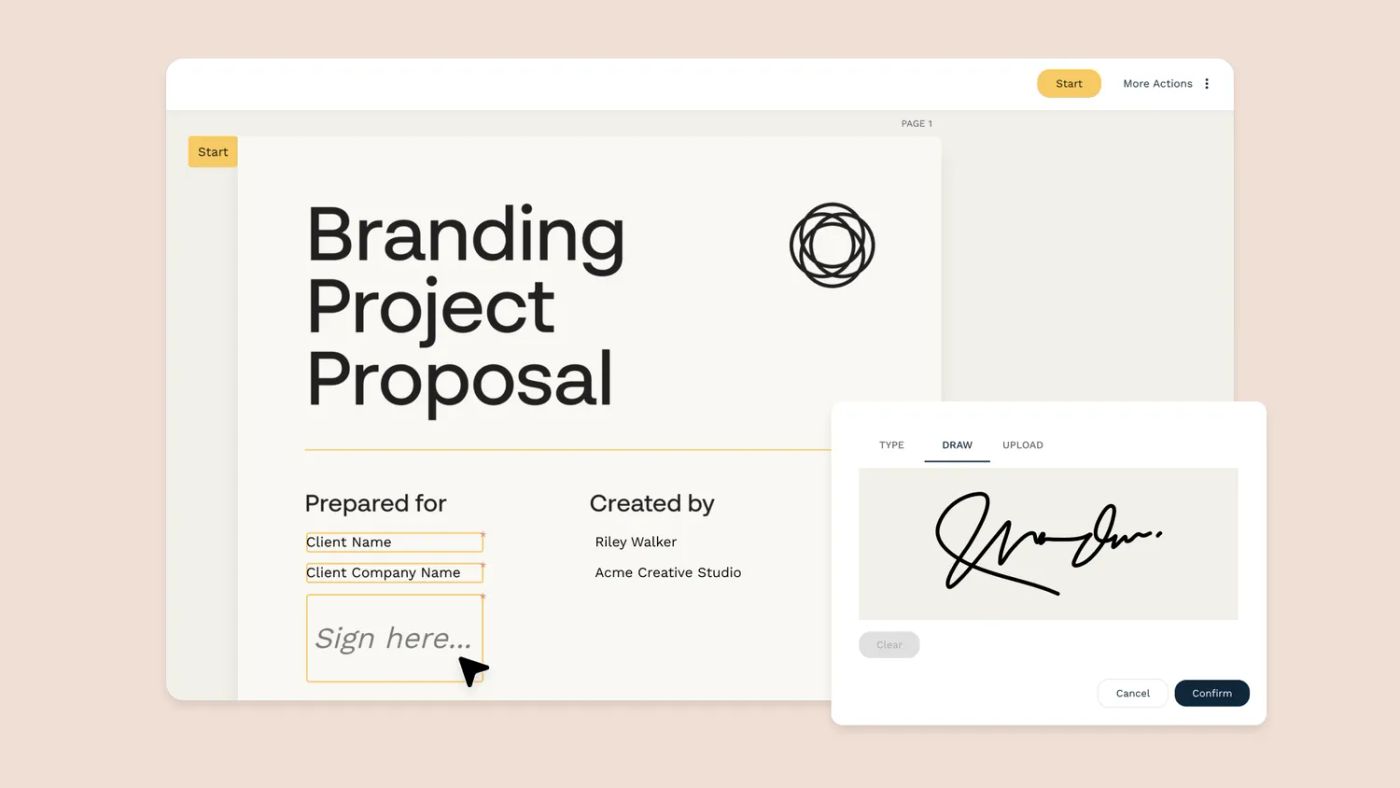
Don't let closing your DocuSign account mark the end of your eSignature adventure. Embrace the world of opportunities with Papersign, the eSignature tool designed to revolutionize your work and simplify document handling.
With Papersign, transforming document management into an efficient and enjoyable process is just the beginning. It's not only about signing; it's about reinventing your workflows, freeing up valuable time for what truly matters.
Step away from the old and embrace the new with Papersign. Begin with our completely free plan and explore the possibilities that await you.
Sign up for a free Papersign account today
Related reading
Not convinced you need an eSignature tool at all? Check out these resources and see if you come around to the idea: