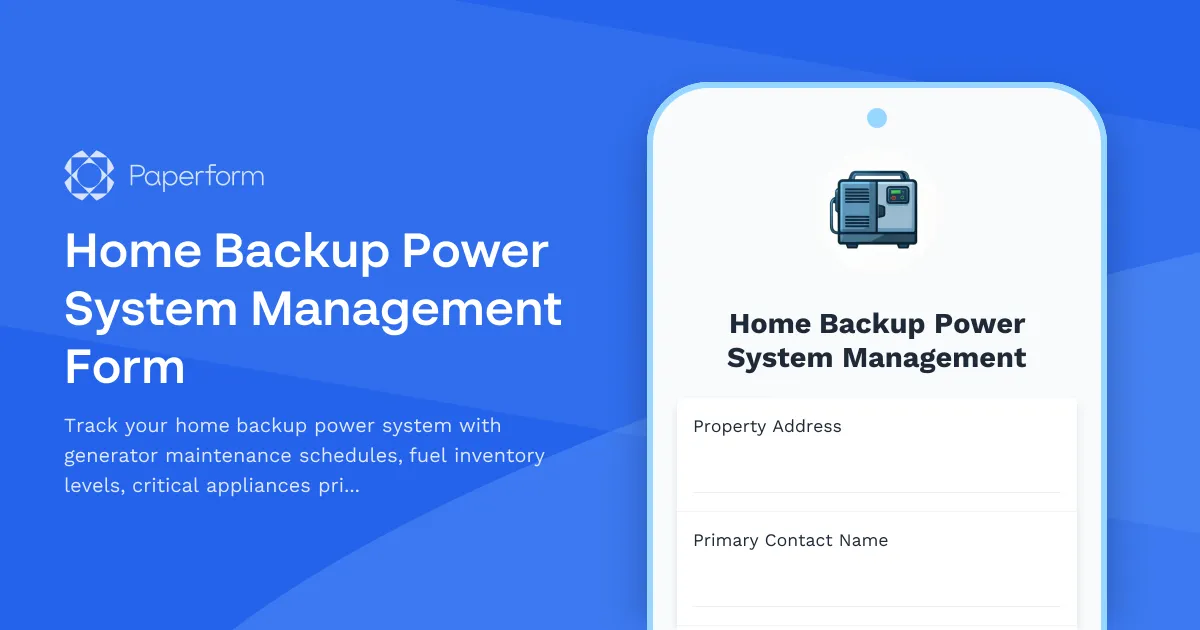
Keep Your Home Powered During Outages with Smart Backup Planning
Power outages can happen without warning—from severe weather to grid failures—and having a well-documented backup power system isn't just about convenience, it's about safety and security. This Home Backup Power System Management Form helps homeowners create a comprehensive record of their generator equipment, fuel supplies, critical appliances, and emergency protocols all in one organized place.
Why This Template Works for Homeowners
Whether you're managing a whole-home generator, a portable backup unit, or a solar battery system, keeping track of maintenance schedules, fuel levels, and which appliances to power first can be overwhelming. This Paperform template simplifies the process by letting you document everything in a clean, easy-to-update format that you can access from any device.
Use this form to log your generator specifications, track maintenance dates and fuel inventory, prioritize which appliances need power during an emergency, and establish clear protocols for your household. You can update it seasonally or after each maintenance check, ensuring your backup power plan stays current and actionable.
Built for Homeowners Who Value Preparedness
This template is perfect for homeowners who want to take control of their emergency preparedness without complicated spreadsheets or paper checklists. The form guides you through capturing essential details like generator model and capacity, fuel type and storage, automatic transfer switch settings, and the wattage requirements of critical appliances like refrigerators, medical equipment, heating systems, and communication devices.
With Paperform's flexible form builder, you can customize fields to match your specific backup power setup—add sections for multiple generators, include photos of equipment or fuel storage areas, or create conditional logic that shows additional fields based on your power source type. The doc-style editor makes it simple to add instructions, safety reminders, or family contact information right into the form.
Automate Reminders and Share with Your Household
Once you've documented your backup power system, you can use Stepper (stepper.io) to automate maintenance reminders based on your submission. Set up workflows that send calendar alerts before your next generator test, notify you when fuel needs rotation, or trigger a quarterly review of your critical appliances list. This ensures your backup power system stays maintained and ready when you need it most.
You can also share a link to your completed form with family members, property managers, or emergency contacts so everyone knows how to safely operate the generator and which appliances to prioritize during an outage. Paperform's branded, professional-looking forms make it easy to present your preparedness plan clearly and confidently.


