Online Survey Maker
Build surveys with the right question types, branching logic, and AI-powered response analysis — then share them anywhere. Paperform is free to start and trusted by 500,000+ businesses.
Use for free or upgrade for higher limits.
Paperform is an online survey maker that lets you build, share, and analyse surveys without writing a line of code. It supports 15+ question types — multiple choice, rating scales, NPS, Likert, matrix, open text, image selection, and more — plus conditional logic, answer piping, and AI Insights to summarise large volumes of responses into plain-English reports. You can share surveys via a direct link, embed them on any website, or send them by email. Paperform is free to start and trusted by 500,000+ businesses worldwide.
Create your survey in minutes

Sign up free
Create your Paperform account — no credit card needed.

Start from a template
Pick from [30,000+ survey templates](https://paperform.co/templates/category/surveys/) covering customer satisfaction, employee feedback, market research, NPS, event feedback, and more — or build from scratch.

Add your questions
Choose from 15+ question types, set up conditional logic to branch based on answers, and use answer piping to personalise later questions with earlier responses.

Share and collect
Send a direct link, embed on your website, or distribute via email. Responses appear in your dashboard the moment they're submitted.
Everything you need to run better surveys
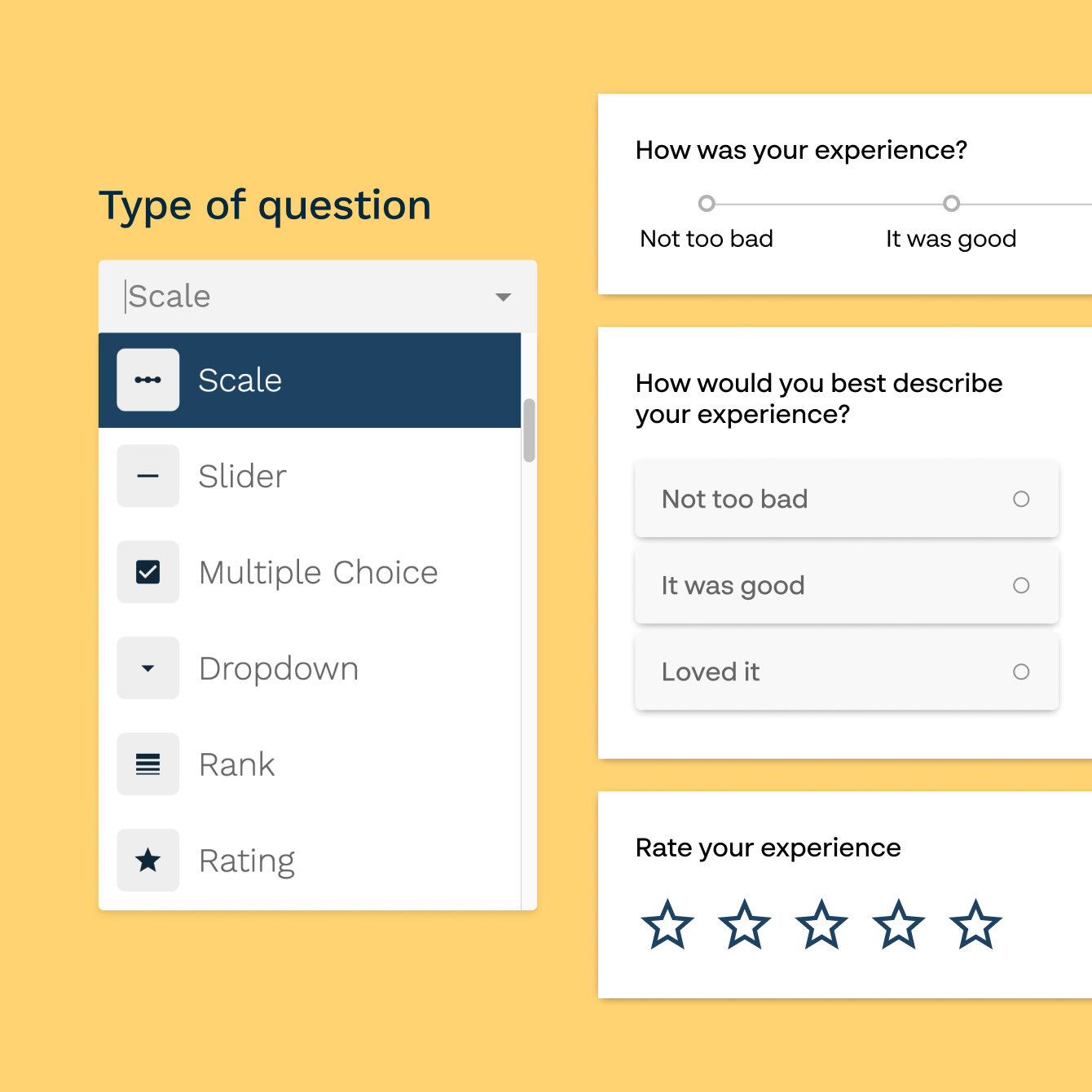
15+ question types in one builder
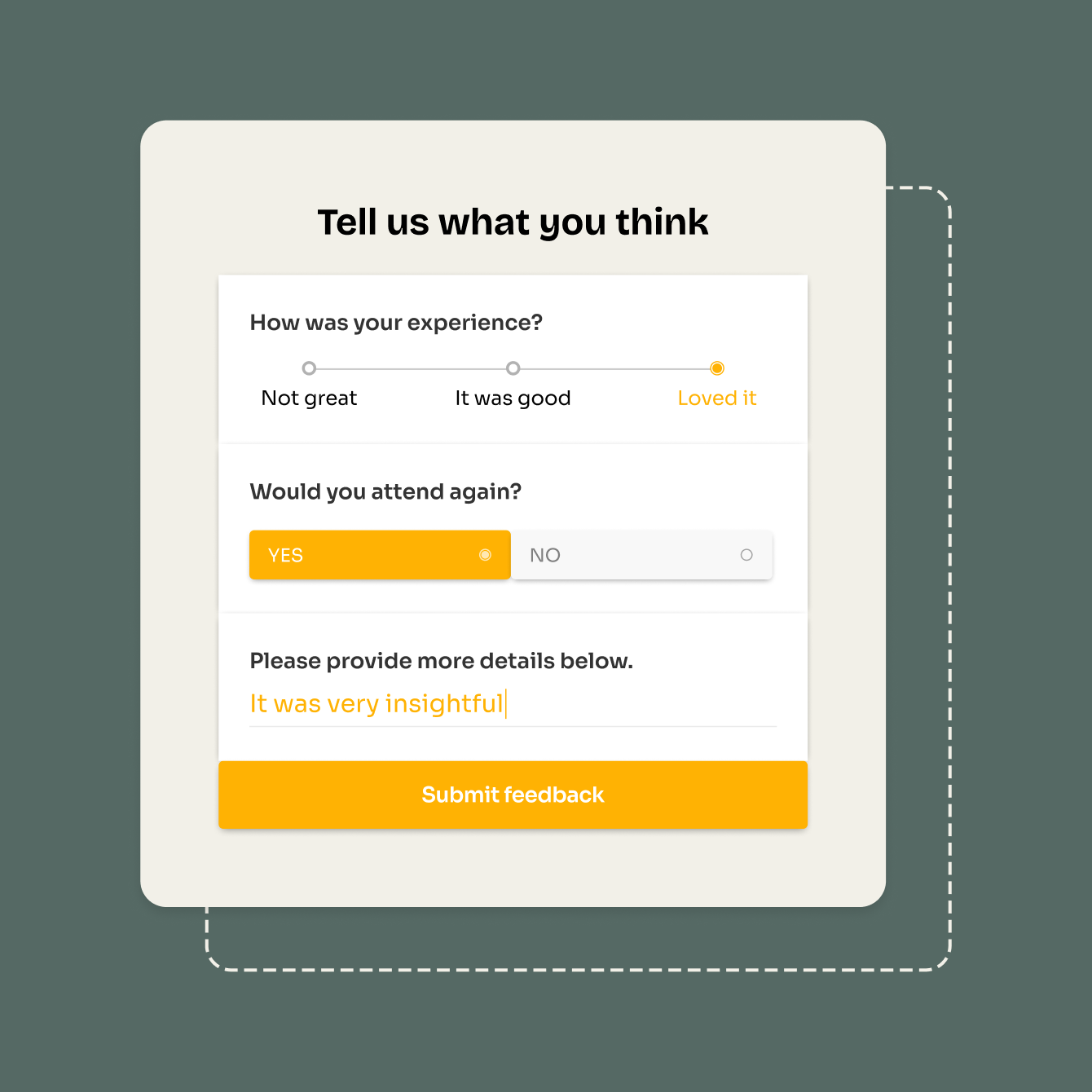
Paperform supports multiple choice, checkbox lists, dropdown menus, short and long text, rating scales, NPS questions, Likert scales, matrix questions, image-selection questions, file uploads, date pickers, and more — all available in the same survey. Mix and match question types freely. Build a quick three-question customer satisfaction check or a detailed 30-question research survey with the same builder, the same templates, and the same no-code interface.
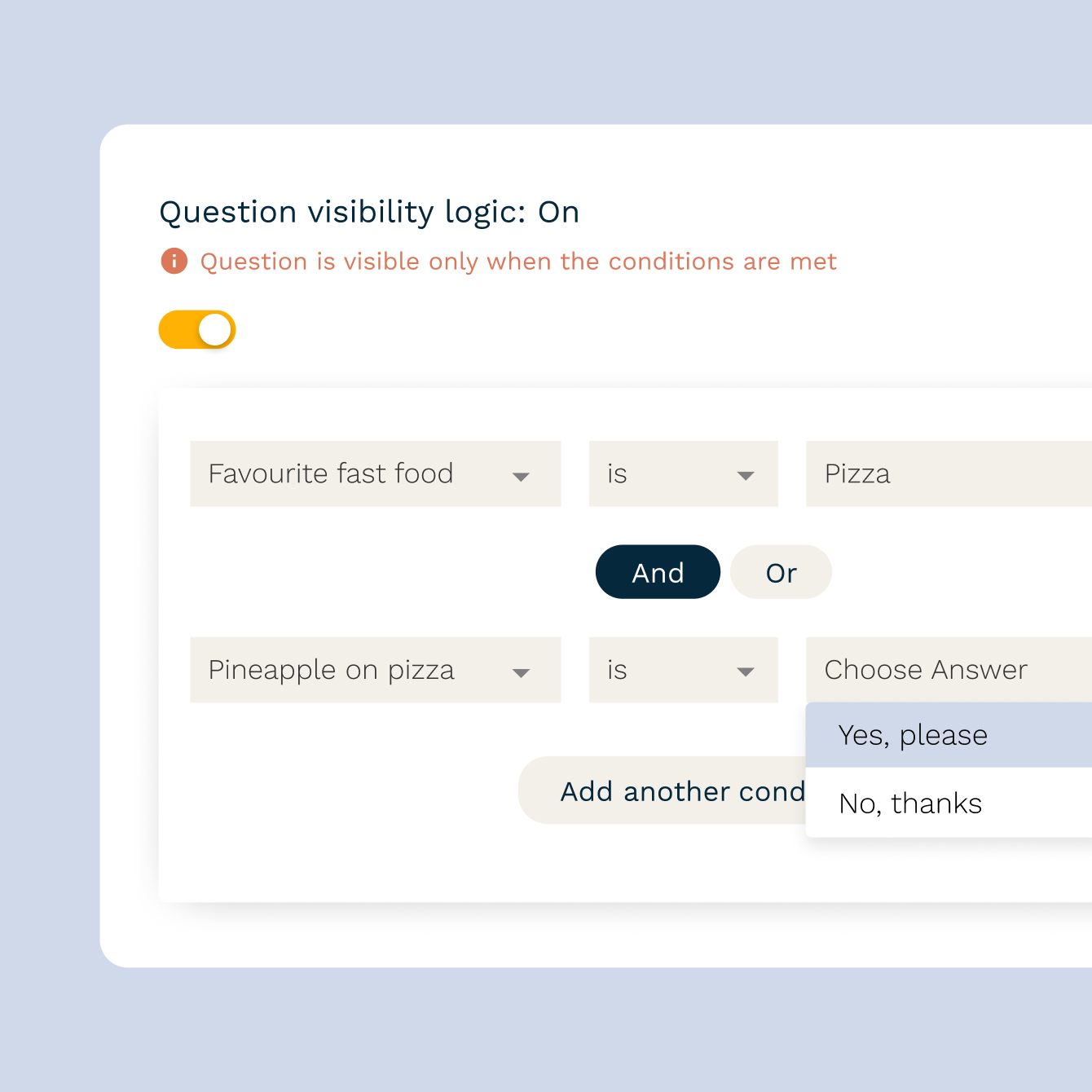
Conditional logic that makes surveys feel shorter
Show or hide questions based on how someone answered a previous one. If a respondent rates their experience 3 or below, route them to a follow-up asking what went wrong. If they give a 9 or 10, skip straight to the referral question. Paperform's conditional logic keeps surveys relevant to each respondent — which means fewer drop-offs and cleaner data. Answer piping lets you pull earlier answers into later questions, so you can address respondents by name or reference their previous choice directly.
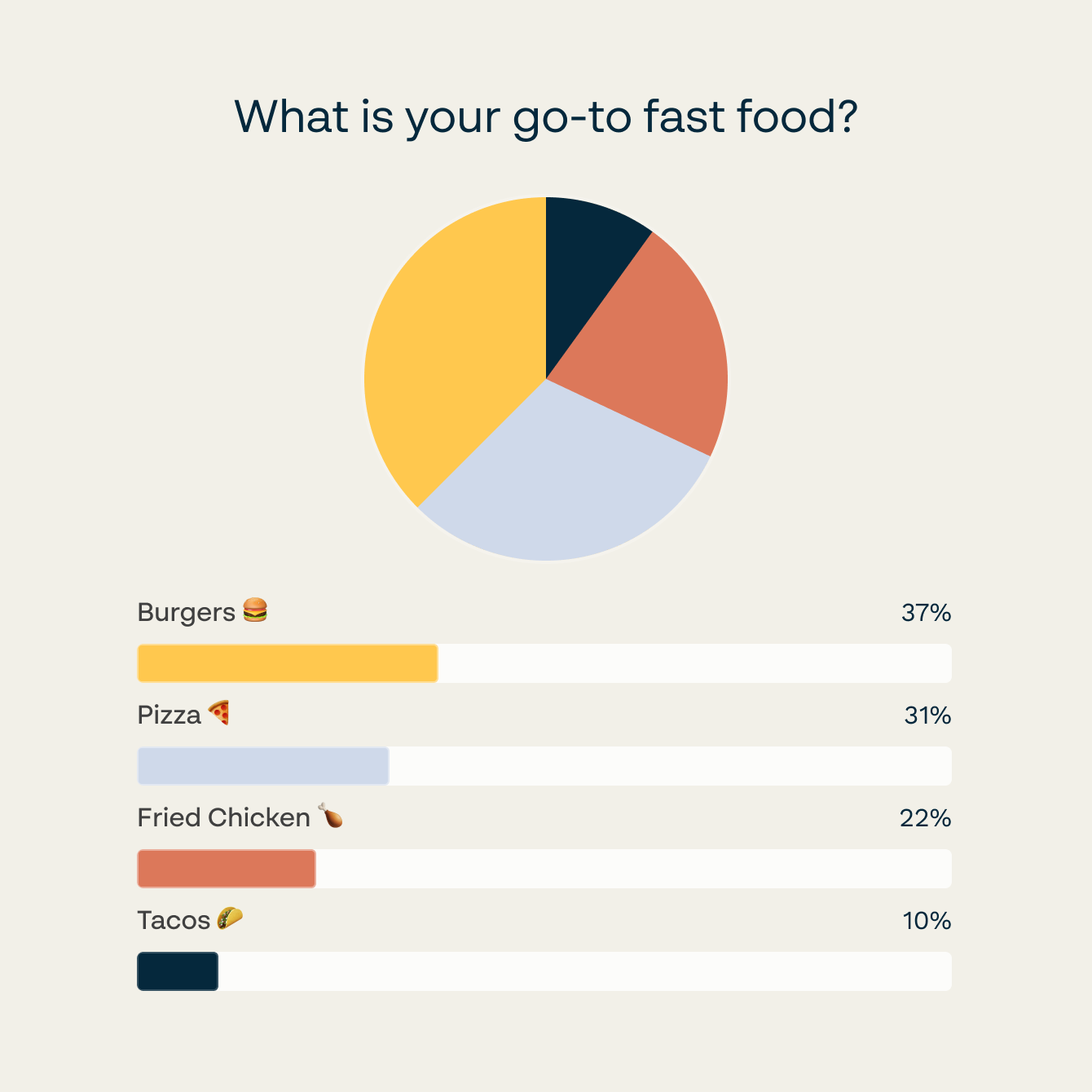
AI Insights that turn responses into reports
When you've collected hundreds — or thousands — of open-text responses, reading every one isn't practical. Paperform's AI Insights summarises large sets of survey responses into plain-English reports: themes, sentiment, and key findings surfaced automatically. Use it after a customer satisfaction survey to spot the most common complaints, or after an employee feedback survey to identify the themes your team is raising most often. No spreadsheet wrangling, no manual tagging.
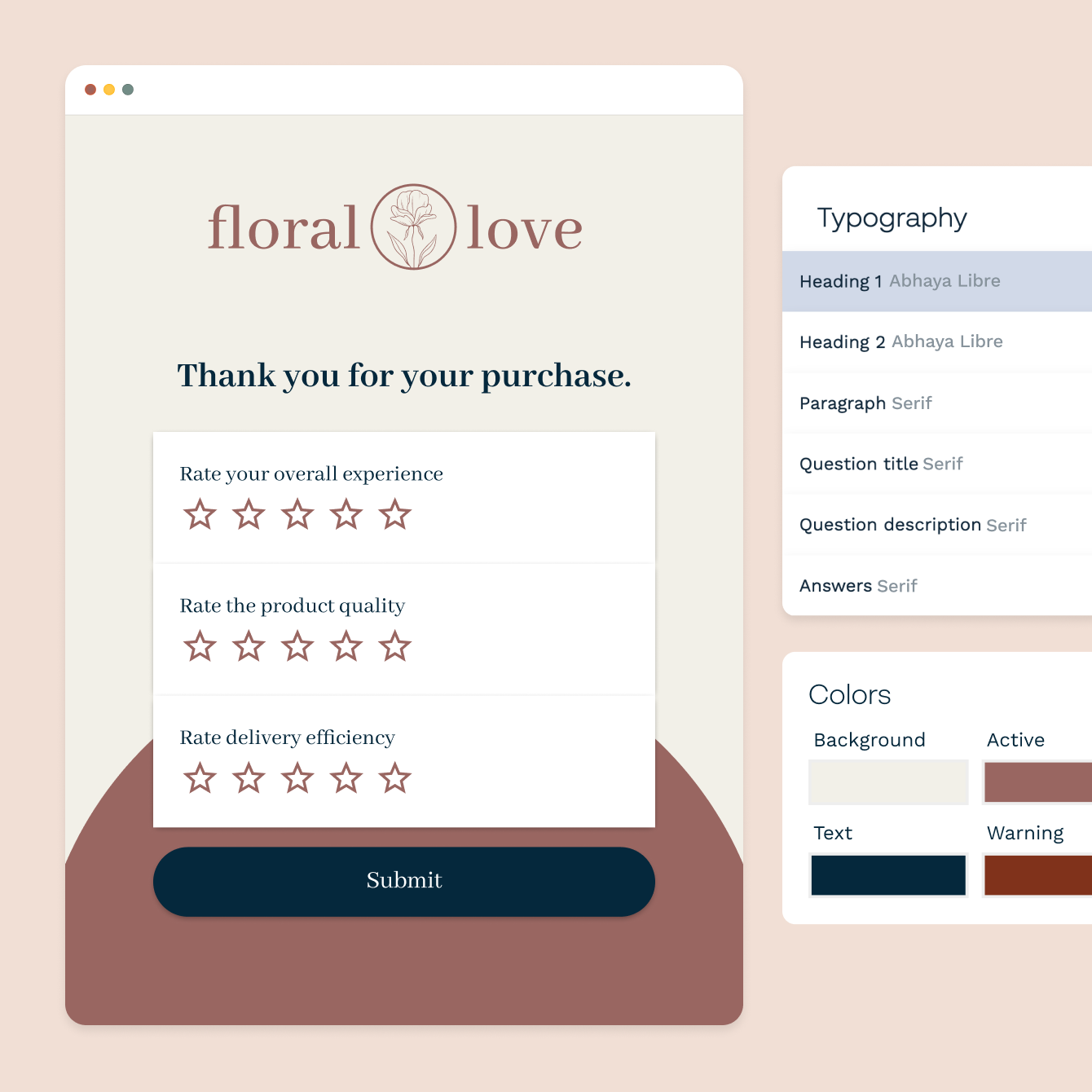
Custom branding that matches your look
Change fonts, colours, button styles, and background images to match your brand. Add a logo, write a custom thank-you message, and set up a personalised follow-up email. Every Paperform survey is mobile-responsive by default — it looks right on a phone, a tablet, or a desktop without any extra configuration.
Share anywhere — link, embed, or email
Share a direct link to your survey, embed it inline on any web page, or trigger it as a popup. Drop the link in an email campaign, post it to social media, or add it to your onboarding flow. Every channel feeds into the same dashboard, so you always have one view of all your responses regardless of where they came from.
Forever Free plan · No code needed · SOC 2 Type II & SSO · Trusted by 500K+ businesses
30,000+ form templates to choose from
Customer satisfaction surveys, employee feedback surveys, NPS surveys, market research surveys, event feedback surveys, and more — find a ready-to-use template and have your survey live in minutes.
“We now have a continuous feedback loop through our website form, which allows us to keep a pulse on how our subscribers are feeling about our work.”
How ReasonWhy Halved The Time They Spend On Administrative Tasks Using Paperform
Read case study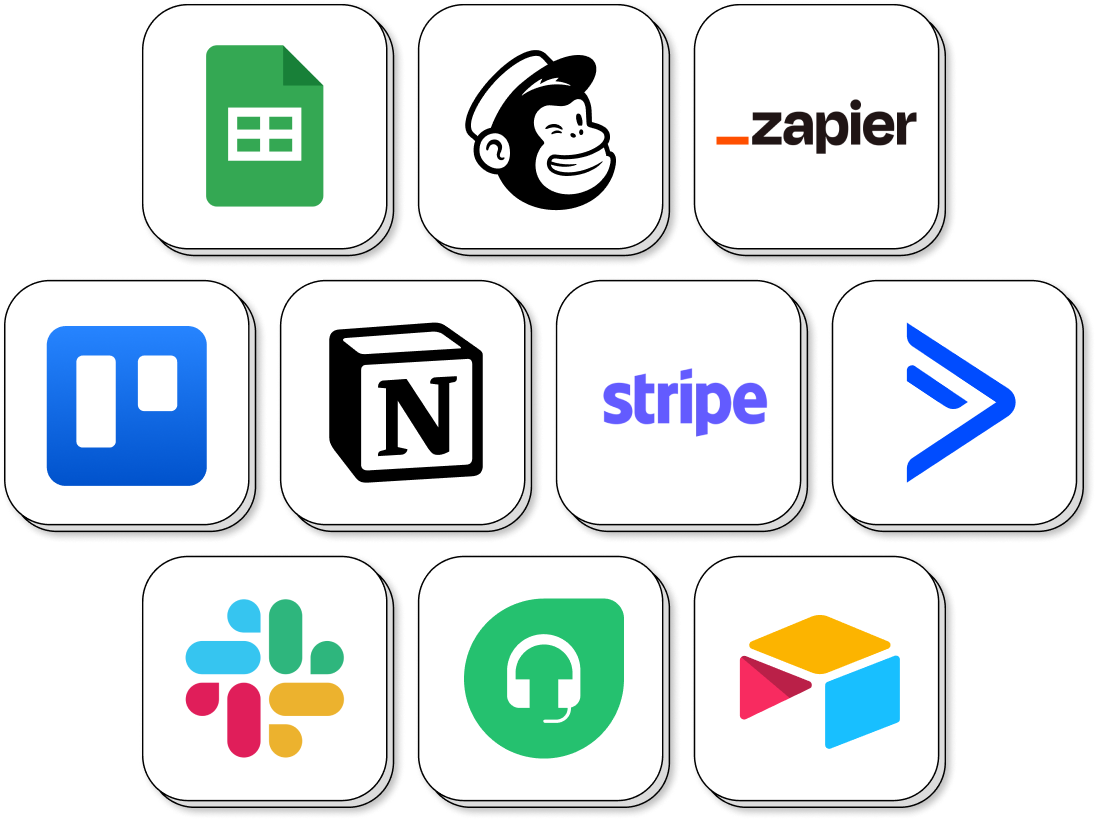
Send survey responses to HubSpot, Google Sheets, Slack, and more
Connect Paperform surveys to Google Sheets and every response lands in your spreadsheet automatically. Route responses to HubSpot or ActiveCampaign to tag contacts and trigger follow-up sequences. Send a Slack message when a low NPS score comes in. Sync data to Airtable or Notion to keep your research alongside your existing workspace. Every response flows automatically — no CSV exports, no copy-pasting.
Survey Maker FAQs
1. What types of surveys can I create with Paperform?
Paperform supports customer satisfaction surveys, employee feedback surveys, market research surveys, NPS surveys, event feedback surveys, product feedback surveys, academic research surveys, and more. You can mix 15+ question types in a single survey — multiple choice, rating scales, NPS, Likert, matrix, open text, image selection, file upload, and others. Conditional logic lets you branch the survey based on individual answers, so each respondent sees only the questions relevant to them.
2. Does Paperform support conditional logic in surveys?
Yes. Conditional logic lets you show or hide questions based on how a respondent answered a previous question. For example, if someone rates their satisfaction below 5, you can automatically show a follow-up asking what went wrong. If they give a high score, skip that question entirely. This keeps surveys shorter and more relevant for each respondent, which improves completion rates and data quality.
3. What is AI Insights and how does it work?
AI Insights is a Paperform feature that automatically analyses large sets of open-text survey responses and surfaces key themes, sentiment, and findings in a plain-English report. Instead of reading hundreds of individual answers, you get a summary of what respondents are saying — useful for customer satisfaction surveys, employee feedback rounds, or any survey with significant open-text volume. AI Insights is available on paid plans.
4. Can I create an anonymous survey with Paperform?
Yes. Paperform has an anonymous mode that prevents identifying information — name, email, IP address — from being collected or attached to responses. Respondents see a clear confirmation that their submission is anonymous before they answer. It's the right setup for employee feedback surveys, sensitive opinion research, or any situation where honest responses depend on confidentiality.
5. How do I share a survey with my audience?
Paperform gives you a shareable link you can send via email, post on social media, or embed directly in a web page. You can also trigger the survey as a popup, add it to your app, or include it in an email marketing campaign. Every channel feeds responses into the same dashboard — there's no separate setup per channel.
6. Can I embed a survey on my website?
Yes. Copy the embed code from your Paperform dashboard and paste it into your website. The survey renders inline on the page, as a full-screen embed, or as a popup — your choice. Responses are captured in your dashboard in real time regardless of where the survey is hosted.
7. Can I use answer piping in Paperform surveys?
Yes. Answer piping lets you pull a respondent's earlier answers into later questions. For example, if someone enters their company name on question 1, you can reference that name in question 5: "How many people work at [company name]?" It makes surveys feel more personal and keeps respondents engaged.
8. How do I analyse survey responses in Paperform?
Every response appears in your Paperform dashboard the moment it's submitted. You can view individual responses, see aggregate breakdowns per question, filter by date range, and export to CSV. Connect Google Sheets and responses flow there automatically as they arrive. For large volumes of open-text responses, use AI Insights to get an automatic summary of key themes and sentiment.
9. What's the difference between a survey and a poll in Paperform?
A poll is typically one or a few questions designed to capture a quick opinion or preference. A survey is longer, covers multiple topics, and is designed to gather detailed, research-grade data. Paperform supports both with the same builder and templates library. The main practical difference is length and depth of analysis — polls for quick reads, surveys for structured research.
10. Can I use Paperform to create a survey for free?
Yes. Paperform has a free plan that lets you create and share surveys without a credit card. The free plan includes a set number of responses per month. Paid plans start at $24/month and increase response limits, add custom domains, remove Paperform branding, unlock AI Insights, and include priority support.
Build surveys your respondents will actually finish.
Fifteen-plus question types, conditional logic, answer piping, and AI Insights — all in one no-code builder. Free to start, easy to scale.
Create a free survey