
Create Forms for Hover Lead with Paperform
Paperform is the easiest way to make forms online - and you can easily integrate your forms with Hover Lead.
See how easy it is to make beautiful and powerful forms on Paperform.
How to create forms for Hover Lead
Before you can create a form, you'll need a Paperform account, if you don't have one you can create one here for a 7 day free trial.
Once you have a Paperform account, you can create a form. To get started you can watch the overview video above, or follow our step by step guide.
If you'd like a head start on creating your form, have a look through our Templates Directory. We have over 30,000+ designer made templates that not only look great, but have questions ready for you to tailor to your needs.
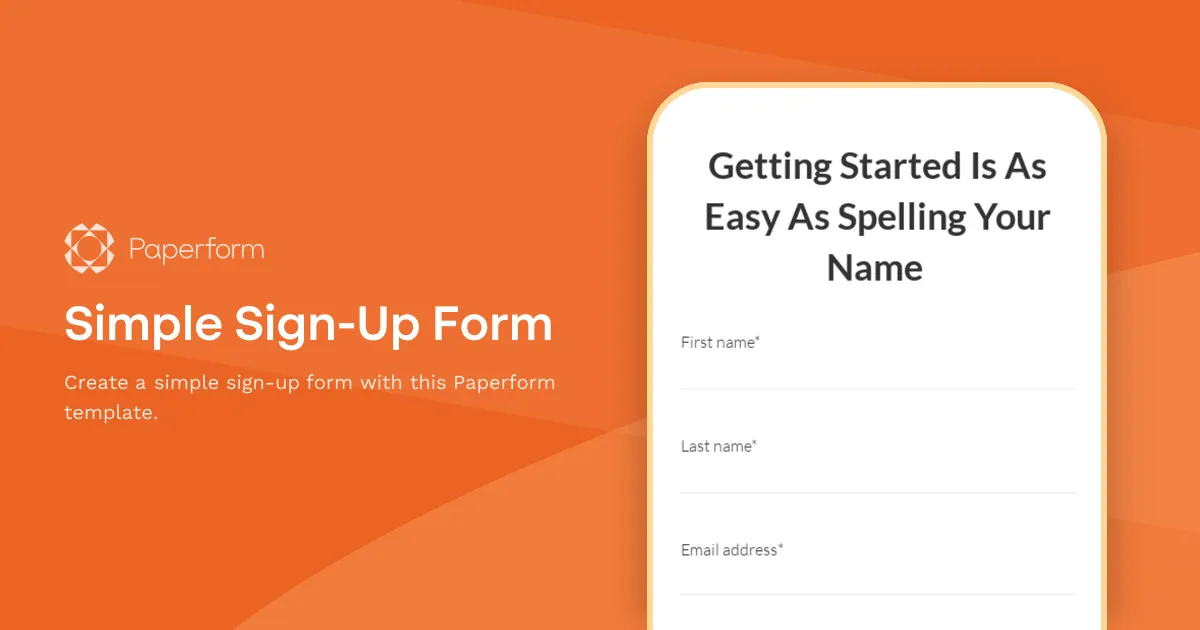
Simple Sign-Up Form
Create a simple sign-up form with this Paperform template.
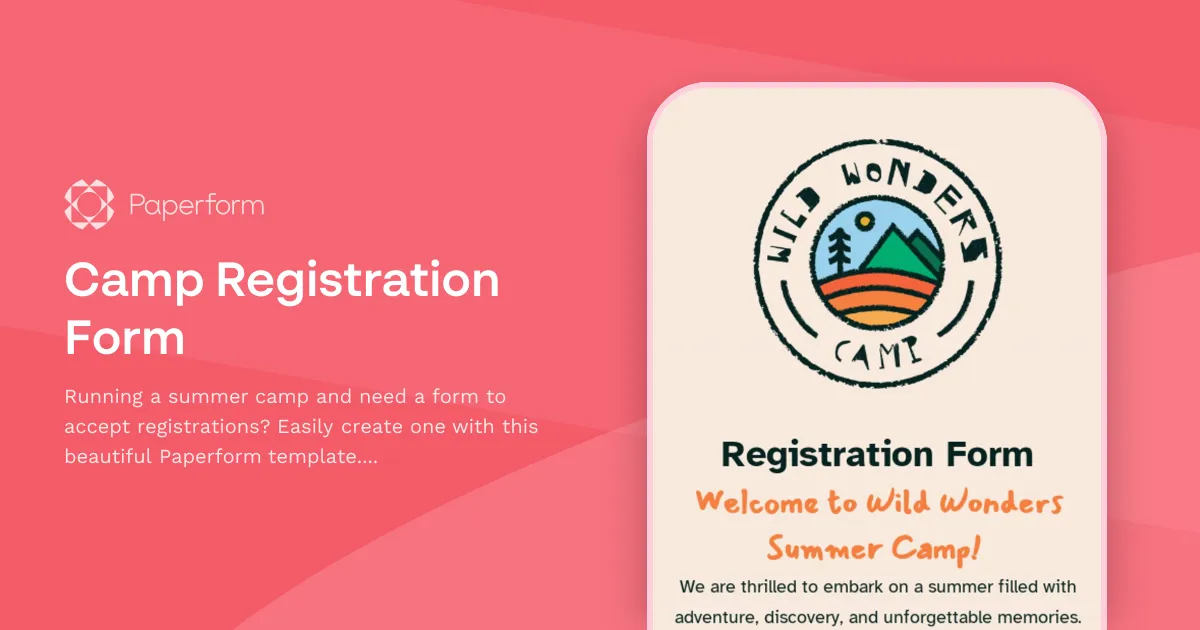
Camp Registration Form
Running a summer camp and need a form to accept registrations? Easily create one with this beautiful Paperform template. Collect parental consent, signatures, or even integrate payments and emails.
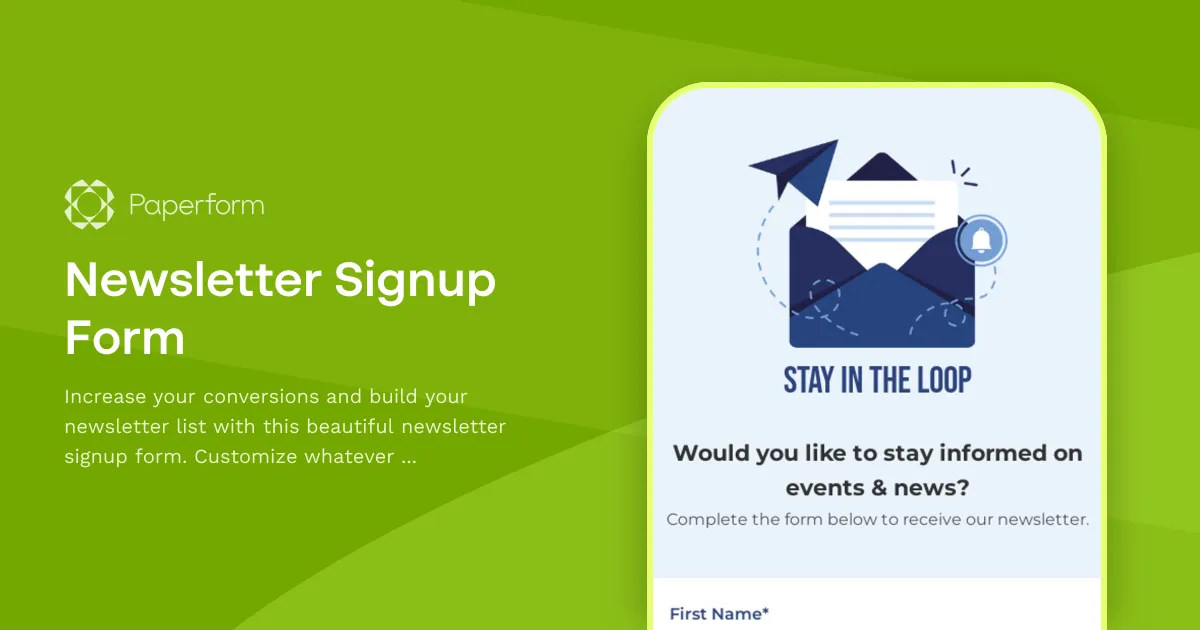
Newsletter Signup Form
Increase your conversions and build your newsletter list with this beautiful newsletter signup form. Customize whatever you like, add your company's branding and embed this form on your website.
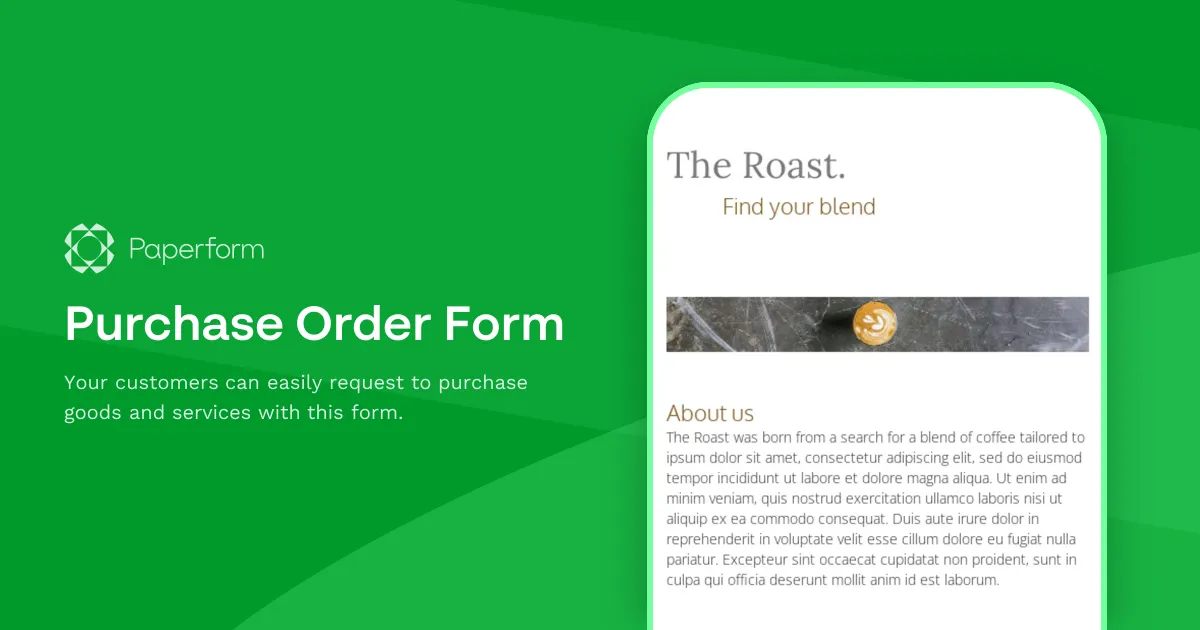
Purchase Order Form
Your customers can easily request to purchase goods and services with this form.
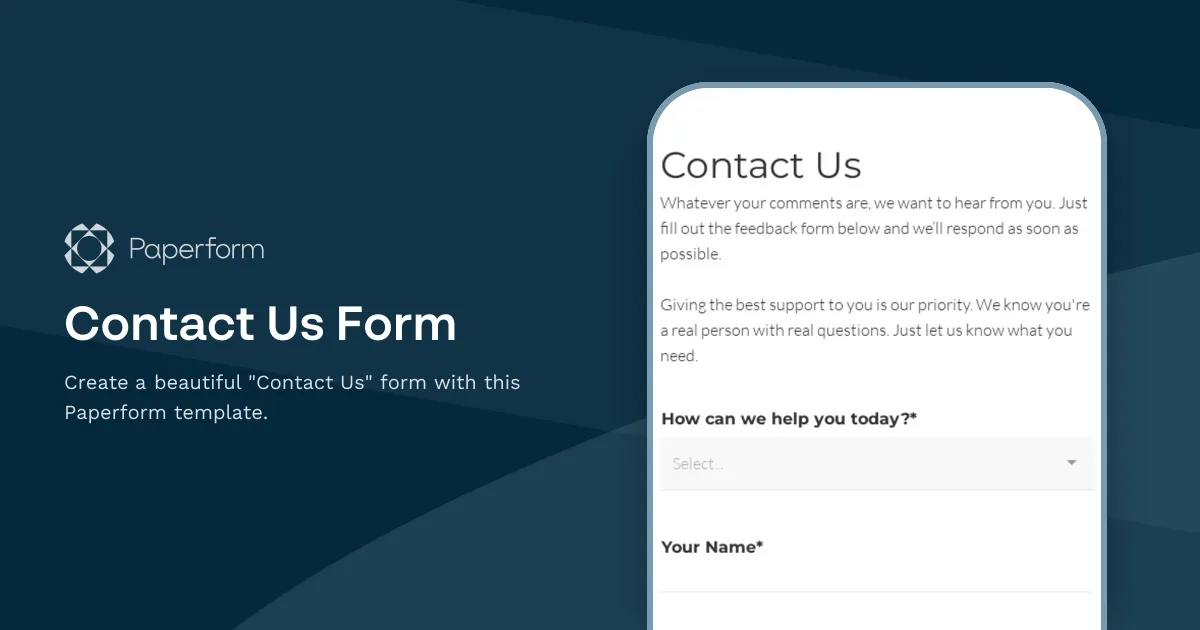
Contact Us Form
Create a beautiful "Contact Us" form with this Paperform template.
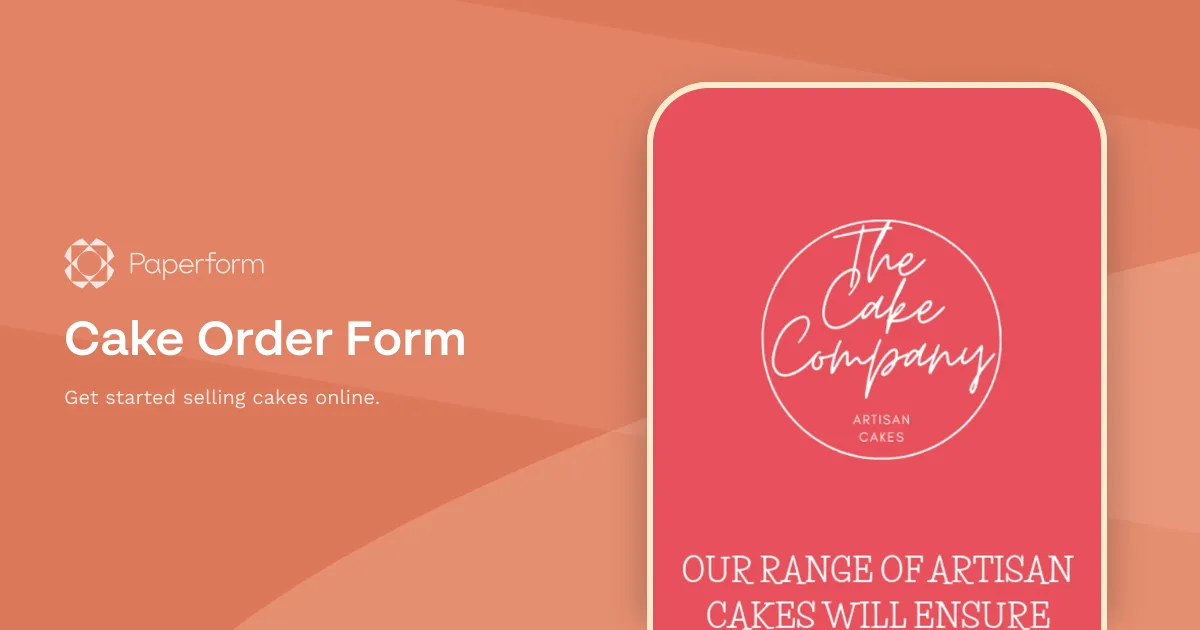
Cake Order Form
Get started selling cakes online.
OK I have my form, how do I connect Hover Lead?
Create and connect forms to Hover Lead with one of our ready made Zap templates, or customize your own integration on Zapier.