One home for your forms, documents, and workflows
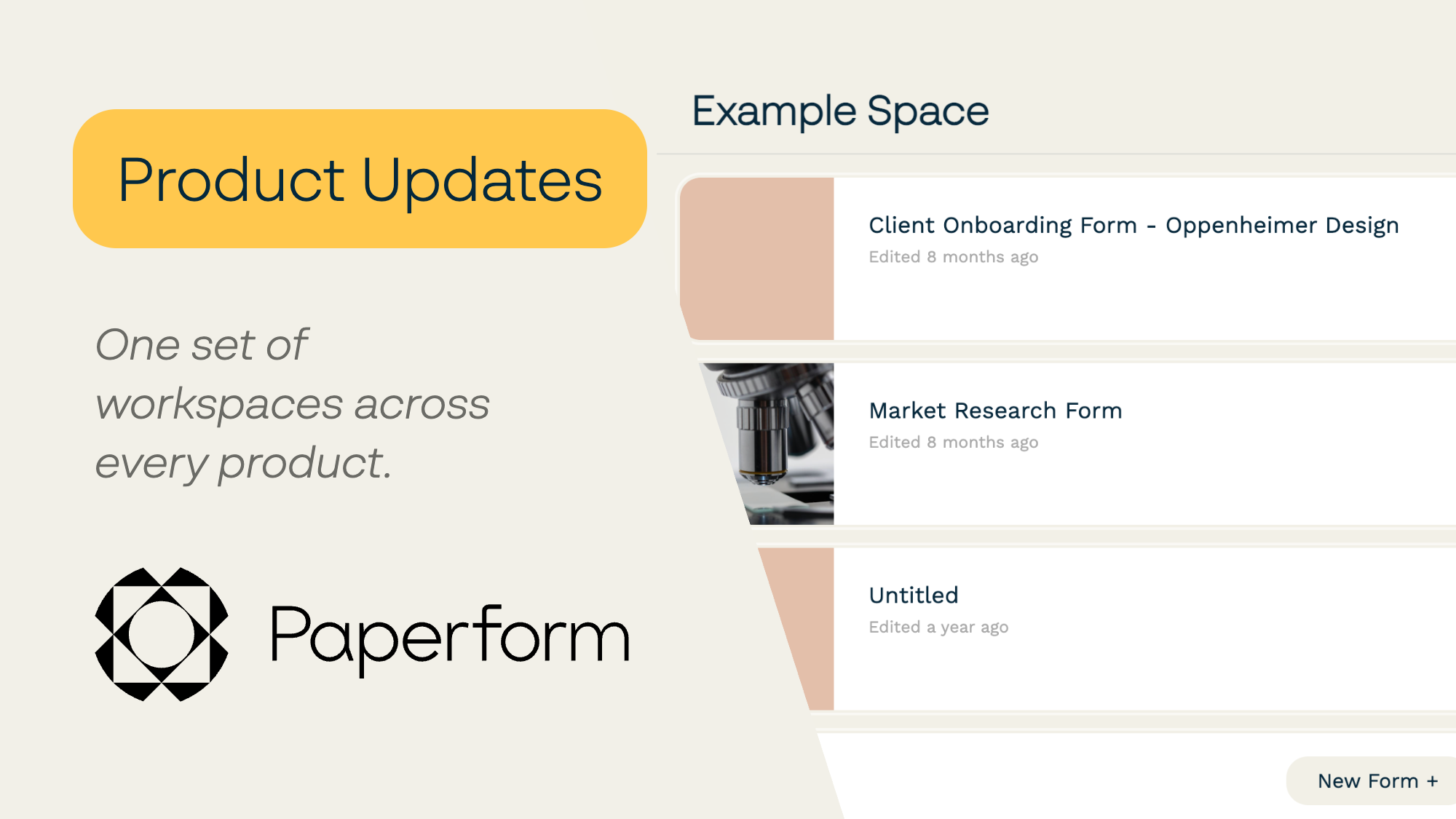
If your dashboard looks a little different today, here's why: workspaces are now shared across Paperform, Papersign, and Stepper.
Until now, each product kept its own separate spaces. Your forms lived in one set, your documents in another, and your workflows in a third, even when they all belonged to the same client or project. That made sense when each product stood on its own. It makes a lot less sense now that so many of you use two or all three together.
So we've joined them up. From today, a workspace is a workspace, no matter which product you're in.
What's changing
- You'll see all of your workspaces, everywhere. Open Paperform, Papersign, or Stepper and you'll see the same list of workspaces, including ones that used to belong to another product.
- You can move things between them. Drag a form, a document, or a workflow into any workspace you like. Organize by client, team, or project instead of by product.
- Everything for one project can finally live together. The intake form, the contract, and the automation that connects them can now sit side by side in the same workspace.
What's not changing
Nothing has been moved, renamed, or deleted. Every form, document, and workflow is exactly where you left it. Your share links keep working, your submissions keep flowing, and your automations keep running.
Access works the way you'd expect, too: the people who could see a space before are the same people who can see it now.
In short, there's nothing you need to do. If you like how things are organized today, leave them be. If you've been wishing your client's contract could live next to their intake form, now it can.
Why we're doing this
Paperform, Papersign, and Stepper have always been built to work together: forms that trigger signatures, documents that kick off workflows. But working together should also mean feeling like one place, and shared workspaces are the foundation for that.
It's also the first of several changes we're making to bring the three products closer. We won't spoil the rest just yet, but if you've ever wished the whole platform felt like one product with one simple way to use all of it, you're going to like where this is heading. More to share soon.
Take a look around
Log in, open your dashboard, and have a poke around your newly shared workspaces. Shuffle a few things into place, or don't. It's your space now, in every sense.
And if anything looks off, or you have thoughts on how workspaces could work better for you, we'd love to hear from you.
Update: September 16, 2026
Following on from unifying workspaces across Paperform, Papersign, and Stepper, we've also made some changes to the way spaces work across all three products.
All products
You'll notice now that one space has a "home" icon next to it. This is your team's default space - where new forms, documents and workflows will be created by default.
Papersign
We've reorganised the sidebar - what was previously "My Dashboard" - is now a real, full space named after you. You can share access to that dashboard with other team members.
Stepper
Stepper now has access to multiple workspaces, and your existing workspaces can be shared. Workspaces in Stepper from today will only be able to see and automate forms and documents that are in the same workspace by default. If you'd like to be able to automate any forms or documents that you can see across all the workspaces, you can enable that by sharing your own personal platform connection with the workspace, and choosing that connection during workflow setup.
—Dean McPherson, Co-founder & CTO