
Scope creep doesn't start with "one quick change." It starts during onboarding.
Every freelance graphic designer knows the dreaded sentence: "Could we just try one more version?"
Harmless enough. A small tweak, a couple of size variations, a quick export. Then a second stakeholder turns up with "a few thoughts," and your clean, focused brand identity project turns into a buffet where everyone's holding a plate and asking for more.
That's scope creep, and it rarely comes out of nowhere — it usually starts much earlier, during the client onboarding honeymoon phase.
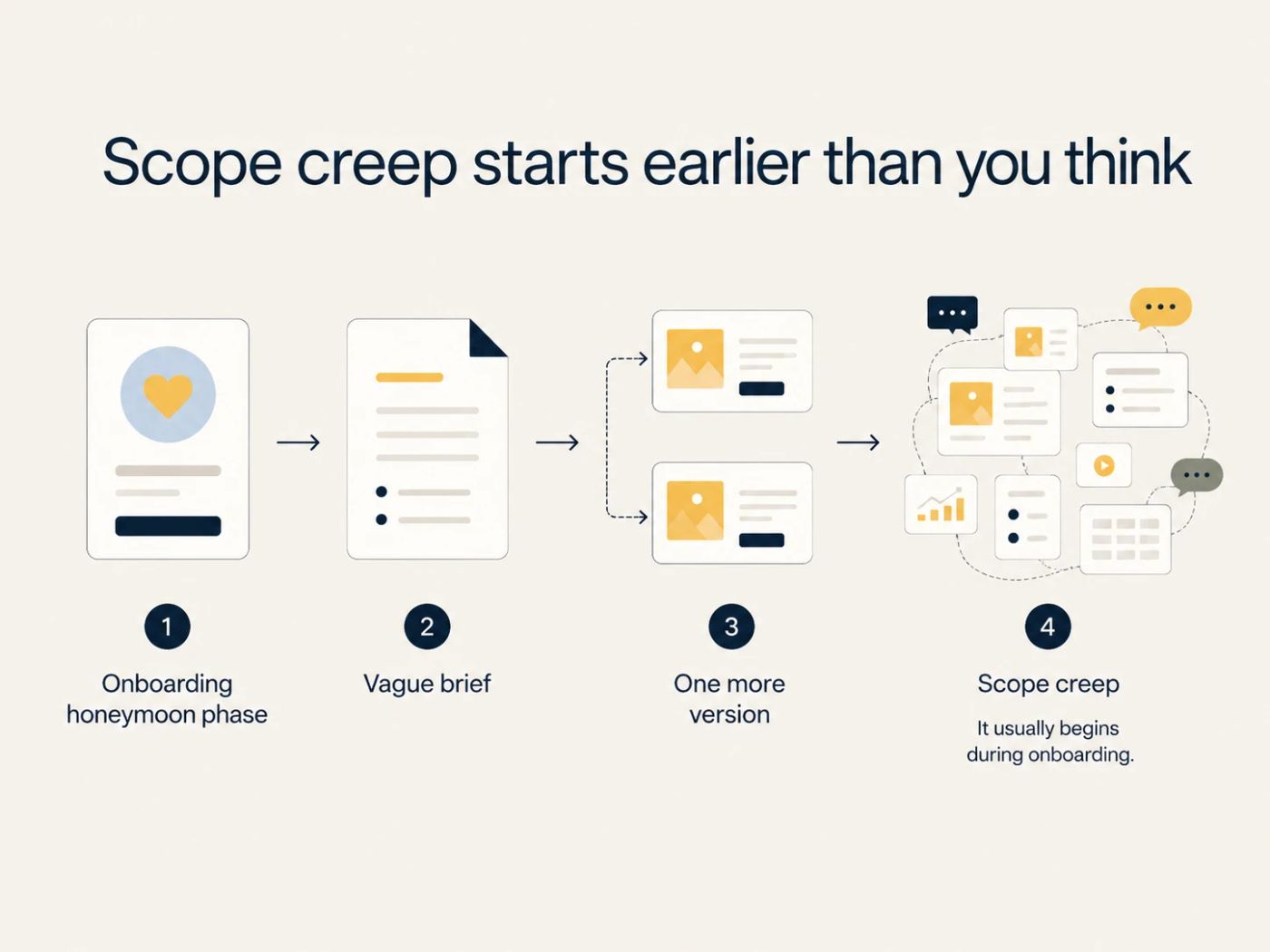
The honeymoon phase
The client's excited, you're excited, and the project feels full of possibility. Nobody wants to bring up revision limits, excluded deliverables, file formats, timelines, or payment terms — that would ruin the mood. So you skip the awkward structure and lean on the discovery call instead. You accept a vague brief and start designing before the client's even sent the assets. Feedback arrives through email, Slack, WhatsApp, voice notes, and the odd "sent from my iPhone" novella. Then the client disappears for two weeks, resurfaces on a Thursday, and needs everything by Friday.
The project starts to feel out of control, and it's rarely because you're bad at design. Usually it's because your onboarding process left too much room for interpretation.
Scope creep is a growing problem, not a one-off headache
Freelancers are competing globally, clients expect AI-assisted turnaround, and creative work gets judged on taste and speed at once. Fuzzy project boundaries don't hold up in that market. Moovila's 2025 State of the Industry report found scope creep is now the most common project management challenge, cited by 58.7% of respondents, up from 46% in 2024.
Your onboarding process isn't just admin. It's a profit and sanity protection system.
Here are the five mistakes that let scope creep into your design projects, and how to fix each one.
Mistake 1: Relying on verbal briefs from discovery calls
A great discovery call feels productive, and it should. The client talks through their brand, you ask smart follow-up questions, they tell you what they like and hate and who their audience is, and maybe why their cousin's logo "just doesn't feel premium enough." You both leave the call feeling aligned.
Three weeks later: "Oh, I thought we agreed this would include social templates too."
Clients aren't being dishonest. Memory is just a terrible project management tool. People think they've had a conversation, or that they mentioned something, and verbal briefs leave plenty of room for assumptions to slip through unnoticed.
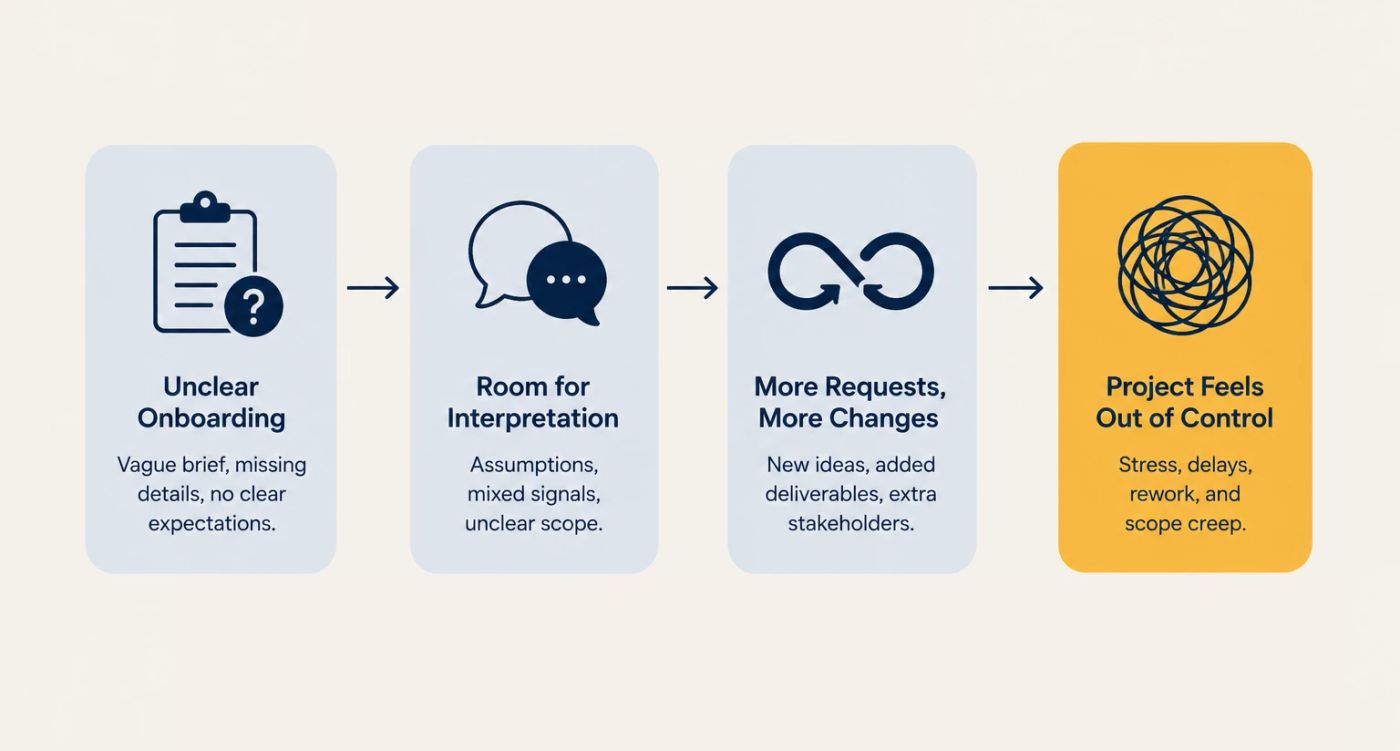
Designers hear "brand refresh" and picture logo refinement, typography, a color palette, and some basic guidelines. Clients hear "brand refresh" and picture a whole new logo, social templates, Canva files, a pitch deck, an email signature, merch mockups, and maybe a small mural if everyone's feeling inspired.
That's where scope creep begins: a mismatch in interpretation, not bad intent.
The fix: turn spoken ideas into a written intake record
After every discovery call, the next step should be a written, structured client intake form: a real record that captures the project in one place, not a loose email recap with "just send over whatever you have."
For a graphic design project, that might mean asking specifically about:
- Project type: logo, brand identity, packaging, campaign assets, social templates, presentation design, web graphics
- Business goals: launch, repositioning, lead generation, event promotion, product update
- Audience: who the work needs to attract, reassure, convert, or impress
- Deliverables: exactly what will be created
- File formats: PNG, JPG, SVG, PDF, AI, PSD, Figma, Canva, print-ready files
- Revision rounds: how many, and what counts as a revision
- Deadline and review dates
- Required assets
- Stakeholders and the final decision-maker
- Budget and payment terms
The goal is simple: turn the "vibe" from the call into a record everyone can point back to. You and your client will both be glad it exists later.
This is where a tool like Paperform fits naturally into a designer's workflow. You can build an on-brand intake form that feels like part of your studio, not a tax office portal — add images, examples, conditional questions, file uploads, and payment fields, with logic that adapts based on the project type.
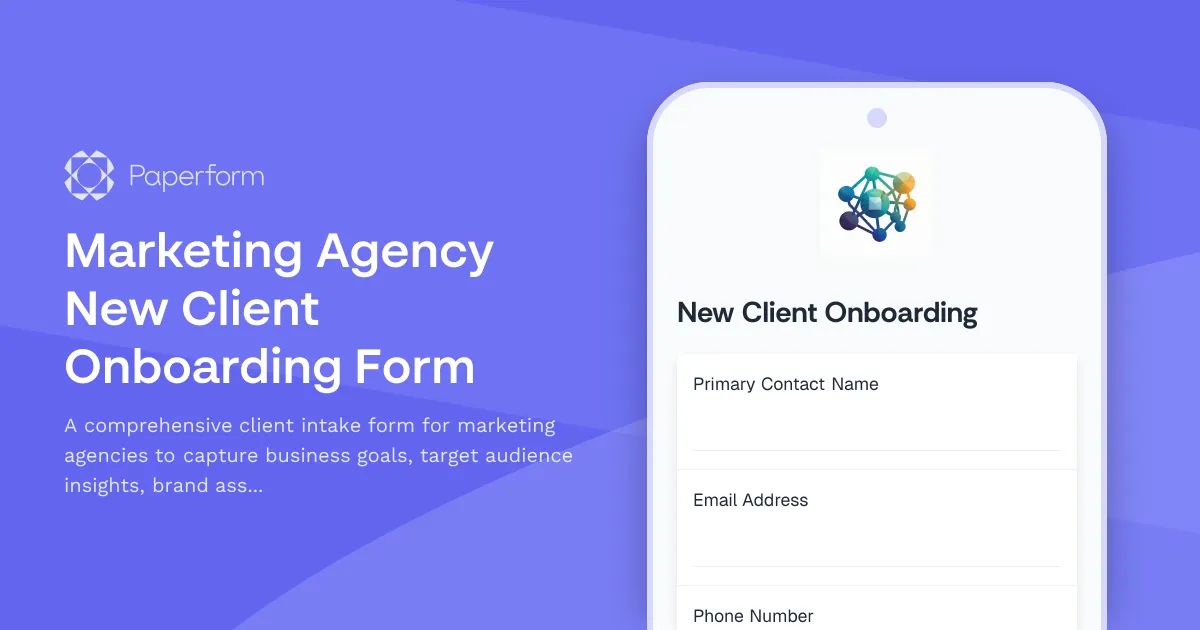 Marketing Agency New Client Onboarding Form Template | Paperform
Client selects "brand identity," they see questions about logos, color palettes, typography, and usage contexts. Client selects "social campaign," they see questions about platforms, formats, copy, dates, and ad specs, all built into the same form, with smarter paths underneath.
That's the difference between collecting information and creating alignment.
Mistake 2: Not defining what's included, and what isn't
Most designers are pretty good at listing what they'll deliver: a logo package, three concepts, two revision rounds, final files, brand guidelines, a few social templates. Lovely.
The real danger is everything you don't mention. If your proposal says "brand assets," does that specify what those assets actually are? Instagram templates? LinkedIn banners? A 30-minute tutorial for the client's marketing assistant that no one will ever watch?
Clients don't always know what design deliverables involve. They might not know the difference between a logo suite and a full brand system, or between a static social graphic and a template library.
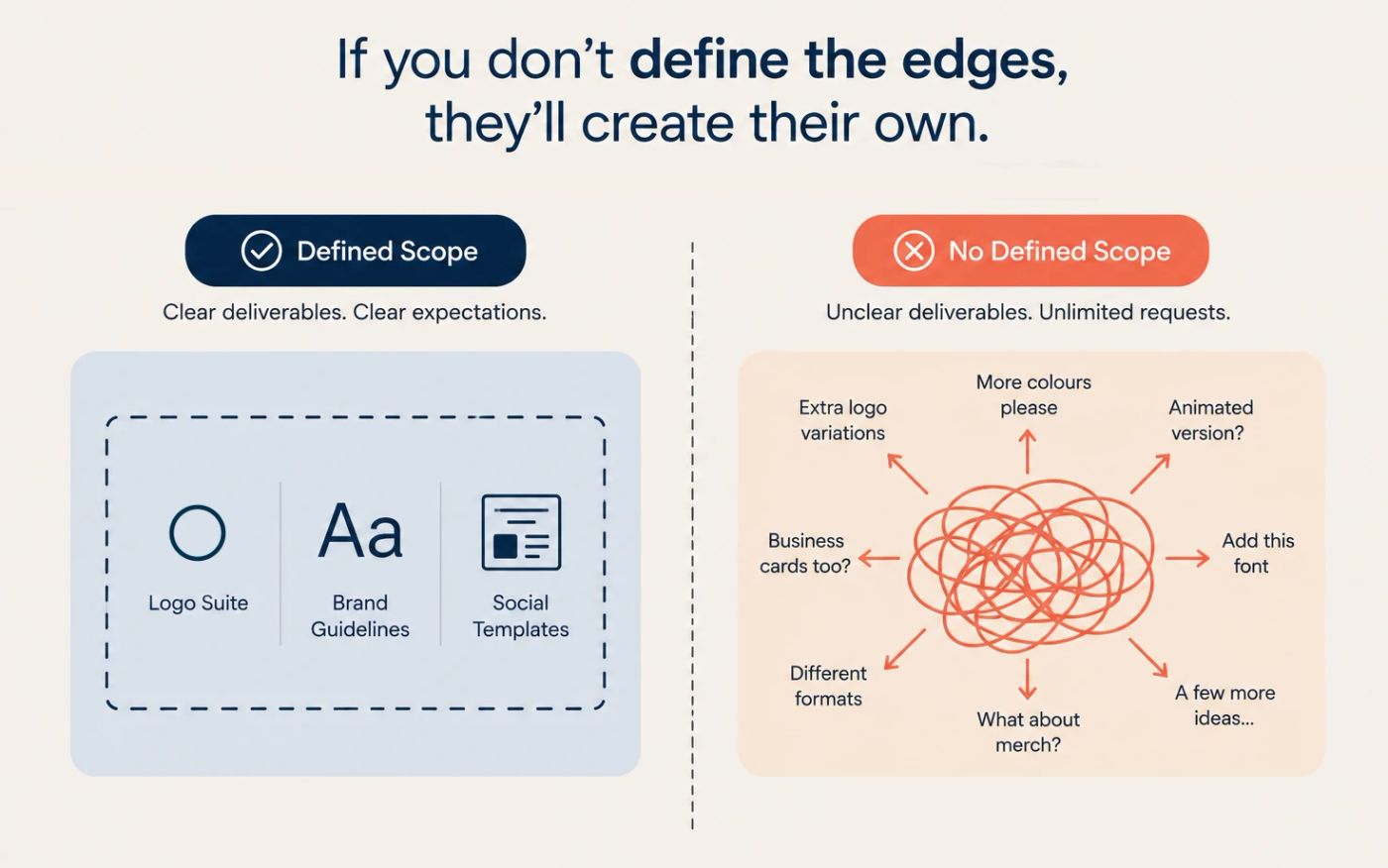
If you don't define the edges, they'll create their own.
The fix: add an "out of scope" section to every project document
Every proposal, service agreement, and kickoff document should include a clear "in scope" and "out of scope" section, each with its own heading, not buried in fine print under "miscellaneous."
For example, out of scope for this project might read:
- Copywriting or naming
- Photography, illustration, or icon sourcing
- Paid font or stock image licensing
- Website development or CMS implementation
- Additional logo concepts beyond the agreed number
- Additional revision rounds
- Animated assets
- Social media templates unless listed in deliverables
- Canva or editable template setup unless included
- Print vendor coordination
- Strategy workshops beyond the kickoff call
This does three things. It protects your time (and your headspace). It helps the client make better decisions. And it means you can charge for anything extra, because they can see exactly what's included, what's not, and what can be added later as paid work.
This isn't about being difficult, and it doesn't mean losing the warmth — you can still say "great idea, let's add that as a separate item," which turns extra requests into paid work instead of a free side quest.
Paperform can turn your scope into a repeatable onboarding flow. Build a project agreement form with required checkboxes for included deliverables, excluded items, revision limits, and approval terms, and use conditional logic so clients only see the exclusions relevant to their project type: animation and trademark registration for a logo, print testing and dieline creation for packaging, copywriting and ad setup for a campaign.
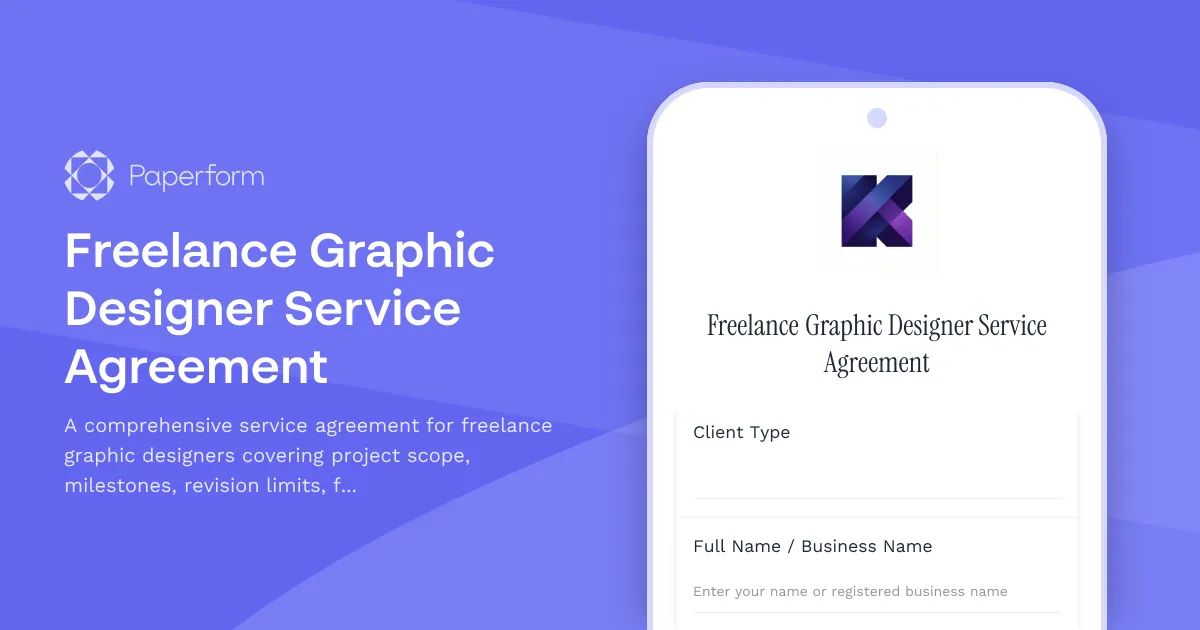 Freelance Graphic Designer Service Agreement Template | Paperform
That's one less "I thought that was included" email landing in your inbox — just clear boundaries, captured before the project starts.
Mistake 3: Treating kickoff as a casual hand-off
The contract's signed, the deposit's paid, the client seems lovely and easy to work with. So you start designing.
Then you realize you don't have the right logo files. Or the brand guidelines and fonts. Or the approved photos. Or the ten-line legal disclaimer that has to appear on every asset.
Your timeline is technically running, but the project is stuck in limbo. This is one of the sneakier forms of scope creep, because it doesn't look like extra work. It looks like waiting, while you're actually nudging, searching, and reworking your week around a "final-final-copy-v7" that showed up three days late.
For freelancers, this is expensive: your calendar is your inventory, and every day a client delays sharing assets is a day you could've spent on other paid work. For agency designers, the same problem shows up as internal chaos: account managers chasing assets, designers starting with incomplete information, creative directors reviewing work built on missing context, and the deadline somehow staying "urgent" the whole time.
The fix: don't start until the onboarding packet is complete
Kickoff shouldn't be a casual hand-off. Make it a non-negotiable step: if the client hasn't completed the onboarding packet, production doesn't start, and the timeline adjusts accordingly.
That packet might ask for:
- Brand guidelines
- Existing logos and source files
- Fonts and licenses
- Color values
- Product images
- Copy documents
- Competitor examples
- Inspiration references
- Print specs
- Platform requirements
- Login details or collaborator access
- Stakeholder names
- Final approval contact
- Billing details
- Signed agreement
Designers do their best thinking with clear inputs and enough runway, and a strong onboarding packet protects both the timeline and the work itself. It also helps clients see how their own participation affects the schedule.
You can make this feel smooth rather than scary. Use a Paperform content onboarding form or a client onboarding form as the central packet, with file upload fields for assets, required questions for missing details, and a custom success page explaining what happens next.
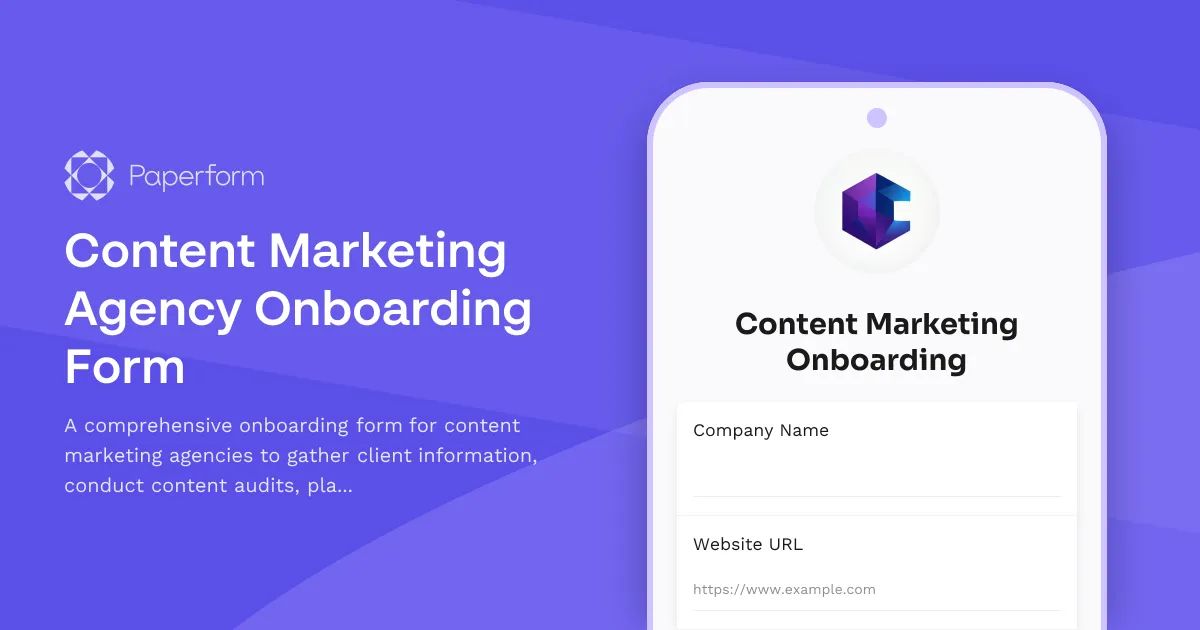 Content Marketing Agency Onboarding Form Template | Paperform
Add automations to notify yourself, add the client to a spreadsheet or CRM, create a task in your project management tool, and send a welcome email. Less chasing, more designing.
Mistake 4: Accepting informal, unstructured client data
Creative projects get messy fast when information lands in six different places at once. Logo feedback in Slack, a color reference buried in an email, new copy in a Google Doc, the client's CEO sending "inspiration" over WhatsApp, and then out of nowhere, comments on a PDF you didn't know existed — all while you're still working out who the actual decision-maker is, until they resurface on a three-week-old thread with "Can we make it pop?"
Sound familiar?
For graphic designers, scattered information is especially risky because creative choices depend on context. A packaging project can go sideways if the dieline changes. A brand identity project can shift direction the moment one stakeholder casually adds a new audience segment.
Unstructured input causes three problems: you miss important details, you spend unpaid time organizing the client's chaos, and the client assumes anything they mentioned anywhere is now part of the brief. That last one is the budget goblin. It must die.
The fix: funnel all project data into one intake channel
Tell clients exactly where project information goes: one form, one source of truth, one place to upload files and leave feedback. That doesn't mean clients can never email you. It means the official project details live somewhere structured, and anything mentioned elsewhere doesn't count as scope unless it makes it into the official brief.
That one sentence can save you several days of work and a stress headache.
Paperform works well here because it lets you build forms that feel more like a guided creative brief than an admin form: rich text to explain what you need, images to show examples, and conditional logic so clients aren't wading through irrelevant questions. A freelance designer could build separate paths for logo design, brand identity, social graphics, packaging, presentation design, website graphics, and print collateral, each one collecting exactly what that project type needs before it routes into the tools you already use.
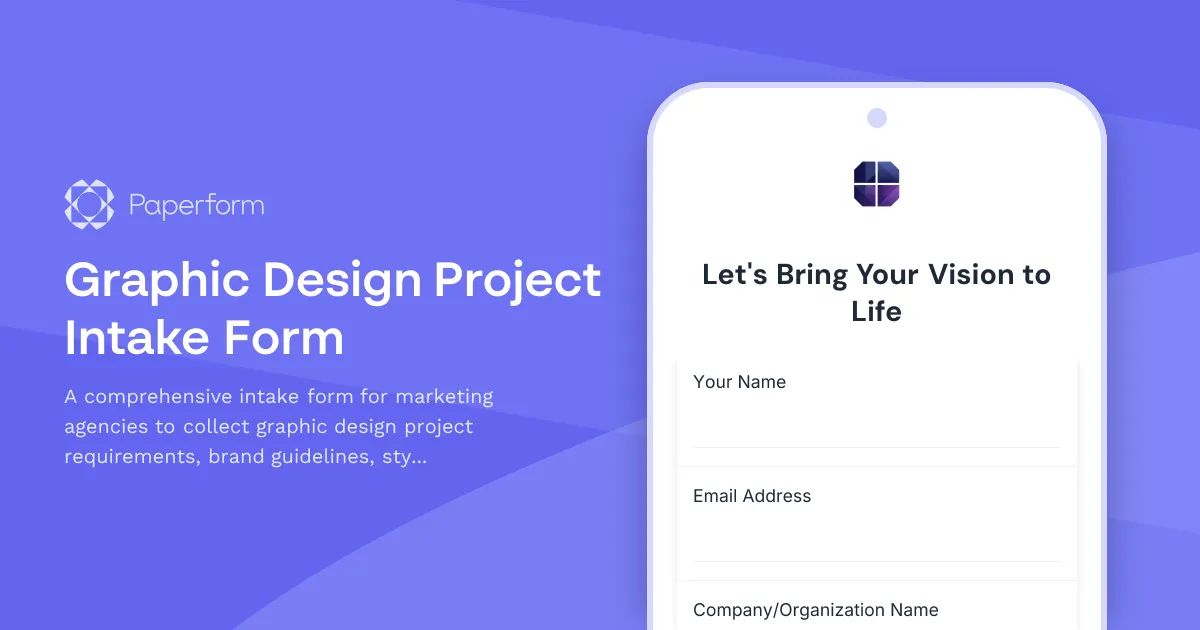 Graphic Design Project Intake Form Template for Marketing Agencies | Paperform
The designers who win are the ones who make beautiful work without turning every project into an unpaid ops job.
Mistake 5: Starting creative work without a signature
This is the big one.
"Looks good!" feels like approval, so you start designing. Then the project changes, the timeline slips, or the client questions what was agreed, and "looks good" starts feeling a lot less like a green light. Email approval is useful, but it isn't the same as a signed agreement.
For freelance graphic designers, a contract protects more than payment. It sets out the whole working relationship:
- Scope of work
- Deliverables
- Revision rounds and timeline
- Payment schedule and late payment terms
- Cancellation terms
- Intellectual property ownership
- Portfolio usage
- File delivery formats
- Change request process
- Client responsibilities
Without one, you're relying on goodwill — lovely, but not a business model. That matters even more now: freelance work is faster, more global, and more digital than ever, designers work with clients they'll never meet in person, and AI tools have raised the bar on turnaround speed. Flexibility without formal approval quietly turns into unpaid work.
A signature is the moment everyone actually agrees on what "this is what we're doing" means.
The fix: build signing into the final approval step
The easier signing is, the more likely clients are to do it before work begins. Instead of a PDF that gets downloaded, signed, scanned, forgotten, and eventually sent back as a blurry phone photo, build signing straight into your onboarding flow.
With form builder Paperform and contract tool Papersign, you can collect the project details through a form, use those answers to populate the agreement, and send it for eSignature automatically — the brief, scope, payment terms, and approval all move through one process.
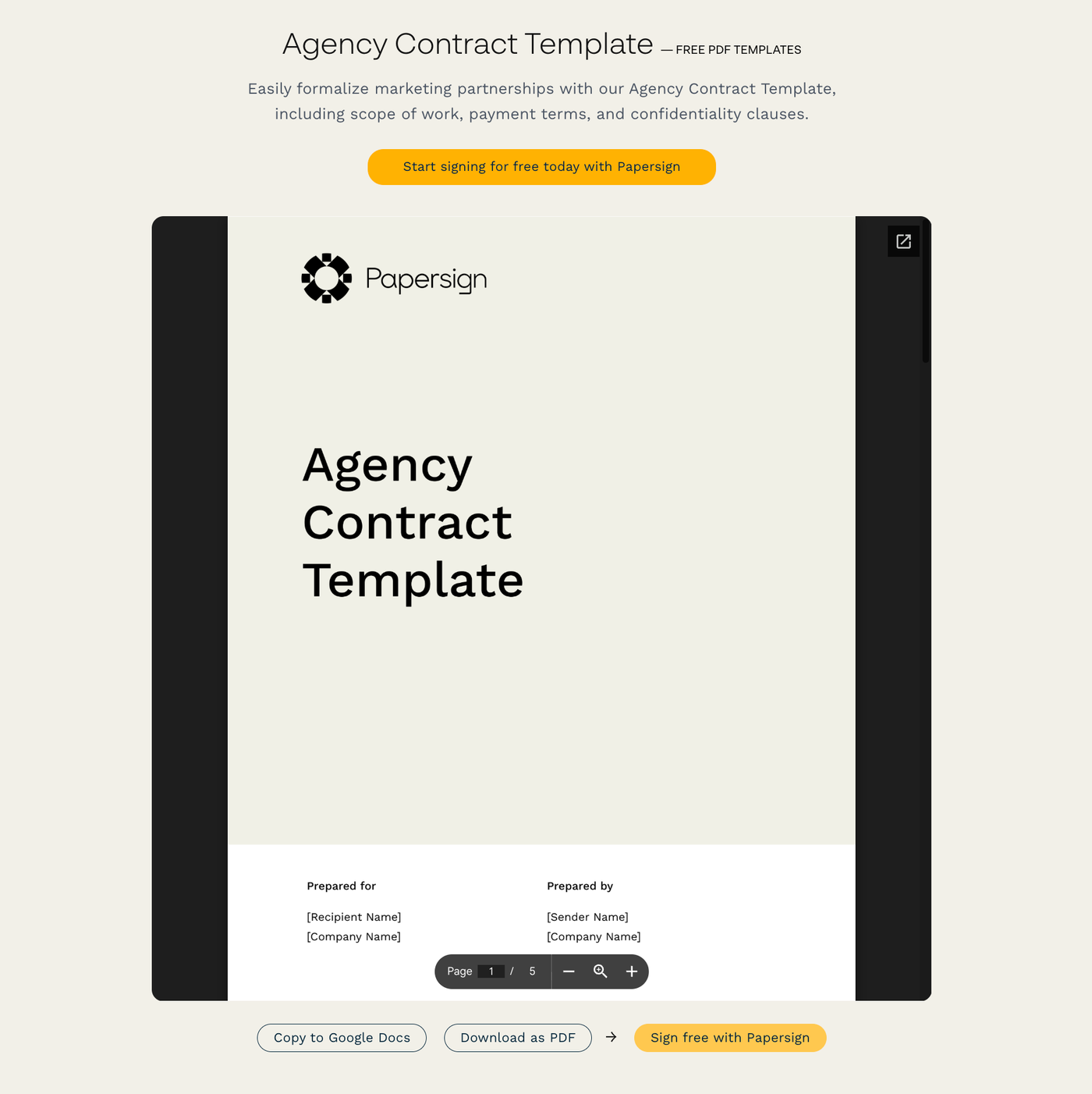 Agency Contract Template | Free PDF Templates | Papersign
A simple flow might look like:
- Client completes your project intake form.
- They upload assets and confirm deliverables.
- They review included and excluded scope.
- They accept revision and payment terms.
- Paperform triggers a Papersign agreement.
- The client signs.
- Your project officially begins.
Tidy, clean, and protective — and a better experience for the client too. Nobody wants clunky admin any more than you do; they want to feel guided and clear on what happens next. A smooth signing step says "you're working with a professional," and it protects you from the CEO's surprise request for twelve extra banner ads for the campaign idea his aunt had.
Why this matters now
Client onboarding used to be the boring bit before the real creative work started. That mindset doesn't hold up anymore.
In 2026, creative freelancers are working in a very different market. AI tools have made production faster, but they've also made client expectations blurrier: more people can generate visual options quickly, so skilled designers need to prove their value through taste, strategy, process, and reliability. At the same time, clients are hiring flexible creative talent across platforms, time zones, and project types, which creates opportunity and complexity in equal measure. The more distributed the work gets, the more the onboarding system matters.
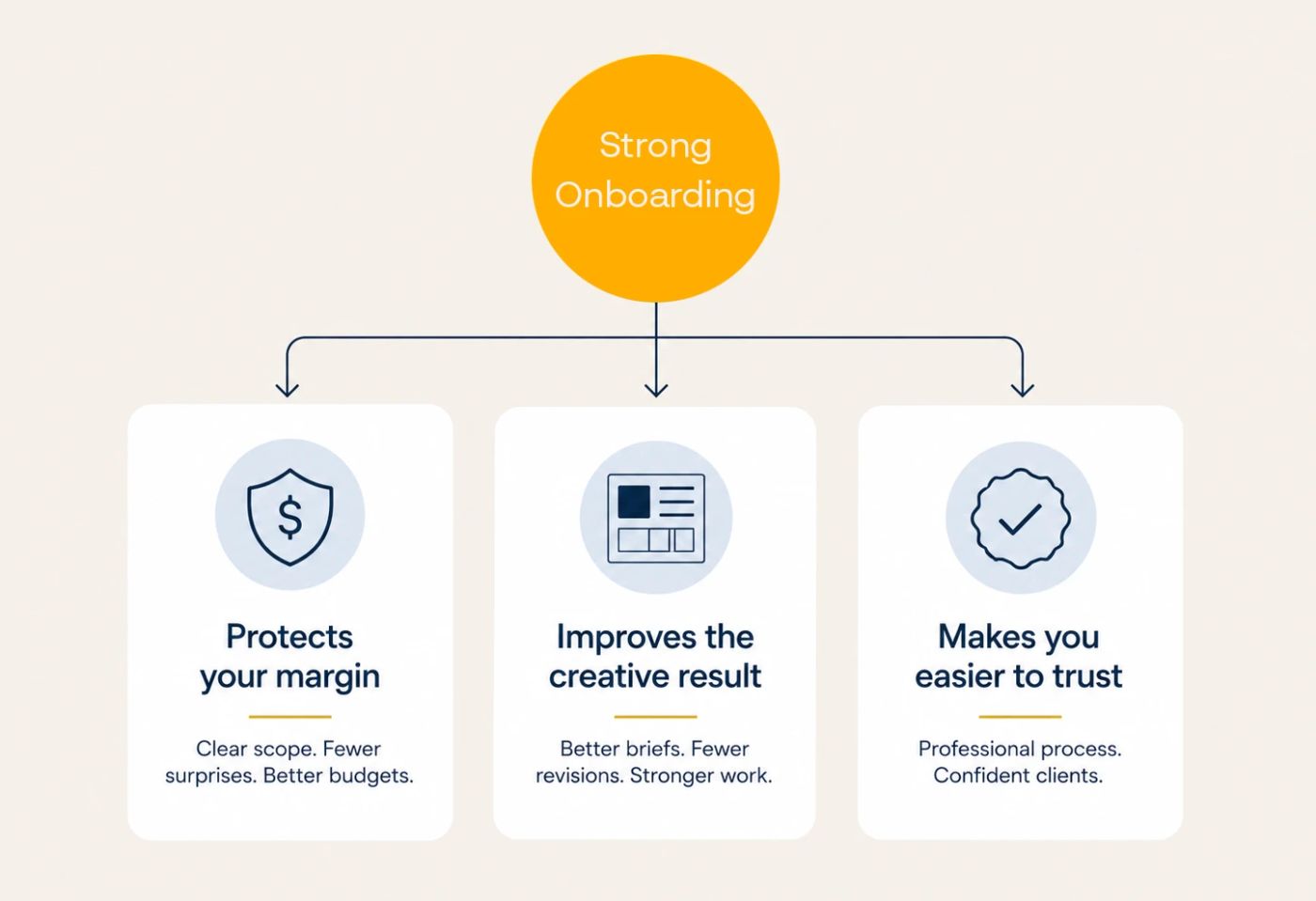
For graphic designers, strong onboarding does three things: it protects your margin, it improves the creative result, and it makes you easier to trust. That last one matters more than ever.
Clients don't hire designers because they can use Figma, Canva, or Photoshop. They hire designers who can turn messy ideas into clear, useful, beautiful work, and your onboarding process is the first proof that you can do that.
A better client onboarding workflow for graphic designers
A simple workflow you can adapt for your next project:
1. Discovery call
Use the call to understand the client's goals, audience, context, and taste. Don't try to solve the whole project live — the call is for insight, not final scope.
2. Structured intake form
After the call, send a project-specific intake form that captures requirements, assets, deliverables, file formats, stakeholders, deadlines, and budget.
3. Written scope and exclusions
Turn the intake answers into a clear scope of work, covering both what's included and what's not.
4. Client approval
Have the client confirm the scope, revision limits, timeline, payment terms, and responsibilities. A follow-up call here can be worth the extra fifteen minutes.
5. Digital signature
Send the agreement for eSignature before any creative work begins.
6. Kickoff, only after everything's complete
Start the project once the form is done, assets are uploaded, payment terms are clear, and the agreement is signed. Fewer gaps means less room for confusion to creep in.
Stick to this process, and you'll cut down on last-minute meetings and extra admin.
Better boundaries make better creative work
Scope creep isn't always a client problem. Often, it's an onboarding problem.
When designers rely on verbal briefs, vague deliverables, scattered feedback, missing assets, and unsigned agreements, they leave too many decisions open, and open decisions have a habit of turning into unpaid work.
The fix is a smoother front door for your projects: set the scope, define the exclusions, collect the assets, centralize the brief, get the signature, and only then, get to work. None of that requires being cold or difficult.
Your clients will feel clearer on what's happening, and your projects will run cleaner. Your profit margin stops quietly leaking out through "just one quick change" requests.
Ready to build a client onboarding workflow that protects your time and still feels good to use? Start with a Paperform intake form, connect your agreement with Papersign, and turn your next project kickoff into a proper creative runway, not a group chat with deadlines.