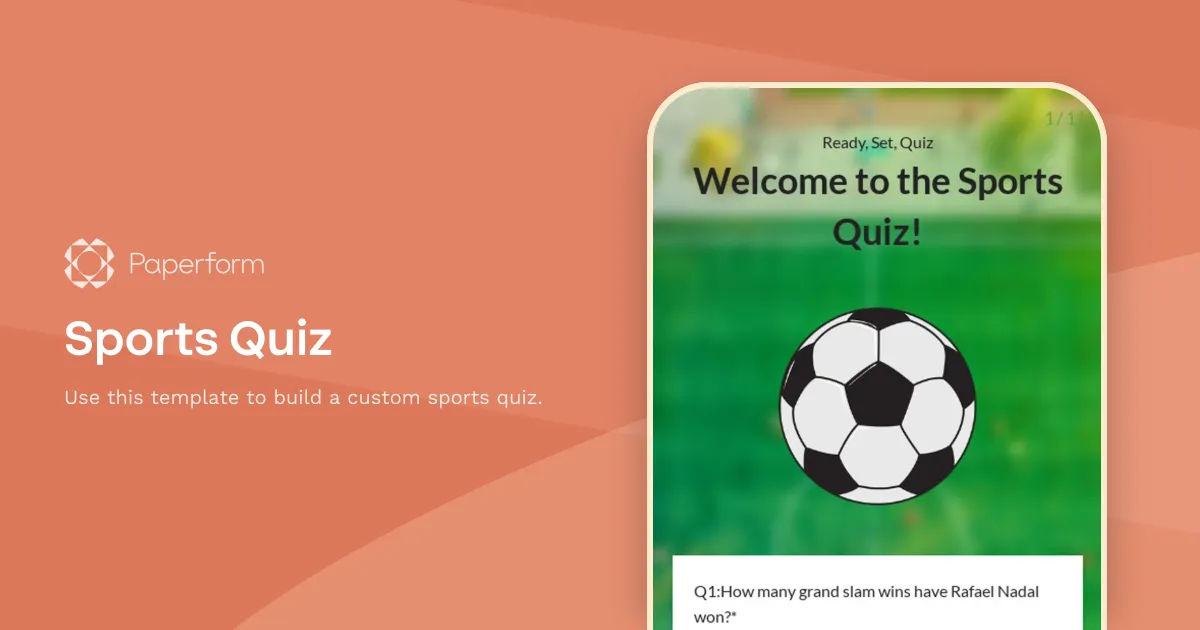
Sports Quiz Template
Use this Paperform's template to create a custom sports quiz. Simply click the button "Use this template" below to duplicate and import this form into your account. You can then start customizing the theme and tweaking the questions.
This sports quiz has ten multiple-choice questions in total. While editing your form, you can easily tailor them to your needs and liking. For example, you can add other types of questions: like text fields for open-ended questions or dropdown lists for country selection. Also, note that by default, this quiz displays one question at a time. However, you can easily switch to the standard full-page mode in your form's theme settings.
Paperform makes it easy to calculate scores automatically. This sports quiz, for example, dynamically calculates the total score of the respondent and displays it right after answering the last question. Optionally, you can also automatically send the scores to the respondents via email.
Key Features
This template is designed to help you collect information efficiently and professionally. It includes carefully crafted questions and fields that gather all the essential details you need.
Why Use This Template
- Save time: Start with a pre-built structure instead of creating from scratch
- Professional design: Looks polished and trustworthy to respondents
- Easy customization: Modify fields, colors, and branding to match your needs
- Mobile-friendly: Works seamlessly on all devices
How to Use This Template
- Click "Use this template" to import it into your Paperform account
- Customize the questions and fields to match your specific requirements
- Adjust the design and branding to reflect your organization
- Share the form link or embed it on your website
- Start collecting responses and managing submissions
Customization Options
Paperform's visual editor makes it easy to:
- Add or remove questions
- Change colors, fonts, and images
- Set up conditional logic to show/hide fields
- Configure email notifications and integrations
- Accept payments if needed
Get started today and create a professional form in minutes.


