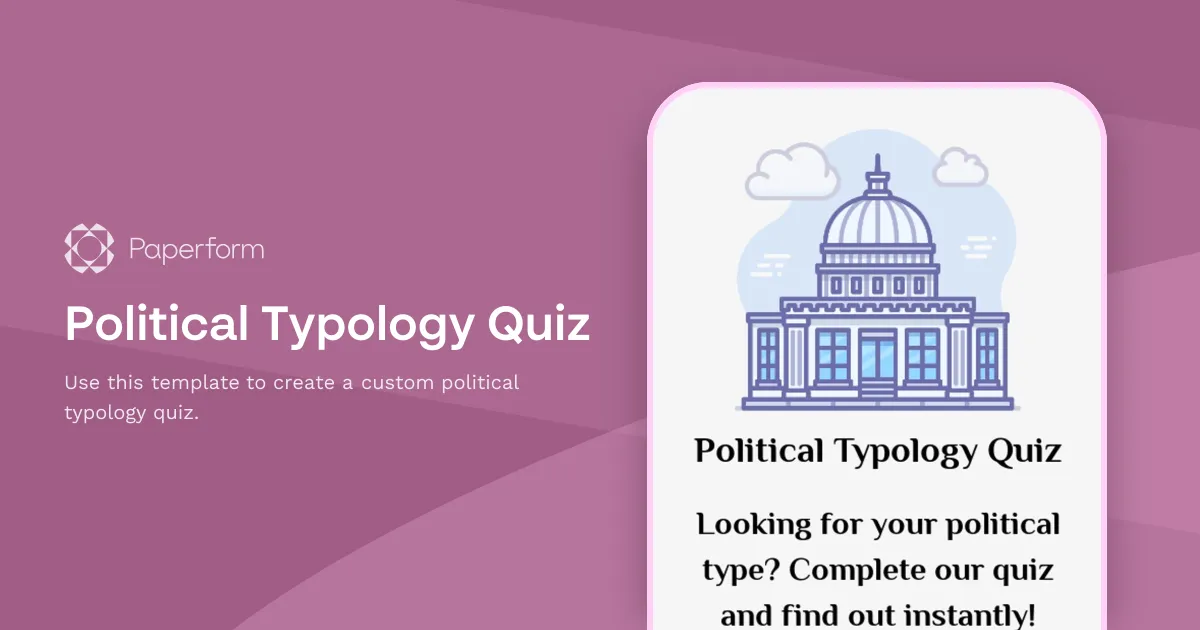
Political Typology Quiz Template
The idea behind political typology surveys is to segment people into groups based on their societal attitudes and values. There's no clear framework or requirements for such surveys: the questions, scoring system, and categorization ultimately depend on you.
If you want to build such a survey yourself, there's no easier way to get started than using this template that we've created for you at Paperform. Click the button "Use this template" to import this quiz into your Paperform account and start tailoring it to your needs. Paperform's free-text interface makes creating surveys as easy as editing online documents. You can quickly replace the questions, add your own images, embed video, and tweak fonts and colours.
This template uses a custom calculation to define the respondents' political types. We recommend tweaking the existing formula to better reflect the methodologies and objectives of your unique survey. Although calculations are pretty straightforward to use, should you ever get stuck, don't hesitate to reach out to our customer success team through the chat below. We're always here to help.
Key Features
This template is designed to help you collect information efficiently and professionally. It includes carefully crafted questions and fields that gather all the essential details you need.
Why Use This Template
- Save time: Start with a pre-built structure instead of creating from scratch
- Professional design: Looks polished and trustworthy to respondents
- Easy customization: Modify fields, colors, and branding to match your needs
- Mobile-friendly: Works seamlessly on all devices
How to Use This Template
- Click "Use this template" to import it into your Paperform account
- Customize the questions and fields to match your specific requirements
- Adjust the design and branding to reflect your organization
- Share the form link or embed it on your website
- Start collecting responses and managing submissions
Customization Options
Paperform's visual editor makes it easy to:
- Add or remove questions
- Change colors, fonts, and images
- Set up conditional logic to show/hide fields
- Configure email notifications and integrations
- Accept payments if needed
Get started today and create a professional form in minutes.


