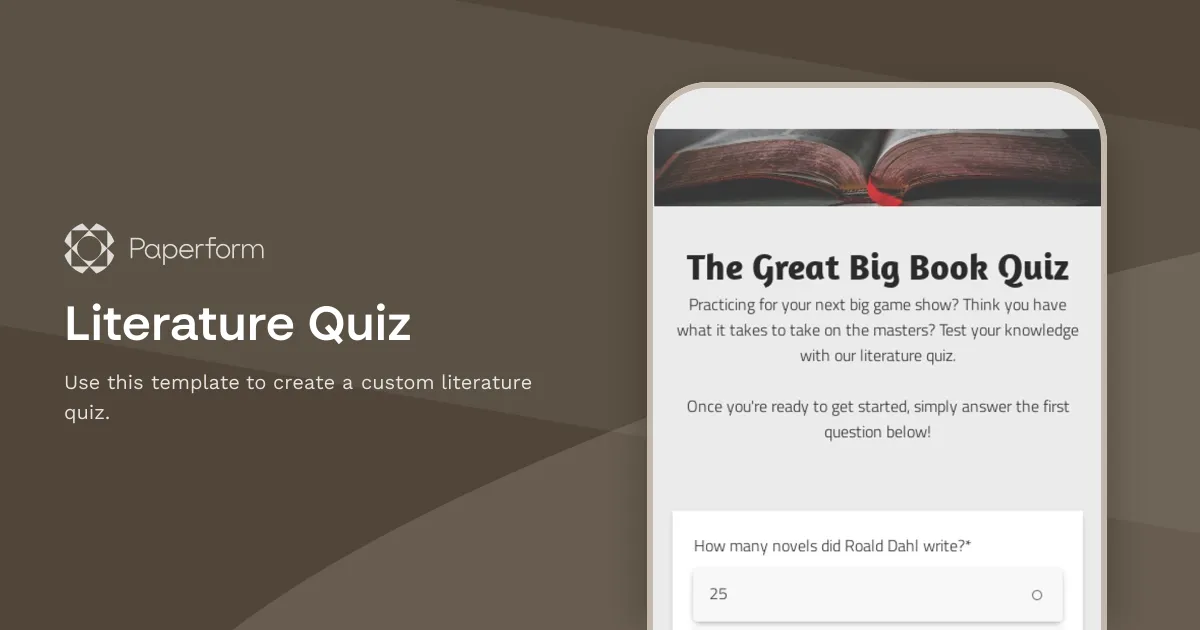
Literature Quiz Template
Do you want to create a custom literature quiz? Well, then you've landed on the right page. At Paperform, we built this template to help you get started faster. Click the button "Use this template" below to duplicate and start customizing it.
For starters, you might change the background image and the theming details like colours and fonts. Secondly, you can easily replace the quiz questions with your own. Most quizzes utilize multiple-choice questions, but you can also add open-ended fields, dropdown lists, or even scales and sliders. One good idea might be adding images to the answer options — it'll undoubtedly make your quiz more engaging and fun to fill out.
You can also switch between guided (one question at a time) and standard (static) form experiences. We recommend using the former for quizzes and surveys, while the static mode works best for longer forms or landing pages with lots of text and visuals. However, don't hesitate to experiment and find out what form experience is best for your unique project.
Key Features
This template is designed to help you collect information efficiently and professionally. It includes carefully crafted questions and fields that gather all the essential details you need.
Why Use This Template
- Save time: Start with a pre-built structure instead of creating from scratch
- Professional design: Looks polished and trustworthy to respondents
- Easy customization: Modify fields, colors, and branding to match your needs
- Mobile-friendly: Works seamlessly on all devices
How to Use This Template
- Click "Use this template" to import it into your Paperform account
- Customize the questions and fields to match your specific requirements
- Adjust the design and branding to reflect your organization
- Share the form link or embed it on your website
- Start collecting responses and managing submissions
Customization Options
Paperform's visual editor makes it easy to:
- Add or remove questions
- Change colors, fonts, and images
- Set up conditional logic to show/hide fields
- Configure email notifications and integrations
- Accept payments if needed
Get started today and create a professional form in minutes.


