Wufoo vs Zoho Forms: Which Is Better in 2026?
Wufoo (founded 2006) was one of the first web-based form builders — a genuine pioneer. But SurveyMonkey acquired it in 2011, and development effectively stopped. The 10-field free limit, the dated interface, and the absent roadmap tell the story of a product in maintenance mode. Zoho Forms (launched 2016) is newer, actively developed, and deeply integrated with the Zoho business suite — CRM, Desk, Projects, and 45+ other apps.
This comparison is straightforward: Zoho Forms is the better product in almost every dimension. Wufoo's only remaining advantages are niche — a slightly broader payment gateway selection and legacy brand familiarity. For new form projects, Zoho Forms is the stronger choice.
Quick Verdict
Choose Wufoo if:
- You're already locked into Wufoo with existing forms
- You specifically need Authorize.Net payment integration
- Migration effort outweighs the benefits of switching
- Your form needs are minimal and Wufoo's limitations don't matter
Choose Zoho Forms if:
- Your business uses any Zoho apps (CRM, Desk, Projects)
- You need offline mobile data collection
- You want an actively developed platform with a future
- You need approval workflows or CRM integration
Feature Comparison
| Feature | Wufoo | Zoho Forms |
|---|---|---|
| Form Building | ||
| Document-style editor | No | No |
| AI form creation | No | Yes basic |
| Field types | Yes | Yes |
| Multi-page forms | Yes starter | Yes |
| Guided mode (one question at a time) | No | No |
| Conditional logic | Yes starter | Yes |
| Calculations field | No | Yes basic |
| Scoring | No | No |
| Answer piping | No | Yes basic |
| Pre-filling and hidden fields | Yes starter | Yes |
| Save and resume | No | Yes basic |
| Auto-close by number | Yes starter | Yes |
| Auto-close by date | Yes starter | Yes |
| Appointment/booking field | No | No |
| Signature field | No | Yes |
| Color picker field | No | No |
| File uploads | Yes starter | No |
| 400+ templates | Yes | No |
| AI calculations assistant | No | No |
| API-powered dropdowns | No | No |
| Google address search | No | No |
| Payments | ||
| Stripe payments | Yes professional | No |
| PayPal payments | Yes professional | No |
| Authorize.net payments | Yes professional | No |
| Square payments | Yes professional | No |
| Braintree payments | Yes professional | No |
| Google Pay | No | No |
| Product sales (eCommerce) | No | No |
| Subscriptions | No | No |
| Coupons and discounts | No | No |
| Custom pricing rules | No | No |
| Tax calculations | No | No |
| Stripe | No | Yes |
| PayPal | No | Yes |
| Square | No | No |
| Braintree | No | No |
| Product sales | No | Yes basic |
| Coupons | No | No |
| Custom pricing | No | Yes basic |
| Quotes/invoices | No | Yes standard |
| Refunds | No | No |
| 3D Secure | No | No |
| Design & Customization | ||
| Template gallery | Yes | Yes |
| Rich media (images, GIFs, videos) | No | No |
| Theme designer | Yes | No |
| Language translation | No | Yes standard |
| Advanced theming | Yes starter | Yes basic |
| Custom form URL | Yes starter | No |
| Custom domains | No | No |
| Custom HTML & CSS | Yes starter | No |
| Remove branding | Yes starter | Yes basic |
| Custom email domains | No | No |
| Rich media | No | Yes |
| Unsplash/Giphy | No | No |
| Image editor | No | No |
| Adobe CC | No | No |
| Custom HTML/CSS | No | Yes standard |
| Analytics | ||
| Submission results and reports | Yes | No |
| Google Analytics integration | Yes professional | No |
| Partial submissions | No | No |
| Submission results | No | Yes |
| AI insights | No | No |
| Form analytics | No | Yes standard |
| GA/FB Pixel | No | No |
| Custom scripts | No | No |
| Collaboration | ||
| Multi-user accounts | Yes professional | No |
| User permissions and management | Yes professional | No |
| Advanced permissions & admin | No | No |
| Form sharing | Yes | Yes |
| Multi-user | No | Yes standard |
| Permissions | No | Yes standard |
| Advanced permissions | No | Yes professional |
| Spaces/tags | No | No |
| Security | ||
| SOC 2 Type II | Yes | No |
| GDPR compliant | Yes | No |
| HIPAA compliant | No | No |
| SSL encryption | Yes | No |
| Two-factor authentication | No | No |
| SSO (SAML) | No | No |
| reCAPTCHA | Yes | Yes |
| Field encryption | Yes professional | No |
| Password protection | Yes professional | No |
| PCI DSS | Yes | No |
| SOC 2 | No | Yes |
| GDPR | No | Yes |
| SSL | No | Yes |
| 2FA | No | Yes |
| Enforce 2FA | No | No |
| SSO SAML | No | Yes professional |
| Data residency | No | Yes |
| Custom S3 | No | No |
| Integrations & API | ||
| Native integrations | Yes starter | No |
| Zapier | Yes starter | Yes basic |
| Make (Integromat) | No | No |
| Webhooks | Yes starter | Yes standard |
| API | Yes | No |
| WordPress plugin | Yes | No |
| Embed options | Yes | No |
| 2000+ | No | No |
| Standard API | No | Yes basic |
| Business API | No | No |
| WordPress | No | Yes |
| oEmbed | No | Yes |
Where Wufoo Wins
Broader Payment Gateway Support
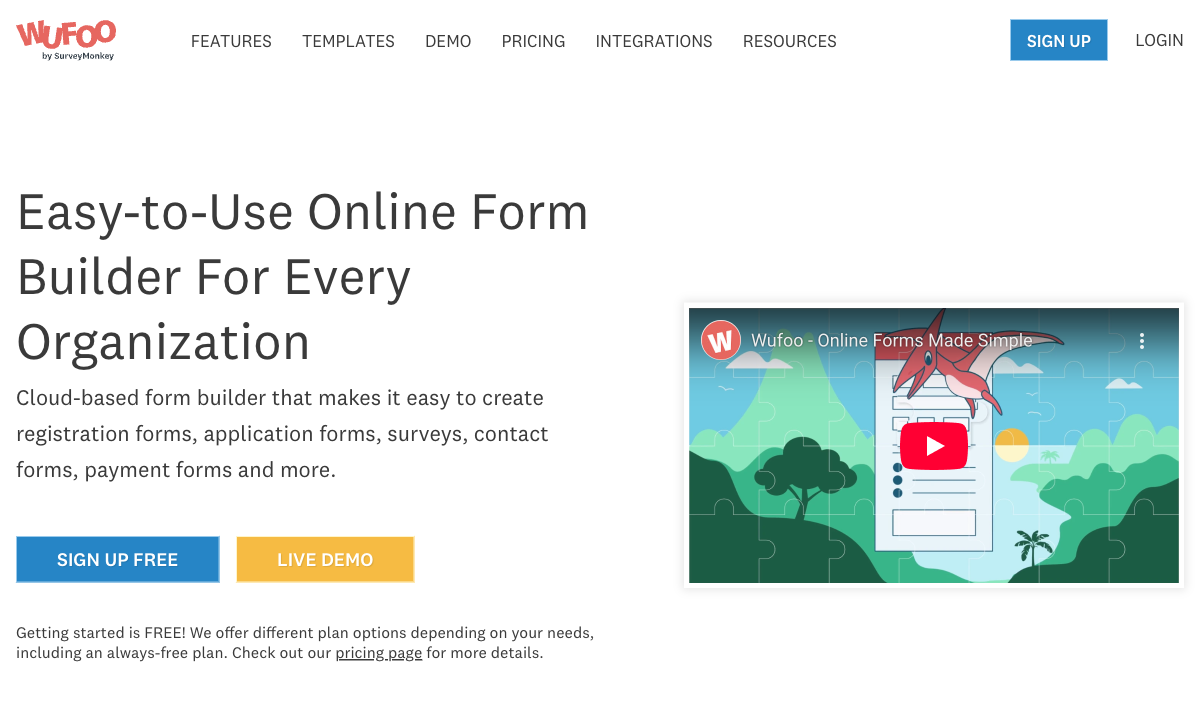
Wufoo supports Stripe, PayPal, and Authorize.Net for payment processing. Zoho Forms supports PayPal and Stripe. If you specifically need Authorize.Net — common in certain B2B and enterprise contexts — Wufoo has this narrow advantage. For Stripe and PayPal users, the payment capabilities are comparable.
CSS Customisation
On paid plans, Wufoo allows custom CSS for form styling. Zoho Forms offers theme customisation but more limited CSS access. For developers who want granular control over form appearance, Wufoo's CSS access is a minor differentiator — though the base templates you're styling are dated.
Legacy Brand Recognition
Wufoo has been around since 2006 — it's a familiar name for anyone who built web forms in the late 2000s. This brand familiarity means existing documentation, tutorials, and community knowledge are abundant. But familiarity alone doesn't compensate for a decade of stagnation.
Where Zoho Forms Wins
Active Development
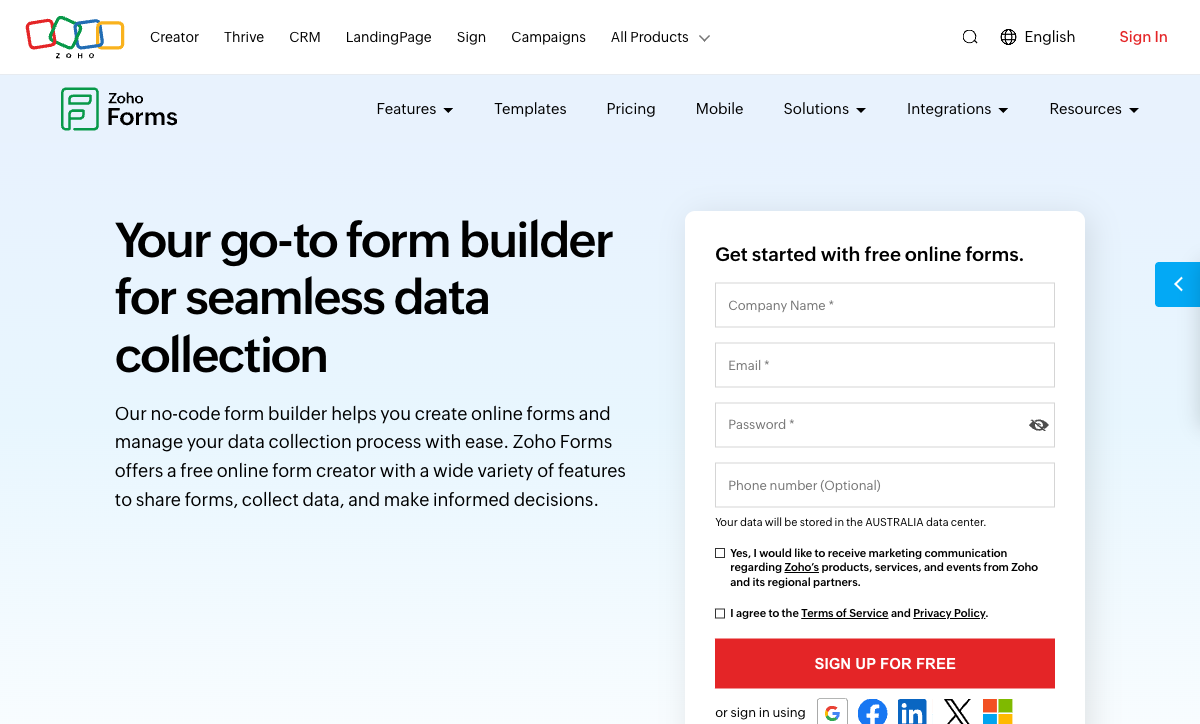
Zoho Forms receives regular updates as part of the broader Zoho platform — new field types, improved mobile experience, AI features, and expanded integrations. Wufoo's last meaningful feature addition is difficult to identify. Choosing a platform that's actively developed means your tool improves over time. Wufoo is frozen in 2011.
Zoho Ecosystem Integration
Form submissions flow natively into Zoho CRM, Zoho Desk, Zoho Projects, Zoho Sheet, and 45+ other Zoho apps. For businesses running on Zoho, this eliminates the Zapier middleware that Wufoo requires for any business tool integration. Native data flow means fewer failure points, lower costs, and faster setup.
Offline Mobile Data Collection
Zoho Forms' mobile app works without internet — forms load offline, submissions queue locally, and data syncs when connectivity returns. Wufoo has no mobile app and no offline capability. For field teams, trade shows, site inspections, and remote locations, Zoho Forms solves a problem Wufoo can't address.
Approval Workflows
Zoho Forms includes built-in approval workflows — submissions route to managers or designated approvers before being finalised. Useful for purchase requests, leave applications, expense approvals, and any process requiring sign-off. Wufoo has no approval mechanism.
Better Free Tier and Pricing
Zoho Forms' free tier (3 forms, 500 submissions) is dramatically more usable than Wufoo's (5 forms, 10 fields per form, 100 submissions). The 10-field limit alone makes Wufoo's free tier nearly unusable for real forms. Zoho's Basic plan ($10/month) offers unlimited forms and 10,000 submissions — Wufoo's $19/month Starter gives you 5 forms with 15 fields and 100 entries. You get more for less with Zoho Forms at every price point.
Where Both Fall Short
- No calculation engine: Neither supports dynamic pricing, conditional math, or scored assessments.
- No e-signatures: Neither offers built-in e-signature collection.
- Limited design polish: Wufoo looks dated. Zoho Forms is functional but generic. Neither creates visually impressive brand experiences.
- Basic conditional logic: Both offer show/hide branching but lack multi-condition rules, calculation-based logic, or dynamic content.
Pricing Comparison
Wufoo
Zoho Forms
| Product | Plan | Monthly Price | Annual Price (per month) | Free Plan | Free Trial | Limits |
|---|---|---|---|---|---|---|
| Wufoo | Free | Free | Free | Yes | No | forms: 5, submissions: 100/month, storage: N/A, users: 1 |
| Wufoo | Starter | $16.25/mo | $16.25/mo billed annually | forms: 10, submissions: 1,000/month, storage: 1 GB, users: 1 | ||
| Wufoo | Professional | $33.25/mo | $33.25/mo billed annually | forms: Unlimited, submissions: 5,000/month, storage: 5 GB, users: 5 | ||
| Wufoo | Advanced | $83.25/mo | $83.25/mo billed annually | forms: Unlimited, submissions: 25,000/month, storage: 10 GB, users: 20 | ||
| Wufoo | Ultimate | $210.25/mo | $210.25/mo billed annually | forms: Unlimited, submissions: 200,000/month, storage: 20 GB, users: 60 | ||
| Zoho Forms | Free | Free | Free | Yes | 15 days | forms: 3, submissions: 500/month, storage: 200 MB, users: 1 |
| Zoho Forms | Basic | $12/mo | $10/mo billed annually | forms: Unlimited, submissions: 10,000/month, storage: 500 MB, users: 1 | ||
| Zoho Forms | Standard | $30/mo | $25/mo billed annually | forms: Unlimited, submissions: 25,000/month, storage: 2 GB, users: 10 | ||
| Zoho Forms | Professional | $60/mo | $50/mo billed annually | forms: Unlimited, submissions: 75,000/month, storage: 5 GB, users: 25 | ||
| Zoho Forms | Premium | $110/mo | $90/mo billed annually | forms: Unlimited, submissions: 150,000/month, storage: 10 GB, users: 100 |
Wufoo: Free (5 forms, 10 fields, 100 submissions), Starter $19/month (5 forms, 15 fields, 100 entries). Zoho Forms: Free (3 forms, 500 submissions), Basic $10/month (unlimited forms, 10,000 submissions). Zoho Forms delivers significantly more capacity at every price tier. Wufoo's pricing reflects a legacy model that hasn't adapted to modern market expectations.
User Ratings
The Verdict
Zoho Forms is the better choice for new projects. It's more capable, more affordable, actively developed, and connected to a thriving business ecosystem. The only scenario where Wufoo makes sense is if you have existing forms you can't easily migrate and the effort of switching isn't justified by your use case.
Wufoo was a pioneer — it helped create the web form builder category in 2006. But 15 years of stagnation since SurveyMonkey's acquisition have left it behind. If you're evaluating form builders today, Wufoo's legacy status is a liability, not an asset.
For more options, see our Wufoo alternatives or Zoho Forms alternatives.
Consider Paperform
If neither Wufoo nor Zoho Forms meets your needs, Paperform offers what both platforms lack: an Excel-style calculation engine, five payment gateways on every plan, e-signatures, custom branding, and design-quality forms that work on any website. It connects to 2,000+ apps including the Zoho suite. Bootstrapped and profitable since 2016 — a safer long-term bet than a stagnant legacy product.
Try Paperform free | Paperform vs Wufoo | Paperform vs Zoho Forms
Frequently Asked Questions
Should I migrate from Wufoo to Zoho Forms?
If you're already on Wufoo and evaluating alternatives, Zoho Forms is a reasonable upgrade — particularly if your business uses other Zoho apps. You gain: native CRM integration, offline mobile collection, approval workflows, and a platform that's actively developed. The migration effort depends on form complexity, but Zoho Forms can replicate most Wufoo form structures. The main exception: if you rely on Wufoo's specific payment integrations (Authorize.Net alongside Stripe/PayPal), verify Zoho Forms supports your payment gateway.
Is Wufoo still being developed?
Barely. Wufoo was acquired by SurveyMonkey in 2011 and has received minimal feature development since. The interface, field types, and capabilities largely reflect its 2010-era state. There's no public product roadmap, no meaningful changelog, and the 10-field limit on free forms hasn't changed. Zoho Forms, by contrast, receives regular updates as part of the broader Zoho platform and has a visible development trajectory.
Which has better payment processing?
Both support basic payment collection. Wufoo offers Stripe, PayPal, and Authorize.Net on paid plans ($19+/month). Zoho Forms offers PayPal and Stripe on paid plans ($10+/month). Neither platform supports subscriptions, coupons, or product catalogues — both handle simple one-time payments. The implementations are comparable, but Zoho Forms is cheaper to access. For serious payment forms, consider dedicated alternatives like Paperform or Jotform.
Which is better for field data collection?
Zoho Forms, definitively. Its mobile app supports offline data collection — essential for field teams, events, and locations without reliable internet. Wufoo has no mobile app and no offline capability. For any data collection that happens outside an office with a stable internet connection, Zoho Forms is the only option of the two.
Sources & References
- Best Online Form Builder to Use in 2026 — Top 20 Tools — EmailToolTester, 2026
- Wufoo vs Zoho Forms: Comparison — G2, 2026
Last updated March 21, 2026
Ready to try Paperform?
Create beautiful forms, payment pages, and workflows — no code required.