WPForms vs Zoho Forms: Which Is Better in 2026?
WPForms (founded 2016) is a WordPress-only form plugin used by 6 million+ sites — purpose-built for contact forms, registrations, and payments on WordPress websites. Zoho Forms (launched 2016) is the form builder within the Zoho business suite — purpose-built for data collection that feeds into Zoho CRM, Zoho Desk, and 45+ other Zoho apps, with strong mobile and offline capabilities.
Both launched in the same year, both are beginner-friendly, and both handle basic data collection well. The deciding factor is platform: do your forms live on WordPress, or do they feed into the Zoho ecosystem?
Quick Verdict
Choose WPForms if:
- Your website runs on WordPress
- You need forms that match your WordPress theme
- You want simple contact, registration, or payment forms
- You prefer a drag-and-drop builder inside WordPress admin
Choose Zoho Forms if:
- Your business runs on the Zoho ecosystem
- You need native CRM integration for lead capture
- You need offline mobile data collection
- You want forms that work on any platform, not just WordPress
Feature Comparison
| Feature | WPForms | Zoho Forms |
|---|---|---|
| Form Building | ||
| Document-style editor | No | No |
| AI form creation | Yes basic | Yes basic |
| Field types | Yes basic | Yes |
| Multi-page forms | Yes basic | Yes |
| Guided mode (one question at a time) | Yes pro | No |
| Conditional logic | Yes basic | Yes |
| Calculations field | Yes pro | Yes basic |
| AI calculations assistant | No | No |
| Scoring | Yes pro | No |
| Answer piping | No | Yes basic |
| Pre-filling and hidden fields | Yes basic | Yes |
| Save and resume | Yes pro | Yes basic |
| Auto-close by number | Yes basic | Yes |
| Auto-close by date | Yes basic | Yes |
| Appointment/booking field | No | No |
| Signature field | Yes pro | Yes |
| Color picker field | No | No |
| API-powered dropdowns | No | No |
| Google address search | Yes pro | No |
| Payments | ||
| Stripe payments | Yes pro | No |
| PayPal payments | Yes pro | No |
| Square payments | Yes pro | No |
| Braintree payments | No | No |
| Google Pay | No | No |
| Product sales (eCommerce) | No | No |
| Subscriptions | Yes pro | No |
| Coupons and discounts | Yes pro | No |
| Custom pricing rules | Yes pro | No |
| Tax calculations | No | No |
| Quotes/invoices | No | Yes standard |
| Refunds | No | No |
| 3D Secure | No | No |
| Stripe | No | Yes |
| PayPal | No | Yes |
| Square | No | No |
| Braintree | No | No |
| Product sales | No | Yes basic |
| Coupons | No | No |
| Custom pricing | No | Yes basic |
| Design & Customization | ||
| Template gallery | Yes pro | Yes |
| Rich media (images, GIFs, videos) | Yes basic | No |
| Unsplash and Giphy integration | No | No |
| Image editor | No | No |
| Adobe Creative Cloud | No | No |
| Language translation | Yes basic | Yes standard |
| Advanced theming | Yes basic | Yes basic |
| Custom form URL | Yes pro | No |
| Custom domains | Yes basic | No |
| Custom HTML & CSS | Yes basic | No |
| Remove branding | Yes basic | Yes basic |
| Custom email domains | No | No |
| Rich media | No | Yes |
| Unsplash/Giphy | No | No |
| Adobe CC | No | No |
| Custom HTML/CSS | No | Yes standard |
| Analytics | ||
| Submission results and reports | Yes basic | No |
| AI report insights | No | No |
| Paperform analytics | No | No |
| Google Analytics & Facebook Pixel | No | No |
| Custom analytics scripts | No | No |
| Partial submissions | Yes pro | No |
| Submission results | No | Yes |
| AI insights | No | No |
| Form analytics | No | Yes standard |
| GA/FB Pixel | No | No |
| Custom scripts | No | No |
| Collaboration | ||
| Multi-user accounts | Yes basic | No |
| User permissions and management | Yes pro | No |
| Advanced permissions & admin | Yes elite | No |
| Form sharing (templates) | Yes basic | No |
| Spaces and tag management | No | No |
| Multi-user | No | Yes standard |
| Permissions | No | Yes standard |
| Advanced permissions | No | Yes professional |
| Form sharing | No | Yes |
| Spaces/tags | No | No |
| Security | ||
| SOC 2 Type II | No | No |
| GDPR compliant | Yes basic | No |
| SSL encryption | Yes basic | No |
| Two-factor authentication | No | No |
| Enforce 2FA for all users | No | No |
| SSO (SAML) | No | No |
| reCAPTCHA | Yes basic | Yes |
| Local data residency | Yes | No |
| Custom S3 storage | No | No |
| SOC 2 | No | Yes |
| GDPR | No | Yes |
| SSL | No | Yes |
| 2FA | No | Yes |
| Enforce 2FA | No | No |
| SSO SAML | No | Yes professional |
| Data residency | No | Yes |
| Custom S3 | No | No |
| Integrations & API | ||
| 2000+ integrations | Yes pro | No |
| Zapier | Yes pro | Yes basic |
| Make (Integromat) | Yes pro | No |
| Webhooks | Yes elite | Yes standard |
| Standard API | No | Yes basic |
| Business API | No | No |
| WordPress plugin | Yes | No |
| oEmbed support | No | No |
| 2000+ | No | No |
| WordPress | No | Yes |
| oEmbed | No | Yes |
Where WPForms Wins
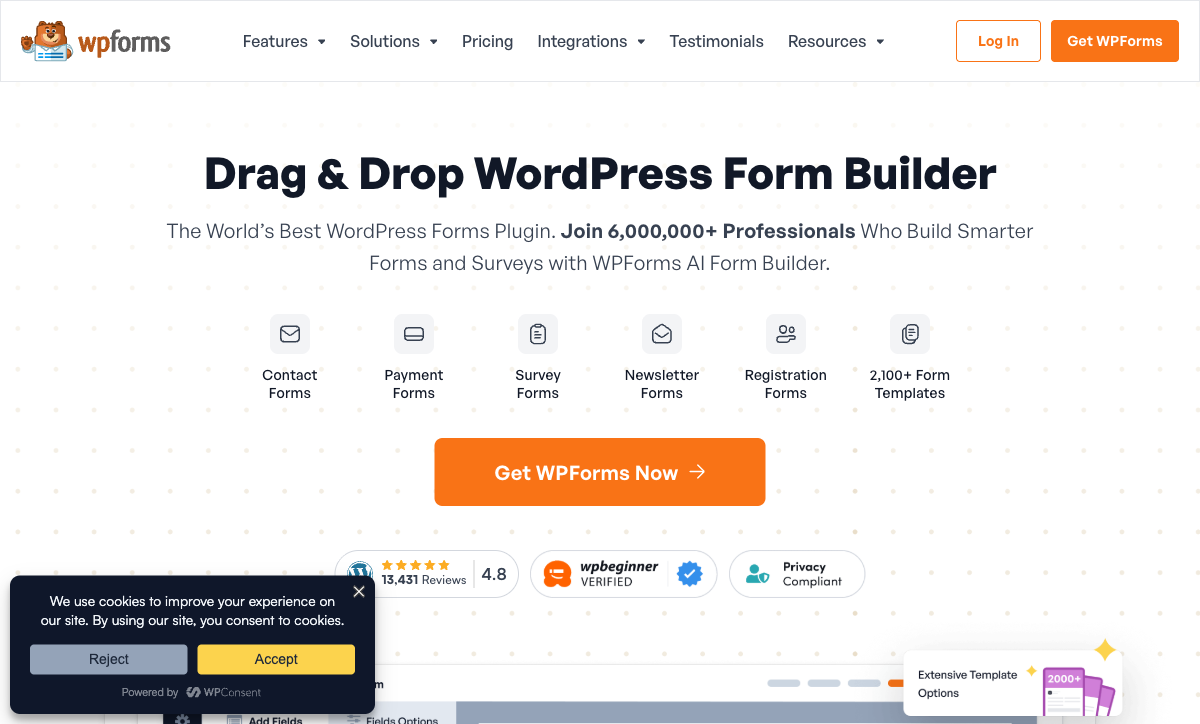
Native WordPress Integration
WPForms renders natively within WordPress — no iframes, no external scripts, no third-party branding. Forms inherit your theme's typography, colours, and spacing. You build forms in the WordPress admin, embed with a shortcode or block, and submissions live in your WordPress database. For the 43% of websites running WordPress, this native integration eliminates friction that Zoho Forms' embed approach introduces.
WordPress Ecosystem Compatibility
WPForms connects to popular WordPress plugins: Constant Contact, Mailchimp, AWeber, WooCommerce, MemberPress, and dozens more via addons. It works with every major page builder (Elementor, Divi, Beaver Builder, Gutenberg). Zoho Forms' WordPress integration is limited to iframe embedding — it doesn't interact with the WordPress plugin ecosystem.
Simplicity for WordPress Users
Install the plugin, open the drag-and-drop builder, choose a template, embed on a page. WPForms is consistently rated the easiest WordPress form plugin — if you can manage a WordPress site, you can build forms in minutes. Zoho Forms requires creating an account on a separate platform, building forms in Zoho's interface, and then embedding back on WordPress — more steps for WordPress-native users.
Payment Collection
WPForms Pro supports Stripe and PayPal payment fields — order forms, donations, event registrations with fees. Zoho Forms also offers payment processing (PayPal, Stripe) on paid plans. Both handle basic payments competently, but WPForms' payment forms render natively on WordPress without the iframe container that Zoho Forms requires.
Where Zoho Forms Wins
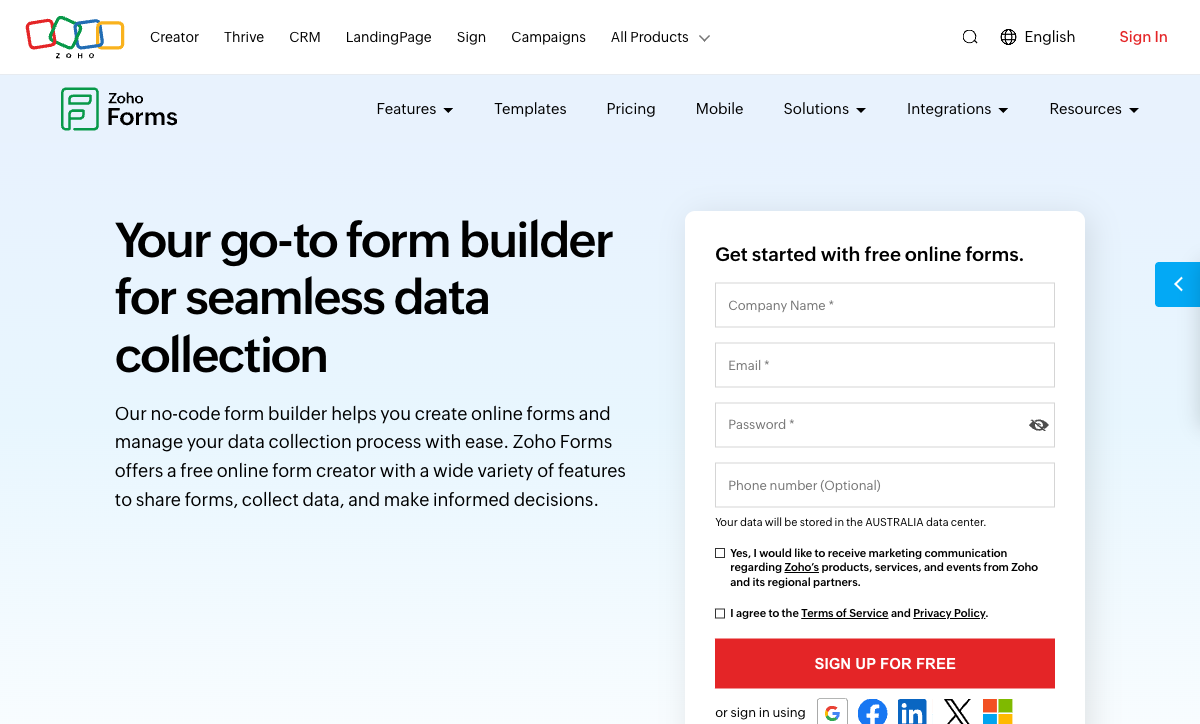
Platform Independence
Zoho Forms works anywhere — embed on any website (WordPress, Shopify, Wix, Squarespace), share as standalone links, or use the mobile app. WPForms only works on WordPress. If your web presence isn't exclusively WordPress, or if you need forms outside your website entirely, Zoho Forms is the more versatile option.
Zoho Ecosystem Integration
Form submissions flow natively into Zoho CRM, Zoho Desk, Zoho Projects, Zoho Sheet, and 45+ Zoho apps — no Zapier, no middleware. For businesses running their operations on Zoho, this native data flow is invaluable. WPForms has no Zoho connections; routing WordPress form submissions into Zoho requires Zapier or custom API work.
Offline Mobile Data Collection
Zoho Forms' mobile app captures data without internet connectivity — forms load offline, submissions queue locally, and data syncs when connectivity returns. WPForms is a WordPress plugin with no mobile app and no offline capability. For field teams, trade shows, site inspections, and remote data collection, Zoho Forms solves a problem WPForms can't address.
Approval Workflows
Zoho Forms includes built-in approval workflows — submissions route to designated approvers before being finalised. Useful for purchase requests, leave applications, and any form requiring manager sign-off. WPForms has no native approval mechanism.
Where Both Fall Short
- No calculation engine: Neither supports dynamic pricing, conditional math, or scored assessments.
- No e-signatures: Neither offers built-in e-signature collection.
- Platform lock-in: WPForms is WordPress-only. Zoho Forms works best within the Zoho ecosystem. Neither is a truly universal form platform.
- Limited design ambition: WPForms matches your WordPress theme (for better or worse). Zoho Forms is functional but visually generic. Neither produces standout visual experiences.
Pricing Comparison
WPForms
Zoho Forms
| Product | Plan | Monthly Price | Annual Price (per month) | Free Plan | Free Trial | Limits |
|---|---|---|---|---|---|---|
| WPForms | Lite (Free) | Free | Free | Yes | 14 days | forms: Unlimited, submissions: Unlimited, users: Unlimited |
| WPForms | Basic | Not listed | $4.13/mo billed annually | forms: Unlimited, submissions: Unlimited, users: Unlimited | ||
| WPForms | Plus | Not listed | $8.29/mo billed annually | forms: Unlimited, submissions: Unlimited, users: Unlimited | ||
| WPForms | Pro | Not listed | $16.63/mo billed annually | forms: Unlimited, submissions: Unlimited, users: Unlimited | ||
| WPForms | Elite | Not listed | $24.96/mo billed annually | forms: Unlimited, submissions: Unlimited, users: Unlimited | ||
| Zoho Forms | Free | Free | Free | Yes | 15 days | forms: 3, submissions: 500/month, storage: 200 MB, users: 1 |
| Zoho Forms | Basic | $12/mo | $10/mo billed annually | forms: Unlimited, submissions: 10,000/month, storage: 500 MB, users: 1 | ||
| Zoho Forms | Standard | $30/mo | $25/mo billed annually | forms: Unlimited, submissions: 25,000/month, storage: 2 GB, users: 10 | ||
| Zoho Forms | Professional | $60/mo | $50/mo billed annually | forms: Unlimited, submissions: 75,000/month, storage: 5 GB, users: 25 | ||
| Zoho Forms | Premium | $110/mo | $90/mo billed annually | forms: Unlimited, submissions: 150,000/month, storage: 10 GB, users: 100 |
WPForms: Lite free, Pro $199/year (unlimited submissions). Zoho Forms: Free (3 forms, 500 submissions), Basic $10/month (unlimited forms, 10,000 submissions). Both are affordable — the choice is platform fit rather than price. WordPress sites get more from WPForms. Zoho-ecosystem businesses get more from Zoho Forms.
User Ratings
The Verdict
Use WPForms if your forms live on WordPress. Native integration, theme compatibility, and the WordPress plugin ecosystem make it the natural choice for any WordPress-powered website.
Use Zoho Forms if your data lives in Zoho. Native CRM integration, offline mobile collection, and approval workflows make it the natural choice for Zoho-ecosystem businesses — regardless of website platform.
If you need a form builder that works across both WordPress and non-WordPress sites without ecosystem lock-in, see the complete form builder ranking.
Consider Paperform
If you want forms that work on WordPress, Zoho, and everywhere else, Paperform embeds on any website and connects to 2,000+ apps — including both WordPress tools and the Zoho suite. It adds what neither platform offers: an Excel-style calculation engine, five payment gateways, e-signatures, and design-quality forms. Bootstrapped and profitable since 2016.
Try Paperform free | Paperform vs WPForms | Paperform vs Zoho Forms
Frequently Asked Questions
Can I use Zoho Forms on a WordPress site?
Yes, Zoho Forms provides embed codes that work on WordPress. However, the form renders in an iframe and won't match your WordPress theme's styling natively. WPForms renders directly within WordPress — no iframes, no external branding, full theme integration. If your primary use case is WordPress website forms, WPForms is the better fit. If you need forms that feed into Zoho CRM and happen to embed on WordPress, Zoho Forms works but feels less native.
Which is better for CRM integration?
Zoho Forms integrates natively with Zoho CRM — submissions automatically create leads, contacts, or deals with zero middleware. WPForms connects to CRMs (HubSpot, Salesforce, Constant Contact) via addons or Zapier, but has no native Zoho CRM connector. If your CRM is Zoho, Zoho Forms is the obvious choice. If your CRM is something else and your site runs on WordPress, WPForms' addon ecosystem may cover your needs.
Which has better offline support?
Zoho Forms wins decisively. Its mobile app supports offline data collection — forms work without internet and sync when connectivity returns. WPForms has no offline capability at all; it's a WordPress plugin that requires a web server to function. For field teams, events, and any scenario where internet access is unreliable, Zoho Forms is the only option of the two.
Which is more beginner-friendly?
Both are beginner-friendly, but in different contexts. WPForms is arguably the easiest WordPress form plugin — install, drag-and-drop, publish. If you know WordPress, WPForms takes minutes. Zoho Forms has a clean web-based builder that requires no WordPress knowledge. For WordPress users, WPForms has the lower barrier. For non-WordPress users, Zoho Forms is more accessible since it doesn't require any CMS setup.
Sources & References
- Best Online Form Builder to Use in 2026 — Top 20 Tools — EmailToolTester, 2026
- WPForms vs Zoho Forms: Feature Comparison — G2, 2026
Last updated March 21, 2026
Ready to try Paperform?
Create beautiful forms, payment pages, and workflows — no code required.