WPForms vs Wufoo: Active WordPress Plugin vs Legacy SaaS in 2026
WPForms and Wufoo sit on opposite trajectories. WPForms, launched in 2016 by Awesome Motive, has grown to 6 million+ active WordPress installs with aggressive feature development — AI form creation, conversational forms, calculations, digital signatures, and deep CRM integrations shipped in recent years. Wufoo, founded in 2006 and acquired by SurveyMonkey for $35 million in 2011, has been in maintenance mode for years. The interface hasn't meaningfully changed, feature development has stalled, and the platform feels like a product from 2012.
This creates an unusual comparison: a WordPress-only plugin with active momentum versus a platform-independent SaaS tool coasting on legacy. The question isn't just which is better today, but which is heading in the right direction — and Wufoo's trajectory is firmly downward.
Quick Verdict
Choose WPForms if:
- Your site runs on WordPress (required for WPForms)
- You want a form builder that's actively developed with modern features
- You need payment processing, calculations, or digital signatures
- You want unlimited submissions with no monthly caps
- You need CRM integrations (Salesforce, HubSpot, Zoho)
Choose Wufoo if:
- You need forms that work independently of any CMS
- You need multi-user access on a single account (up to 60 users on Ultimate)
- You have an existing Wufoo workflow and migration cost outweighs benefits
- You need a simple, no-frills form builder and don't need modern features
Feature Comparison
Side-by-side: an actively developed WordPress plugin versus a legacy SaaS platform.
| Feature | WPForms | Wufoo |
|---|---|---|
| Form Building | ||
| Document-style editor | No | No |
| AI form creation | Yes basic | No |
| Field types | Yes basic | Yes |
| Multi-page forms | Yes basic | Yes starter |
| Guided mode (one question at a time) | Yes pro | No |
| Conditional logic | Yes basic | Yes starter |
| Calculations field | Yes pro | No |
| AI calculations assistant | No | No |
| Scoring | Yes pro | No |
| Answer piping | No | No |
| Pre-filling and hidden fields | Yes basic | Yes starter |
| Save and resume | Yes pro | No |
| Auto-close by number | Yes basic | Yes starter |
| Auto-close by date | Yes basic | Yes starter |
| Appointment/booking field | No | No |
| Signature field | Yes pro | No |
| Color picker field | No | No |
| API-powered dropdowns | No | No |
| Google address search | Yes pro | No |
| File uploads | No | Yes starter |
| 400+ templates | No | Yes |
| Payments | ||
| Stripe payments | Yes pro | Yes professional |
| PayPal payments | Yes pro | Yes professional |
| Square payments | Yes pro | Yes professional |
| Braintree payments | No | Yes professional |
| Google Pay | No | No |
| Product sales (eCommerce) | No | No |
| Subscriptions | Yes pro | No |
| Coupons and discounts | Yes pro | No |
| Custom pricing rules | Yes pro | No |
| Tax calculations | No | No |
| Quotes/invoices | No | No |
| Refunds | No | No |
| 3D Secure | No | No |
| Authorize.net payments | No | Yes professional |
| Design & Customization | ||
| Template gallery | Yes pro | Yes |
| Rich media (images, GIFs, videos) | Yes basic | No |
| Unsplash and Giphy integration | No | No |
| Image editor | No | No |
| Adobe Creative Cloud | No | No |
| Language translation | Yes basic | No |
| Advanced theming | Yes basic | Yes starter |
| Custom form URL | Yes pro | Yes starter |
| Custom domains | Yes basic | No |
| Custom HTML & CSS | Yes basic | Yes starter |
| Remove branding | Yes basic | Yes starter |
| Custom email domains | No | No |
| Theme designer | No | Yes |
| Analytics | ||
| Submission results and reports | Yes basic | Yes |
| AI report insights | No | No |
| Paperform analytics | No | No |
| Google Analytics & Facebook Pixel | No | No |
| Custom analytics scripts | No | No |
| Partial submissions | Yes pro | No |
| Google Analytics integration | No | Yes professional |
| Collaboration | ||
| Multi-user accounts | Yes basic | Yes professional |
| User permissions and management | Yes pro | Yes professional |
| Advanced permissions & admin | Yes elite | No |
| Form sharing (templates) | Yes basic | No |
| Spaces and tag management | No | No |
| Form sharing | No | Yes |
| Security | ||
| SOC 2 Type II | No | Yes |
| GDPR compliant | Yes basic | Yes |
| SSL encryption | Yes basic | Yes |
| Two-factor authentication | No | No |
| Enforce 2FA for all users | No | No |
| SSO (SAML) | No | No |
| reCAPTCHA | Yes basic | Yes |
| Local data residency | Yes | No |
| Custom S3 storage | No | No |
| HIPAA compliant | No | No |
| Field encryption | No | Yes professional |
| Password protection | No | Yes professional |
| PCI DSS | No | Yes |
| Integrations & API | ||
| 2000+ integrations | Yes pro | No |
| Zapier | Yes pro | Yes starter |
| Make (Integromat) | Yes pro | No |
| Webhooks | Yes elite | Yes starter |
| Standard API | No | No |
| Business API | No | No |
| WordPress plugin | Yes | Yes |
| oEmbed support | No | No |
| Native integrations | No | Yes starter |
| API | No | Yes |
| Embed options | No | Yes |
Where WPForms Wins
Active Development and Modern Features
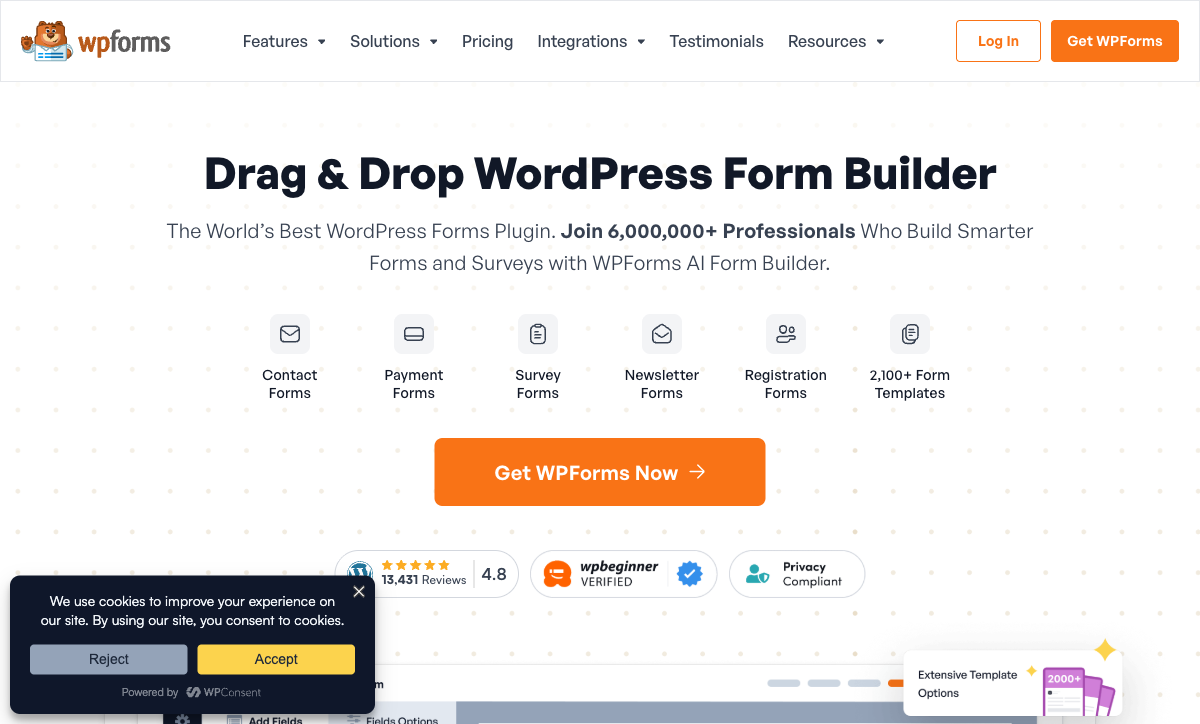
WPForms ships regular updates with meaningful new capabilities. Recent additions include AI-powered form creation, conversational forms (one question at a time), form landing pages, calculations, digital signatures, PDF generation, quiz building, and offline forms. Wufoo hasn't added a major feature in years. The development velocity gap means WPForms gets further ahead with every release while Wufoo stays frozen.
Unlimited Submissions
Every WPForms plan — including free — offers unlimited forms and unlimited submissions. Wufoo enforces strict monthly limits: 100 on Free, 1,000 on Starter ($16.25/month), 5,000 on Professional ($33.25/month), and charges $0.05 per entry over the limit. For any form with meaningful traffic, WPForms eliminates volume concerns entirely. Wufoo's limits become an ongoing cost burden as usage grows.
Payment Processing Depth
WPForms Pro includes Stripe, PayPal, and Square with recurring subscriptions, coupon codes, and calculation-driven pricing. Elite adds Authorize.Net. Wufoo offers Stripe, PayPal, and Authorize.Net on the Professional plan ($33.25/month), but with basic payment collection only — no subscriptions, no coupons, no dynamic pricing. For businesses selling products, services, or memberships through forms, WPForms delivers meaningfully deeper eCommerce functionality.
Calculations and Dynamic Forms
WPForms Pro includes a calculation engine for dynamic pricing, order totals, scoring, and conditional computations. Wufoo has no calculation capabilities. For use cases like quote calculators, order forms with variable pricing, or quiz scoring, WPForms handles natively what Wufoo cannot do at all.
Template Library and AI
WPForms offers 2,100+ templates and AI-powered form generation that creates complete forms from text descriptions. Wufoo has approximately 400 templates and no AI capabilities. The 5x template gap and AI generation mean faster form creation for more use cases on WPForms.
Integration Ecosystem
WPForms Elite connects to Salesforce, HubSpot, Zoho CRM, ActiveCampaign, Airtable, Pipedrive, Google Sheets, Zapier (10,000+ apps), Make, and n8n. Wufoo integrates with Zapier, Mailchimp, and a handful of direct connections, but the integration ecosystem has not expanded meaningfully in years. WPForms' integration breadth dwarfs Wufoo's — especially for CRM and marketing automation workflows.
Where Wufoo Wins
Platform Independence
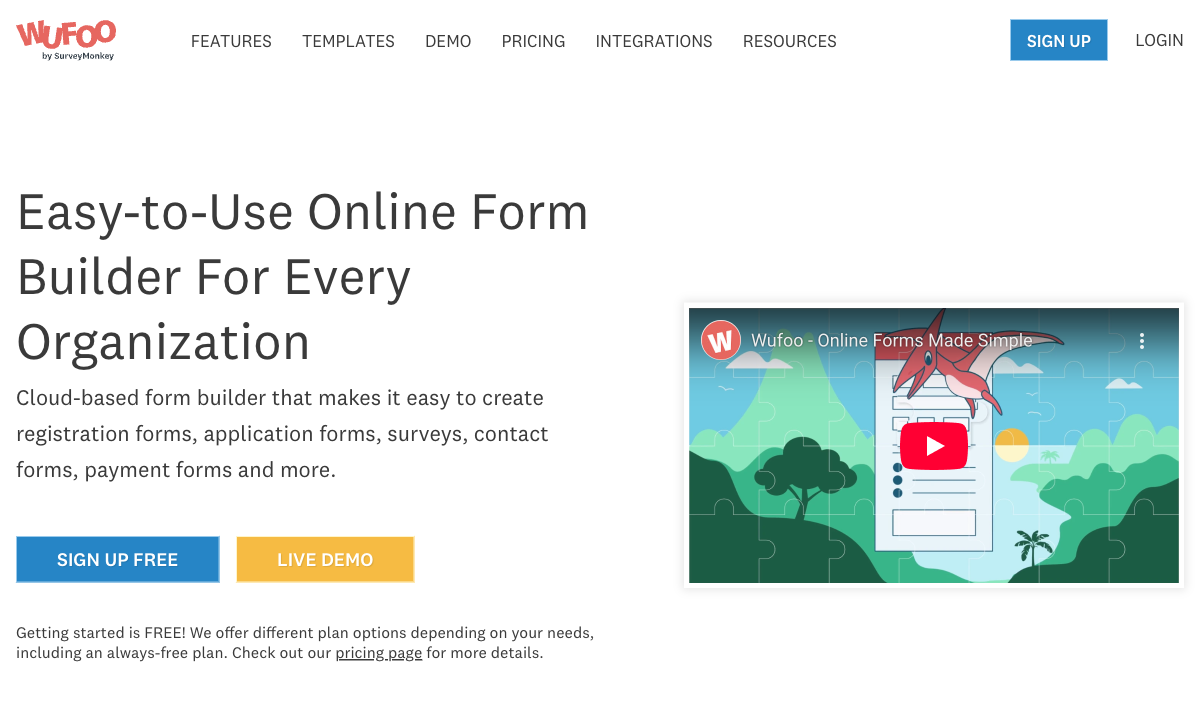
Wufoo works as a standalone SaaS platform — forms hosted on Wufoo's servers, accessible via standalone URLs, embeddable on any website. No WordPress required. WPForms requires WordPress, full stop. For teams on Squarespace, Wix, Shopify, or custom-built sites, Wufoo works where WPForms cannot. This is Wufoo's most meaningful advantage, though standalone SaaS alternatives like Jotform and Typeform are far more capable for non-WordPress users.
Multi-User Team Access
Wufoo's higher plans support significant team sizes: 5 users on Professional ($33.25/month), 20 on Advanced ($83.25/month), and 60 on Ultimate ($210.25/month). WPForms doesn't have built-in user limits in the same way — any WordPress user with the right role can access forms. For non-WordPress teams that need shared form management, Wufoo's explicit multi-user model is structured and clear.
REST API
Wufoo provides a REST API for retrieving form data, entries, and reports programmatically. WPForms has no public API — data access requires WordPress database queries or export. For developers who need programmatic access to form submission data outside WordPress, Wufoo's API is a genuine technical advantage.
Established Brand Trust
Founded in 2006 and serving notable customers including Amazon, Disney, Microsoft, and Harvard University, Wufoo has two decades of operation. Its parent company Momentive (SurveyMonkey) is publicly traded. For procurement processes that weight vendor age and corporate backing, Wufoo's history and parent company provide assurance — even if the product itself has stagnated.
Where WPForms Falls Short
- WordPress lock-in: WPForms only works inside WordPress. No standalone form URLs outside the WordPress ecosystem, no platform independence.
- No public API: No REST API for programmatic data access. Developers must query WordPress directly or export CSV/XLSX.
- Annual billing only: No monthly billing option. Full year upfront commitment on all paid plans.
- No HIPAA compliance: Healthcare organisations cannot use WPForms for Protected Health Information.
- Hosting is your responsibility: WordPress hosting, security, backups, and maintenance are additional costs and responsibilities not included in WPForms pricing.
Where Wufoo Falls Short
- Stagnant development: Wufoo has not added meaningful new features in years. No AI, no conversational forms, no modern design system, no e-signatures, no calculations. The product is frozen in time.
- Dated interface: The form builder and resulting forms look like they were designed in 2012. No modern design controls, no custom fonts, no landing-page-style forms. Customer-facing forms signal "outdated" to respondents.
- Strict submission limits: Monthly caps on every plan (100 free, 1,000 Starter, 5,000 Professional) with $0.05/entry overage fees. WPForms offers unlimited submissions at every tier.
- 10 fields per form on Free: The free plan's 10-field limit is among the most restrictive in the market. Most real-world forms need more than 10 fields.
- Acquired and deprioritised: Owned by Momentive (SurveyMonkey) since 2011, Wufoo is clearly not the parent company's priority. Development resources go to SurveyMonkey, not Wufoo. The platform's future as a standalone product is uncertain.
- Basic payment processing: Stripe, PayPal, and Authorize.Net with basic collection only. No subscriptions, no coupons, no dynamic pricing. WPForms' payment features are years ahead.
- No HIPAA compliance: Not available at any tier, despite the SurveyMonkey parent company having enterprise capabilities.
- Limited templates: Approximately 400 templates versus WPForms' 2,100+. The gap reflects the broader development stagnation.
Pricing Comparison
WPForms uses annual plugin licensing with no submission limits. Wufoo uses monthly SaaS pricing with strict volume caps.
| Feature Level | WPForms | Wufoo | Key Difference |
|---|---|---|---|
| Free | Unlimited forms and submissions, basic fields | 5 forms, 100 entries/mo, 10 fields/form | WPForms has no limits; Wufoo caps at 10 fields |
| ~$16/mo | Pro: $16.63/mo (annual), payments, Zapier, signatures | Starter: $16.25/mo, 1,000 entries, 10 forms | Similar price; WPForms includes far more features and no limits |
| ~$25-33/mo | Elite: $24.96/mo (annual), Salesforce, HubSpot, unlimited sites | Professional: $33.25/mo, 5,000 entries, payments | WPForms is cheaper with CRM integrations; Wufoo still has limits |
| ~$83/mo | No equivalent (Elite is highest at $24.96/mo) | Advanced: $83.25/mo, 25,000 entries, 20 users | Wufoo's higher tiers target multi-user teams at premium pricing |
| $210+/mo | No equivalent | Ultimate: $210.25/mo, 200,000 entries, 60 users | Wufoo's top tier costs 8x WPForms Elite for high-volume teams |
The pricing comparison highlights a stark imbalance. WPForms Elite at $24.96/month delivers more features — Salesforce, HubSpot, payments, AI, calculations, signatures — than Wufoo's Professional at $33.25/month, and without submission limits. Wufoo's higher tiers ($83-210/month) are primarily paying for volume and users, not features. The only scenario where Wufoo's pricing makes sense is for non-WordPress teams that need a simple, platform-independent form builder and cannot use WPForms at all.
WPForms
Wufoo
| Product | Plan | Monthly Price | Annual Price (per month) | Free Plan | Free Trial | Limits |
|---|---|---|---|---|---|---|
| WPForms | Lite (Free) | Free | Free | Yes | 14 days | forms: Unlimited, submissions: Unlimited, users: Unlimited |
| WPForms | Basic | Not listed | $4.13/mo billed annually | forms: Unlimited, submissions: Unlimited, users: Unlimited | ||
| WPForms | Plus | Not listed | $8.29/mo billed annually | forms: Unlimited, submissions: Unlimited, users: Unlimited | ||
| WPForms | Pro | Not listed | $16.63/mo billed annually | forms: Unlimited, submissions: Unlimited, users: Unlimited | ||
| WPForms | Elite | Not listed | $24.96/mo billed annually | forms: Unlimited, submissions: Unlimited, users: Unlimited | ||
| Wufoo | Free | Free | Free | Yes | No | forms: 5, submissions: 100/month, storage: N/A, users: 1 |
| Wufoo | Starter | $16.25/mo | $16.25/mo billed annually | forms: 10, submissions: 1,000/month, storage: 1 GB, users: 1 | ||
| Wufoo | Professional | $33.25/mo | $33.25/mo billed annually | forms: Unlimited, submissions: 5,000/month, storage: 5 GB, users: 5 | ||
| Wufoo | Advanced | $83.25/mo | $83.25/mo billed annually | forms: Unlimited, submissions: 25,000/month, storage: 10 GB, users: 20 | ||
| Wufoo | Ultimate | $210.25/mo | $210.25/mo billed annually | forms: Unlimited, submissions: 200,000/month, storage: 20 GB, users: 60 |
What Users Say
WPForms averages 4.8-4.9/5 on WordPress.org across 8,000+ reviews, with strong marks for ease of use and WordPress integration quality. On G2 and Capterra, it holds 4.7-4.8/5.
Wufoo averages 4.2-4.3/5 across review platforms, with praise for simplicity and reliability but consistent complaints about the dated interface, lack of modern features, and feeling abandoned by its parent company. The 0.5+ point gap in ratings reflects the development trajectory: WPForms is improving while Wufoo is standing still. Users notice.
Consider Paperform
If you need a platform-independent form builder that's actually being developed (unlike Wufoo) with design quality that goes beyond standard form widgets (unlike both), Paperform is worth evaluating. Its document-style editor creates forms that look like designed landing pages. Every plan includes five payment gateways (Stripe, PayPal, Square, Braintree, Google Pay), an Excel-style calculation engine, built-in e-signatures, and 30,000+ templates. Founded in 2016, Paperform is bootstrapped and profitable — its roadmap is driven by customer needs, not a parent company's priorities. For anyone leaving Wufoo or looking beyond WordPress, Paperform delivers what Wufoo stopped building years ago. See the full form builders ranking for details.
Frequently Asked Questions
Is Wufoo still being actively developed?
Wufoo's development has effectively stalled. Acquired by SurveyMonkey (now Momentive) in 2011 for $35 million, Wufoo has received minimal feature updates in the years since. The interface looks largely the same as it did a decade ago. There is no AI form generation, no conversational forms, no modern design system, and no e-signatures. SurveyMonkey has focused investment on its core survey product, leaving Wufoo as a legacy cash-flow product rather than an actively evolving platform. WPForms, by contrast, ships regular updates — AI form creation, conversational forms, calculations, and digital signatures were all added in recent years.
Can I use Wufoo on a WordPress site?
Yes, Wufoo forms can be embedded on WordPress sites via embed codes or the Wufoo WordPress plugin. However, the integration is surface-level — Wufoo forms appear as embedded iframes on your page. WPForms integrates natively with WordPress at the plugin level: forms render as native elements in the block editor, Elementor, and Divi. WPForms can create WordPress users, interact with WooCommerce, and leverage other WordPress plugins. If your site is WordPress, WPForms provides a fundamentally deeper integration than embedding Wufoo forms.
Which is better for payment forms?
WPForms is significantly better. WPForms Pro ($199.50/year) includes Stripe, PayPal, and Square with subscription support, coupons, and calculations. WPForms Elite adds Authorize.Net. Wufoo supports Stripe, PayPal, and Authorize.Net on the Professional plan ($33.25/month), but the payment features are basic — no subscriptions, no coupons, no calculation-driven pricing. For any business collecting payments through forms, WPForms delivers more payment functionality at a lower annual cost.
How do the free plans compare?
Wufoo Free: 5 forms, 100 entries/month, 10 fields per form, Wufoo branding. WPForms Lite: unlimited forms, unlimited submissions, basic fields, minimal branding. WPForms' free plan is more generous in volume (unlimited everything) but limited in field types and features. Wufoo's free plan has more field types but strict limits (10 fields per form is very restrictive). For basic contact forms, WPForms Lite is the better free option. For slightly more complex forms with tight volume, Wufoo Free works — but 10 fields per form is a hard ceiling that most real forms will hit.
Sources & References
- WPForms vs Wufoo Comparison — G2, 2026
- Best Online Form Builders for Small Business — TechRadar, 2026
Last updated March 21, 2026
Ready to try Paperform?
Create beautiful forms, payment pages, and workflows — no code required.