Paperform vs Jotform vs Typeform: Which Form Builder Wins in 2026?
For most growing businesses, Paperform is the strongest all-rounder: a document-style editor, Excel-style calculations, and five payment gateways in one tool starting at $24/month. Jotform wins on sheer breadth (40+ payment processors, HIPAA, native mobile apps), and Typeform wins on conversational design. Choose Jotform for the widest toolkit, Typeform for brand-led lead capture, and Paperform when you need design and capability together.
These three form builders get shortlisted together constantly, even though each is built for a different job. Paperform is the doc-style all-rounder for small and growing businesses: forms that look like landing pages and double as payment, booking, and workflow engines. Jotform is the 20-year veteran with more raw features than anyone else in the category. Typeform is the design-led specialist that made the form itself a conversational brand moment. Picking between them is mostly about which trade-off you can live with, not which feature checklist is longest.
Below we put all three side by side on the things that usually settle a purchase: pricing, integrations and API, conditional logic, payments, and compliance, using current figures from each product, then spell out when each one is the right call.
Quick verdict: who each one is for
 Paperform
Best for: teams that refuse to choose between looks and capability — branded forms, calculation-driven payments, and built-in eSignatures and automation, all in one editor.
 Jotform
Best for: operations teams that want the longest feature list available — a niche payment gateway, HIPAA forms, offline mobile collection — and can absorb the occasional glitch.
 Typeform
Best for: marketing and brand teams running short, high-conversion surveys and lead forms where the look of the experience is the product and Stripe is enough.
Three approaches, side by side
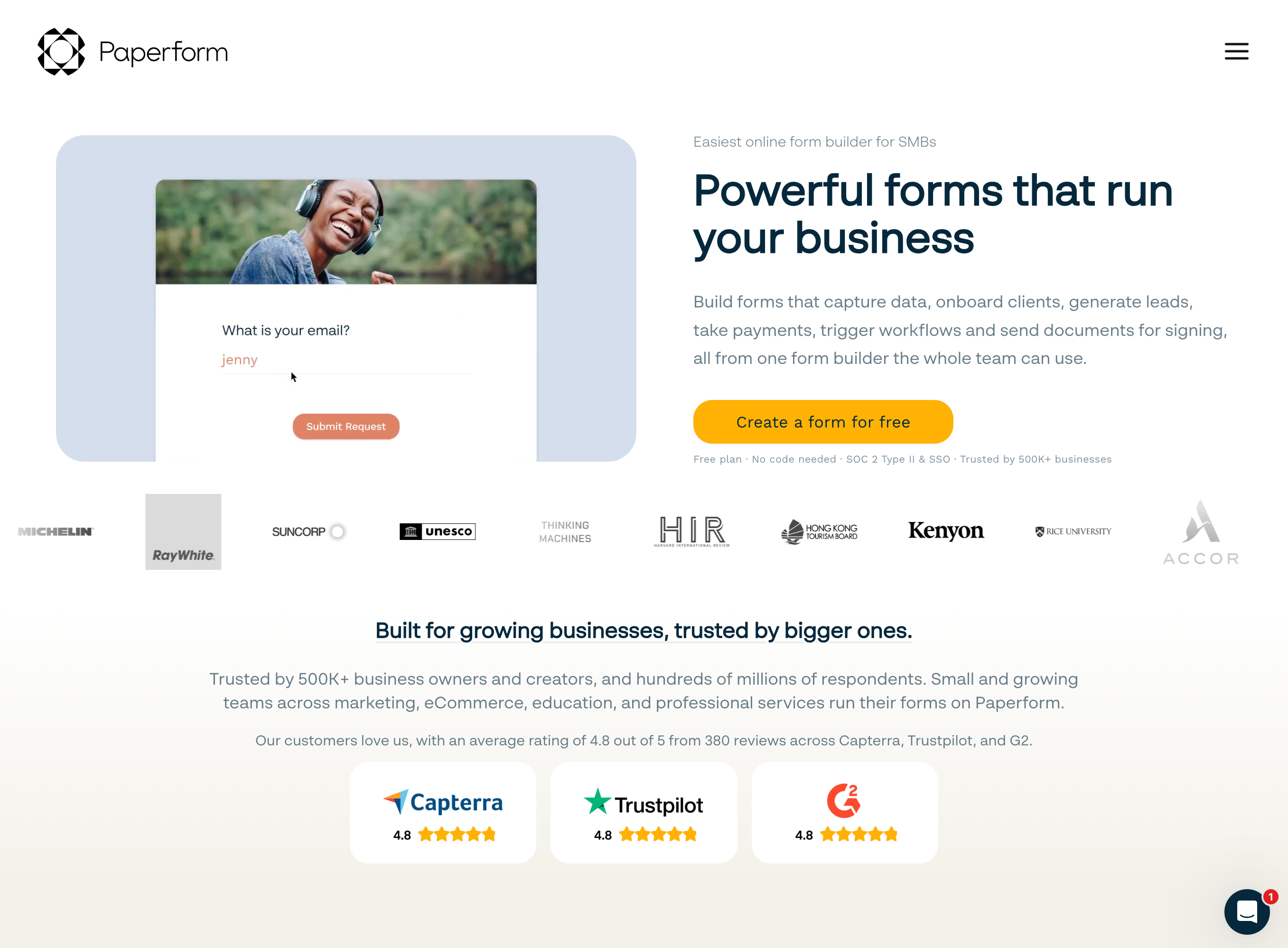
Give the same brief (collect a handful of answers and a payment) to each tool and you get three visibly different respondent experiences. That difference is most of what separates them.
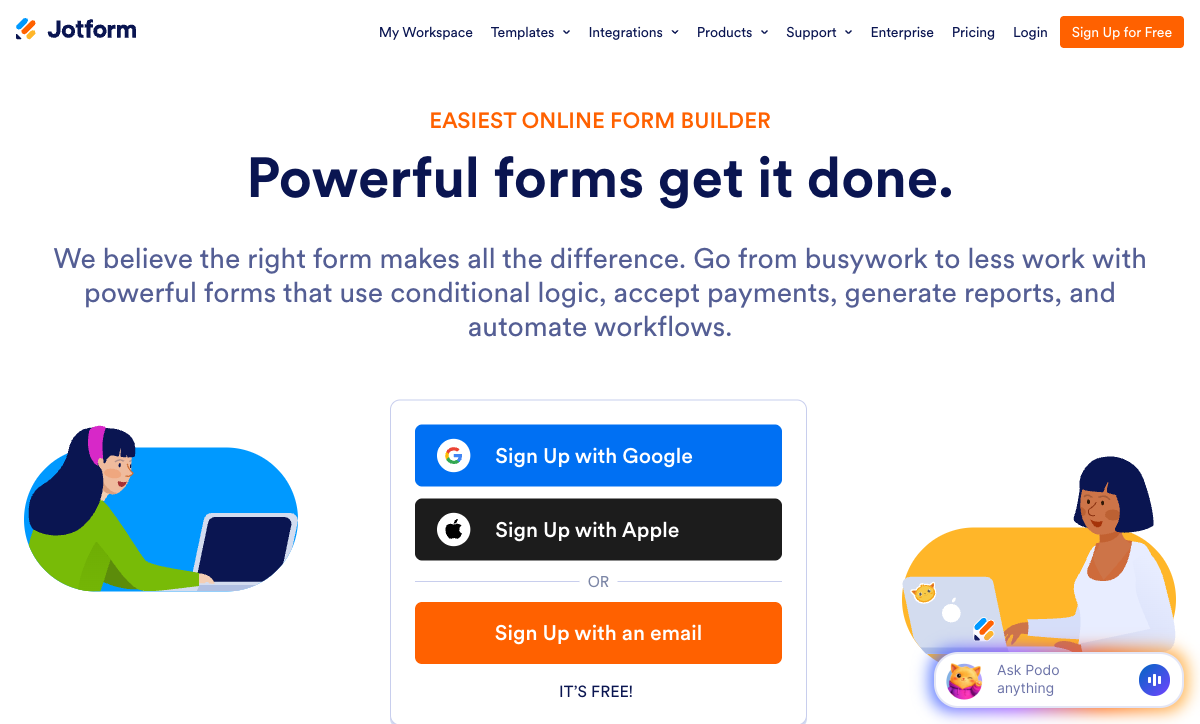
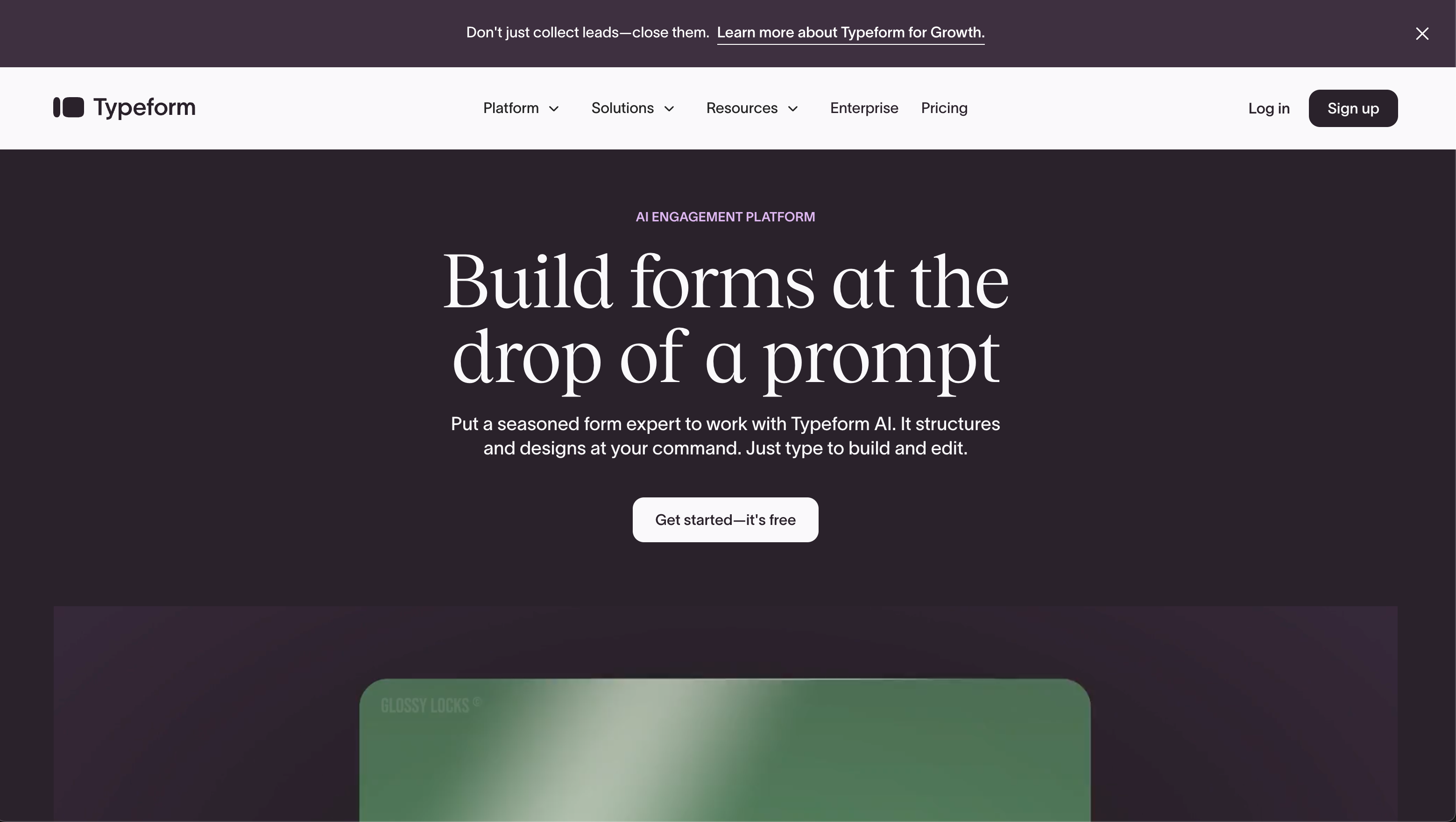
Feature comparison
Every category across all three, lined up together. The payments, customization, and platform-products rows are where the differences in approach turn into measurable capability gaps.
| Feature | Paperform | Jotform | Typeform |
|---|---|---|---|
| Form Building | |||
| Document-style editor | Yes | No | No |
| AI form creation | Yes | Yes starter | Yes |
| Field types | 26+ | 30+ (starter) | 20+ |
| File uploads | Yes | Yes starter | Yes basic |
| Multi-page forms | Yes | Yes starter | Yes basic |
| Guided mode (one question at a time) | Yes | Yes starter | Yes |
| Conditional logic | Yes | Yes starter | Yes basic |
| Calculations field | Yes essentials | Yes starter | Yes plus |
| AI calculations assistant | Yes essentials | No | No |
| Scoring | Yes essentials | Yes starter | Yes plus |
| Answer piping | Yes | Yes starter | Yes basic |
| Pre-filling and hidden fields | Yes essentials | Yes starter | Yes basic |
| Save and resume | Yes | Yes starter | No |
| Auto-close by number | Yes essentials | Yes starter | Yes basic |
| Auto-close by date | Yes pro | Yes starter | Yes basic |
| Appointment/booking field | Yes | Yes starter | Yes basic |
| Signature field | Yes | Yes starter | Yes basic |
| Color picker field | Yes | No | No |
| API-powered dropdowns | Yes business | No | No |
| Google address search | Yes business | No | No |
| Drag-and-drop builder | No | Yes starter | No |
| Form widgets | No | Yes starter | No |
| Template gallery | No | 20,000+ (starter) | No |
| AI follow-up questions | No | No | Yes business |
| AI extended thinking & memory | No | No | Yes growth |
| Workflow / automation builder | No | No | Yes growth |
| AI-moderated research (Research Flow) | No | No | Yes enterprise |
| Video questions | No | No | Yes basic |
| Payments | |||
| Stripe payments | Yes | Yes starter | Yes basic |
| PayPal payments | Yes | Yes starter | No |
| Square payments | Yes | Yes starter | No |
| Braintree payments | Yes | Yes starter | No |
| Google Pay | Yes | Yes starter | No |
| Product sales (eCommerce) | Yes essentials | Yes starter | No |
| Subscriptions | Yes essentials | Yes starter | Yes basic |
| Coupons and discounts | Yes essentials | Yes starter | No |
| Custom pricing rules | Yes essentials | Yes starter | No |
| Tax calculations | Yes | Yes starter | No |
| Quotes/invoices | Yes | No | No |
| Refunds | Yes | No | No |
| 3D Secure | Yes | No | Yes basic |
| 40+ payment gateways | No | Yes starter | No |
| No transaction fees | No | Yes starter | No |
| Design & Customization | |||
| Template gallery | 30,000+ | 20,000+ (starter) | 1,500+ |
| Rich media (images, GIFs, videos) | Yes | Yes starter | Yes |
| Unsplash and Giphy integration | Yes | No | Yes |
| Image editor | Yes | No | No |
| Adobe Creative Cloud | Yes | No | No |
| Language translation | Yes | Yes starter | Yes basic |
| Advanced theming | Yes pro | Yes starter | Yes plus |
| Custom form URL | Yes pro | No | Yes plus |
| Custom domains | Yes pro | Yes enterprise | No |
| Custom HTML & CSS | Yes pro | Yes starter | Yes business |
| Remove branding | Yes pro | Yes bronze | Yes plus |
| Custom email domains | Yes business | No | No |
| Form themes | No | Yes starter | No |
| Analytics | |||
| Submission results and reports | Yes | Yes starter | Yes |
| AI report insights | Yes pro | No | Yes business |
| Paperform analytics | Yes pro | No | No |
| Drop-off analysis | Yes pro | No | Yes business |
| Google Analytics & Facebook Pixel | Yes essentials | No | Yes basic |
| Custom analytics scripts | Yes pro | No | Yes basic |
| Partial submissions | Yes pro | No | Yes plus |
| Form analytics | No | Yes starter | No |
| Google Analytics integration | No | Yes starter | No |
| Collaboration | |||
| Multi-user accounts | Yes pro | Yes bronze | Yes plus |
| User permissions and management | Yes pro | Yes enterprise | Yes plus |
| Advanced permissions & admin | Yes enterprise | Yes enterprise | Yes enterprise |
| Form sharing (templates) | Yes | No | Yes |
| Spaces and tag management | Yes | No | No |
| Form sharing | No | Yes starter | No |
| Assign forms | No | Yes enterprise | No |
| Workspace organization | No | No | Yes |
| Security | |||
| SOC 2 Type II | Yes | Yes enterprise | Yes |
| GDPR compliant | Yes | Yes starter | Yes |
| SSL encryption | Yes | Yes starter | Yes |
| Two-factor authentication | Yes | Yes starter | Yes |
| Enforce 2FA for all users | Yes business | No | No |
| SSO (SAML) | Yes business | Yes enterprise | Yes enterprise |
| reCAPTCHA | Yes | Yes starter | Yes business |
| Local data residency | Yes enterprise | No | No |
| Custom S3 storage (BYO) | Yes business | No | No |
| HIPAA compliant | No | Yes gold | Yes enterprise |
| 256-bit SSL | No | Yes starter | No |
| Data residency | No | Yes enterprise | No |
| Form encryption | No | Yes starter | No |
| PCI DSS | No | Yes starter | Yes |
| ISO 27001 | No | No | Yes |
| Integrations & API | |||
| Native integrations | 2,000+ | 150+ (starter) | 120+ (basic) |
| Zapier | Yes | Yes starter | Yes basic |
| Make (Integromat) | Yes | Yes starter | Yes basic |
| Webhooks | Yes pro | Yes starter | Yes basic |
| Standard API | Yes pro | No | No |
| Business API | Yes business | No | No |
| WordPress plugin | Yes | Yes starter | Yes |
| oEmbed support | Yes | No | No |
| API | No | Yes starter | Yes basic |
| Salesforce AppExchange | No | Yes starter | No |
| Embed options | No | Yes starter | Yes |
| Mobile apps | No | Yes starter | No |
| Claude / MCP server | No | No | Yes basic |
| AI data enrichment | No | No | Yes growth |
The five dimensions that decide it
Most of these decisions come down to five questions. Here is where each tool lands on each one.
Pricing
Paperform's paid plans start at $24/month (annual), below both Typeform Basic at $28/month and Jotform Bronze at $34/month. What each entry tier buys differs sharply: Paperform Essentials ($24/mo) covers 100 submissions a month with scoring, calculations, and product sales; Typeform Basic ($28/mo) covers 100 responses but gates logic and analytics higher up; Jotform Bronze ($34/mo) covers 1,000 submissions with every feature unlocked but caps you at 25 forms. On responses-per-dollar, Jotform Bronze is the volume leader; on features-per-dollar at the floor, Paperform leads.
Integrations & API
Paperform reaches 2,000+ integrations, Jotform 150+ native, and Typeform 120+ native. All three expose a REST API and support webhooks, Zapier, and Make. Jotform's native list is the longest single catalog and includes a Salesforce AppExchange listing; Typeform concentrates on marketing and CRM tools like HubSpot and Klaviyo. Paperform's total surface is widest because it layers native connectors on top of Stepper, its built-in AI-native workflow automation — so multi-step routing doesn't depend on a third-party connector platform.
Conditional logic
Paperform and Jotform both offer field-level logic and calculations from their free plans; Typeform gates advanced logic and calculations to its Plus tier ($56/month annual). Paperform's edge is its Excel-style calculation engine, which runs scoring, pricing, and routing logic across questions, pages, emails, and integrations — not just inside the form. Jotform matches the breadth of logic on paper, but reviewers report that complex rules grow crowded and occasionally behave inconsistently on busy forms. Typeform's logic is capable once you pay for it, but the one-question-at-a-time format makes deep branching hard to reason about.
Payments
Jotform supports 40+ payment processors, Paperform supports five with a full eCommerce engine, and Typeform supports exactly one (Stripe). Jotform's gateway count is unmatched and useful for regional processors, though payment submissions are capped per plan. Paperform's five gateways (Stripe, PayPal, Square, Braintree, Google Pay) come with products, subscriptions, coupons, custom pricing rules, and tax built into the form, so the checkout is part of the form rather than bolted on. Typeform works only if Stripe is your processor and offers no product or tax features at all.
Compliance (HIPAA / GDPR / SOC 2)
All three are GDPR and SOC 2 compliant. Jotform is HIPAA compliant on its Gold tier and above; Typeform is HIPAA compliant on its Business tier; Paperform is not HIPAA compliant. Jotform and Typeform also carry ISO 27001 and PCI DSS; Paperform is SOC 2 Type II and GDPR with CCPA, plus a dedicated Trust Center, SSO, and data residency controls — but no signed BAA today. For any workload involving protected health information, treat Jotform Gold or Typeform Business as the floor; for everything else, all three meet standard enterprise security expectations.
Paperform: the all-rounder that looks the part
Paperform is built around the idea that making a form should feel like writing a document. Its doc-style editor lets you drop headings, paragraphs, images, video, and questions in any order, then apply a global theme, so the output reads as a branded landing page rather than a bolted-on widget. You can run the same form as a single page, across multiple pages, or one question at a time in Guided Mode. Underneath that design layer is more business capability than its size suggests: five payment gateways with a real eCommerce engine, an Excel-style calculation engine that powers scoring and live pricing, Papersign for document eSignatures, and Stepper for AI-native workflow automation. The last two are included rather than sold as add-ons. It is SOC 2 Type II and GDPR compliant, bootstrapped and profitable, and holds the highest average review score of the three (around 4.8 across G2, Capterra, GetApp, and Trustpilot).
The caveats are worth stating plainly. Paperform has the smallest brand footprint here, a few hundred reviews against Jotform's thousands, so it carries less name recognition in a procurement conversation and its review pool is shallower. There is no native mobile app for building forms, and no HIPAA compliance, which rules it out for collecting protected health information. But for a growing business that wants design, payments, calculations, and automation in one tool without stitching subscriptions together, Paperform covers more of the job in a single product than either alternative.
Jotform: the longest feature list, unevenly polished
Jotform competes on breadth, and on a spec sheet it out-lists everyone here. Founded in 2006 and bootstrapped to roughly $144.9M in annual revenue, it has spent two decades adding capability: 40+ payment gateways, 150+ integrations, native iOS and Android apps for offline collection, a Salesforce AppExchange listing, HIPAA-enabled forms, and 20,000+ templates. Every feature is technically available on the free Starter plan, with only the limits scaling by price. It is the #1 Online Form Builder on G2 and holds a 4.7 there across nearly 5,000 reviews, by far the deepest review pool in this comparison.
That much accumulation comes at the cost of consistency. Reviewers repeatedly flag that advanced widgets, custom fields, and complex conditional logic can be glitchy, and that the interface turns visually crowded as forms grow. Support response times draw frequent complaints too. The plan structure adds its own friction: even Gold ($99/mo) caps you at 100 forms, every individual tier from Starter to Gold is single-user, and HIPAA only arrives at Gold. Jotform gives you the most options of the three, but not all of them work as smoothly as the feature list implies. To weigh it directly against Typeform, our Jotform vs Typeform breakdown goes deeper on that pair.
Typeform: beautiful, conversational, and narrow
Typeform is the best-looking tool in this group, and for short, customer-facing forms that matters. Its one-question-at-a-time format, fluid animations, and careful typography turn a survey into a brand experience, and the company reports completion rates well above the traditional-form average. It is trusted by 95% of the Fortune 500, integrates cleanly with marketing tools like HubSpot, Klaviyo, and Salesforce, and has leaned hard into AI for both form creation and response analysis. For a high-stakes lead or feedback form where presentation drives conversion, Typeform can move the numbers in a way the other two can't match on looks alone.
That polish shows up as a cost in its reviews, where 46% of reviewers cite pricing negatively. The free plan allows just 10 responses a month, Basic ($28/mo annual) covers only 100, and reCAPTCHA, drop-off analysis, and the Salesforce integration sit behind the Business tier ($91/mo annual). The conversational layout is also the only layout, with no traditional format, so a long application form makes respondents click through one screen at a time, which is the wrong shape for complex intake. Payments are Stripe-only, there is no standalone eSignature product, and workflow automation is gated to its priciest Growth plans. Typeform does one job very well and gets expensive everywhere outside it. For the head-to-head detail, see Paperform vs Typeform.
See them in action
If you'd rather watch than read, this independent walkthrough covers how Paperform's document-style editor actually builds, a useful baseline for judging how its approach differs from Jotform's drag-and-drop canvas and Typeform's question-by-question flow.
Pricing comparison

The meters matter as much as the headline prices. Typeform meters by responses, so cost tracks usage directly; Jotform meters by submissions with per-tier ceilings and a hard form-count cap; Paperform meters by submissions but keeps forms unlimited at every tier. At roughly the same $25–35 entry point, Jotform Bronze buys the most monthly volume, Paperform Essentials buys the most features per dollar, and Typeform Basic buys design quality more than capacity.
Paperform
Jotform
| Product | Plan | Monthly Price | Annual Price (per month) | Free Plan | Free Trial | Limits |
|---|---|---|---|---|---|---|
| Paperform | Free | Free | Free | Yes | 14 days | forms: Unlimited, submissions: 30/month, storage: 100 submissions, users: 1, file uploads: 100 MB |
| Paperform | Essentials | $29/mo | $24/mo billed annually | forms: Unlimited, submissions: 100/month, storage: 1,000 submissions, users: 1, file uploads: 1 GB | ||
| Paperform | Pro | $59/mo | $49/mo billed annually | forms: Unlimited, submissions: 1,000/month, storage: 10,000 submissions, users: 3, file uploads: 10 GB | ||
| Paperform | Business | $129/mo | $99/mo billed annually | forms: Unlimited, submissions: 10,000/month, storage: 100,000 submissions, users: 5, file uploads: 100 GB | ||
| Jotform | Starter | Free | Free | Yes | No | forms: 5, submissions: 100/month, storage: 100 MB, users: 1 |
| Jotform | Bronze | $39/mo | $34/mo billed annually | forms: 25, submissions: 1,000/month, storage: 1 GB, users: 1 | ||
| Jotform | Silver | $49/mo | $39/mo billed annually | forms: 50, submissions: 2,500/month, storage: 10 GB, users: 1 | ||
| Jotform | Gold | $129/mo | $99/mo billed annually | forms: 100, submissions: 10,000/month, storage: 100 GB, users: 1 | ||
| Typeform | Free | Free | Free | Yes | No | forms: 10, submissions: 10/month, users: 1 |
| Typeform | Basic | $39/mo | $28/mo billed annually | forms: Unlimited, submissions: 100/month, users: 1 | ||
| Typeform | Plus | $79/mo | $56/mo billed annually | forms: Unlimited, submissions: 1,000/month, users: 3 | ||
| Typeform | Business | $129/mo | $91/mo billed annually | forms: Unlimited, submissions: 10,000/month, users: 5 | ||
| Typeform | Growth Flow | $379/mo | $266/mo billed annually | forms: Unlimited, submissions: Expanded, users: Expanded | ||
| Typeform | Talent | $169/mo | $119/mo billed annually | forms: Unlimited, users: HR teams |
What users say
All three sit in a tight band, but the reviews tell different stories. Jotform has by far the largest pool of paid-software reviews and tops G2's Online Form Builder category, with praise for breadth and recurring complaints about reliability and support speed. Typeform's reviews split between admiration for its design and frustration with its cost, which drags down its value-for-money scores. Paperform has the fewest reviews but the highest average, around 4.8, with customer support rated 4.7–4.9 — a profile that reflects a smaller, more satisfied user base rather than mass-market scale.
The verdict: a decision tree
- Choose Paperform if you want one tool that handles design, payments, calculations, eSignatures, and workflow automation, with branded forms that convert, predictable SMB pricing from $24/month, and unlimited forms at every tier, and HIPAA is not a requirement.
- Choose Jotform if you need the widest possible feature set in a single product (a niche or regional payment gateway, HIPAA-compliant forms on Gold and up, offline mobile collection, or a Salesforce AppExchange listing) and you can tolerate occasional rough edges and slower support to get it.
- Choose Typeform if the form is short, customer-facing, and revenue-attached, presentation drives completion, Stripe is your only processor, and the per-response cost is justified by the conversion lift.
The common mistake is picking on a single headline strength and inheriting the trade-off underneath it: choosing Typeform for a 50-field application and watching respondents abandon the click-through, or reaching for Jotform's breadth on a high-traffic lead form where its rough edges cost conversions. Most growing businesses need design and capability at once, which is where Paperform's all-rounder profile tends to win, because it asks you to compromise on the fewest of the five dimensions above.
Where to go deeper
For the head-to-head detail on any pair in this matchup, see Paperform vs Jotform, Paperform vs Typeform, and Jotform vs Typeform. If your team is specifically sizing up tools for a small business, the best form builders for small businesses guide weighs these three alongside the rest of the field, and the broader best form builders ranking covers every option in the category.
Frequently Asked Questions
Is Paperform or Typeform better for forms that need to take payments, and where does Jotform fit?
Paperform and Jotform both take payments natively; Typeform effectively does not unless Stripe is your only processor. Paperform connects five gateways (Stripe, PayPal, Square, Braintree, and Google Pay) with a full eCommerce engine (products, subscriptions, coupons, custom pricing rules, and tax) built into the form. Jotform wins on raw gateway count with 40+ processors, including regional ones, but meters payment submissions per tier (100/month on Bronze, 1,000/month on Gold), so high-volume sellers hit a ceiling. Typeform supports Stripe alone, with no PayPal or Square, and has no product, inventory, or tax features at all. For a store-like checkout experience inside a form, Paperform's calculation-driven pricing is the most complete of the three; for an obscure regional gateway, Jotform is the fallback.
Which of Paperform, Jotform, or Typeform has the best free plan for a small business?
The three free tiers measure entirely different things, so "best" depends on what you do. Jotform's Starter plan unlocks every feature (payments, logic, all field types) but caps you at 5 forms and 100 submissions a month. Typeform's free plan is the most restrictive: 10 questions per form and just 10 responses a month, a limit reviewers have called unusable for anything real. Paperform's free plan allows unlimited forms with conditional logic, payment processing, and AI form creation, metered at 30 submissions a month. If feature access on day one matters most, Jotform's free tier is the broadest; if you want to publish many different forms without an arbitrary cap, Paperform's unlimited-forms approach fits better. For anything beyond light use, all three expect you to upgrade.
Does Paperform, Jotform, or Typeform handle long, complex forms best?
Typeform is the weakest of the three for long or complex forms, by design. Typeform renders every form one question at a time with no option for a traditional layout, so a 40-field intake or application becomes 40 separate screens that respondents cannot scan or skip ahead in. Paperform is the most flexible: its document-style editor supports single-page, multi-page, and one-question-at-a-time Guided Mode, so you pick the layout the form needs. Jotform's drag-and-drop builder handles long forms functionally, but reviewers note the interface grows visually crowded as conditional logic stacks up, and complex widgets can behave inconsistently. For a long client-onboarding or registration form where logic and layout both matter, Paperform's editor is the cleanest of the three.
Is Jotform or Paperform HIPAA compliant, and is Typeform an option for healthcare?
Both Jotform and Typeform can sign a BAA; Paperform cannot. Jotform offers HIPAA-compliant forms with a signed BAA on its Gold tier ($99/month annual) and Enterprise; lower paid plans cannot legally collect PHI. Typeform includes HIPAA on its Business tier ($91/month annual) with a BAA. Paperform is not HIPAA compliant today, so a team collecting protected health information should rule it out for that specific workload, even though it is SOC 2 Type II and GDPR compliant for everything else. All three carry GDPR, SOC 2, and ISO 27001 certification; Jotform and Typeform add PCI DSS. If HIPAA is a hard requirement, Jotform Gold and Typeform Business are the two candidates here. See our guide for small businesses for how to weigh that against everyday usability.
Why does Jotform have more payment gateways and integrations than Paperform or Typeform?
Jotform's breadth comes from twenty years of accumulation since it launched in 2006, giving it more time to add connectors than either Paperform (2016) or Typeform (2012). It lists 150+ native integrations and 40+ payment processors, the widest raw counts of the three. The trade-off is that breadth and reliability don't always move together: reviewers regularly report that Jotform's advanced widgets, custom fields, and integrations behave inconsistently or break on busy forms. Paperform reaches 2,000+ integrations via native connectors plus its built-in Stepper workflow automation, Zapier, Make, and webhooks, a wider total surface than Jotform's native list and built around quality over quantity. Typeform's 120+ integrations skew toward marketing and CRM tools like HubSpot, Klaviyo, and Salesforce, which is where it concentrates.
Which is the safest long-term bet between Paperform, Jotform, and Typeform?
Two of the three are bootstrapped and profitable; one is venture-funded. Jotform has run for 20 years on roughly $144.9M annual revenue with no outside funding, making it one of the most financially durable independent companies in the category. Paperform is also bootstrapped and profitable: younger, founded in 2016, with a smaller footprint, but independent and not under pressure to monetize aggressively. Typeform raised $193M through Series C; venture funding tends to create monetization pressure, which is the backdrop to its free tier being cut to 10 responses a month and its core features sitting behind higher tiers. On structural durability and incentive alignment, the two bootstrapped options, Jotform and Paperform, are the steadier bets.
I want Typeform-style design but Jotform-style capability — which one does both?
That combination is exactly the gap Paperform is built to close. Typeform owns the polish but limits you to one conversational format and one payment processor; Jotform owns the capability but its drag-and-drop output looks like a form, not a brand experience. Paperform's document-style editor produces landing-page-quality forms closer to Typeform's polish, and its Guided Mode reproduces the one-question-at-a-time conversational style without locking you into it, while its five-gateway payments, Excel-style calculation engine, Papersign eSignatures, and Stepper workflow automation cover the operational breadth people leave Typeform for. You don't have to trade design for capability. The one real exception is HIPAA: if you need a signed BAA, stay with Jotform Gold or Typeform Business.
Sources & References
- The 13 best online form builder apps — Zapier, 2026
- Jotform vs. Typeform: Which is best? — Zapier, 2026
- Best Online Form Builder to use in 2026 | Top 20 Tools — Email Tool Tester, 2026
- Typeform Review 2026: We Tested Everything — Hackceleration, 2026
- Jotform Review 2026: Pricing, Features, Pros & Cons — Research.com, 2026
- Typeform Pricing 2026: Exact Cost for Every Plan — Usercall, 2026
Last updated June 26, 2026
Ready to try Paperform?
Create beautiful forms, payment pages, and workflows — no code required.