Paperform vs Gravity Forms: Which Is Better in 2026?
This is a comparison between two fundamentally different architectures. Gravity Forms is a WordPress plugin — deeply integrated with the WordPress ecosystem, extended through PHP hooks and filters, and completely dependent on WordPress to function. Paperform is a standalone SaaS platform — hosted independently, embeddable anywhere, with a document-style editor, five payment gateways, and a calculation engine built into the core product.
The right choice depends entirely on one question: is WordPress your permanent home, or might you ever need forms that work outside it? Everything else — pricing, features, design, payments — flows from that answer.
Who Is Gravity Forms?
Gravity Forms was created by Rocketgenius, Inc., a company founded in 2008 by Carl Hancock and Alex Stine. It launched as a premium WordPress form plugin and quickly became the most popular paid form solution in the WordPress ecosystem, now powering over 5 million active installations. The company is bootstrapped — no venture capital, no private equity, no acquisition. Revenue comes entirely from annual license sales, which fund a focused team building exclusively for WordPress.
Paperform was founded in 2016 in Sydney, Australia by Dean and Diony McPherson. Also bootstrapped and profitable, Paperform took the opposite architectural approach: a platform-independent SaaS that works on any website, not just WordPress. Both companies share a bootstrapped DNA — growth funded by customers, not investors — which means both are stable, long-term platform bets. The difference is purely architectural: WordPress-native versus platform-independent.
Quick Verdict
Choose Paperform if:
- You want forms that work on any platform, not just WordPress
- You need 5 payment gateways with full eCommerce capabilities
- You want an Excel-style calculation engine for dynamic pricing and scores
- You need e-signatures, workflow automation, or landing-page-quality design
Choose Gravity Forms if:
- You're committed to WordPress and want deep native integration
- You're a developer who needs PHP hooks, filters, and custom extensions
- You want the lowest annual cost for a WordPress-only site
- You need forms that integrate with WordPress user roles and custom post types
Feature Comparison
Side-by-side across every feature category. Paperform is highlighted for reference.
| Feature | Paperform | Gravity Forms |
|---|---|---|
| Form Building | ||
| Document-style editor | Yes | No |
| AI form creation | Yes | No |
| Field types | 26+ | No |
| File uploads | Yes | No |
| Multi-page forms | Yes | Yes Basic |
| Guided mode (one question at a time) | Yes | Yes Elite |
| Conditional logic | Yes | Yes Basic |
| Calculations field | Yes essentials | Yes Basic |
| AI calculations assistant | Yes essentials | No |
| Scoring | Yes essentials | Yes Elite |
| Answer piping | Yes | Yes Basic |
| Pre-filling and hidden fields | Yes essentials | Yes Basic |
| Save and resume | Yes | Yes Basic |
| Auto-close by number | Yes essentials | No |
| Auto-close by date | Yes pro | No |
| Appointment/booking field | Yes | No |
| Signature field | Yes | Yes Elite |
| Color picker field | Yes | No |
| API-powered dropdowns | Yes business | No |
| Google address search | Yes business | No |
| Drag-and-drop builder | No | Yes Basic |
| 30+ field types | No | Yes Basic |
| Payments | ||
| Stripe payments | Yes | Yes Pro |
| PayPal payments | Yes | Yes Pro |
| Square payments | Yes | Yes Pro |
| Braintree payments | Yes | No |
| Google Pay | Yes | Yes Pro |
| Product sales (eCommerce) | Yes essentials | Yes Basic |
| Subscriptions | Yes essentials | Yes Pro |
| Coupons and discounts | Yes essentials | Yes Elite |
| Custom pricing rules | Yes essentials | No |
| Tax calculations | Yes | No |
| Quotes/invoices | Yes | No |
| Refunds | Yes | Yes Pro |
| 3D Secure | Yes | Yes Pro |
| Design & Customization | ||
| Template gallery | 30,000+ | Yes Basic |
| Rich media (images, GIFs, videos) | Yes | Yes Basic |
| Unsplash and Giphy integration | Yes | No |
| Image editor | Yes | No |
| Adobe Creative Cloud | Yes | No |
| Language translation | Yes | Yes Basic |
| Advanced theming | Yes pro | Yes Basic |
| Custom form URL | Yes pro | No |
| Custom domains | Yes pro | No |
| Custom HTML & CSS | Yes pro | Yes Basic |
| Remove branding | Yes pro | Yes Basic |
| Custom email domains | Yes business | Yes Elite |
| Analytics | ||
| Submission results and reports | Yes | Yes Basic |
| AI report insights | Yes pro | No |
| Paperform analytics | Yes pro | No |
| Drop-off analysis | Yes pro | No |
| Google Analytics & Facebook Pixel | Yes essentials | Yes Elite |
| Custom analytics scripts | Yes pro | Yes Basic |
| Partial submissions | Yes pro | Yes Elite |
| Collaboration | ||
| Multi-user accounts | Yes pro | Yes Basic |
| User permissions and management | Yes pro | Yes Basic |
| Advanced permissions & admin | Yes enterprise | No |
| Form sharing (templates) | Yes | Yes Basic |
| Spaces and tag management | Yes | No |
| Security | ||
| SOC 2 Type II | Yes | No |
| GDPR compliant | Yes | Yes Basic |
| SSL encryption | Yes | Yes Basic |
| Two-factor authentication | Yes | No |
| Enforce 2FA for all users | Yes business | No |
| SSO (SAML) | Yes business | No |
| reCAPTCHA | Yes | Yes Basic |
| Local data residency | Yes enterprise | Yes Basic |
| Custom S3 storage (BYO) | Yes business | No |
| Integrations & API | ||
| Native integrations | 2,000+ | No |
| Zapier | Yes | Yes Pro |
| Make (Integromat) | Yes | No |
| Webhooks | Yes pro | Yes Elite |
| Standard API | Yes pro | Yes Basic |
| Business API | Yes business | No |
| WordPress plugin | Yes | Yes Basic |
| oEmbed support | Yes | No |
| 50+ official add-ons | No | Yes Basic |
| Stepper workflow automation | No | No |
Where Paperform Wins

Platform Independence
This is the single biggest architectural difference. Paperform forms live on Paperform's hosted infrastructure and work everywhere: embedded on WordPress, Squarespace, Wix, Shopify, Webflow, static sites, or shared as standalone URLs. Gravity Forms requires WordPress. If you migrate to a different CMS, redesign your site outside WordPress, or need forms on multiple platforms simultaneously, Gravity Forms stops working entirely. Paperform's platform independence means your forms survive any technology decision you make about your website.
Payment Processing
Paperform connects five payment gateways — Stripe, PayPal, Square, Braintree, and Google Pay — on every plan including free, with full eCommerce: product catalogues, subscriptions, recurring payments, coupons, discount codes, tax calculations, and refund processing. Gravity Forms supports Stripe and PayPal on paid licenses ($159+/year for both), with additional gateways available through third-party add-ons. The payments are functional but lack Paperform's integrated commerce layer. For any form that processes transactions, Paperform offers more gateways, deeper commerce features, and no per-gateway license costs.
The Calculation Engine
Paperform's Excel-style calculations are a core differentiator. These formulas compute dynamic pricing, scores, risk assessments, tax amounts, and conditional totals across questions, pages, emails, integrations, and success pages. A mortgage broker builds a repayment calculator. A caterer creates a dynamic menu pricing form. An HR team generates salary band estimates.
Gravity Forms has basic merge tags and simple arithmetic in its pricing fields, but nothing approaching a general-purpose computation engine that drives logic across the entire form ecosystem. For forms that need to think — not just collect — the calculation gap is a decisive advantage for Paperform.
Design Quality
Paperform's document-style editor creates forms that look like professionally designed landing pages. Text, images, videos, and fields coexist freely with full brand customisation — custom fonts, colour palettes, full-width media, and rich content between questions.
Gravity Forms produces functional forms styled by your WordPress theme. You can customise via CSS, but the baseline aesthetic is "form widget" not "designed page." For customer-facing forms where visual quality impacts conversions and brand perception — order pages, client intake, event registrations — Paperform delivers a meaningfully better experience.
Built-in E-Signatures and Workflow Automation
Paperform includes Papersign (e-signatures) and Stepper (multi-step workflow automation) at no additional cost. Gravity Forms has no built-in e-signature capability — you need a third-party add-on (GravitySign or equivalent) at additional cost. Workflow automation in Gravity Forms requires external plugins or Zapier. Paperform bundles both capabilities natively, reducing your tool stack and total cost.
Template Library
Paperform offers 30,000+ professionally designed templates covering eCommerce, payments, bookings, surveys, registrations, and beyond. Gravity Forms has a smaller template/pre-built form library — functional starting points but designed within WordPress's visual constraints. The 30,000+ gap reflects both quantity and the breadth of use cases Paperform's feature set enables.
Zero Infrastructure Management
Paperform is a fully hosted SaaS — you sign up and start building. No server to manage, no WordPress installation to maintain, no security patches to apply, no database backups to schedule, no SSL certificates to renew. Gravity Forms requires a self-hosted WordPress installation, which means you're responsible for hosting costs, uptime, security hardening, core/plugin updates, and backups. For non-technical users or teams without a dedicated developer, Paperform's zero-infrastructure approach eliminates an entire category of operational overhead.
Where Gravity Forms Wins
WordPress Integration Depth
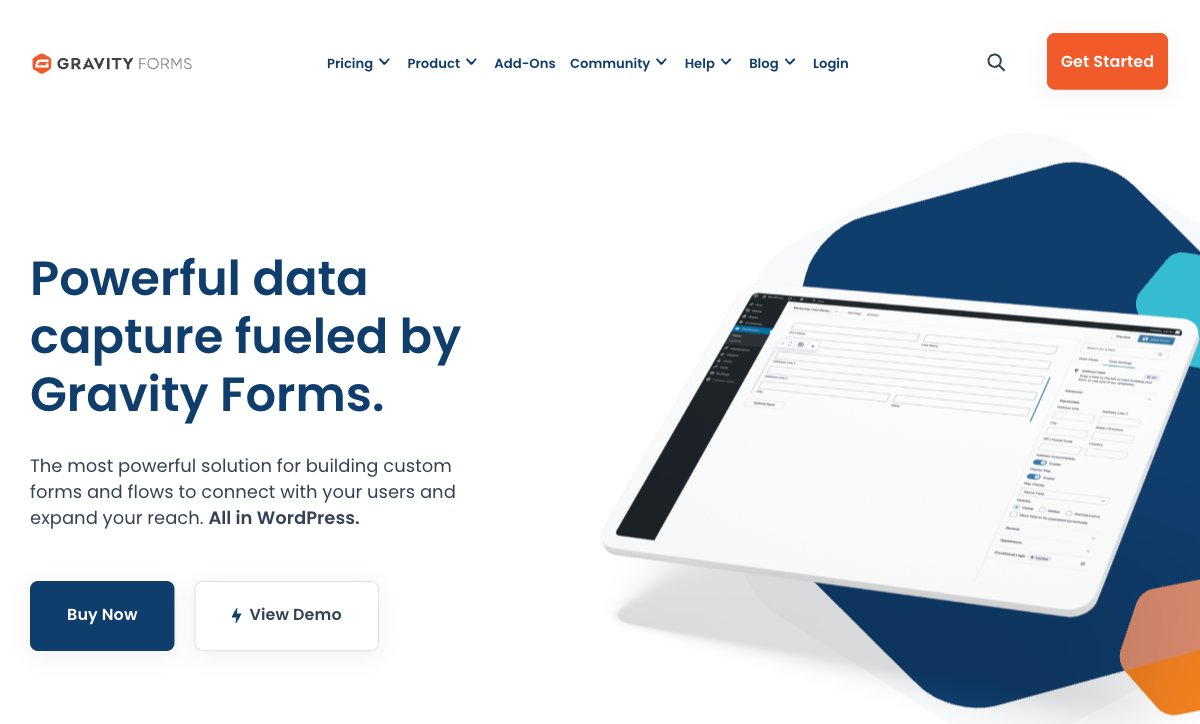
This is where Gravity Forms is genuinely unmatched. As a WordPress-native plugin, it hooks directly into the WordPress ecosystem: PHP hooks and filters for custom logic, WordPress user system integration (pre-populate forms with logged-in user data, restrict access by role), custom post type creation from submissions, and compatibility with virtually every major WordPress plugin. WooCommerce, Advanced Custom Fields, Elementor, Divi — Gravity Forms talks to all of them natively. This level of integration is impossible for any external SaaS form builder, Paperform included.
Developer Extensibility
Gravity Forms has one of the richest developer ecosystems in WordPress. Hundreds of documented hooks and filters, a well-maintained REST API, custom field type creation, and a massive community of developers building add-ons and extensions. If your team includes WordPress developers, Gravity Forms can be extended to do almost anything — custom validation rules, dynamic field population from external APIs, complex multi-step workflows triggered by WordPress cron jobs. Paperform offers API access and webhooks, but the extensibility ceiling is lower for developers who think in PHP and WordPress.
Cost for WordPress-Only Sites
Gravity Forms Basic License costs $59/year — a fraction of Paperform's $348/year (Essentials, billed annually). Even the Elite License at $259/year is cheaper than Paperform Pro. If you're already paying for WordPress hosting and maintenance, and your forms only need to exist on that WordPress site, Gravity Forms' annual licensing is substantially cheaper. The cost advantage narrows when you factor in WordPress hosting, add-on purchases, and maintenance time — but for WordPress-committed teams, the sticker price is meaningfully lower.
Native WordPress Theming
Gravity Forms renders within your WordPress theme — forms automatically inherit your site's fonts, colours, and styling. No iframe borders, no cross-origin style conflicts, no "embedded widget" appearance. For WordPress sites where visual consistency across every page element matters, Gravity Forms delivers a seamless native experience. While Paperform forms can be embedded on WordPress and styled to match, they live inside iframes — a subtle but real difference in rendering fidelity for design-conscious WordPress sites.
Massive Install Base and Community
With 5M+ active installations, Gravity Forms has an enormous community. Thousands of tutorials, Stack Overflow answers, community forums, third-party add-ons, and agency developers with deep Gravity Forms expertise. Finding help, hiring developers, or sourcing pre-built solutions is straightforward. Paperform, as a smaller SaaS platform, has excellent official support but a much smaller community ecosystem. Founded in 2008 and bootstrapped throughout, Gravity Forms has proven long-term stability — nearly two decades of continuous development funded by license revenue.
Where Paperform Falls Short
- No WordPress-native integration: Paperform embeds via iframe — it can't hook into WordPress actions, filters, user roles, or custom post types
- Higher annual cost: Paperform Essentials ($348/year) costs more than Gravity Forms Elite ($259/year), though the comparison isn't apples-to-apples since Paperform includes hosting
- No developer extensibility via PHP: WordPress developers can't extend Paperform with custom code in the same way they can with Gravity Forms hooks and filters
- Embedded form appearance: Despite responsive design, embedded Paperform forms sit inside iframes — not rendered natively in the page DOM like Gravity Forms within WordPress
Where Gravity Forms Falls Short
- WordPress lock-in: 100% dependent on WordPress. If you migrate to any other platform — Shopify, Squarespace, headless CMS, custom stack — your forms break completely. This is the biggest risk for any Gravity Forms investment.
- No standalone form pages: Every form requires a WordPress page to live on. You can't share a form via direct URL, use it as a standalone landing page, or embed it on a non-WordPress site without workarounds.
- Limited payment capabilities: Stripe and PayPal via paid add-ons. No Square, Braintree, or Google Pay. No product catalogue, coupon engine, subscription management, or tax calculations. Payment processing is a field, not a commerce platform.
- No calculation engine: Basic merge tag arithmetic exists, but nothing approaching Paperform's Excel-style formulas that compute across questions, pages, emails, and integrations.
- No built-in e-signatures: Requires third-party add-ons at additional cost. Paperform includes Papersign natively on all plans.
- Add-on cost accumulation: Many features require paid add-ons or the $259/year Elite License. Stripe ($159/yr minimum), survey add-on, quiz add-on, signature add-on — costs accumulate beyond the base license.
- Infrastructure overhead: Gravity Forms requires WordPress hosting, domain, SSL, maintenance, security updates, and backups. Paperform includes all infrastructure in its subscription.
Pricing Comparison
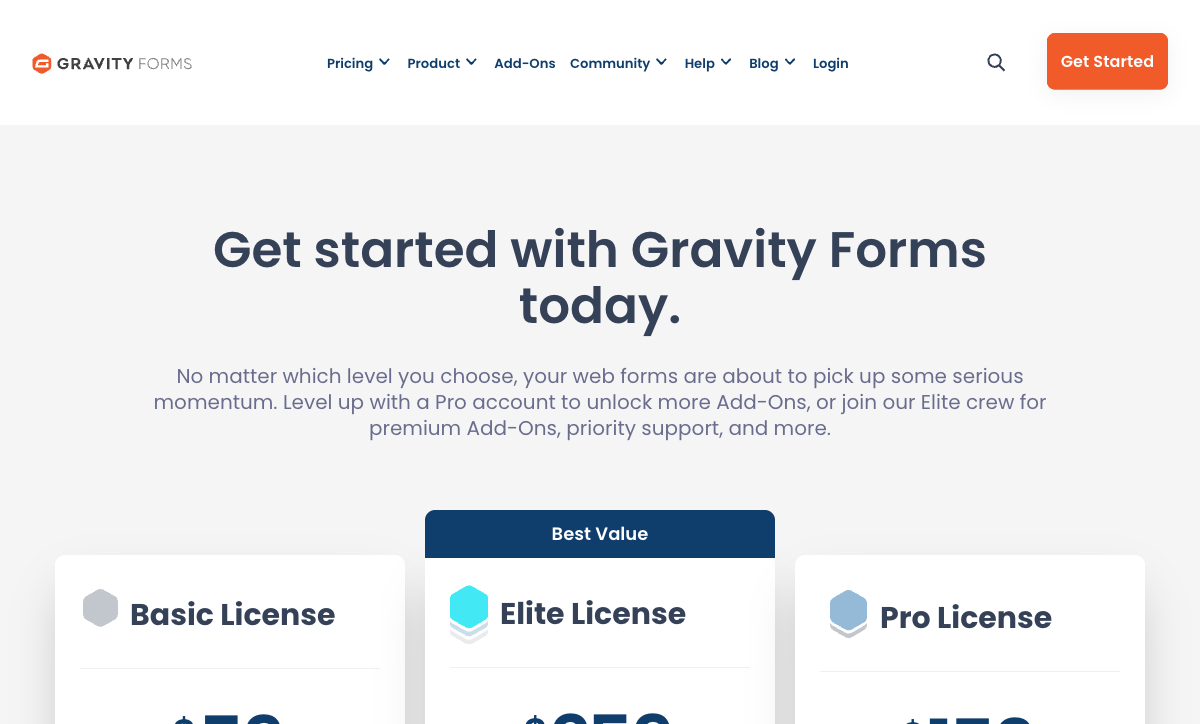
Direct price comparison requires factoring in Gravity Forms' WordPress hosting costs and add-on expenses.
| Tier | Paperform | Gravity Forms | Key Difference |
|---|---|---|---|
| Free | 30 responses, 5 payment gateways, calculations | Free Lite plugin (limited fields, no payments) | Paperform free includes payments and calculations; GF Lite is basic only |
| Entry Paid | Essentials: $29/mo ($348/yr) — payments, eCommerce, hosting | Basic: $59/yr — 1 site, basic add-ons | GF is cheaper annually but requires WordPress hosting ($60-360/yr extra) |
| Mid-Tier | Pro: $49/mo ($588/yr) — CSS, analytics, API | Pro: $159/yr — 3 sites, Stripe, more add-ons | GF Pro adds Stripe; Paperform includes 5 gateways on all plans |
| Top Tier | Business: $99/mo ($1,188/yr) — 10K responses, SSO, S3 | Elite: $259/yr — unlimited sites, all add-ons | GF Elite is cheaper; Paperform Business includes enterprise features |
Gravity Forms prices are annual license fees. Factor in WordPress hosting ($5-30/month) and maintenance for true total cost comparison.
Paperform
Gravity Forms
| Product | Plan | Monthly Price | Annual Price (per month) | Free Plan | Free Trial | Limits |
|---|---|---|---|---|---|---|
| Paperform | Free | Free | Free | Yes | 14 days | forms: Unlimited, submissions: 30/month, storage: 100 submissions, users: 1, file uploads: 100 MB |
| Paperform | Essentials | $29/mo | $24/mo billed annually | forms: Unlimited, submissions: 100/month, storage: 1,000 submissions, users: 1, file uploads: 1 GB | ||
| Paperform | Pro | $59/mo | $49/mo billed annually | forms: Unlimited, submissions: 1,000/month, storage: 10,000 submissions, users: 3, file uploads: 10 GB | ||
| Paperform | Business | $129/mo | $99/mo billed annually | forms: Unlimited, submissions: 10,000/month, storage: 100,000 submissions, users: 5, file uploads: 100 GB | ||
| Gravity Forms | Basic | Not listed | $59/mo billed annually | No | 14 days | forms: Unlimited, submissions: Unlimited, storage: WordPress database (self-hosted), users: Unlimited (WordPress users) |
| Gravity Forms | Pro | Not listed | $159/mo billed annually | forms: Unlimited, submissions: Unlimited, storage: WordPress database (self-hosted), users: Unlimited (WordPress users) | ||
| Gravity Forms | Elite | Not listed | $259/mo billed annually | forms: Unlimited, submissions: Unlimited, storage: WordPress database (self-hosted), users: Unlimited (WordPress users) | ||
| Gravity Forms | Nonprofit | Not listed | $129/mo billed annually | forms: Unlimited, submissions: Unlimited, storage: WordPress database (self-hosted), users: Unlimited (WordPress users) |
What Users Say
Paperform averages 4.8/5 with consistent praise for design quality, customer support, and the calculation engine. Gravity Forms averages around 4.6/5 on G2 and WordPress.org, with high marks for reliability and developer flexibility but criticism of add-on costs and the learning curve for non-developers. Common Gravity Forms feedback: "incredibly powerful if you know WordPress, frustrating if you don't." Both platforms have strong reputations — the right choice depends on your WordPress commitment level.
An interesting pattern in reviews: Gravity Forms is frequently praised by developers and criticised by non-technical users. The plugin's power is only accessible through WordPress knowledge. Paperform reviews are more uniformly positive across technical skill levels — the document-style editor makes advanced features (calculations, payments, conditional logic) accessible without code. If your team includes WordPress developers, Gravity Forms reviews will resonate. If your form builders are non-technical, Paperform's reviews better predict your experience.
See Them in Action
The Verdict
Paperform is the better choice if platform independence matters. It works everywhere, includes five payment gateways on every plan, has a calculation engine Gravity Forms can't match, and produces forms that look like designed landing pages. You don't need WordPress, hosting, or development skills. For businesses that want powerful forms without being locked into a single CMS, Paperform is the clear winner.
Gravity Forms is the better choice for WordPress-committed developers. The depth of WordPress integration — hooks, filters, user system, custom post types, and 5M+ installs of community knowledge — is genuinely unmatched. If your entire web presence lives on WordPress and you have development resources, Gravity Forms offers deeper native integration at a lower annual cost. It's a strong choice if you're certain you'll stay on WordPress for the foreseeable future.
The risk calculation is worth considering. Gravity Forms locks your form investment into WordPress. If you ever migrate — to headless, to Shopify, to a custom stack — those forms break completely. Paperform forms survive any platform migration because they're hosted independently. For businesses where technology decisions might change over the next 3-5 years, Paperform's platform independence is insurance that Gravity Forms can't offer.
Both are stable, long-term platforms from bootstrapped, profitable companies. Paperform has been building since 2016; Gravity Forms since 2008. Neither is VC-backed, neither is acquisition-dependent. The choice isn't about quality — it's about architecture: platform-independent SaaS versus WordPress-native plugin. For details on more options, see our complete Gravity Forms alternatives analysis or the full best form builders ranking.
Frequently Asked Questions
Can I use Gravity Forms without WordPress?
No. Gravity Forms is a WordPress plugin — it requires a self-hosted WordPress installation to function. It cannot be embedded on Squarespace, Wix, Shopify, static sites, or any non-WordPress platform. If you ever migrate away from WordPress, your Gravity Forms stop working entirely. Paperform is platform-independent: forms are hosted on Paperform's infrastructure and can be embedded anywhere via iframe, direct link, or popup — on any website builder, CMS, or even shared as standalone pages. If platform flexibility matters, this is a fundamental difference.
Is Gravity Forms cheaper than Paperform?
At surface level, yes — Gravity Forms Basic License costs $59/year versus Paperform Essentials at $29/month ($348/year). But the comparison is misleading. Gravity Forms requires a WordPress hosting plan ($5-30/month), a domain, SSL certificate, and WordPress maintenance (updates, security, backups). The total cost of ownership for Gravity Forms is typically $120-420/year when you factor in hosting. Additionally, many useful Gravity Forms features require paid add-ons or the $259/year Elite License. Paperform's pricing includes hosting, SSL, CDN, backups, and all features in one subscription — no hidden infrastructure costs.
Which has better payment processing: Paperform or Gravity Forms?
Paperform wins on gateway variety and built-in commerce. Paperform connects five payment gateways (Stripe, PayPal, Square, Braintree, Google Pay) on all plans including free, with full eCommerce: subscriptions, coupons, tax calculations, and product management. Gravity Forms supports Stripe and PayPal on paid licenses, with additional gateways available through third-party add-ons. The payments work but lack Paperform's integrated commerce layer — no coupon engine, no tax calculations, no product catalogue. For simple payment collection within WordPress, Gravity Forms is adequate. For anything resembling eCommerce, Paperform is substantially more capable.
Can Paperform match Gravity Forms' WordPress integration depth?
No, and it's not trying to. Gravity Forms is deeply embedded in WordPress: it uses WordPress hooks and filters, integrates with the WordPress user system, respects WordPress roles and permissions, works with custom post types, and can be extended by any WordPress developer using PHP. Paperform embeds into WordPress via iframe or shortcode but doesn't integrate with WordPress internals. If your workflow depends on WordPress-native data flows — populating custom fields, triggering WordPress actions, or extending forms with custom PHP — Gravity Forms' native integration is genuinely superior. Paperform trades that depth for platform independence.
Should I choose Gravity Forms if my site is on WordPress?
It depends on what you need. If you're a developer who wants to extend forms with custom PHP, hook into WordPress actions, and keep everything within the WordPress ecosystem, Gravity Forms is the natural choice. If you need designed landing-page-style forms, five payment gateways, an Excel-style calculation engine, e-signatures, or workflow automation — and you want those to work regardless of whether you stay on WordPress — Paperform is the better choice. Many WordPress site owners embed Paperform forms rather than using a plugin, because the design quality and feature depth exceed what any WordPress plugin offers.
Sources & References
- Best Online Form Builder to Use in 2026 — Top 20 Tools — EmailToolTester, 2026
- Gravity Forms Review: Is It Worth It in 2026? — WPBeginner, 2026
- Paperform — Complete Beginners Guide (YouTube) — AppFind, 2025
Last updated March 21, 2026
Ready to try Paperform?
Create beautiful forms, payment pages, and workflows — no code required.