Microsoft Forms vs Zoho Forms: Which Is Better in 2026?
This is an ecosystem battle disguised as a form builder comparison. Microsoft Forms is the free survey tool embedded in Microsoft 365 — Teams, Excel, SharePoint, Outlook. Zoho Forms is the form builder embedded in the Zoho suite — CRM, Books, Projects, Desk, and 45+ other apps. Both are competent at basic data collection. The deciding factor is almost always which ecosystem your organisation already lives in.
If you strip away the ecosystem context, Zoho Forms is technically the more capable standalone form builder — with payment processing, offline mobile collection, and approval workflows. Microsoft Forms is simpler but benefits from M365's unmatched enterprise adoption.
Quick Verdict
Choose Microsoft Forms if:
- Your organisation uses Microsoft 365
- You need internal surveys and team polls
- You want zero additional cost with your M365 licence
- You need Teams and SharePoint integration
Choose Zoho Forms if:
- Your business runs on the Zoho ecosystem
- You need native CRM integration for lead capture
- You need offline mobile data collection
- You want payment processing and approval workflows
Feature Comparison
| Feature | Microsoft Forms | Zoho Forms |
|---|---|---|
| Form Building | ||
| Document-style editor | No | No |
| AI form creation | Yes copilot | Yes basic |
| Field types | No | Yes |
| Multi-page forms | Yes | Yes |
| Guided mode (one question at a time) | No | No |
| Conditional logic | Yes | Yes |
| Calculations field | No | Yes basic |
| AI calculations assistant | No | No |
| Scoring | Yes | No |
| Answer piping | No | Yes basic |
| Pre-filling and hidden fields | No | Yes |
| Save and resume | No | Yes basic |
| Auto-close by number | Yes | Yes |
| Auto-close by date | Yes | Yes |
| Appointment/booking field | No | No |
| Signature field | No | Yes |
| Color picker field | No | No |
| API-powered dropdowns | No | No |
| Google address search | No | No |
| Payments | ||
| Stripe payments | No | No |
| PayPal payments | No | No |
| Square payments | No | No |
| Braintree payments | No | No |
| Google Pay | No | No |
| Product sales (eCommerce) | No | No |
| Subscriptions | No | No |
| Coupons and discounts | No | No |
| Custom pricing rules | No | No |
| Tax calculations | No | No |
| Quotes/invoices | No | Yes standard |
| Refunds | No | No |
| 3D Secure | No | No |
| Stripe | No | Yes |
| PayPal | No | Yes |
| Square | No | No |
| Braintree | No | No |
| Product sales | No | Yes basic |
| Coupons | No | No |
| Custom pricing | No | Yes basic |
| Design & Customization | ||
| Template gallery | Yes | Yes |
| Rich media (images, GIFs, videos) | Yes | No |
| Unsplash and Giphy integration | No | No |
| Image editor | No | No |
| Adobe Creative Cloud | No | No |
| Language translation | Yes | Yes standard |
| Advanced theming | No | Yes basic |
| Custom form URL | No | No |
| Custom domains | No | No |
| Custom HTML & CSS | No | No |
| Remove branding | No | Yes basic |
| Custom email domains | No | No |
| Rich media | No | Yes |
| Unsplash/Giphy | No | No |
| Adobe CC | No | No |
| Custom HTML/CSS | No | Yes standard |
| Analytics | ||
| Submission results and reports | Yes | No |
| AI report insights | Yes | No |
| Paperform analytics | No | No |
| Google Analytics & Facebook Pixel | No | No |
| Custom analytics scripts | No | No |
| Partial submissions | No | No |
| Submission results | No | Yes |
| AI insights | No | No |
| Form analytics | No | Yes standard |
| GA/FB Pixel | No | No |
| Custom scripts | No | No |
| Collaboration | ||
| Multi-user accounts | Yes | No |
| User permissions and management | Yes | No |
| Advanced permissions & admin | Yes enterprise | No |
| Form sharing (templates) | Yes | No |
| Spaces and tag management | No | No |
| Multi-user | No | Yes standard |
| Permissions | No | Yes standard |
| Advanced permissions | No | Yes professional |
| Form sharing | No | Yes |
| Spaces/tags | No | No |
| Security | ||
| SOC 2 Type II | Yes | No |
| GDPR compliant | Yes | No |
| SSL encryption | Yes | No |
| Two-factor authentication | Yes | No |
| Enforce 2FA for all users | Yes enterprise | No |
| SSO (SAML) | Yes | No |
| reCAPTCHA | No | Yes |
| Local data residency | Yes enterprise | No |
| Custom S3 storage (BYO) | No | No |
| SOC 2 | No | Yes |
| GDPR | No | Yes |
| SSL | No | Yes |
| 2FA | No | Yes |
| Enforce 2FA | No | No |
| SSO SAML | No | Yes professional |
| Data residency | No | Yes |
| Custom S3 | No | No |
| Integrations & API | ||
| 2000+ integrations | No | No |
| Zapier | No | Yes basic |
| Make (Integromat) | No | No |
| Webhooks | No | Yes standard |
| Standard API | No | Yes basic |
| Business API | No | No |
| WordPress plugin | No | No |
| oEmbed support | Yes | No |
| 2000+ | No | No |
| WordPress | No | Yes |
| oEmbed | No | Yes |
Where Microsoft Forms Wins
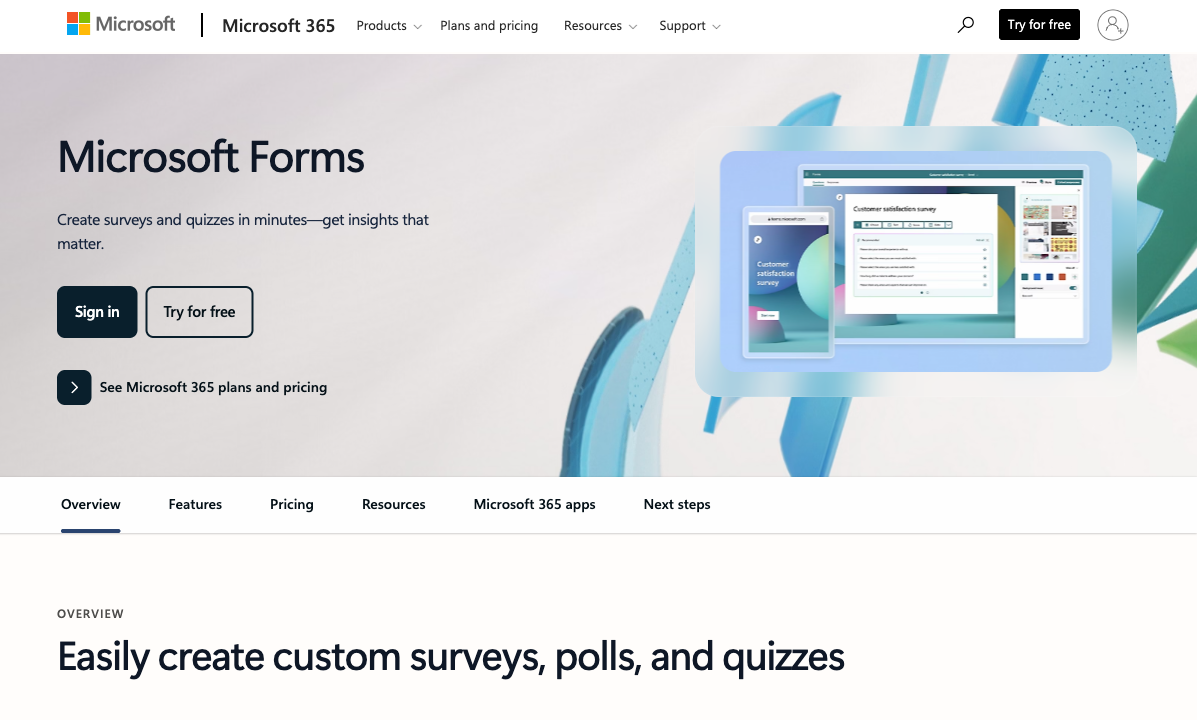
Free with Microsoft 365
Microsoft Forms costs nothing for any M365 subscriber. Zoho Forms has a free tier (3 forms) but most useful features require paid plans starting at $10/month. For organisations already paying for Microsoft 365, Microsoft Forms' zero incremental cost is a genuine advantage — no procurement, no new vendor, no budget request.
Enterprise Adoption and Trust
Microsoft 365 dominates enterprise IT. Forms inherits this trust: SOC 2, ISO 27001, GDPR, HIPAA with BAA, and data residency controls are standard. IT departments that have already approved M365 don't need a separate security review for Forms. Zoho's security posture is solid but less widely adopted in enterprise — adding Zoho Forms may require a new vendor security assessment.
Teams and SharePoint Integration
Microsoft Forms embeds natively in Teams channels, SharePoint sites, and Outlook emails. Poll your team during a meeting, embed a feedback form on an intranet page, or add a survey link to an email — all without leaving the Microsoft ecosystem. Zoho Forms integrates with Zoho's suite, not Microsoft's. Cross-ecosystem connectivity requires middleware.
Where Zoho Forms Wins
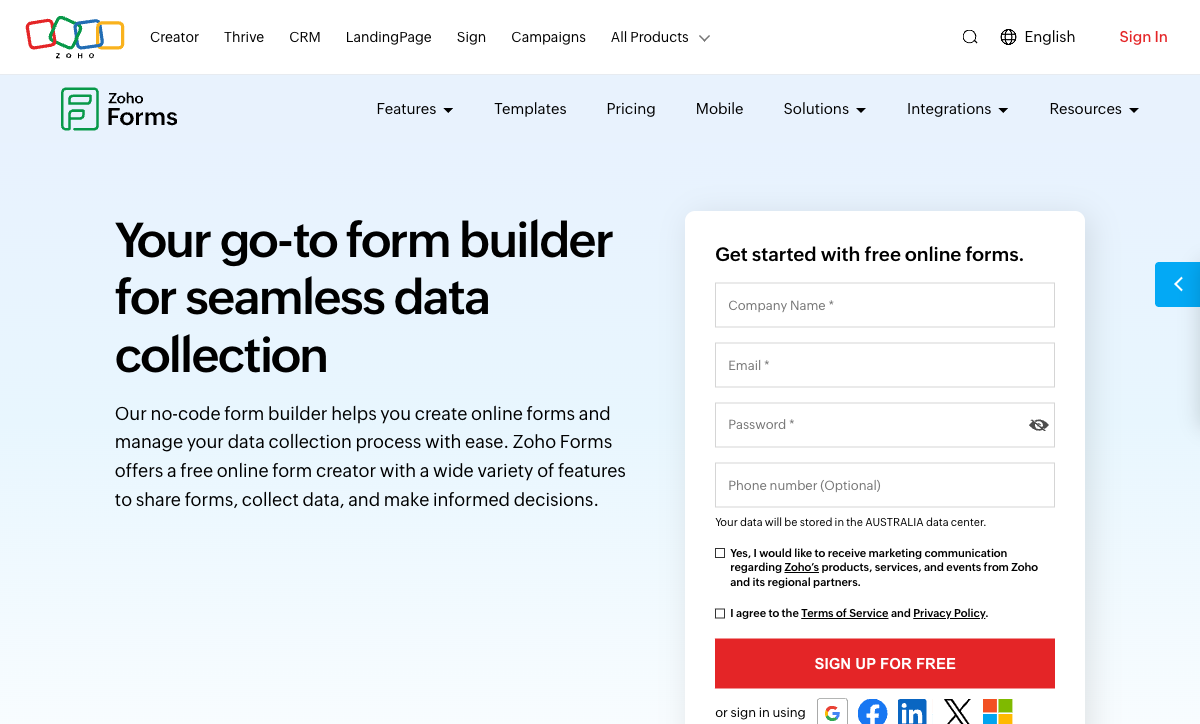
Offline Mobile Data Collection
Zoho Forms' mobile app works without internet — forms load offline, submissions queue locally, and data syncs when connectivity returns. This is a genuine differentiator for field teams, event registration, site inspections, and any scenario where internet access is unreliable. Microsoft Forms requires connectivity to function. For mobile-first data collection, Zoho Forms is measurably ahead.
Native Zoho CRM Integration
Form submissions flow directly into Zoho CRM as leads or contacts — no Zapier, no middleware, no manual export. For sales teams using Zoho CRM, this native pipeline is invaluable: capture a lead on a form, auto-create a CRM record, trigger a Zoho Sales follow-up sequence, and track the entire funnel. Microsoft Forms can't feed Zoho CRM natively.
Payment Processing
Zoho Forms supports payment collection via PayPal and Stripe on paid plans. Microsoft Forms has zero payment capability. For order forms, donation pages, or event registration with fees, Zoho Forms can handle the transaction. Microsoft Forms cannot.
Approval Workflows
Zoho Forms includes built-in approval workflows — submissions can be routed to approvers before being finalised. Useful for purchase requests, leave applications, and any form that requires manager sign-off. Microsoft Forms has no native approval mechanism (you'd need Power Automate to build one).
Where Both Fall Short
- No calculation engine: Neither supports dynamic pricing, scoring, or conditional math.
- No e-signatures: Neither offers built-in e-signature collection.
- Limited design control: Both produce functional but visually generic forms that won't match your brand identity.
- Ecosystem lock-in: Microsoft Forms is tethered to M365. Zoho Forms is tethered to the Zoho suite. Neither works optimally outside its native ecosystem.
Pricing Comparison
Microsoft Forms
Zoho Forms
| Product | Plan | Monthly Price | Annual Price (per month) | Free Plan | Free Trial | Limits |
|---|---|---|---|---|---|---|
| Microsoft Forms | Free (Personal Microsoft Account) | Free | Free | Yes | 1 month | forms: 400, submissions: 200/form, storage: N/A, users: 1 |
| Microsoft Forms | Microsoft 365 Business Basic | $6/mo | $6/mo billed annually | forms: 400, submissions: 5,000,000/form, storage: 1 TB OneDrive, users: Per user | ||
| Microsoft Forms | Microsoft 365 Business Standard | $12.5/mo | $12.5/mo billed annually | forms: 400, submissions: 5,000,000/form, storage: 1 TB OneDrive, users: Per user | ||
| Microsoft Forms | Microsoft 365 Business Premium | $22/mo | $22/mo billed annually | forms: 400, submissions: 5,000,000/form, storage: 1 TB OneDrive, users: Per user | ||
| Zoho Forms | Free | Free | Free | Yes | 15 days | forms: 3, submissions: 500/month, storage: 200 MB, users: 1 |
| Zoho Forms | Basic | $12/mo | $10/mo billed annually | forms: Unlimited, submissions: 10,000/month, storage: 500 MB, users: 1 | ||
| Zoho Forms | Standard | $30/mo | $25/mo billed annually | forms: Unlimited, submissions: 25,000/month, storage: 2 GB, users: 10 | ||
| Zoho Forms | Professional | $60/mo | $50/mo billed annually | forms: Unlimited, submissions: 75,000/month, storage: 5 GB, users: 25 | ||
| Zoho Forms | Premium | $110/mo | $90/mo billed annually | forms: Unlimited, submissions: 150,000/month, storage: 10 GB, users: 100 |
Microsoft Forms is free with M365. Zoho Forms' free tier (3 forms, 500 submissions) is usable for testing. Paid plans start at $10/month (Basic) up to $90/month (Premium). For organisations already in one ecosystem, the cost difference is marginal — the real question is which suite you're already invested in.
User Ratings
The Verdict
Choose based on your ecosystem. If your organisation uses Microsoft 365, use Microsoft Forms — it's free, integrated, and good enough for internal data collection. If your business runs on Zoho, use Zoho Forms — native CRM integration and offline mobile collection justify the subscription cost.
Zoho Forms is the technically superior standalone form builder with more features (payments, mobile offline, approval workflows). But Microsoft Forms' enterprise adoption and zero incremental cost make it the pragmatic choice for M365 organisations.
If neither ecosystem fits, see the complete form builder ranking for platform-independent options.
Consider Paperform
If you want a form builder that isn't locked to Microsoft or Zoho, Paperform integrates with both ecosystems via 2,000+ connections. It adds what neither platform offers: an Excel-style calculation engine, five payment gateways, e-signatures, and design-quality forms that work on any website. Bootstrapped and profitable since 2016.
Try Paperform free | Microsoft Forms alternatives | Zoho Forms alternatives
Frequently Asked Questions
Can I use Microsoft Forms with Zoho CRM?
Not natively. Microsoft Forms doesn't integrate directly with Zoho CRM — you'd need Zapier, Power Automate, or a custom API connection to route submissions into Zoho. Zoho Forms integrates natively with Zoho CRM (and the entire Zoho suite) with zero middleware. If your sales and marketing stack is Zoho-based, Zoho Forms is the obvious choice for lead capture and CRM data entry.
Which is better for mobile data collection?
Zoho Forms has a clear advantage here. Its dedicated mobile app supports offline data collection — forms work without internet and sync when connectivity returns. This is critical for field teams, event registration, and on-site data capture. Microsoft Forms works on mobile browsers and has a basic mobile experience, but it requires internet connectivity and lacks a purpose-built offline mode.
Which has better conditional logic?
Both offer basic show/hide logic based on field values. Zoho Forms edges ahead with page-level branching and slightly more flexible rule configuration. Neither platform offers calculation-based logic, scored branching, or the kind of multi-condition rule engine found in dedicated form builders. For complex conditional workflows, both platforms are limited.
Which ecosystem offers more value overall?
It depends on what you already use. Microsoft 365 (Teams, Outlook, Excel, SharePoint, Power BI) is the dominant enterprise productivity suite — if your organisation uses it, Microsoft Forms is free and deeply integrated. Zoho One (CRM, Books, Projects, Desk, 45+ apps) is a cost-effective alternative for SMBs who want an all-in-one business suite. Neither ecosystem is objectively better — the right choice is the one your team already uses.
Sources & References
- Best Online Form Builder to Use in 2026 — Top 20 Tools — EmailToolTester, 2026
- Zoho Forms vs Microsoft Forms: Comparison — G2, 2026
Last updated March 21, 2026
Ready to try Paperform?
Create beautiful forms, payment pages, and workflows — no code required.