Microsoft Forms vs Wufoo: Which Is Better in 2026?
This comparison pits a free, actively maintained platform tool against a paid, largely stagnant one. Microsoft Forms ships with every Microsoft 365 subscription — unlimited forms, basic conditional logic, quiz features, and deep integration with Teams, Excel, and SharePoint. Wufoo, once a trailblazer (founded 2006), has barely evolved since SurveyMonkey acquired it in 2011. Its 10-field free limit, dated interface, and absent roadmap make this a surprisingly lopsided comparison.
The blunt answer: Microsoft Forms does more for free than Wufoo does on its paid plans. Wufoo's only genuine edge is basic payment processing — and that alone rarely justifies the subscription cost.
Quick Verdict
Choose Microsoft Forms if:
- You have a Microsoft 365 subscription (it's already free)
- You need internal surveys, polls, or quizzes
- You want native Teams, Excel, and SharePoint integration
- Budget matters and simple data collection is sufficient
Choose Wufoo if:
- You need basic payment collection via Stripe or PayPal
- You want slightly more design customisation (themes, CSS)
- You're already locked into Wufoo with existing forms
- You need webhook-based workflow triggers
Feature Comparison
| Feature | Microsoft Forms | Wufoo |
|---|---|---|
| Form Building | ||
| Document-style editor | No | No |
| AI form creation | Yes copilot | No |
| Field types | No | Yes |
| Multi-page forms | Yes | Yes starter |
| Guided mode (one question at a time) | No | No |
| Conditional logic | Yes | Yes starter |
| Calculations field | No | No |
| AI calculations assistant | No | No |
| Scoring | Yes | No |
| Answer piping | No | No |
| Pre-filling and hidden fields | No | Yes starter |
| Save and resume | No | No |
| Auto-close by number | Yes | Yes starter |
| Auto-close by date | Yes | Yes starter |
| Appointment/booking field | No | No |
| Signature field | No | No |
| Color picker field | No | No |
| API-powered dropdowns | No | No |
| Google address search | No | No |
| File uploads | No | Yes starter |
| 400+ templates | No | Yes |
| Payments | ||
| Stripe payments | No | Yes professional |
| PayPal payments | No | Yes professional |
| Square payments | No | Yes professional |
| Braintree payments | No | Yes professional |
| Google Pay | No | No |
| Product sales (eCommerce) | No | No |
| Subscriptions | No | No |
| Coupons and discounts | No | No |
| Custom pricing rules | No | No |
| Tax calculations | No | No |
| Quotes/invoices | No | No |
| Refunds | No | No |
| 3D Secure | No | No |
| Authorize.net payments | No | Yes professional |
| Design & Customization | ||
| Template gallery | Yes | Yes |
| Rich media (images, GIFs, videos) | Yes | No |
| Unsplash and Giphy integration | No | No |
| Image editor | No | No |
| Adobe Creative Cloud | No | No |
| Language translation | Yes | No |
| Advanced theming | No | Yes starter |
| Custom form URL | No | Yes starter |
| Custom domains | No | No |
| Custom HTML & CSS | No | Yes starter |
| Remove branding | No | Yes starter |
| Custom email domains | No | No |
| Theme designer | No | Yes |
| Analytics | ||
| Submission results and reports | Yes | Yes |
| AI report insights | Yes | No |
| Paperform analytics | No | No |
| Google Analytics & Facebook Pixel | No | No |
| Custom analytics scripts | No | No |
| Partial submissions | No | No |
| Google Analytics integration | No | Yes professional |
| Collaboration | ||
| Multi-user accounts | Yes | Yes professional |
| User permissions and management | Yes | Yes professional |
| Advanced permissions & admin | Yes enterprise | No |
| Form sharing (templates) | Yes | No |
| Spaces and tag management | No | No |
| Form sharing | No | Yes |
| Security | ||
| SOC 2 Type II | Yes | Yes |
| GDPR compliant | Yes | Yes |
| SSL encryption | Yes | Yes |
| Two-factor authentication | Yes | No |
| Enforce 2FA for all users | Yes enterprise | No |
| SSO (SAML) | Yes | No |
| reCAPTCHA | No | Yes |
| Local data residency | Yes enterprise | No |
| Custom S3 storage (BYO) | No | No |
| HIPAA compliant | No | No |
| Field encryption | No | Yes professional |
| Password protection | No | Yes professional |
| PCI DSS | No | Yes |
| Integrations & API | ||
| 2000+ integrations | No | No |
| Zapier | No | Yes starter |
| Make (Integromat) | No | No |
| Webhooks | No | Yes starter |
| Standard API | No | No |
| Business API | No | No |
| WordPress plugin | No | Yes |
| oEmbed support | Yes | No |
| Native integrations | No | Yes starter |
| API | No | Yes |
| Embed options | No | Yes |
Where Microsoft Forms Wins
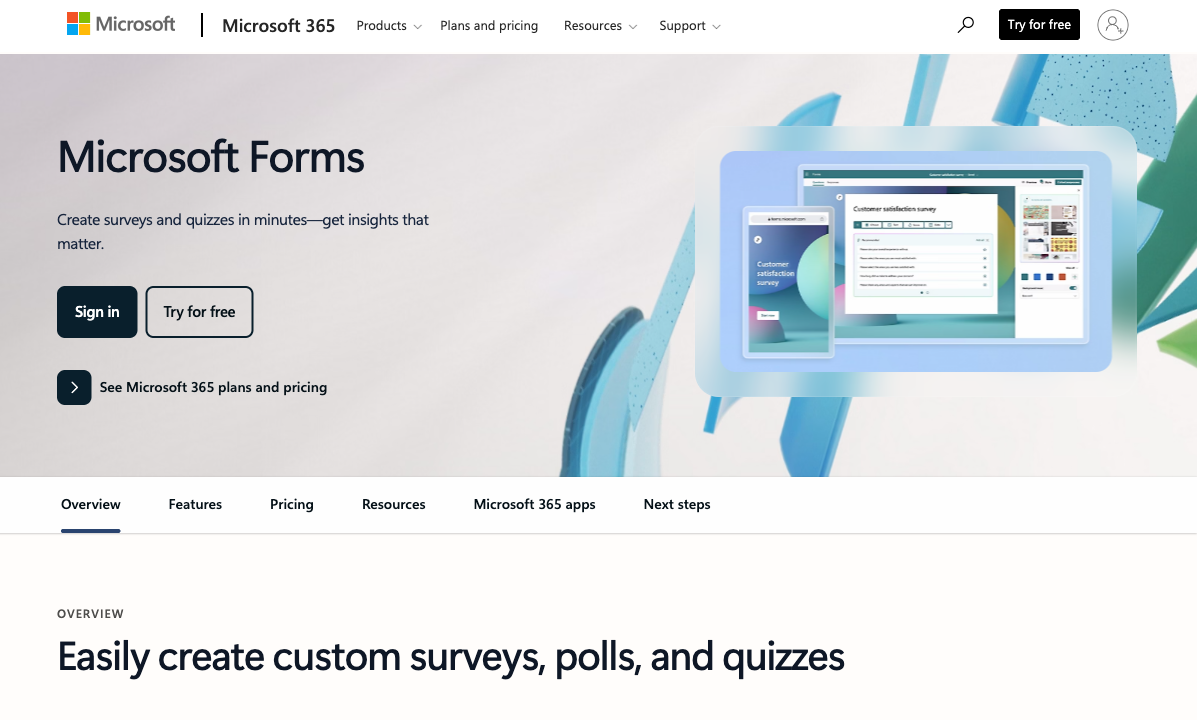
Free with No Meaningful Limits
Microsoft Forms is included with any M365 subscription — unlimited forms, unlimited fields, and up to 5,000 responses per form on business plans. Wufoo's free tier caps you at 5 forms, 10 fields per form, and 100 submissions. Even Wufoo's $19/month Starter plan only gives you 5 forms with 15 fields and 100 entries. You're paying Wufoo for restrictions that Microsoft Forms doesn't impose.
Modern and Maintained
Microsoft regularly updates Forms as part of the broader M365 platform — new question types, improved analytics, Copilot AI integration, and accessibility improvements roll out periodically. Wufoo's last meaningful feature update is difficult to identify. The interface, field types, and capabilities largely reflect its 2010-era design. Choosing a platform that's actively developed means your tool improves over time rather than falling further behind.
Quiz and Assessment Features
Microsoft Forms includes a dedicated quiz mode with auto-grading, point values, answer explanations, and grade release controls. Wufoo has no quiz or assessment capability — it's purely a data collection tool. For education, training, and employee assessments, Microsoft Forms is categorically ahead.
Enterprise Security and Compliance
Microsoft Forms inherits M365's enterprise security: SOC 2, ISO 27001, GDPR compliance, HIPAA eligibility with BAA, and data residency controls. For regulated industries, this compliance posture is a hard requirement. Wufoo's security documentation is less comprehensive and less frequently audited — a concern for organisations handling sensitive data.
Where Wufoo Wins
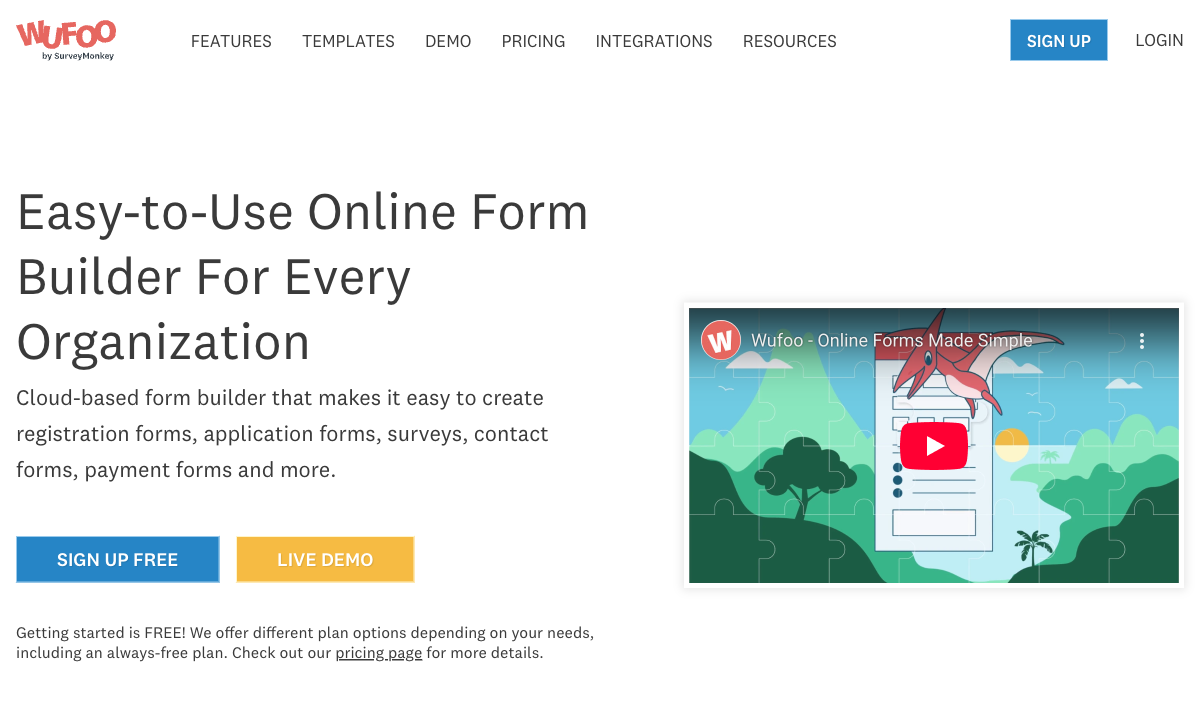
Basic Payment Processing
On paid plans ($19+/month), Wufoo can collect payments through Stripe, PayPal, and Authorize.Net. The implementation is basic — no subscriptions, no coupons, no product management — but it exists. Microsoft Forms cannot collect payments at all. If you need a simple "pay here" field on a form and nothing else, Wufoo has this narrow advantage.
More Design Customisation
Wufoo offers themes and CSS access (on paid plans) that give you more visual control than Microsoft Forms' limited colour picker and header image. If matching a specific brand identity on your forms matters, Wufoo provides more levers to pull — though the output still feels dated compared to modern form builders.
Platform Independence
Wufoo works anywhere — embed on any website, share links, no Microsoft account required. Microsoft Forms is tethered to the M365 ecosystem. If your audience doesn't use Microsoft products, or if you need forms on a non-Microsoft website, Wufoo is more portable.
Where Both Fall Short
- No calculation engine: Neither platform supports dynamic pricing, scoring, or conditional math across fields.
- No e-signatures: Neither offers built-in e-signature collection.
- Limited advanced logic: Basic show/hide branching, but no multi-condition rules, no calculated outcomes, no scored assessments with dynamic feedback.
- Generic design: Microsoft Forms looks like Microsoft. Wufoo looks like 2010. Neither produces forms that could pass as professional landing pages.
Pricing Comparison
Microsoft Forms
Wufoo
| Product | Plan | Monthly Price | Annual Price (per month) | Free Plan | Free Trial | Limits |
|---|---|---|---|---|---|---|
| Microsoft Forms | Free (Personal Microsoft Account) | Free | Free | Yes | 1 month | forms: 400, submissions: 200/form, storage: N/A, users: 1 |
| Microsoft Forms | Microsoft 365 Business Basic | $6/mo | $6/mo billed annually | forms: 400, submissions: 5,000,000/form, storage: 1 TB OneDrive, users: Per user | ||
| Microsoft Forms | Microsoft 365 Business Standard | $12.5/mo | $12.5/mo billed annually | forms: 400, submissions: 5,000,000/form, storage: 1 TB OneDrive, users: Per user | ||
| Microsoft Forms | Microsoft 365 Business Premium | $22/mo | $22/mo billed annually | forms: 400, submissions: 5,000,000/form, storage: 1 TB OneDrive, users: Per user | ||
| Wufoo | Free | Free | Free | Yes | No | forms: 5, submissions: 100/month, storage: N/A, users: 1 |
| Wufoo | Starter | $16.25/mo | $16.25/mo billed annually | forms: 10, submissions: 1,000/month, storage: 1 GB, users: 1 | ||
| Wufoo | Professional | $33.25/mo | $33.25/mo billed annually | forms: Unlimited, submissions: 5,000/month, storage: 5 GB, users: 5 | ||
| Wufoo | Advanced | $83.25/mo | $83.25/mo billed annually | forms: Unlimited, submissions: 25,000/month, storage: 10 GB, users: 20 | ||
| Wufoo | Ultimate | $210.25/mo | $210.25/mo billed annually | forms: Unlimited, submissions: 200,000/month, storage: 20 GB, users: 60 |
Microsoft Forms is free with M365 ($6-22/user/month for business plans). Wufoo's paid plans start at $19/month for 5 forms with 15 fields — less than what Microsoft Forms offers free. Wufoo's pricing reflects its 2010-era value proposition; the market has moved on.
User Ratings
The Verdict
Microsoft Forms wins for most use cases. It's free with M365, actively maintained, and offers more functionality than Wufoo's paid plans. The only reason to choose Wufoo is basic payment collection — and even that comes with dated UX and restrictive form limits.
Wufoo was a pioneer — it helped define the web form builder category when it launched in 2006. But a decade of stagnation under SurveyMonkey's ownership has left it behind. If you're currently on Wufoo, migrating to Microsoft Forms (for internal use) or a more capable platform (for external use) is worth the effort.
For a broader view of options, see our Microsoft Forms alternatives or Wufoo alternatives.
Consider Paperform
If neither platform meets your needs, Paperform combines the simplicity of Microsoft Forms with capabilities neither platform offers: five payment gateways, an Excel-style calculation engine, e-signatures, custom branding, and 2,000+ integrations. Bootstrapped and profitable since 2016 — a safer long-term bet than a stagnant product.
Try Paperform free | Paperform vs Wufoo | Paperform vs Microsoft Forms
Frequently Asked Questions
Is Wufoo still worth using in 2026?
For most use cases, no. Wufoo was a pioneering form builder when it launched in 2006, but development stalled after SurveyMonkey acquired it in 2011. The 10-field limit on free forms, the dated interface, and the absence of modern features (no AI, no advanced conditional logic, no e-signatures) make it hard to recommend over free alternatives like Microsoft Forms or Google Forms. The only scenario where Wufoo still makes sense is if you need basic payment processing and don't want to switch away from an existing Wufoo setup.
Can Microsoft Forms collect payments?
No. Microsoft Forms has no payment processing capability whatsoever. Wufoo supports basic payment fields through Stripe, PayPal, and Authorize.Net on paid plans ($19+/month). If payment collection is critical, Wufoo has this narrow advantage — though the implementation is basic (no subscriptions, no coupons, no product catalogues). For serious payment forms, consider dedicated alternatives like Paperform or Jotform.
Which has better data security?
Microsoft Forms benefits from Microsoft's enterprise-grade security infrastructure — data is stored in Microsoft's cloud with compliance certifications (SOC 2, ISO 27001, GDPR, HIPAA with BAA). Wufoo, owned by SurveyMonkey/Momentive, also maintains reasonable security standards but with less transparency about certifications. For regulated industries (healthcare, finance, government), Microsoft Forms' compliance posture is stronger and better documented.
Which platform has better templates?
Wufoo historically offered a larger template library, but many templates feel outdated. Microsoft Forms provides fewer templates but they're clean and functional. Neither platform's template library is a strong differentiator — both are modest compared to dedicated form builders like Jotform (10,000+ templates) or Paperform (30,000+ templates). For most users, starting from blank and adding fields is faster than adapting a template on either platform.
Sources & References
- Best Online Form Builder to Use in 2026 — Top 20 Tools — EmailToolTester, 2026
- Wufoo vs Microsoft Forms: Feature Comparison — G2, 2026
Last updated March 21, 2026
Ready to try Paperform?
Create beautiful forms, payment pages, and workflows — no code required.