Microsoft Forms vs WPForms: Which Is Better in 2026?
These two form builders serve fundamentally different ecosystems. Microsoft Forms lives inside Microsoft 365 — Teams, SharePoint, Excel, Outlook. WPForms lives inside WordPress — the CMS powering 43% of the web. Your choice depends almost entirely on where your forms need to live: the Microsoft productivity stack or a WordPress website.
Both are beginner-friendly and handle basic data collection well. The differences emerge in integration depth, design control, and what you can do with submissions after they arrive.
Quick Verdict
Choose Microsoft Forms if:
- Your organisation runs on Microsoft 365
- Forms are for internal use (surveys, IT tickets, polls)
- You need Teams and SharePoint integration
- You don't have a WordPress site
Choose WPForms if:
- Your website runs on WordPress
- You need forms embedded on public web pages
- You want forms that match your site's design
- You need payment collection via Stripe or PayPal
Feature Comparison
| Feature | Microsoft Forms | WPForms |
|---|---|---|
| Form Building | ||
| Document-style editor | No | No |
| AI form creation | Yes copilot | Yes basic |
| Field types | No | Yes basic |
| Multi-page forms | Yes | Yes basic |
| Guided mode (one question at a time) | No | Yes pro |
| Conditional logic | Yes | Yes basic |
| Calculations field | No | Yes pro |
| AI calculations assistant | No | No |
| Scoring | Yes | Yes pro |
| Answer piping | No | No |
| Pre-filling and hidden fields | No | Yes basic |
| Save and resume | No | Yes pro |
| Auto-close by number | Yes | Yes basic |
| Auto-close by date | Yes | Yes basic |
| Appointment/booking field | No | No |
| Signature field | No | Yes pro |
| Color picker field | No | No |
| API-powered dropdowns | No | No |
| Google address search | No | Yes pro |
| Payments | ||
| Stripe payments | No | Yes pro |
| PayPal payments | No | Yes pro |
| Square payments | No | Yes pro |
| Braintree payments | No | No |
| Google Pay | No | No |
| Product sales (eCommerce) | No | No |
| Subscriptions | No | Yes pro |
| Coupons and discounts | No | Yes pro |
| Custom pricing rules | No | Yes pro |
| Tax calculations | No | No |
| Quotes/invoices | No | No |
| Refunds | No | No |
| 3D Secure | No | No |
| Design & Customization | ||
| Template gallery | Yes | Yes pro |
| Rich media (images, GIFs, videos) | Yes | Yes basic |
| Unsplash and Giphy integration | No | No |
| Image editor | No | No |
| Adobe Creative Cloud | No | No |
| Language translation | Yes | Yes basic |
| Advanced theming | No | Yes basic |
| Custom form URL | No | Yes pro |
| Custom domains | No | Yes basic |
| Custom HTML & CSS | No | Yes basic |
| Remove branding | No | Yes basic |
| Custom email domains | No | No |
| Analytics | ||
| Submission results and reports | Yes | Yes basic |
| AI report insights | Yes | No |
| Paperform analytics | No | No |
| Google Analytics & Facebook Pixel | No | No |
| Custom analytics scripts | No | No |
| Partial submissions | No | Yes pro |
| Collaboration | ||
| Multi-user accounts | Yes | Yes basic |
| User permissions and management | Yes | Yes pro |
| Advanced permissions & admin | Yes enterprise | Yes elite |
| Form sharing (templates) | Yes | Yes basic |
| Spaces and tag management | No | No |
| Security | ||
| SOC 2 Type II | Yes | No |
| GDPR compliant | Yes | Yes basic |
| SSL encryption | Yes | Yes basic |
| Two-factor authentication | Yes | No |
| Enforce 2FA for all users | Yes enterprise | No |
| SSO (SAML) | Yes | No |
| reCAPTCHA | No | Yes basic |
| Local data residency | Yes enterprise | Yes |
| Custom S3 storage (BYO) | No | No |
| Custom S3 storage | No | No |
| Integrations & API | ||
| 2000+ integrations | No | Yes pro |
| Zapier | No | Yes pro |
| Make (Integromat) | No | Yes pro |
| Webhooks | No | Yes elite |
| Standard API | No | No |
| Business API | No | No |
| WordPress plugin | No | Yes |
| oEmbed support | Yes | No |
Where Microsoft Forms Wins
Zero Additional Cost with M365
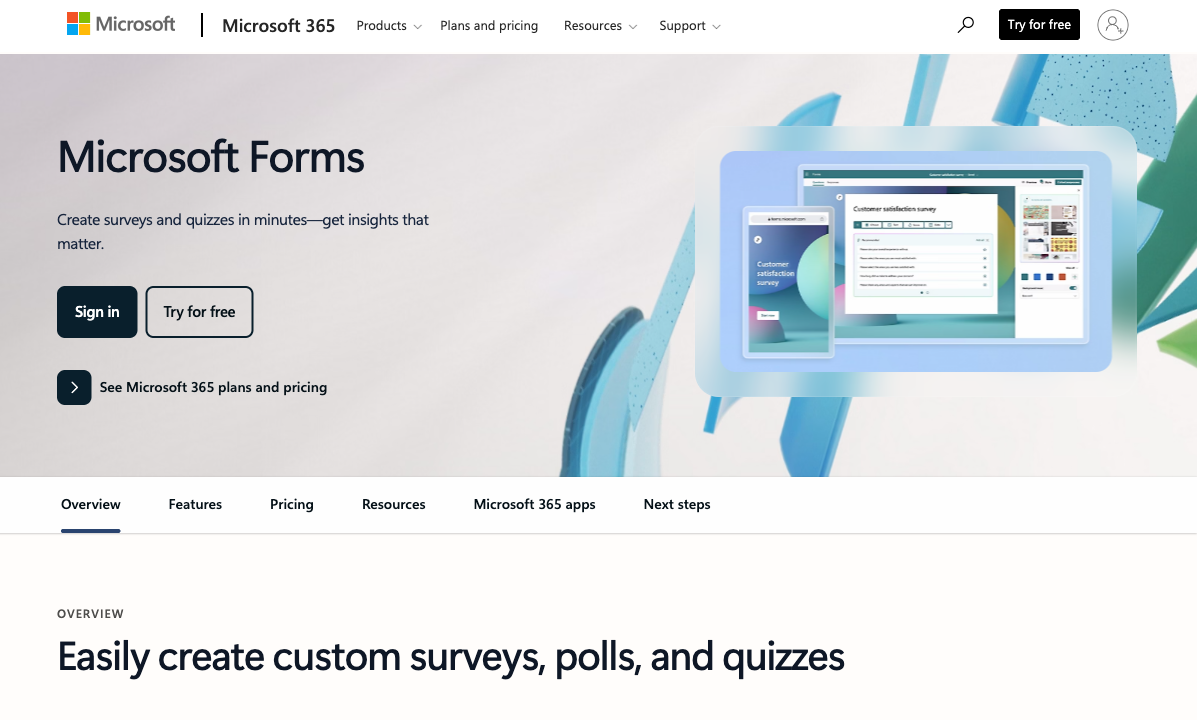
If your business pays for Microsoft 365 (and most do), Microsoft Forms is included at no extra charge. No plugin to buy, no annual licence, no per-form fees. WPForms Lite is free but limited — the Pro version costs $199/year for the features most businesses actually need (conditional logic, payment fields, user registration). For budget-conscious teams already in the Microsoft ecosystem, this cost advantage is real.
Native Microsoft Ecosystem
Responses flow directly into Excel. Forms embed natively in Teams channels. Power Automate triggers workflows from submissions. SharePoint sites display forms without configuration. For organisations whose daily work happens inside Microsoft 365, this native integration eliminates the middleware tax that WPForms users pay to connect WordPress with business tools.
No Infrastructure Required
Microsoft Forms is a cloud service — no hosting, no WordPress installation, no plugin conflicts, no PHP updates, no security patches. WPForms requires a WordPress site, which means web hosting, domain management, SSL certificates, WordPress core updates, and the occasional plugin compatibility issue. For non-technical teams, Microsoft Forms has significantly less operational overhead.
Where WPForms Wins
Native WordPress Integration
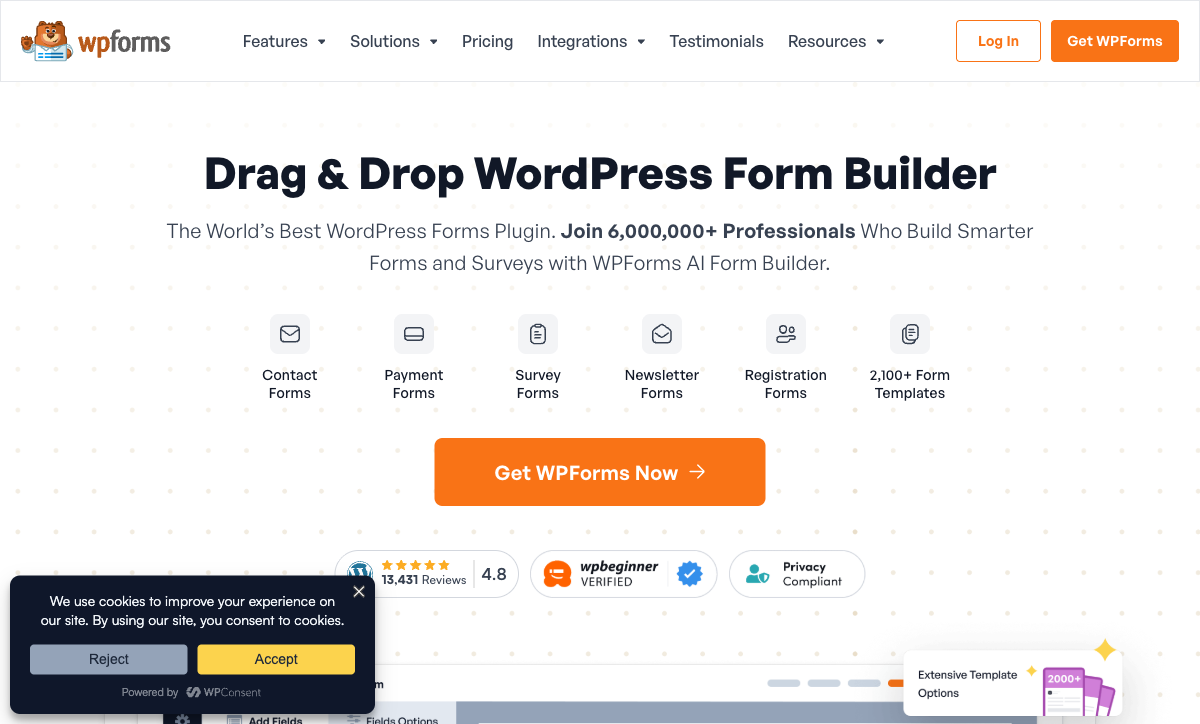
WPForms was built for WordPress from day one (founded 2016 by Jared Atchison and Syed Balkhi). Forms render natively on your site — no iframes, no external redirects, no Microsoft branding. They inherit your theme's styling, appear in your site's page builder, and store submissions in your WordPress database. For any business whose primary web presence is a WordPress site, this native integration is a significant advantage.
Payment Collection
WPForms Pro supports Stripe and PayPal payment fields — you can collect one-time payments, donations, and order totals directly within forms. Microsoft Forms has zero payment processing capability. If your WordPress site needs order forms, donation pages, or any payment-enabled form, WPForms handles it without a third-party plugin.
Design Flexibility on WordPress
WPForms produces forms that blend seamlessly with your WordPress theme. You can customise field layouts, multi-column arrangements, and use your site's existing CSS. Microsoft Forms gives you a colour picker and a header image — every form looks unmistakably like a Microsoft Form. For customer-facing pages where brand consistency matters, WPForms produces a more polished result.
Where Both Fall Short
- No calculation engine: Neither platform supports dynamic pricing, scoring, or conditional math. Both are data collection tools without a computational layer.
- No e-signatures: Neither offers built-in e-signature collection for contracts or consent forms.
- Limited design ambition: Microsoft Forms looks generic; WPForms looks like WordPress. Neither produces forms that rival purpose-built landing pages.
- Platform lock-in: Microsoft Forms is tethered to M365. WPForms is tethered to WordPress. Neither works well outside its native ecosystem.
Pricing Comparison
Microsoft Forms
WPForms
| Product | Plan | Monthly Price | Annual Price (per month) | Free Plan | Free Trial | Limits |
|---|---|---|---|---|---|---|
| Microsoft Forms | Free (Personal Microsoft Account) | Free | Free | Yes | 1 month | forms: 400, submissions: 200/form, storage: N/A, users: 1 |
| Microsoft Forms | Microsoft 365 Business Basic | $6/mo | $6/mo billed annually | forms: 400, submissions: 5,000,000/form, storage: 1 TB OneDrive, users: Per user | ||
| Microsoft Forms | Microsoft 365 Business Standard | $12.5/mo | $12.5/mo billed annually | forms: 400, submissions: 5,000,000/form, storage: 1 TB OneDrive, users: Per user | ||
| Microsoft Forms | Microsoft 365 Business Premium | $22/mo | $22/mo billed annually | forms: 400, submissions: 5,000,000/form, storage: 1 TB OneDrive, users: Per user | ||
| WPForms | Lite (Free) | Free | Free | Yes | 14 days | forms: Unlimited, submissions: Unlimited, users: Unlimited |
| WPForms | Basic | Not listed | $4.13/mo billed annually | forms: Unlimited, submissions: Unlimited, users: Unlimited | ||
| WPForms | Plus | Not listed | $8.29/mo billed annually | forms: Unlimited, submissions: Unlimited, users: Unlimited | ||
| WPForms | Pro | Not listed | $16.63/mo billed annually | forms: Unlimited, submissions: Unlimited, users: Unlimited | ||
| WPForms | Elite | Not listed | $24.96/mo billed annually | forms: Unlimited, submissions: Unlimited, users: Unlimited |
Microsoft Forms is free with M365 subscriptions ($6-22/user/month). WPForms Lite is free but limited; WPForms Pro costs $199/year for conditional logic, payments, and advanced fields. The cost equation depends on what you already pay for — if you have M365 but not WordPress, Microsoft Forms costs nothing. If you have WordPress but not M365, WPForms Lite costs nothing.
User Ratings
The Verdict
Use Microsoft Forms if your work lives in Microsoft 365. Internal surveys, team polls, IT requests, training quizzes — anything that stays within the Microsoft ecosystem. It's free, simple, and deeply integrated with Teams, SharePoint, and Excel.
Use WPForms if your forms live on a WordPress website. Contact forms, lead capture, payment forms, registration pages — anything that needs to look native on your WordPress site and interact with your WordPress plugins.
The two rarely compete directly. If you need both internal Microsoft forms and public WordPress forms, you might run both. If you need something that works everywhere without ecosystem lock-in, see the complete form builder ranking.
Consider Paperform
If neither the Microsoft ecosystem nor WordPress-only tools fit your needs, Paperform works everywhere — embed on any website (WordPress, Shopify, Webflow, Squarespace), share as standalone links, or use custom domains. It includes payment processing (5 gateways), an Excel-style calculation engine, e-signatures, and 2,000+ integrations that span both Microsoft and Google ecosystems.
Bootstrapped and profitable since 2016, Paperform bridges the gap between Microsoft Forms' simplicity and WPForms' WordPress focus with a platform-independent form builder.
Try Paperform free | Microsoft Forms alternatives | WPForms alternatives
Frequently Asked Questions
Can I use Microsoft Forms on a WordPress site?
You can embed a Microsoft Form on WordPress using an iframe, but it's clunky. The form renders inside a Microsoft-branded container, won't match your WordPress theme, and loads additional Microsoft scripts. WPForms is purpose-built for WordPress — forms inherit your theme styling, load natively without iframes, and integrate directly with your WordPress database. If your site runs on WordPress, WPForms is the natural fit. If your forms live inside Teams or SharePoint, Microsoft Forms is the natural fit.
Is Microsoft Forms really free?
Microsoft Forms is included with any Microsoft 365 subscription, which most businesses already pay for ($6-22/user/month). If you have M365, Forms costs nothing extra. WPForms Lite is also free as a WordPress plugin, but advanced features (payment fields, conditional logic, file uploads) require WPForms Pro at $199/year. Neither platform is truly "free from zero" — Microsoft Forms needs an M365 licence, and WPForms needs a WordPress site with hosting.
Which is better for lead generation forms?
WPForms is stronger for lead generation because forms live directly on your WordPress site — no redirects, no iframes, no external domains. It integrates natively with popular WordPress marketing plugins (WPForms connects to Constant Contact, Mailchimp, AWeber, and dozens more via addons). Microsoft Forms captures leads effectively but stores them in the Microsoft ecosystem, requiring Zapier or Power Automate to route submissions to your CRM or email platform.
Do I need coding skills for either platform?
Neither requires coding. Microsoft Forms uses a simple click-to-add interface that anyone familiar with Microsoft products can use immediately. WPForms uses a drag-and-drop builder within the WordPress admin. Both are beginner-friendly, but WPForms assumes basic WordPress familiarity (installing plugins, navigating the dashboard). If you've never used WordPress, Microsoft Forms has the lower barrier to entry.
Sources & References
- Best Online Form Builder to Use in 2026 — Top 20 Tools — EmailToolTester, 2026
- WPForms vs Microsoft Forms: Detailed Comparison — G2, 2026
Last updated March 21, 2026
Ready to try Paperform?
Create beautiful forms, payment pages, and workflows — no code required.