involve.me vs Microsoft Forms: Interactive Funnels vs Free Basics in 2026
involve.me and Microsoft Forms occupy opposite ends of the form-building spectrum. Microsoft Forms is a basic, free tool included with Microsoft 365 — simple surveys, quizzes, and polls for internal use, education, and quick feedback collection. involve.me is a marketing-focused platform for interactive lead generation: outcome quizzes, ROI calculators, product finders, and multi-step funnels designed to engage and convert visitors. They're barely competing for the same use cases.
The comparison matters for teams already in the Microsoft 365 ecosystem who wonder whether the included Forms tool is "good enough" for marketing, or whether a specialised tool like involve.me is worth the additional cost. The answer depends entirely on whether your forms need to market or just collect data.
Quick Verdict
Choose involve.me if:
- You need interactive quizzes, calculators, or product recommendation funnels
- Lead generation and conversion optimization are your primary goals
- You want visually engaging, branded experiences (not basic form fields)
- You need payment collection integrated into interactive content
Choose Microsoft Forms if:
- You already have Microsoft 365 and need simple surveys at no extra cost
- Your use case is internal (employee feedback, team polls, training quizzes)
- You need forms embedded in Microsoft Teams or SharePoint
- Simplicity and speed matter more than design or conversion features
Feature Comparison
Side-by-side across every feature category.
| Feature | involve.me | Microsoft Forms |
|---|---|---|
| Form Building | ||
| Document-style editor | No | No |
| AI form creation | Yes starter | Yes copilot |
| Field types | Yes | No |
| Multi-page forms | Yes | Yes |
| Guided mode (one question at a time) | Yes | No |
| Conditional logic | Yes starter | Yes |
| Calculations field | Yes starter | No |
| AI calculations assistant | No | No |
| Scoring | Yes starter | Yes |
| Answer piping | Yes starter | No |
| Pre-filling and hidden fields | Yes pro | No |
| Save and resume | No | No |
| Auto-close by number | No | Yes |
| Auto-close by date | No | Yes |
| Appointment/booking field | Yes starter | No |
| Signature field | Yes business | No |
| Color picker field | No | No |
| API-powered dropdowns | No | No |
| Google address search | No | No |
| Payments | ||
| Stripe payments | Yes starter | No |
| PayPal payments | No | No |
| Square payments | No | No |
| Braintree payments | No | No |
| Google Pay | No | No |
| Product sales (eCommerce) | No | No |
| Subscriptions | Yes starter | No |
| Coupons and discounts | Yes | No |
| Custom pricing rules | Yes starter | No |
| Tax calculations | No | No |
| Quotes/invoices | No | No |
| Refunds | No | No |
| 3D Secure | No | No |
| Design & Customization | ||
| Template gallery | Yes | Yes |
| Rich media (images, GIFs, videos) | Yes | Yes |
| Unsplash and Giphy integration | No | No |
| Image editor | No | No |
| Adobe Creative Cloud | No | No |
| Language translation | Yes | Yes |
| Advanced theming | Yes | No |
| Custom form URL | Yes starter | No |
| Custom domains | Yes starter | No |
| Custom HTML & CSS | Yes business | No |
| Remove branding | Yes pro | No |
| Custom email domains | Yes pro | No |
| Analytics | ||
| Submission results and reports | Yes | Yes |
| AI report insights | Yes starter | Yes |
| Paperform analytics | Yes pro | No |
| Google Analytics & Facebook Pixel | Yes | No |
| Custom analytics scripts | Yes pro | No |
| Partial submissions | Yes pro | No |
| Collaboration | ||
| Multi-user accounts | Yes pro | Yes |
| User permissions and management | Yes pro | Yes |
| Advanced permissions & admin | Yes enterprise | Yes enterprise |
| Form sharing (templates) | Yes | Yes |
| Spaces and tag management | No | No |
| Security | ||
| SOC 2 Type II | Yes | Yes |
| GDPR compliant | Yes | Yes |
| SSL encryption | Yes | Yes |
| Two-factor authentication | Yes | Yes |
| Enforce 2FA for all users | No | Yes enterprise |
| SSO (SAML) | Yes enterprise | Yes |
| reCAPTCHA | No | No |
| Local data residency | No | Yes enterprise |
| Custom S3 storage | No | No |
| Custom S3 storage (BYO) | No | No |
| Integrations & API | ||
| 2000+ integrations | No | No |
| Zapier | Yes starter | No |
| Make (Integromat) | No | No |
| Webhooks | Yes business | No |
| Standard API | Yes business | No |
| Business API | No | No |
| WordPress plugin | Yes | No |
| oEmbed support | No | Yes |
Where involve.me Wins
Interactive Content That Converts
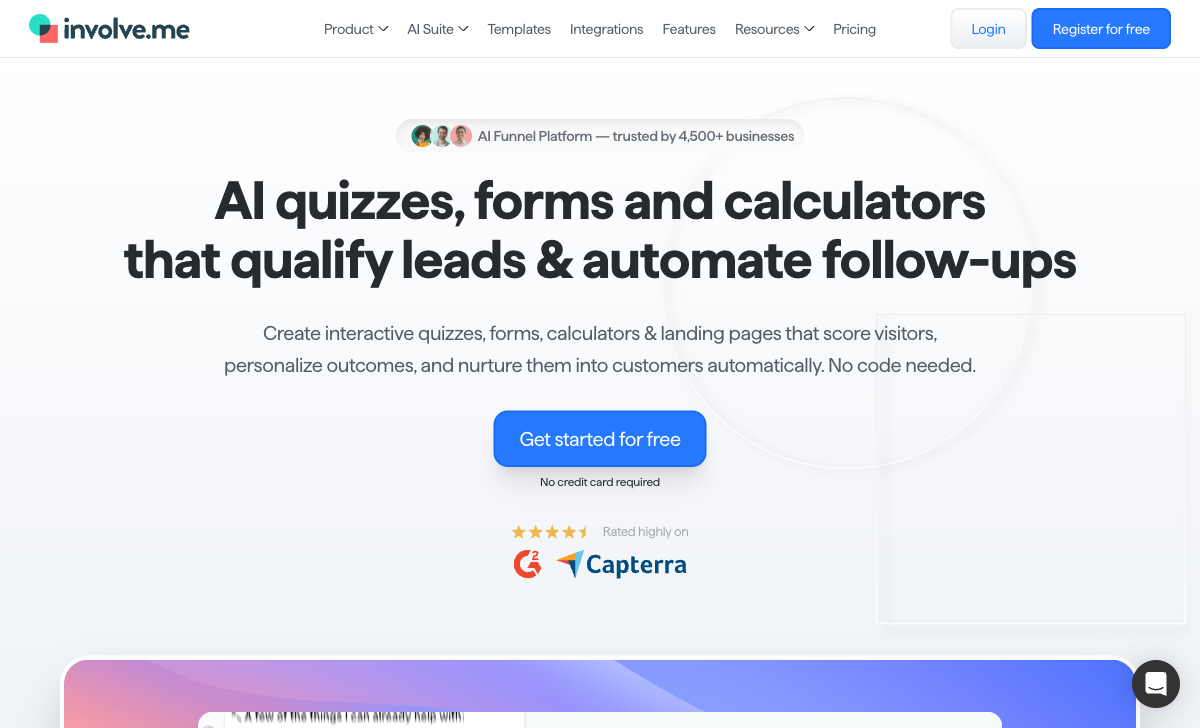
involve.me's core value is turning passive data collection into active engagement. Outcome quizzes recommend products based on answers. ROI calculators show personalised value propositions. Multi-step funnels qualify leads before capturing contact details. Microsoft Forms offers basic questions with no outcomes, no scoring, no calculator fields, and no conditional results pages. For marketing teams that need forms to drive conversions, involve.me operates in a category Microsoft Forms doesn't enter.
Visual Design and Branding
involve.me provides a drag-and-drop builder with branded templates, custom colours, fonts, images, and animations. Each step can be a visually rich experience. Microsoft Forms offers minimal design customisation — a header image, a colour theme, and that's essentially it. For external-facing content where brand presentation matters, involve.me's design capabilities are significantly stronger.
Payment Collection
involve.me supports Stripe and PayPal payments within interactive funnels — a visitor takes a quiz, sees their recommended option, and pays in the same flow. Microsoft Forms has zero payment processing capability. For any use case involving money, involve.me is the only option between the two.
Marketing Integrations
involve.me connects natively to HubSpot, Mailchimp, ActiveCampaign, Salesforce, and dozens of marketing platforms. Leads flow into your CRM and email sequences automatically. Microsoft Forms integrates with the Microsoft 365 ecosystem (Excel, Teams, SharePoint, Power Automate) but has no native connections to marketing or CRM tools outside Microsoft. For marketing-driven workflows, involve.me's integration ecosystem is far more relevant.
Where Microsoft Forms Wins
Free With Microsoft 365
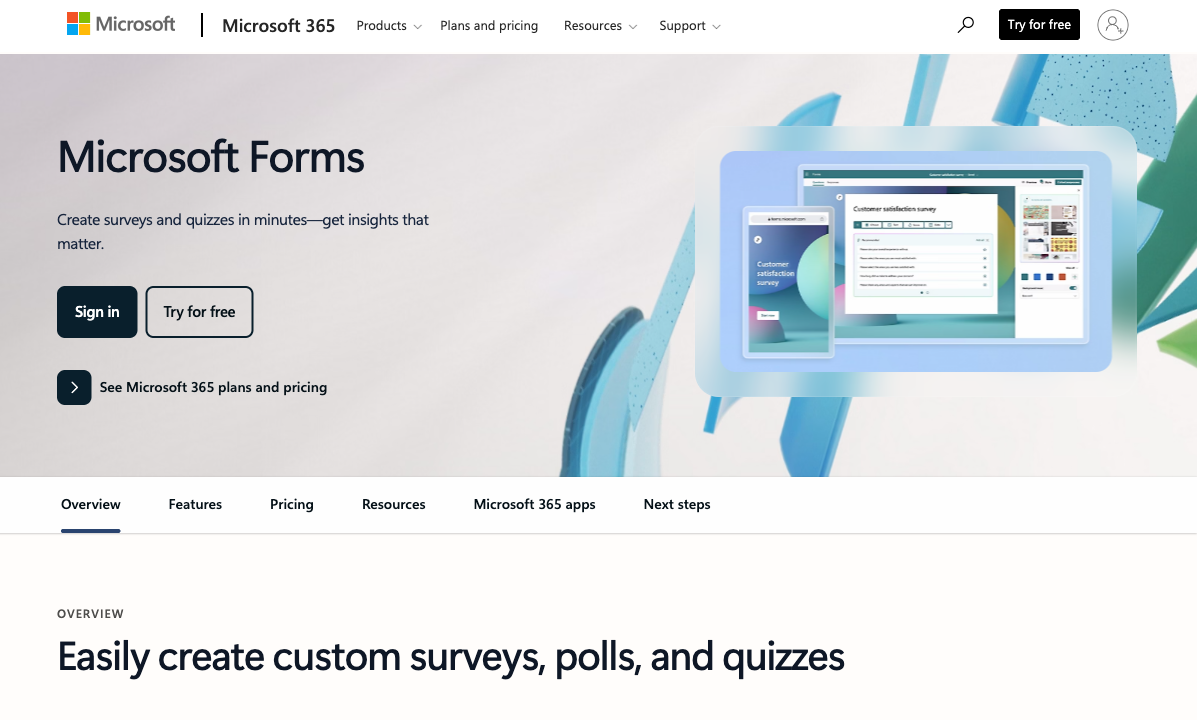
If your organisation pays for Microsoft 365 (and most do), Forms is included at no additional cost. No budget approval needed, no new vendor to onboard, no separate login. involve.me starts at $29/month for paid plans. For teams that need basic surveys and don't have budget for additional tools, Microsoft Forms' zero incremental cost is a significant advantage.
Microsoft 365 Integration
Forms embeds natively in Microsoft Teams channels, works with SharePoint sites, auto-syncs responses to Excel, and connects to Power Automate for workflow automation. For organisations whose daily workflow lives inside Microsoft 365, this native integration eliminates friction. involve.me doesn't integrate with Microsoft's ecosystem at all — it's built for the marketing stack, not the productivity stack.
Simplicity and Speed
Microsoft Forms is genuinely simple. Creating a basic survey takes minutes — add questions, share a link, view responses. No learning curve, no configuration complexity. involve.me's interactive content builder is more powerful but requires more time to set up. For quick internal polls, feedback collection, or team surveys, Microsoft Forms' simplicity is a feature.
Enterprise Scale and Trust
Microsoft is one of the world's largest companies — HIPAA, SOC 2, GDPR, FedRAMP, and every other compliance certification. Data residency, SSO, and enterprise-grade security are standard. involve.me is a pre-seed funded startup founded in 2016 with a fraction of Microsoft's compliance infrastructure. For regulated industries where vendor risk assessment is critical, Microsoft's governance is unmatched.
Where involve.me Falls Short
- Not free: Paid plans start at $29/month. Microsoft Forms is included with Microsoft 365.
- Pre-seed funded startup: Founded 2016 with limited funding. More platform risk than Microsoft.
- Overkill for simple forms: If you just need a feedback form or quick poll, involve.me's interactive builder adds unnecessary complexity.
- No Microsoft ecosystem integration: Doesn't work with Teams, SharePoint, or Power Automate.
Where Microsoft Forms Falls Short
- No interactive content: No quizzes with outcomes, no calculators, no product finders, no conversion funnels.
- Minimal design: Basic colour themes and a header image. No custom CSS, no animations, no branded templates.
- No payment processing: Zero payment capability on any plan.
- No marketing integrations: Doesn't connect to CRMs, email marketing platforms, or marketing automation tools outside Microsoft.
- No upgrade path: What you get is all there is. No premium tier for advanced features.
Pricing Comparison
| Need | involve.me | Microsoft Forms | Key Difference |
|---|---|---|---|
| Free tier | 100 submissions/mo, involve.me branding | Included with M365; also free at forms.office.com | Microsoft is effectively free for most organisations |
| Entry paid | Starter: $29/mo | No paid tier — M365 Business Basic: $6/user/mo | Very different models; M365 is a productivity suite, not a form tool |
| Professional | Professional: $59/mo — A/B testing, analytics | No equivalent — Forms doesn't have advanced tiers | involve.me's advanced features have no Microsoft equivalent |
| Business | Business: $99/mo | M365 Business Premium: $22/user/mo | Different categories entirely; not directly comparable |
involve.me
Microsoft Forms
| Product | Plan | Monthly Price | Annual Price (per month) | Free Plan | Free Trial | Limits |
|---|---|---|---|---|---|---|
| involve.me | Free | Free | Free | Yes | 14 days | forms: Unlimited (draft), submissions: 50/month, users: 1 |
| involve.me | Starter | $49/mo | $29/mo billed annually | forms: 5 live funnels, submissions: 1,000/month, users: 1 | ||
| involve.me | Pro | $99/mo | $59/mo billed annually | forms: 15 live funnels, submissions: 5,000/month, users: 3 | ||
| involve.me | Business | $199/mo | $129/mo billed annually | forms: 30 live funnels, submissions: 15,000/month, users: 5 | ||
| Microsoft Forms | Free (Personal Microsoft Account) | Free | Free | Yes | 1 month | forms: 400, submissions: 200/form, storage: N/A, users: 1 |
| Microsoft Forms | Microsoft 365 Business Basic | $6/mo | $6/mo billed annually | forms: 400, submissions: 5,000,000/form, storage: 1 TB OneDrive, users: Per user | ||
| Microsoft Forms | Microsoft 365 Business Standard | $12.5/mo | $12.5/mo billed annually | forms: 400, submissions: 5,000,000/form, storage: 1 TB OneDrive, users: Per user | ||
| Microsoft Forms | Microsoft 365 Business Premium | $22/mo | $22/mo billed annually | forms: 400, submissions: 5,000,000/form, storage: 1 TB OneDrive, users: Per user |
What Users Say
Microsoft Forms reviews praise its simplicity and zero-cost availability within Microsoft 365, but consistently note it's "basic" and "limited for anything beyond simple surveys." involve.me users highlight the interactive content capabilities and conversion focus, though some mention the learning curve and the limited free plan. The products attract fundamentally different users — Microsoft Forms for internal convenience, involve.me for marketing-driven engagement.
Consider Paperform: Interactive Depth Without the Trade-offs
If you want involve.me's interactivity with the versatility of a full form builder, Paperform offers a compelling middle ground. Paperform's document-style editor creates beautiful, branded forms with an Excel-style calculation engine for dynamic pricing, scoring, and conditional logic. Five payment gateways (Stripe, PayPal, Square, Braintree, Google Pay), built-in e-signatures via Papersign, and 30,000+ templates cover everything from quizzes to order forms.
Unlike involve.me, Paperform is a full-featured form builder — not just interactive content. Unlike Microsoft Forms, it includes payments, calculations, custom design, and marketing integrations. Bootstrapped and profitable since 2016, starting at $24/month. See involve.me alternatives or explore Microsoft Forms alternatives.
Frequently Asked Questions
Is Microsoft Forms really free?
Microsoft Forms is included with any Microsoft 365 subscription (personal, business, or education) at no additional cost. If you already pay for Microsoft 365, Forms is effectively free. There's also a free version at forms.office.com with limited features. However, there's no standalone paid plan for Microsoft Forms — what you get with your M365 subscription is all there is. No premium tier, no advanced upgrades, no payment processing add-ons.
Can involve.me create simple surveys like Microsoft Forms?
Yes, but it's overkill for simple surveys. involve.me can create basic surveys, but its strength is interactive content — quizzes with outcomes, calculators, and multi-step funnels. If you just need a quick employee feedback form or a simple questionnaire, Microsoft Forms is faster and simpler. involve.me adds value when you need the survey to engage, qualify, or convert — not just collect data.
Which is better for lead generation: involve.me or Microsoft Forms?
involve.me, by a wide margin. It's purpose-built for lead generation with outcome-based quizzes, calculators that provide personalised results, payment collection, and conversion-optimised templates. Microsoft Forms is a data collection tool with no lead scoring, no conversion optimization, no payment processing, and no marketing integrations beyond Power Automate. For marketing-driven lead generation, involve.me is the clear choice.
Does Microsoft Forms integrate with involve.me?
Not directly. They're independent products in separate ecosystems. Microsoft Forms integrates with the Microsoft 365 suite (Teams, SharePoint, Excel, Power Automate). involve.me integrates with marketing and CRM tools (HubSpot, Mailchimp, ActiveCampaign, Zapier). If you need data flowing between them, Zapier or Power Automate can bridge the gap, but they're designed for different use cases.
Sources & References
- Microsoft Forms Overview and Limits — Microsoft, 2026
- involve.me Reviews and Ratings — G2, 2026
Last updated March 21, 2026
Ready to try Paperform?
Create beautiful forms, payment pages, and workflows — no code required.