HubSpot Forms vs Zoho Forms: Ecosystem vs Ecosystem in 2026
HubSpot Forms and Zoho Forms are both form tools embedded within larger business ecosystems — but the ecosystems they serve are very different. HubSpot targets mid-market and enterprise marketing teams with premium pricing and polished tools. Zoho targets cost-conscious businesses with a sprawling suite of 55+ apps at a fraction of HubSpot's price. Each form tool is optimised for its own CRM and works best within its ecosystem.
This comparison is primarily relevant for teams choosing between the HubSpot and Zoho ecosystems — or evaluating whether either ecosystem's form tool is adequate for their needs. As standalone form builders, both have limitations that purpose-built alternatives handle better.
Quick Verdict
Choose HubSpot Forms if:
- You're already invested in the HubSpot ecosystem (CRM, marketing, sales)
- Native contact creation and workflow triggering from forms is essential
- You need progressive profiling for B2B lead nurturing
- Enterprise compliance (SOC 2, SSO, public company governance) matters
Choose Zoho Forms if:
- You're in the Zoho ecosystem (Zoho CRM, Zoho Analytics, Zoho Projects)
- Budget is a primary concern — Zoho is dramatically cheaper at every tier
- You need a more capable standalone form builder (more fields, payments, approvals)
- You need payment forms with multiple gateways (PayPal, Stripe, Razorpay)
Feature Comparison
Side-by-side across every feature category.
| Feature | HubSpot Forms | Zoho Forms |
|---|---|---|
| Form Building | ||
| Document-style editor | No | No |
| AI form creation | No | Yes basic |
| Question types | Yes | No |
| Multi-page forms | Yes starter | Yes |
| Guided mode (one question at a time) | No | No |
| Conditional logic | Yes professional | Yes |
| Calculations field | No | Yes basic |
| AI calculations assistant | No | No |
| Scoring | No | No |
| Answer piping | No | Yes basic |
| Pre-filling and hidden fields | Yes | Yes |
| Save and resume | No | Yes basic |
| Appointment/booking field | No | No |
| Signature field | No | Yes |
| Color picker field | No | No |
| API-powered dropdowns | No | No |
| Google address search | No | No |
| File uploads | Yes | No |
| Field types | No | Yes |
| Auto-close by number | No | Yes |
| Auto-close by date | No | Yes |
| Payments | ||
| Stripe payments | Yes starter | No |
| PayPal payments | No | No |
| Square payments | No | No |
| Braintree payments | No | No |
| Google Pay | No | No |
| Product sales (eCommerce) | No | No |
| Subscriptions | No | No |
| Coupons and discounts | No | No |
| Custom pricing rules | No | No |
| Tax calculations | No | No |
| Quotes/invoices | No | Yes standard |
| Refunds | No | No |
| 3D Secure | No | No |
| Stripe | No | Yes |
| PayPal | No | Yes |
| Square | No | No |
| Braintree | No | No |
| Product sales | No | Yes basic |
| Coupons | No | No |
| Custom pricing | No | Yes basic |
| Design & Customization | ||
| Template gallery | Yes | Yes |
| Rich media (images, GIFs, videos) | No | No |
| Unsplash and Giphy integration | No | No |
| Image editor | No | No |
| Adobe Creative Cloud | No | No |
| Language translation | No | Yes standard |
| Advanced theming | Yes starter | Yes basic |
| Custom form URL | No | No |
| Custom domains | No | No |
| Custom HTML & CSS | Yes starter | No |
| Remove branding | Yes starter | Yes basic |
| Custom email domains | No | No |
| Rich media | No | Yes |
| Unsplash/Giphy | No | No |
| Adobe CC | No | No |
| Custom HTML/CSS | No | Yes standard |
| Analytics | ||
| Submission results and reports | Yes | No |
| AI report insights | No | No |
| Drop-off analysis | No | No |
| Conversion analytics | Yes professional | No |
| Google Analytics & Facebook Pixel | Yes | No |
| Custom analytics scripts | No | No |
| Partial submissions | No | No |
| Submission results | No | Yes |
| AI insights | No | No |
| Form analytics | No | Yes standard |
| GA/FB Pixel | No | No |
| Custom scripts | No | No |
| Collaboration | ||
| Multi-user accounts | Yes | No |
| User permissions and management | Yes starter | No |
| Advanced permissions & admin | Yes enterprise | No |
| Form sharing (templates) | Yes | No |
| Workspace organization | No | No |
| Multi-user | No | Yes standard |
| Permissions | No | Yes standard |
| Advanced permissions | No | Yes professional |
| Form sharing | No | Yes |
| Spaces/tags | No | No |
| Security | ||
| SOC 2 Type II | Yes | No |
| GDPR compliant | Yes | No |
| HIPAA compliant | No | No |
| SSL encryption | Yes | No |
| Two-factor authentication | Yes | No |
| SSO (SAML) | Yes enterprise | No |
| reCAPTCHA | No | Yes |
| Data residency | Yes enterprise | Yes |
| Custom S3 storage | No | No |
| SOC 2 | No | Yes |
| GDPR | No | Yes |
| SSL | No | Yes |
| 2FA | No | Yes |
| Enforce 2FA | No | No |
| SSO SAML | No | Yes professional |
| Custom S3 | No | No |
| Integrations & API | ||
| Native integrations | Yes | No |
| Zapier | Yes starter | Yes basic |
| Make (Integromat) | Yes starter | No |
| Webhooks | Yes starter | Yes standard |
| API | Yes | No |
| WordPress plugin | Yes | No |
| Embed options | Yes | No |
| 2000+ | No | No |
| Standard API | No | Yes basic |
| Business API | No | No |
| WordPress | No | Yes |
| oEmbed | No | Yes |
Where HubSpot Forms Wins
Marketing Automation Depth
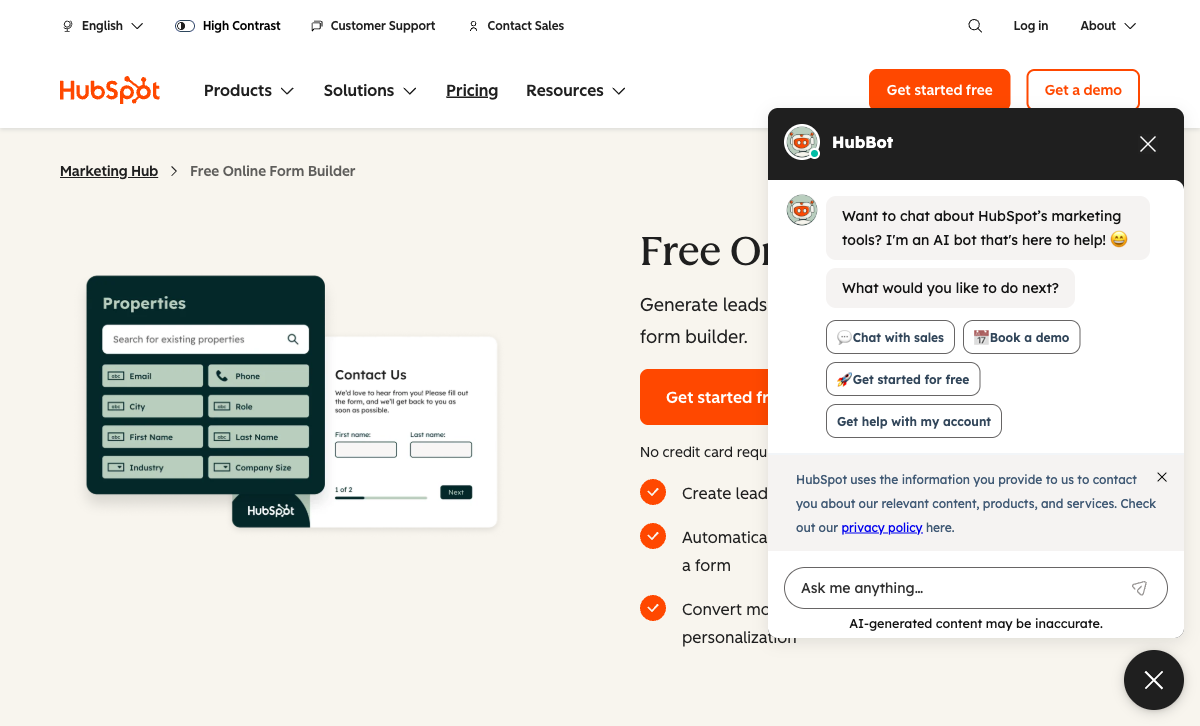
HubSpot's marketing automation is widely regarded as more polished and powerful than Zoho's. Form submissions trigger sophisticated workflows: lead scoring, lifecycle stage changes, email sequences, deal creation, and sales notifications. Zoho's marketing automation (via Zoho Marketing Automation or Zoho CRM workflows) is functional but generally considered less intuitive. For marketing-led growth teams, HubSpot's automation depth is a genuine advantage.
Progressive Profiling
HubSpot Forms on Professional ($890/month) shows different fields to returning visitors based on previously collected data. This builds richer contact profiles over time without re-asking known information. Zoho Forms has no equivalent feature. For B2B companies with long sales cycles where progressive data enrichment matters, HubSpot's profiling is unique.
Unlimited Free Forms
HubSpot's free plan includes unlimited forms and unlimited submissions with automatic CRM contact creation. Zoho Forms' free plan limits you to 3 forms and 500 submissions/month. For basic lead capture volume at zero cost, HubSpot's free tier is more generous.
Brand Recognition and Enterprise Trust
HubSpot is publicly traded (NYSE: HUBS) with over $2B in annual revenue, SOC 2 Type II, and SSO. In enterprise procurement, HubSpot's brand recognition and public-company governance simplify vendor approval. Zoho is a large private company (founded 1996, 15,000+ employees) — stable and profitable, but less transparent in terms of financial reporting and compliance certifications.
Where Zoho Forms Wins
Dramatically Lower Cost
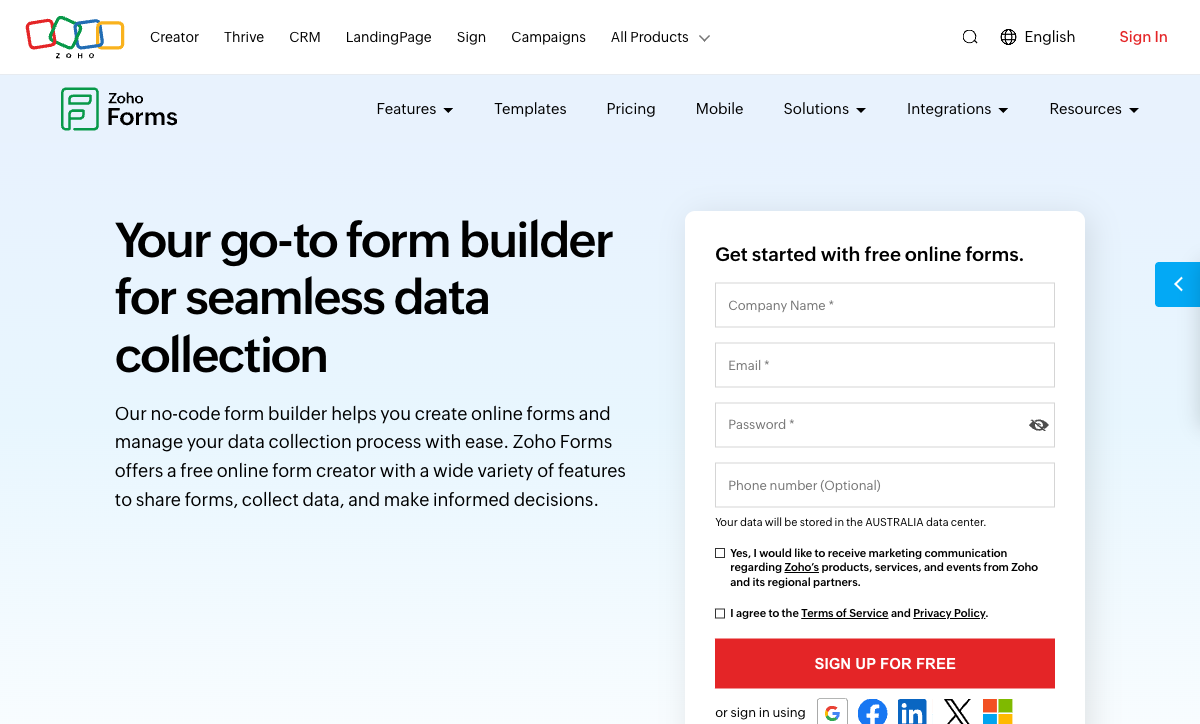
Zoho Forms Basic starts at $10/month (annual) with 10,000 submissions and unlimited forms. HubSpot Forms is free for basics but advanced features require $890/month. Zoho Forms Professional at $25/month includes approval workflows, payment integrations, and advanced logic. At comparable feature levels, Zoho is 10-35x cheaper than HubSpot. The Zoho ecosystem is built on a value-pricing philosophy that makes HubSpot look expensive at every tier.
Better Standalone Form Builder
Zoho Forms is a more capable form builder than HubSpot Forms. It offers a drag-and-drop editor, conditional logic, multi-page forms, file uploads, approval workflows, subforms, and form analytics. HubSpot Forms has ~15 basic field types with minimal form-specific functionality. Outside the CRM context, Zoho Forms is simply a better form tool.
Payment Gateway Variety
Zoho Forms supports PayPal, Stripe, Authorize.Net, Razorpay, and 2Checkout for payment collection. HubSpot Forms supports Stripe-only on paid Marketing Hub plans. For businesses needing PayPal or regional gateways like Razorpay (popular in India and Asia), Zoho Forms offers significantly more payment flexibility.
Broader Ecosystem at Lower Cost
Zoho offers 55+ integrated applications — CRM, email, analytics, project management, accounting, HR, and more. Forms connect natively to all of them. HubSpot's ecosystem is deep in marketing and sales but narrower in scope. For organisations that want an all-in-one business suite without enterprise pricing, Zoho's breadth at its price point is unmatched. Zoho CRM Plus (CRM + forms + marketing + analytics) at $57/user/month costs less than a single HubSpot Professional seat.
Company Longevity
Zoho was founded in 1996 and remains bootstrapped and privately held — no venture capital, no public market pressure, and 28+ years of profitable operation. HubSpot was founded in 2006 and is publicly traded. Both are stable platforms, but Zoho's 28-year track record of independent, profitable operation is a trust signal for organisations that value long-term platform bets.
Where HubSpot Forms Falls Short
- Basic form builder: ~15 field types, no drag-and-drop, no approvals, no subforms.
- Expensive beyond free: $890/month for advanced forms. Zoho Forms Professional is $25/month.
- Stripe-only payments: No PayPal, no regional gateways.
- Ecosystem lock-in: Forms only work inside HubSpot. No interoperability with Zoho or other CRMs.
Where Zoho Forms Falls Short
- Less polished UX: Zoho's interfaces are functional but not as refined as HubSpot's. The learning curve across 55+ apps can feel overwhelming.
- Weaker marketing automation: Zoho's marketing automation tools are less intuitive than HubSpot's, with a steeper configuration curve.
- No progressive profiling: No returning-visitor intelligence or field swapping based on previously collected data.
- Smaller Western market presence: Zoho is popular globally (especially Asia and emerging markets) but has less brand recognition in North American enterprise procurement.
Pricing Comparison
| Need | HubSpot Forms | Zoho Forms | Key Difference |
|---|---|---|---|
| Free tier | Unlimited forms, unlimited submissions | 3 forms, 500 submissions/mo | HubSpot free is more generous on volume |
| Entry paid | Starter: $20/seat/mo | Basic: $10/mo — unlimited forms, 10K submissions | Zoho is half the price with more form capabilities |
| Advanced | Professional: $890/mo | Professional: $25/mo — approvals, payments, analytics | Zoho is 35x cheaper for advanced form features |
| Enterprise | Enterprise: $3,600/mo | Premium: $50/mo — 100K submissions, priority support | Zoho Premium is 72x cheaper than HubSpot Enterprise |
HubSpot Forms
Zoho Forms
| Product | Plan | Monthly Price | Annual Price (per month) | Free Plan | Free Trial | Limits |
|---|---|---|---|---|---|---|
| HubSpot Forms | Free | Free | Free | Yes | 14 days | forms: Unlimited, submissions: Unlimited, users: 2 |
| HubSpot Forms | Marketing Hub Starter | $20/mo | $20/mo billed annually | forms: Unlimited, submissions: Unlimited, users: Per seat | ||
| HubSpot Forms | Marketing Hub Professional | $890/mo | $890/mo billed annually | forms: Unlimited, submissions: Unlimited, users: 3 included (additional seats extra) | ||
| HubSpot Forms | Marketing Hub Enterprise | $3600/mo | $3600/mo billed annually | forms: Unlimited, submissions: Unlimited, users: 5 included (additional seats extra) | ||
| Zoho Forms | Free | Free | Free | Yes | 15 days | forms: 3, submissions: 500/month, storage: 200 MB, users: 1 |
| Zoho Forms | Basic | $12/mo | $10/mo billed annually | forms: Unlimited, submissions: 10,000/month, storage: 500 MB, users: 1 | ||
| Zoho Forms | Standard | $30/mo | $25/mo billed annually | forms: Unlimited, submissions: 25,000/month, storage: 2 GB, users: 10 | ||
| Zoho Forms | Professional | $60/mo | $50/mo billed annually | forms: Unlimited, submissions: 75,000/month, storage: 5 GB, users: 25 | ||
| Zoho Forms | Premium | $110/mo | $90/mo billed annually | forms: Unlimited, submissions: 150,000/month, storage: 10 GB, users: 100 |
What Users Say
Zoho Forms users praise the value-for-money and integration with the broader Zoho suite, while noting the interface can feel less polished than competitors. HubSpot form-specific feedback acknowledges the CRM integration value but consistently describes the builder as basic. Both receive the same core complaint: as standalone form builders, they're limited compared to purpose-built alternatives. The difference is that Zoho Forms tries harder to be a capable form tool, while HubSpot Forms explicitly prioritises CRM integration over form depth.
Consider Paperform: Ecosystem-Independent Form Power
If neither ecosystem's forms meet your needs, Paperform offers a standalone form builder that integrates with both HubSpot and Zoho CRMs without being locked into either. Paperform includes a document-style editor, five payment gateways (Stripe, PayPal, Square, Braintree, Google Pay), an Excel-style calculation engine, built-in e-signatures via Papersign, and 30,000+ templates.
Paperform's calculations engine powers dynamic pricing, scoring, and conditional logic that neither HubSpot Forms nor Zoho Forms can match. Bootstrapped and profitable since 2016, it's an independent platform starting at $24/month — cheaper than either ecosystem's advanced tiers and more capable as a form builder than both. See HubSpot Forms alternatives or explore Zoho Forms alternatives.
Frequently Asked Questions
Can Zoho Forms send data to HubSpot CRM?
Not natively. Zoho Forms integrates deeply with Zoho CRM but doesn't have a direct HubSpot connector. You'd need Zapier or webhooks to push Zoho Forms data to HubSpot. Conversely, HubSpot Forms doesn't integrate natively with Zoho CRM. This is the core tension: each form tool is optimised for its own ecosystem. If you use one CRM, use its native forms — or choose a standalone form builder that connects to both equally.
Which ecosystem is cheaper: HubSpot or Zoho?
Zoho is significantly cheaper at comparable feature levels. Zoho CRM Plus (CRM + forms + analytics + marketing) starts at $57/user/month. HubSpot's equivalent bundle (CRM Suite Professional) starts at $1,600+/month. Zoho Forms standalone starts at $10/month. HubSpot Forms is free but advanced features require $890/month. For cost-conscious organisations, the Zoho ecosystem offers more value per dollar, though HubSpot's marketing tools are generally considered more polished.
Is HubSpot Forms or Zoho Forms better as a standalone form builder?
Zoho Forms is the better standalone form builder. It offers a drag-and-drop editor, conditional logic, payment integrations (PayPal, Stripe, Authorize.Net, Razorpay), file uploads, approval workflows, and mobile-responsive design. HubSpot Forms has ~15 basic field types and is designed as a CRM feature, not a standalone product. Outside their respective ecosystems, Zoho Forms is more capable as a pure form tool.
Should I switch from Zoho Forms to HubSpot Forms if I migrate CRMs?
If you're migrating from Zoho CRM to HubSpot CRM, switching to HubSpot Forms makes sense for lead capture workflows — the native CRM integration is HubSpot Forms' primary value. But be aware you're downgrading your form capabilities: fewer field types, less design flexibility, Stripe-only payments vs multi-gateway support. For complex forms (payments, approvals, multi-step workflows), consider keeping a standalone form builder alongside HubSpot Forms.
Sources & References
- Zoho Forms vs HubSpot — G2 Comparison — G2, 2026
- HubSpot Marketing Hub Pricing — HubSpot, 2026
Last updated March 21, 2026
Ready to try Paperform?
Create beautiful forms, payment pages, and workflows — no code required.