HubSpot Forms vs Wufoo: Modern CRM vs Stagnant Legacy in 2026
HubSpot Forms and Wufoo represent two eras of form building. HubSpot Forms is a modern CRM-embedded tool — basic as a form builder but deeply connected to marketing automation, sales pipelines, and contact management. Wufoo was a pioneer in online forms (founded 2006, acquired by SurveyMonkey in 2011) but has seen minimal development since acquisition. Its interface feels dated, its feature set hasn't kept pace with modern alternatives, and its future direction is unclear.
This comparison is most relevant for teams currently on Wufoo evaluating whether to migrate, and for teams choosing between a free CRM-embedded option and a legacy standalone builder. In most scenarios, neither is the ideal choice for new projects — but understanding where each fits helps inform the right decision.
Quick Verdict
Choose HubSpot Forms if:
- You use HubSpot CRM and need native form-to-contact creation
- You need forms connected to marketing automation and sales workflows
- You want a platform that's actively invested in and growing
- Budget is zero and you need basic lead capture with CRM integration
Stay on Wufoo if:
- Your existing Wufoo forms work and migration cost isn't justified
- You need standalone forms with more field types than HubSpot offers
- You need payment forms with Stripe, PayPal, or Authorize.Net
- You're on a low budget and Wufoo's pricing meets your needs
Feature Comparison
Side-by-side across every feature category.
| Feature | HubSpot Forms | Wufoo |
|---|---|---|
| Form Building | ||
| Document-style editor | No | No |
| AI form creation | No | No |
| Question types | Yes | No |
| Multi-page forms | Yes starter | Yes starter |
| Guided mode (one question at a time) | No | No |
| Conditional logic | Yes professional | Yes starter |
| Calculations field | No | No |
| AI calculations assistant | No | No |
| Scoring | No | No |
| Answer piping | No | No |
| Pre-filling and hidden fields | Yes | Yes starter |
| Save and resume | No | No |
| Appointment/booking field | No | No |
| Signature field | No | No |
| Color picker field | No | No |
| API-powered dropdowns | No | No |
| Google address search | No | No |
| File uploads | Yes | Yes starter |
| Field types | No | Yes |
| Auto-close by number | No | Yes starter |
| Auto-close by date | No | Yes starter |
| 400+ templates | No | Yes |
| Payments | ||
| Stripe payments | Yes starter | Yes professional |
| PayPal payments | No | Yes professional |
| Square payments | No | Yes professional |
| Braintree payments | No | Yes professional |
| Google Pay | No | No |
| Product sales (eCommerce) | No | No |
| Subscriptions | No | No |
| Coupons and discounts | No | No |
| Custom pricing rules | No | No |
| Tax calculations | No | No |
| Quotes/invoices | No | No |
| Refunds | No | No |
| 3D Secure | No | No |
| Authorize.net payments | No | Yes professional |
| Design & Customization | ||
| Template gallery | Yes | Yes |
| Rich media (images, GIFs, videos) | No | No |
| Unsplash and Giphy integration | No | No |
| Image editor | No | No |
| Adobe Creative Cloud | No | No |
| Language translation | No | No |
| Advanced theming | Yes starter | Yes starter |
| Custom form URL | No | Yes starter |
| Custom domains | No | No |
| Custom HTML & CSS | Yes starter | Yes starter |
| Remove branding | Yes starter | Yes starter |
| Custom email domains | No | No |
| Theme designer | No | Yes |
| Analytics | ||
| Submission results and reports | Yes | Yes |
| AI report insights | No | No |
| Drop-off analysis | No | No |
| Conversion analytics | Yes professional | No |
| Google Analytics & Facebook Pixel | Yes | No |
| Custom analytics scripts | No | No |
| Partial submissions | No | No |
| Google Analytics integration | No | Yes professional |
| Collaboration | ||
| Multi-user accounts | Yes | Yes professional |
| User permissions and management | Yes starter | Yes professional |
| Advanced permissions & admin | Yes enterprise | No |
| Form sharing (templates) | Yes | No |
| Workspace organization | No | No |
| Form sharing | No | Yes |
| Security | ||
| SOC 2 Type II | Yes | Yes |
| GDPR compliant | Yes | Yes |
| HIPAA compliant | No | No |
| SSL encryption | Yes | Yes |
| Two-factor authentication | Yes | No |
| SSO (SAML) | Yes enterprise | No |
| reCAPTCHA | No | Yes |
| Data residency | Yes enterprise | No |
| Custom S3 storage | No | No |
| Field encryption | No | Yes professional |
| Password protection | No | Yes professional |
| PCI DSS | No | Yes |
| Integrations & API | ||
| Native integrations | Yes | Yes starter |
| Zapier | Yes starter | Yes starter |
| Make (Integromat) | Yes starter | No |
| Webhooks | Yes starter | Yes starter |
| API | Yes | Yes |
| WordPress plugin | Yes | Yes |
| Embed options | Yes | Yes |
Where HubSpot Forms Wins
Active Development and Modern Platform
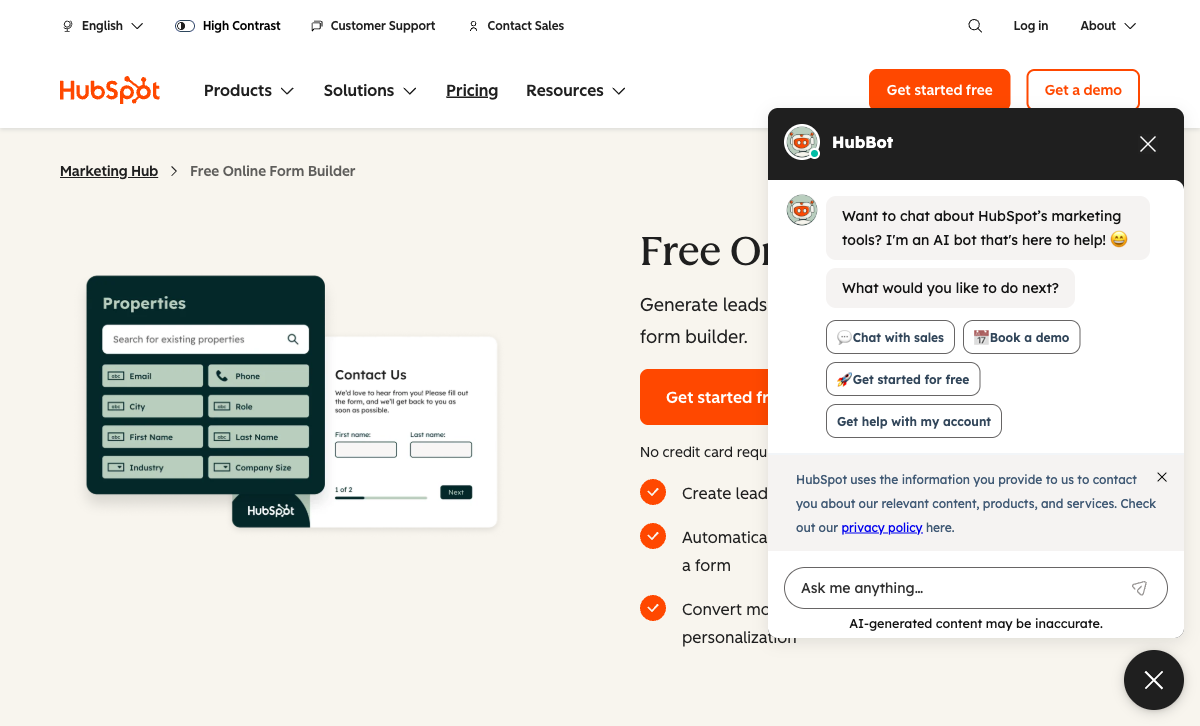
HubSpot invests billions in platform development annually. Forms receive updates as part of the broader Marketing Hub. Wufoo's last significant feature update is years in the past. For teams choosing a platform to build on for the next 3-5 years, HubSpot's investment trajectory inspires confidence. Wufoo's stagnation raises legitimate concerns about long-term viability.
Native CRM and Marketing Automation
HubSpot Forms create CRM contacts automatically, trigger workflows, feed lead scoring, and connect to email marketing, landing pages, and ad tracking. Wufoo stores submissions in its own database with basic email notifications and Zapier connections. The gap between "form submission creates a contact and triggers a sales sequence" vs "form submission sends an email notification" is enormous for sales-driven organisations.
Free Unlimited Forms
HubSpot's free plan offers unlimited forms and unlimited submissions with CRM contact creation. Wufoo's free plan limits you to 5 forms and 100 submissions/month. For teams on a zero budget, HubSpot's free tier provides more volume and more value through CRM integration.
Enterprise Trust
HubSpot is a publicly traded company (NYSE: HUBS) founded in 2006 with over $2B in annual revenue. SOC 2 Type II, SSO, and enterprise SLAs are available. Wufoo is owned by Symphony Technology Group (via SurveyMonkey/Momentive acquisition) — a private equity firm. The ownership chain creates uncertainty about Wufoo's long-term investment and direction. For enterprise procurement, HubSpot's transparency and governance carry weight.
Where Wufoo Wins
More Form-Building Capability
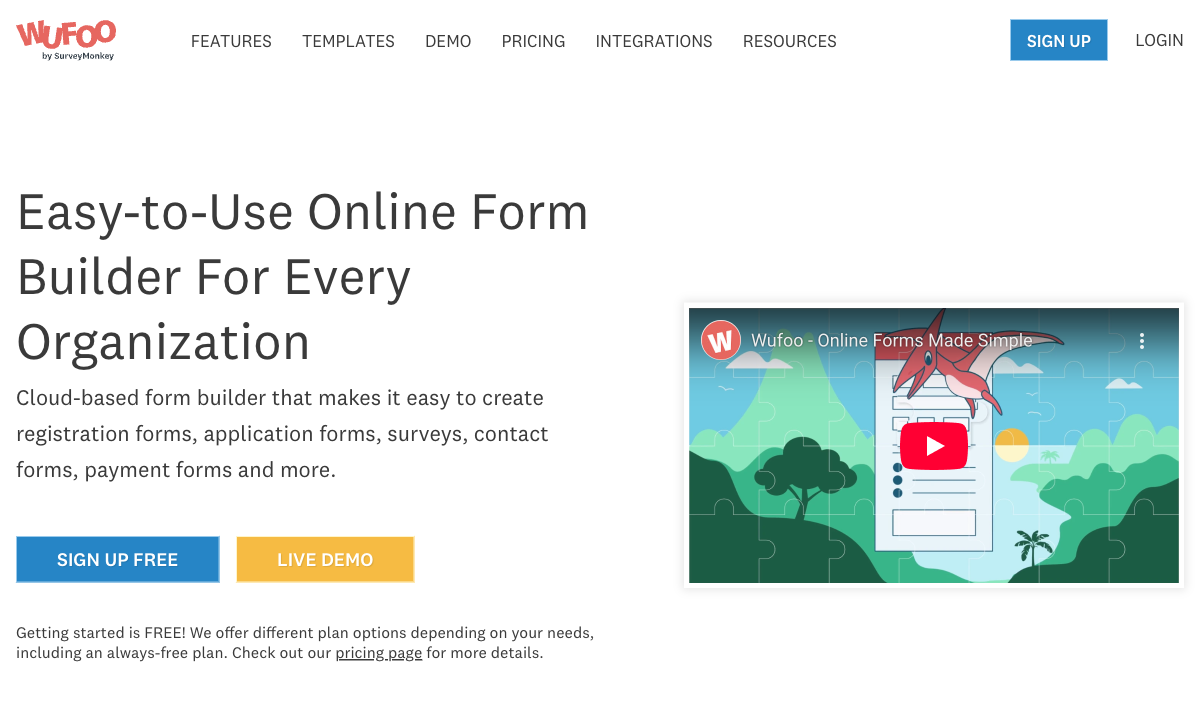
Despite its age, Wufoo has more form-specific features than HubSpot Forms. More field types, file uploads, basic conditional logic (called "rules"), payment fields with multiple gateways, and form-level reporting. HubSpot Forms offers ~15 CRM field types with minimal form-specific functionality. As a standalone form builder, Wufoo is still more capable — which says more about HubSpot Forms' limitations than Wufoo's strengths.
Payment Gateway Variety
Wufoo supports Stripe, PayPal, and Authorize.Net for payment collection. HubSpot Forms supports Stripe-only on paid Marketing Hub plans. For organisations that need PayPal or Authorize.Net, Wufoo offers options HubSpot doesn't.
Standalone Simplicity
Wufoo is a simple, standalone form builder. You create forms, embed them, and collect submissions — no CRM to configure, no marketing platform to learn, no ecosystem to buy into. For teams that just need functional forms without platform complexity, Wufoo's simplicity has value. HubSpot Forms requires understanding the HubSpot platform even if you only want forms.
Where HubSpot Forms Falls Short
- Very basic form builder: ~15 field types, no calculations, no file uploads on free, no conversational forms.
- $890/month pricing cliff: Advanced form features require Marketing Hub Professional — a steep jump.
- CRM lock-in: Forms exist only inside HubSpot. Switching CRMs means starting over.
- Stripe-only payments: No PayPal, no Authorize.Net, no eCommerce features.
Where Wufoo Falls Short
- Stagnant development: Minimal updates since the 2011 SurveyMonkey acquisition. The interface and features feel a decade behind modern form builders.
- Dated design: Forms look generic and outdated. Limited styling options, no custom CSS, no responsive design refinement.
- Uncertain future: Owned by Symphony Technology Group via the SurveyMonkey acquisition chain. No public roadmap, minimal community engagement.
- Limited integrations: Fewer native integrations than modern competitors. No native CRM connections — only Zapier and webhooks.
- No modern features: No e-signatures, no calculations, no appointment booking, no quiz scoring, no conditional page routing.
Pricing Comparison
| Need | HubSpot Forms | Wufoo | Key Difference |
|---|---|---|---|
| Free tier | Unlimited forms, unlimited submissions, CRM contacts | 5 forms, 100 submissions/mo | HubSpot free is far more generous |
| Entry paid | Starter: $20/seat/mo | Starter: $14.08/mo (annual) | Wufoo is cheaper; HubSpot includes CRM |
| Mid-tier | Professional: $890/mo | Professional: $29.08/mo (annual) | Wufoo is 30x cheaper (but lacks CRM and automation) |
| Top tier | Enterprise: $3,600/mo | Advanced: $74.08/mo (annual) | Wufoo is 48x cheaper but a fundamentally different product |
HubSpot Forms
Wufoo
| Product | Plan | Monthly Price | Annual Price (per month) | Free Plan | Free Trial | Limits |
|---|---|---|---|---|---|---|
| HubSpot Forms | Free | Free | Free | Yes | 14 days | forms: Unlimited, submissions: Unlimited, users: 2 |
| HubSpot Forms | Marketing Hub Starter | $20/mo | $20/mo billed annually | forms: Unlimited, submissions: Unlimited, users: Per seat | ||
| HubSpot Forms | Marketing Hub Professional | $890/mo | $890/mo billed annually | forms: Unlimited, submissions: Unlimited, users: 3 included (additional seats extra) | ||
| HubSpot Forms | Marketing Hub Enterprise | $3600/mo | $3600/mo billed annually | forms: Unlimited, submissions: Unlimited, users: 5 included (additional seats extra) | ||
| Wufoo | Free | Free | Free | Yes | No | forms: 5, submissions: 100/month, storage: N/A, users: 1 |
| Wufoo | Starter | $16.25/mo | $16.25/mo billed annually | forms: 10, submissions: 1,000/month, storage: 1 GB, users: 1 | ||
| Wufoo | Professional | $33.25/mo | $33.25/mo billed annually | forms: Unlimited, submissions: 5,000/month, storage: 5 GB, users: 5 | ||
| Wufoo | Advanced | $83.25/mo | $83.25/mo billed annually | forms: Unlimited, submissions: 25,000/month, storage: 10 GB, users: 20 | ||
| Wufoo | Ultimate | $210.25/mo | $210.25/mo billed annually | forms: Unlimited, submissions: 200,000/month, storage: 20 GB, users: 60 |
What Users Say
Wufoo reviews are mixed — long-time users appreciate its simplicity and reliability, but newer reviews consistently mention the dated interface, lack of updates, and feature gaps compared to modern alternatives. "It works, but it hasn't evolved" is a common theme. HubSpot's form-specific feedback notes the builder is basic, but the CRM integration value is acknowledged. Both products receive complaints about limitations, but for very different reasons — Wufoo because it stopped evolving, HubSpot because it never prioritised form-building depth.
Consider Paperform: The Modern Alternative to Both
If you're evaluating HubSpot Forms and Wufoo, you're choosing between a limited CRM feature and a stagnant legacy tool. Paperform offers a third path: a modern, actively developed standalone form builder with the depth both lack. Paperform includes a document-style editor, five payment gateways (Stripe, PayPal, Square, Braintree, Google Pay), an Excel-style calculation engine, built-in e-signatures, and 30,000+ templates.
Paperform integrates with HubSpot CRM (so you get the pipeline) without being locked into HubSpot's ecosystem. And unlike Wufoo, it's actively developed by a bootstrapped, profitable team since 2016 — a company investing in forms as its core product, not a neglected acquisition. Starting at $24/month. See HubSpot Forms alternatives or explore Wufoo alternatives.
Frequently Asked Questions
Is Wufoo still being actively developed?
Barely. Wufoo was acquired by SurveyMonkey in 2011, and development has slowed to near-stagnation. The interface hasn't been meaningfully updated in years, modern features like conditional logic depth, payment flexibility, and responsive design are limited, and community forums are largely inactive. SurveyMonkey (now under Symphony Technology Group) appears to be maintaining Wufoo rather than investing in it. If you're starting fresh, Wufoo is difficult to recommend over actively developed alternatives.
Can Wufoo integrate with HubSpot CRM?
Yes, via Zapier or webhooks. Wufoo doesn't have a native HubSpot integration, but Zapier can push Wufoo submissions to HubSpot as contacts. HubSpot Forms does this natively with zero configuration. If CRM integration matters, HubSpot Forms is the far simpler path.
Which is better for payment forms: HubSpot Forms or Wufoo?
Neither is strong, but Wufoo has a slight edge. Wufoo supports Stripe, PayPal, and Authorize.Net for payment collection on paid plans. HubSpot Forms supports Stripe-only on paid Marketing Hub plans. Both are limited compared to dedicated form builders with full eCommerce capabilities, but Wufoo offers more gateway options.
Should I migrate from Wufoo to HubSpot Forms?
Only if you're already in the HubSpot ecosystem and your forms are basic lead capture. HubSpot Forms is less capable than Wufoo as a standalone form builder (fewer field types, no payment flexibility), but if your goal is CRM pipeline management inside HubSpot, native forms eliminate integration friction. If you're migrating away from Wufoo and don't use HubSpot, consider a modern standalone form builder instead.
Sources & References
- Wufoo Review: Is It Still Worth Using? — G2, 2026
- HubSpot Marketing Hub Pricing — HubSpot, 2026
Last updated March 21, 2026
Ready to try Paperform?
Create beautiful forms, payment pages, and workflows — no code required.