HubSpot Forms vs WPForms: CRM SaaS vs WordPress Plugin in 2026
HubSpot Forms and WPForms exist in completely different ecosystems. HubSpot Forms is a cloud-based feature inside HubSpot's CRM platform — basic as a form builder, but deeply wired into marketing automation, sales pipelines, and contact management. WPForms is the most popular WordPress form plugin with 6 million+ active installations — a drag-and-drop builder that lives inside your WordPress admin and stores data in your own database.
This isn't a feature-for-feature competition. It's a platform decision. If your website runs on WordPress, WPForms is the native choice. If your marketing stack centres on HubSpot CRM, HubSpot Forms is the native choice. The overlap is narrow, but for teams evaluating both, the differences matter.
Quick Verdict
Choose HubSpot Forms if:
- Your marketing team lives in HubSpot CRM and needs native contact creation
- Your site isn't on WordPress (Shopify, Squarespace, custom, etc.)
- You need forms feeding into marketing automation and lead scoring
- Progressive profiling and lifecycle stage tracking are essential
Choose WPForms if:
- Your website runs on WordPress and you want a native form solution
- You want forms that inherit your theme's design and load fast
- Budget matters — WPForms is dramatically cheaper at every tier
- You need payment forms, surveys, or conversational forms on WordPress
Feature Comparison
Side-by-side across every feature category.
| Feature | HubSpot Forms | WPForms |
|---|---|---|
| Form Building | ||
| Document-style editor | No | No |
| AI form creation | No | Yes basic |
| Question types | Yes | No |
| Multi-page forms | Yes starter | Yes basic |
| Guided mode (one question at a time) | No | Yes pro |
| Conditional logic | Yes professional | Yes basic |
| Calculations field | No | Yes pro |
| AI calculations assistant | No | No |
| Scoring | No | Yes pro |
| Answer piping | No | No |
| Pre-filling and hidden fields | Yes | Yes basic |
| Save and resume | No | Yes pro |
| Appointment/booking field | No | No |
| Signature field | No | Yes pro |
| Color picker field | No | No |
| API-powered dropdowns | No | No |
| Google address search | No | Yes pro |
| File uploads | Yes | No |
| Field types | No | Yes basic |
| Auto-close by number | No | Yes basic |
| Auto-close by date | No | Yes basic |
| Payments | ||
| Stripe payments | Yes starter | Yes pro |
| PayPal payments | No | Yes pro |
| Square payments | No | Yes pro |
| Braintree payments | No | No |
| Google Pay | No | No |
| Product sales (eCommerce) | No | No |
| Subscriptions | No | Yes pro |
| Coupons and discounts | No | Yes pro |
| Custom pricing rules | No | Yes pro |
| Tax calculations | No | No |
| Quotes/invoices | No | No |
| Refunds | No | No |
| 3D Secure | No | No |
| Design & Customization | ||
| Template gallery | Yes | Yes pro |
| Rich media (images, GIFs, videos) | No | Yes basic |
| Unsplash and Giphy integration | No | No |
| Image editor | No | No |
| Adobe Creative Cloud | No | No |
| Language translation | No | Yes basic |
| Advanced theming | Yes starter | Yes basic |
| Custom form URL | No | Yes pro |
| Custom domains | No | Yes basic |
| Custom HTML & CSS | Yes starter | Yes basic |
| Remove branding | Yes starter | Yes basic |
| Custom email domains | No | No |
| Analytics | ||
| Submission results and reports | Yes | Yes basic |
| AI report insights | No | No |
| Drop-off analysis | No | No |
| Conversion analytics | Yes professional | No |
| Google Analytics & Facebook Pixel | Yes | No |
| Custom analytics scripts | No | No |
| Partial submissions | No | Yes pro |
| Paperform analytics | No | No |
| Collaboration | ||
| Multi-user accounts | Yes | Yes basic |
| User permissions and management | Yes starter | Yes pro |
| Advanced permissions & admin | Yes enterprise | Yes elite |
| Form sharing (templates) | Yes | Yes basic |
| Workspace organization | No | No |
| Spaces and tag management | No | No |
| Security | ||
| SOC 2 Type II | Yes | No |
| GDPR compliant | Yes | Yes basic |
| HIPAA compliant | No | No |
| SSL encryption | Yes | Yes basic |
| Two-factor authentication | Yes | No |
| SSO (SAML) | Yes enterprise | No |
| reCAPTCHA | No | Yes basic |
| Data residency | Yes enterprise | No |
| Custom S3 storage | No | No |
| Enforce 2FA for all users | No | No |
| Local data residency | No | Yes |
| Integrations & API | ||
| Native integrations | Yes | No |
| Zapier | Yes starter | Yes pro |
| Make (Integromat) | Yes starter | Yes pro |
| Webhooks | Yes starter | Yes elite |
| API | Yes | No |
| WordPress plugin | Yes | Yes |
| Embed options | Yes | No |
| 2000+ integrations | No | Yes pro |
| Standard API | No | No |
| Business API | No | No |
| oEmbed support | No | No |
Where HubSpot Forms Wins
Native CRM Integration
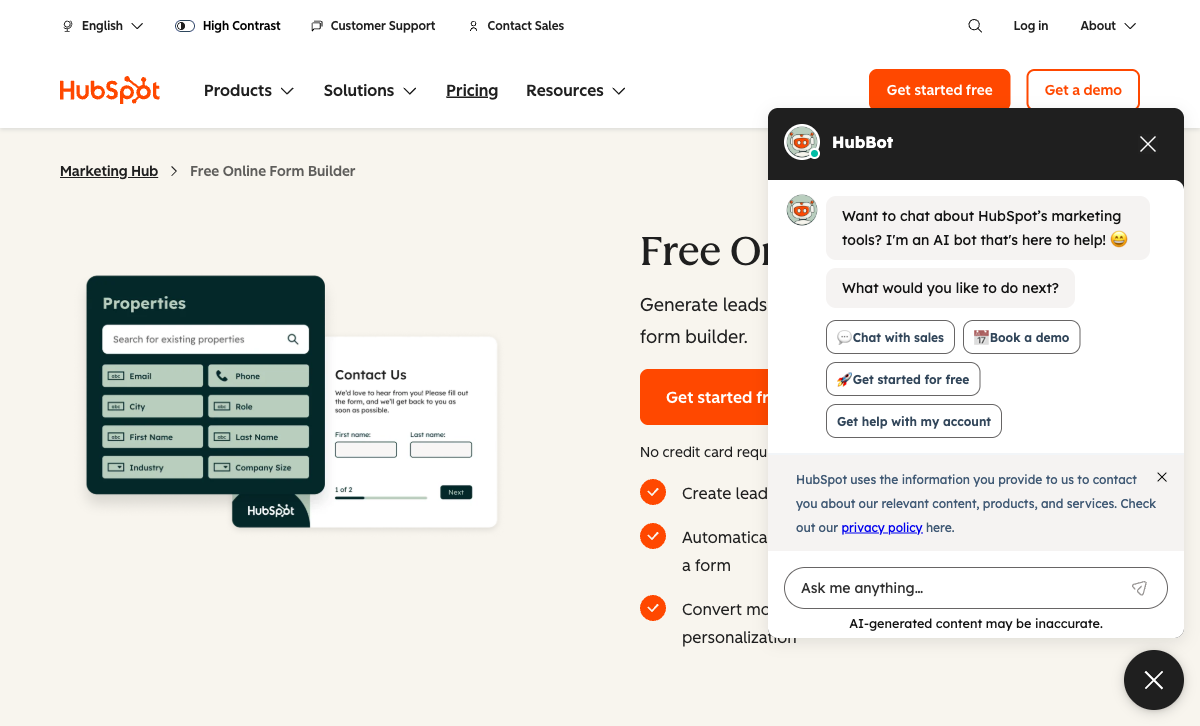
Every HubSpot form submission creates or updates a CRM contact automatically — triggering workflows, lead scoring, email sequences, and sales notifications. WPForms has no CRM and connects to HubSpot only through Zapier. For teams where form-to-CRM automation is the primary requirement, HubSpot's native pipeline eliminates the need for third-party connectors.
Platform Independence
HubSpot Forms works on any website — WordPress, Shopify, Squarespace, Wix, custom HTML, or single-page apps. WPForms requires WordPress. If your organisation has multiple web properties across different platforms, HubSpot Forms provides a single form solution across all of them. WPForms is limited to your WordPress installation.
Marketing Automation Ecosystem
Forms are one piece of HubSpot's marketing platform — connected to email marketing, landing pages, ad tracking, chatbots, live chat, and comprehensive reporting. WPForms is a form plugin. It collects data and sends notifications, but it doesn't include marketing automation, CRM, or campaign management. For full-funnel marketing, HubSpot's breadth is significant.
Enterprise Scale and Compliance
HubSpot is publicly traded (NYSE: HUBS), founded in 2006, with SOC 2 Type II, SSO, and data residency. WPForms is a product of Awesome Motive (the WPBeginner company) — a large WordPress business, but not a publicly traded enterprise vendor. For procurement processes that require public-company governance, HubSpot carries more weight.
Where WPForms Wins
WordPress-Native Experience
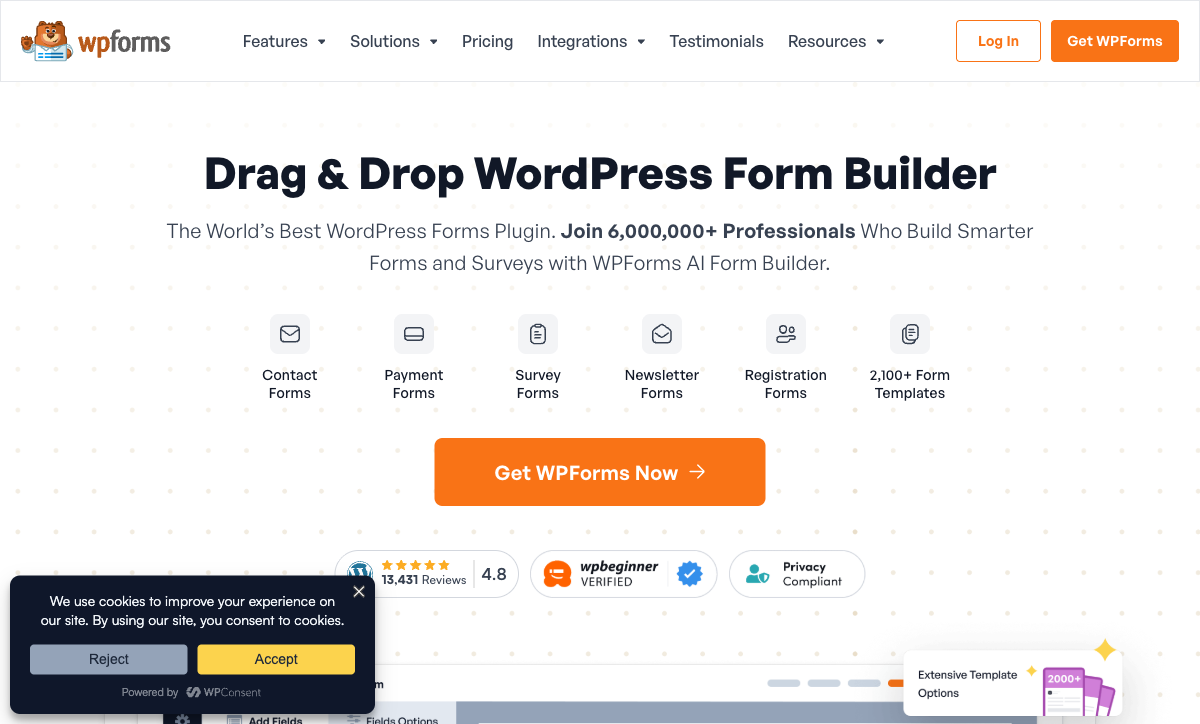
WPForms lives inside your WordPress admin. Forms are created, managed, and viewed without leaving your site. Submissions are stored in your WordPress database, forms inherit your theme's styling, and everything loads without external JavaScript dependencies. HubSpot Forms load from HubSpot's servers, inject external scripts, and store data in HubSpot's cloud. For WordPress site owners, WPForms is the frictionless, performance-friendly choice.
Dramatically Lower Cost
WPForms Basic is $49.50/year. WPForms Pro — with all features including payments, surveys, and conversational forms — is $199.50/year (roughly $17/month). HubSpot's Starter is $20/seat/month; Professional is $890/month. WPForms Pro costs what HubSpot charges for a single seat for one month. For WordPress sites where CRM integration isn't the primary need, the cost difference is staggering.
Payment Processing
WPForms supports Stripe and PayPal payment fields on paid plans. While not as extensive as dedicated eCommerce form builders, it handles order forms, donations, and simple payments within WordPress. HubSpot Forms supports Stripe-only payments on paid Marketing Hub plans. For WordPress-based payment forms, WPForms is more capable and more affordable.
Ease of Use for WordPress Users
WPForms consistently ranks as the easiest WordPress form plugin. The drag-and-drop builder is intuitive, 600+ templates provide starting points, and the WordPress-native workflow means no context-switching between platforms. HubSpot Forms requires learning HubSpot's interface, understanding contact management, and navigating between your WordPress site and HubSpot's dashboard. For WordPress-focused teams, WPForms has a dramatically lower learning curve.
Where HubSpot Forms Falls Short
- Basic form builder: ~15 field types, no drag-and-drop flexibility, no calculations, no conversational forms.
- $890/month pricing cliff: Advanced form features require Marketing Hub Professional — a massive jump from the free tier.
- External dependency: Forms load from HubSpot's servers, adding JavaScript weight and an external dependency to your site.
- CRM lock-in: Switching away from HubSpot means rebuilding all forms.
Where WPForms Falls Short
- WordPress-only: No standalone option. Requires WordPress to function. Useless for non-WordPress sites.
- No CRM: WPForms stores submissions but has no contact management, lead scoring, or pipeline tracking.
- Self-hosted responsibility: Data lives in your WordPress database, which means you're responsible for backups, security, and compliance.
- Limited integrations: Fewer native integrations than HubSpot's ecosystem. Most connections require Zapier or third-party plugins.
Pricing Comparison
| Need | HubSpot Forms | WPForms | Key Difference |
|---|---|---|---|
| Free tier | Unlimited forms, unlimited submissions, HubSpot branding | WPForms Lite: basic fields, unlimited submissions | Both free; HubSpot adds CRM contacts, WPForms is WordPress-native |
| Entry paid | Starter: $20/seat/mo ($240/yr) | Basic: $49.50/yr | WPForms is ~5x cheaper annually |
| Full features | Professional: $890/mo ($10,680/yr) | Pro: $199.50/yr | WPForms Pro is 53x cheaper than HubSpot Professional |
| Enterprise | Enterprise: $3,600/mo ($43,200/yr) | Elite: $299.50/yr | WPForms Elite is 144x cheaper than HubSpot Enterprise |
HubSpot Forms
WPForms
| Product | Plan | Monthly Price | Annual Price (per month) | Free Plan | Free Trial | Limits |
|---|---|---|---|---|---|---|
| HubSpot Forms | Free | Free | Free | Yes | 14 days | forms: Unlimited, submissions: Unlimited, users: 2 |
| HubSpot Forms | Marketing Hub Starter | $20/mo | $20/mo billed annually | forms: Unlimited, submissions: Unlimited, users: Per seat | ||
| HubSpot Forms | Marketing Hub Professional | $890/mo | $890/mo billed annually | forms: Unlimited, submissions: Unlimited, users: 3 included (additional seats extra) | ||
| HubSpot Forms | Marketing Hub Enterprise | $3600/mo | $3600/mo billed annually | forms: Unlimited, submissions: Unlimited, users: 5 included (additional seats extra) | ||
| WPForms | Lite (Free) | Free | Free | Yes | 14 days | forms: Unlimited, submissions: Unlimited, users: Unlimited |
| WPForms | Basic | Not listed | $4.13/mo billed annually | forms: Unlimited, submissions: Unlimited, users: Unlimited | ||
| WPForms | Plus | Not listed | $8.29/mo billed annually | forms: Unlimited, submissions: Unlimited, users: Unlimited | ||
| WPForms | Pro | Not listed | $16.63/mo billed annually | forms: Unlimited, submissions: Unlimited, users: Unlimited | ||
| WPForms | Elite | Not listed | $24.96/mo billed annually | forms: Unlimited, submissions: Unlimited, users: Unlimited |
What Users Say
WPForms is one of the highest-rated WordPress plugins with praise for its ease of use, drag-and-drop builder, and template library. Users note it "just works" within WordPress. HubSpot's form-specific reviews acknowledge the CRM integration value but consistently describe the form builder as "basic" and "limited." The pricing cliff between free and Professional is a recurring complaint. For WordPress users, WPForms reviews are overwhelmingly positive; for CRM-centric teams, HubSpot Forms reviews focus on ecosystem value rather than form capabilities.
Consider Paperform: Standalone Power for Any Platform
If you need forms that work across WordPress and other platforms without CRM lock-in, Paperform offers a platform-independent alternative. Paperform embeds on any website (including WordPress) with a document-style editor, five payment gateways (Stripe, PayPal, Square, Braintree, Google Pay), an Excel-style calculation engine, built-in e-signatures, and 30,000+ templates.
Unlike WPForms, Paperform isn't limited to WordPress. Unlike HubSpot Forms, it isn't locked to a CRM. Paperform integrates with HubSpot, Salesforce, and hundreds of other tools while remaining standalone. Bootstrapped and profitable since 2016, starting at $24/month. See HubSpot Forms alternatives or explore WPForms alternatives.
Frequently Asked Questions
Can WPForms send data to HubSpot CRM?
Not natively. WPForms doesn't have a built-in HubSpot integration. You can connect them via Zapier or webhooks, but it requires third-party tooling and adds a processing layer. HubSpot Forms creates CRM contacts automatically with zero configuration. If HubSpot CRM integration is essential, HubSpot's native forms are significantly more convenient. If you use WPForms and need HubSpot data, Zapier is the bridge.
Is WPForms or HubSpot Forms better for WordPress sites?
WPForms, decisively. It's a WordPress-native plugin that lives inside your WordPress admin dashboard. Forms inherit your theme's styling, load without external scripts, and store submissions in your WordPress database. HubSpot Forms can be embedded on WordPress via an embed code or HubSpot's WordPress plugin, but the forms are hosted externally, load HubSpot's JavaScript, and store data in HubSpot's cloud — not your WordPress database. For WordPress-first teams, WPForms is the natural fit.
Which is cheaper: WPForms or HubSpot Forms?
HubSpot Forms is free for basic lead capture (with branding). WPForms Lite is also free with basic fields. For paid plans, WPForms starts at $49.50/year (Basic) — roughly $4/month. HubSpot's Starter is $20/seat/month. WPForms Pro at $199.50/year ($17/month) includes all features. HubSpot Professional with advanced forms is $890/month. For WordPress sites, WPForms is dramatically cheaper at every tier.
Does WPForms work without WordPress?
No. WPForms is exclusively a WordPress plugin. It requires a WordPress installation to function. If you don't use WordPress, WPForms isn't an option. HubSpot Forms works as a standalone cloud product embeddable on any website. If you're on Shopify, Squarespace, Wix, or a custom-built site, HubSpot Forms is the viable option between the two.
Sources & References
- WPForms Review: Best WordPress Form Builder? — WPBeginner, 2025
- HubSpot Marketing Hub Pricing — HubSpot, 2026
Last updated March 21, 2026
Ready to try Paperform?
Create beautiful forms, payment pages, and workflows — no code required.