HubSpot Forms vs SurveyMonkey: CRM Forms vs Survey Specialist in 2026
HubSpot Forms and SurveyMonkey serve overlapping but distinct purposes. HubSpot Forms is a lead capture tool embedded in HubSpot's CRM — basic form fields that automatically create contacts and trigger marketing workflows. SurveyMonkey is a dedicated survey platform built for research-grade feedback collection with advanced question types, statistical analysis, and survey methodology tools. One captures leads; the other captures insights.
The comparison matters because marketing teams often need both capabilities — and choosing one platform over two has real cost and complexity implications. The right choice depends on whether your primary goal is CRM pipeline management or structured data collection and analysis.
Quick Verdict
Choose HubSpot Forms if:
- Your primary goal is lead capture that feeds directly into HubSpot CRM
- You need automatic contact creation and workflow triggering from form submissions
- Your forms are simple (name, email, company) and don't need survey logic
- You already pay for HubSpot Marketing Hub and forms are included
Choose SurveyMonkey if:
- You need NPS, CSAT, CES, or other research-grade survey methodologies
- Skip logic, question randomisation, and quotas are essential
- You need statistical analysis, cross-tabulation, and sentiment analysis
- Your primary goal is customer feedback, market research, or employee surveys
Feature Comparison
Side-by-side across every feature category.
| Feature | HubSpot Forms | SurveyMonkey |
|---|---|---|
| Form Building | ||
| Document-style editor | No | No |
| AI form creation | No | Yes |
| Question types | Yes | No |
| Multi-page forms | Yes starter | Yes |
| Guided mode (one question at a time) | No | Yes |
| Conditional logic | Yes professional | Yes Individual Standard |
| Calculations field | No | No |
| AI calculations assistant | No | No |
| Scoring | No | Yes |
| Answer piping | No | Yes Individual Standard |
| Pre-filling and hidden fields | Yes | Yes Individual Standard |
| Save and resume | No | Yes Individual Standard |
| Appointment/booking field | No | No |
| Signature field | No | No |
| Color picker field | No | No |
| API-powered dropdowns | No | No |
| Google address search | No | No |
| File uploads | Yes | Yes |
| Form unpublishing | Yes | No |
| Automatic lead enrichment | Yes professional | No |
| Automatic deal creation from forms | Yes professional | No |
| Field types | No | 15+ |
| Auto-close by number | No | Yes Individual Standard |
| Auto-close by date | No | Yes Individual Standard |
| Payments | ||
| Stripe payments | Yes starter | Yes Individual Advantage |
| PayPal payments | No | Yes Individual Advantage |
| Square payments | No | No |
| Braintree payments | No | No |
| Google Pay | No | No |
| Product sales (eCommerce) | No | No |
| Subscriptions | No | No |
| Coupons and discounts | No | No |
| Custom pricing rules | No | No |
| Tax calculations | No | No |
| Quotes/invoices | No | No |
| Refunds | No | No |
| 3D Secure | No | No |
| Design & Customization | ||
| Template gallery | Yes | 500+ |
| Rich media (images, GIFs, videos) | No | Yes |
| Unsplash and Giphy integration | No | No |
| Image editor | No | No |
| Adobe Creative Cloud | No | No |
| Language translation | No | Yes Individual Premier |
| Advanced theming | Yes starter | Yes Individual Standard |
| Custom form URL | No | Yes Individual Standard |
| Custom domains | No | No |
| Custom HTML & CSS | Yes starter | No |
| Remove branding | Yes starter | Yes Individual Standard |
| Custom email domains | No | No |
| Analytics | ||
| Submission results and reports | Yes | Yes |
| AI report insights | No | Yes Individual Standard |
| Drop-off analysis | No | No |
| Conversion analytics | Yes professional | No |
| Google Analytics & Facebook Pixel | Yes | No |
| Custom analytics scripts | No | No |
| Partial submissions | No | Yes Individual Standard |
| Paperform analytics | No | No |
| Collaboration | ||
| Multi-user accounts | Yes | Yes Team Advantage |
| User permissions and management | Yes starter | Yes Team Advantage |
| Advanced permissions & admin | Yes enterprise | Yes enterprise |
| Form sharing (templates) | Yes | Yes Team Advantage |
| Workspace organization | No | No |
| Review Sessions | No | Yes Team Advantage |
| Persistent Magic Link | No | Yes Team Advantage |
| Spaces and tag management | No | No |
| Security | ||
| SOC 2 Type II | Yes | Yes |
| GDPR compliant | Yes | Yes |
| HIPAA compliant | No | No |
| SSL encryption | Yes | Yes |
| Two-factor authentication | Yes | Yes |
| SSO (SAML) | Yes enterprise | Yes enterprise |
| reCAPTCHA | No | Yes |
| Data residency | Yes enterprise | No |
| Custom S3 storage | No | No |
| Enforce 2FA for all users | No | Yes enterprise |
| Local data residency | No | Yes enterprise |
| Custom S3 storage (BYO) | No | No |
| Integrations & API | ||
| Native integrations | Yes | 200+ |
| Zapier | Yes starter | Yes |
| Make (Integromat) | Yes starter | Yes |
| Webhooks | Yes starter | Yes Individual Standard |
| API | Yes | No |
| WordPress plugin | Yes | No |
| Embed options | Yes | No |
| Claude (Anthropic) integration | No | Yes Individual Standard |
| Standard API | No | Yes Individual Standard |
| Business API | No | Yes enterprise |
| oEmbed support | No | No |
Where HubSpot Forms Wins
Native CRM Pipeline
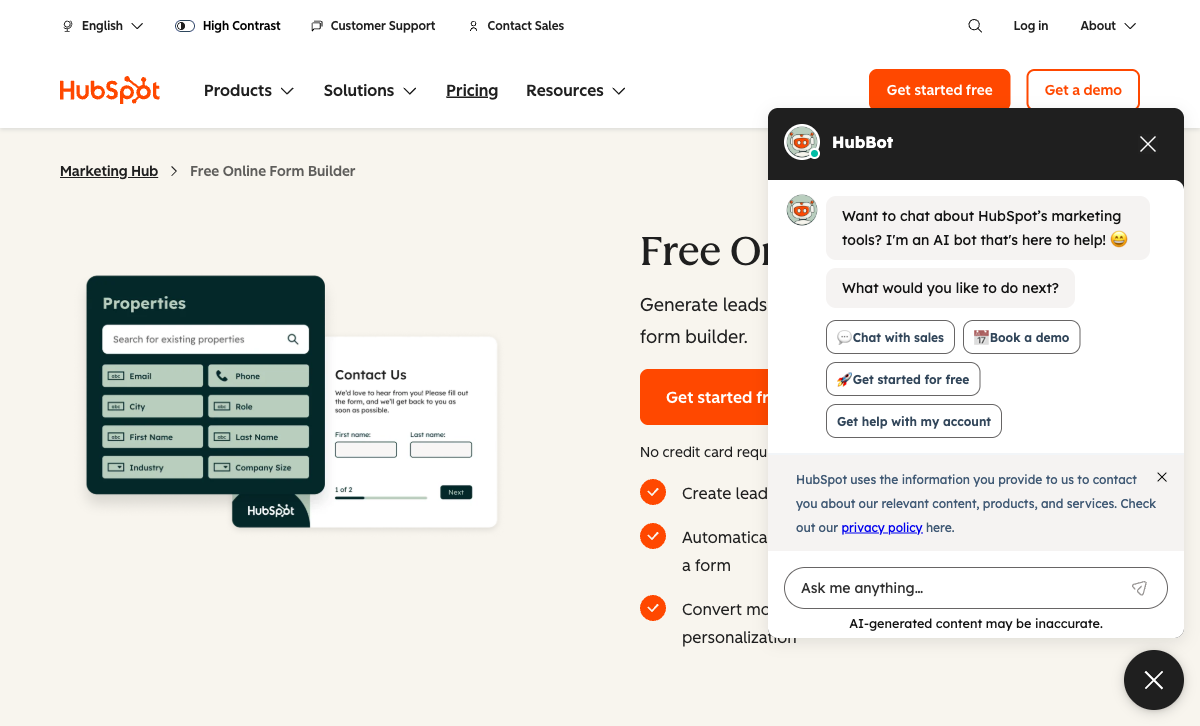
Every HubSpot form submission creates or updates a CRM contact instantly — no integration, no delay, no configuration. Submissions trigger workflows, lead scoring, lifecycle stage changes, and sales notifications. SurveyMonkey integrates with HubSpot, but the data flow requires setup and isn't as tightly woven into the CRM's contact lifecycle. For lead capture that drives sales pipelines, HubSpot's native forms are purpose-built.
Unlimited Free Lead Capture
HubSpot's free plan includes unlimited forms and unlimited submissions. SurveyMonkey's free plan caps surveys at 10 questions and 25 responses each. For basic contact forms, newsletter signups, and demo requests at zero cost, HubSpot's free tier is far more generous on volume.
Marketing Automation Stack
HubSpot Forms connects natively to email marketing, landing pages, ad tracking, chatbots, and reporting — all within one platform. SurveyMonkey is primarily a data collection and analysis tool. While SurveyMonkey has basic email distribution, it doesn't offer the marketing automation depth that HubSpot provides. For full-funnel marketing campaigns, HubSpot's ecosystem is broader.
Enterprise Trust and Scale
HubSpot is publicly traded (NYSE: HUBS), founded in 2006, with over $2B in annual revenue and 200,000+ customers. SOC 2 Type II, SSO, and enterprise SLAs are available. SurveyMonkey (now Momentive, acquired by Symphony Technology Group) has had ownership changes that create some uncertainty around long-term direction. HubSpot's consistent growth trajectory offers more predictable platform stability.
Where SurveyMonkey Wins
Survey Methodology and Question Types
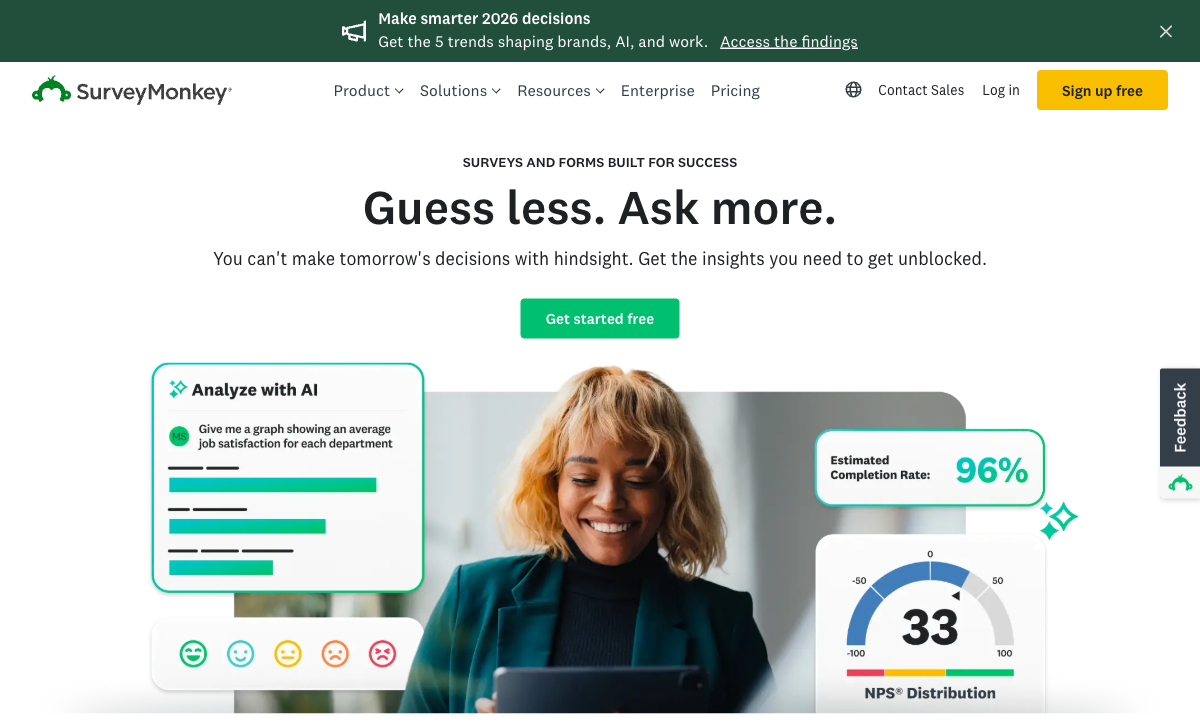
SurveyMonkey was built for surveys from day one. It offers NPS, CSAT, CES, Likert scales, matrix questions, ranking, image choice, and dozens of other research-grade question types. A question bank with hundreds of expert-written, methodologically sound questions saves time and improves data quality. HubSpot Forms offers roughly 15 basic CRM field types — dropdown, text, checkbox. For structured research, SurveyMonkey's question depth is in a different class.
Analysis and Reporting
SurveyMonkey includes built-in statistical analysis, cross-tabulation, trend tracking, sentiment analysis, and automatic insights. Results can be filtered, compared across segments, and exported in presentation-ready formats. HubSpot Forms stores submissions as CRM contact properties — useful for sales but not designed for survey analysis. For teams that need to understand response patterns, not just collect data, SurveyMonkey's analysis tools are indispensable.
Advanced Survey Logic
Skip logic, question randomisation, page randomisation, quotas, A/B testing of questions, and branching paths are all available in SurveyMonkey. These features ensure data quality and reduce survey fatigue. HubSpot Forms has basic conditional show/hide on the free plan, with dependent fields requiring Professional at $890/month. SurveyMonkey's logic capabilities are standard survey features, not premium add-ons.
Audience Panel Access
SurveyMonkey Audience provides access to a panel of millions of respondents, allowing you to target surveys by demographics, industry, and geography without needing your own contact list. HubSpot Forms only collects data from visitors who encounter your forms. For market research that needs representative samples, SurveyMonkey's panel is a unique capability.
Where HubSpot Forms Falls Short
- No survey capabilities: No NPS, CSAT, matrix questions, skip logic, or randomisation. Not designed for feedback or research.
- No analysis tools: Submissions are CRM records, not analysable survey data. No cross-tabulation, no trends, no sentiment.
- $890/month for advanced forms: Dependent fields, progressive profiling, and A/B testing require Marketing Hub Professional.
- CRM lock-in: Forms only work inside HubSpot. Switching CRMs means rebuilding everything.
Where SurveyMonkey Falls Short
- No CRM functionality: SurveyMonkey collects survey data but doesn't manage contacts, leads, or sales pipelines.
- Limited form-building: Optimised for surveys, not standard forms. Contact forms, registration forms, and order forms aren't its strength.
- No payment collection: SurveyMonkey doesn't process payments. No Stripe, no PayPal, no eCommerce.
- Corporate ownership uncertainty: Acquired by Symphony Technology Group after going public as Momentive. Multiple ownership changes create platform direction questions.
Pricing Comparison
| Need | HubSpot Forms | SurveyMonkey | Key Difference |
|---|---|---|---|
| Free tier | Unlimited forms and submissions, HubSpot branding | 10 questions/survey, 25 responses/survey | HubSpot: more volume. SurveyMonkey: survey features even on free |
| Entry paid | Starter: $20/seat/mo | Individual Standard: $39/mo | Different products entirely; SurveyMonkey includes unlimited questions |
| Team plans | Professional: $890/mo | Team Advantage: $30/user/mo (min 3 users) | SurveyMonkey teams start at $90/mo vs HubSpot at $890/mo |
| Enterprise | Enterprise: $3,600/mo | Enterprise: Custom pricing, SSO, admin controls | Both offer enterprise tiers; HubSpot's published price is significantly higher |
HubSpot Forms
SurveyMonkey
| Product | Plan | Monthly Price | Annual Price (per month) | Free Plan | Free Trial | Limits |
|---|---|---|---|---|---|---|
| HubSpot Forms | Free | Free | Free | Yes | 14 days | forms: Unlimited, submissions: Unlimited, users: 2 |
| HubSpot Forms | Marketing Hub Starter | $20/mo | $20/mo billed annually | forms: Unlimited, submissions: Unlimited, users: Per seat | ||
| HubSpot Forms | Marketing Hub Professional | $890/mo | $890/mo billed annually | forms: Unlimited, submissions: Unlimited, users: 3 included (additional seats extra) | ||
| HubSpot Forms | Marketing Hub Enterprise | $3600/mo | $3600/mo billed annually | forms: Unlimited, submissions: Unlimited, users: 5 included (additional seats extra) | ||
| SurveyMonkey | Basic (Free) | Free | Free | Yes | No | forms: Unlimited, submissions: 25 per survey, storage: N/A, users: 1 |
| SurveyMonkey | Individual Standard | $99/mo | $39/mo billed annually | forms: Unlimited, submissions: 1,000 per month, storage: N/A, users: 1 | ||
| SurveyMonkey | Individual Advantage | Free | $32/mo billed annually | forms: Unlimited, submissions: 15,000 per year, storage: N/A, users: 1 | ||
| SurveyMonkey | Individual Premier | Free | $99/mo billed annually | forms: Unlimited, submissions: 40,000 per year, storage: N/A, users: 1 | ||
| SurveyMonkey | Team Advantage | Free | $30/mo billed annually | forms: Unlimited, submissions: 50,000 per year (shared), storage: N/A, users: 3 minimum | ||
| SurveyMonkey | Team Premier | Free | $92/mo billed annually | forms: Unlimited, submissions: 100,000 per year (shared), storage: N/A, users: 3 minimum |
What Users Say
SurveyMonkey is one of the most widely reviewed survey tools, with users praising its ease of use for surveys and the analysis capabilities. Common complaints include the limited free plan and the feeling that pricing has crept up over the years. HubSpot's form-specific feedback notes the builder is basic but valuable within the CRM context. Users of both tools often note they serve fundamentally different purposes — comparing them directly is like comparing a CRM with a research tool.
Consider Paperform: Forms and Surveys in One Platform
If you need both lead capture and survey capabilities without managing two separate platforms, Paperform combines both in a single tool. Paperform's document-style editor handles everything from contact forms to multi-page surveys with conditional logic, an Excel-style calculation engine for scoring and dynamic results, and five payment gateways (Stripe, PayPal, Square, Braintree, Google Pay).
Paperform integrates natively with HubSpot CRM — so you get lead capture that feeds your pipeline without being locked into HubSpot's limited form builder. And unlike SurveyMonkey, Paperform processes payments, collects e-signatures via Papersign, and automates workflows via Stepper. Bootstrapped and profitable since 2016, it's a stable platform starting at $24/month. See HubSpot Forms alternatives or explore SurveyMonkey alternatives.
Frequently Asked Questions
Can SurveyMonkey send responses to HubSpot CRM?
Yes. SurveyMonkey offers a native HubSpot integration that syncs survey responses to HubSpot contacts. You can map survey fields to contact properties, trigger workflows based on responses, and view survey data on contact records. The integration works well but requires field mapping and isn't as instantaneous as HubSpot's native forms. For teams that want SurveyMonkey's survey depth with HubSpot's CRM pipeline, the integration is mature and reliable.
Is HubSpot Forms or SurveyMonkey better for customer feedback?
SurveyMonkey by a wide margin. It was purpose-built for surveys and feedback with NPS, CSAT, CES question types, skip logic, randomisation, quotas, and statistical analysis tools. HubSpot has a basic survey tool in Service Hub (not the same as HubSpot Forms), but it lacks SurveyMonkey's depth in survey methodology, question libraries, and data analysis. For structured feedback programmes, SurveyMonkey is the specialist tool.
Which is cheaper for basic forms?
HubSpot Forms is free for unlimited basic lead capture forms (with branding). SurveyMonkey's free plan allows 10 questions per survey and 25 responses per survey. For simple contact forms or newsletter signups, HubSpot's free plan is more generous. But SurveyMonkey's free plan already includes survey-specific features (skip logic, basic analysis) that HubSpot can't match. The value depends on whether you need forms or surveys.
Should I use both HubSpot Forms and SurveyMonkey?
Many teams do — and it's often the right approach. HubSpot Forms handles lead capture that feeds the CRM pipeline (contact forms, demo requests, event registrations). SurveyMonkey handles research and feedback (customer satisfaction, employee surveys, market research). They serve different purposes and the native integration connects them. The question is whether you need a separate tool for each, or a single platform that handles both use cases.
Sources & References
- SurveyMonkey vs HubSpot — G2 Comparison — G2, 2026
- HubSpot Marketing Hub Pricing — HubSpot, 2026
Updates
We re-audit the form builders we compare on a regular cadence and log every change here — a public record of what changed and when.
- Updated June 4, 2026 — Updated SurveyMonkey pricing: renamed the entry plan from 'Individual Advantage' to 'Individual Standard' ($39/mo), corrected Team Advantage to $30/user/mo (min 3 users), and updated the team starting price to $90/mo.
Last updated June 25, 2026
Ready to try Paperform?
Create beautiful forms, payment pages, and workflows — no code required.