Gravity Forms vs Wufoo: Which Is Better in 2026?
Gravity Forms and Wufoo are both veterans of the form builder space, but they've taken very different trajectories. Gravity Forms is actively developed, with regular updates, new features, and a thriving add-on ecosystem inside WordPress. Wufoo, once a pioneer of online form building, was acquired by SurveyMonkey in 2011 and has largely stagnated — the interface looks dated, mobile responsiveness is inconsistent, and meaningful updates are rare.
This comparison examines whether Wufoo still holds any advantages over Gravity Forms, or whether its SaaS simplicity has been outpaced by Gravity Forms' WordPress-native power.
Who Are These Platforms?
Gravity Forms launched in 2009 by Rocketgenius and has become the most respected WordPress form plugin. It remains independently owned, WordPress-focused, and actively developed with a mature ecosystem of official and third-party add-ons. Annual licenses: $59-259/year.
Wufoo was founded in 2006 in Tampa, Florida — one of the original web-based form builders. It was acquired by SurveyMonkey in 2011 for $35 million. Since the acquisition, development has slowed dramatically. The product still works but hasn't kept pace with modern form builders in design, features, or mobile optimization. Pricing starts with a free plan (5 forms, 100 entries/month) and goes up to $183/month.
Quick Verdict
Choose Gravity Forms if:
- You run WordPress (Gravity Forms wins on nearly every dimension)
- Active development and long-term platform viability matter
- You need advanced conditional logic, payments, or file uploads
- Developer extensibility and add-on ecosystem are important
Choose Wufoo if:
- You don't use WordPress and need a simple hosted solution
- You need a free plan for very basic form needs
- You're an existing Wufoo user and migration isn't worth the effort yet
- Simplicity matters more than features
Feature Comparison
Side-by-side across every feature category.
| Feature | Gravity Forms | Wufoo |
|---|---|---|
| Form Building | ||
| Drag-and-drop builder | Yes Basic | No |
| AI form creation | No | No |
| 30+ field types | Yes Basic | No |
| Multi-page forms | Yes Basic | Yes starter |
| Guided mode (one question at a time) | Yes Elite | No |
| Conditional logic | Yes Basic | Yes starter |
| Calculations field | Yes Basic | No |
| AI calculations assistant | No | No |
| Scoring | Yes Elite | No |
| Answer piping | Yes Basic | No |
| Pre-filling and hidden fields | Yes Basic | Yes starter |
| Save and resume | Yes Basic | No |
| Auto-close by number | No | Yes starter |
| Auto-close by date | No | Yes starter |
| Appointment/booking field | No | No |
| Signature field | Yes Elite | No |
| Color picker field | No | No |
| API-powered dropdowns | No | No |
| Google address search | No | No |
| Document-style editor | No | No |
| Field types | No | Yes |
| File uploads | No | Yes starter |
| 400+ templates | No | Yes |
| Payments | ||
| Stripe payments | Yes Pro | Yes professional |
| PayPal payments | Yes Pro | Yes professional |
| Square payments | Yes Pro | Yes professional |
| Braintree payments | No | Yes professional |
| Google Pay | Yes Pro | No |
| Product sales (eCommerce) | Yes Basic | No |
| Subscriptions | Yes Pro | No |
| Coupons and discounts | Yes Elite | No |
| Custom pricing rules | No | No |
| Tax calculations | No | No |
| Quotes/invoices | No | No |
| Refunds | Yes Pro | No |
| 3D Secure | Yes Pro | No |
| Authorize.net payments | No | Yes professional |
| Design & Customization | ||
| Template gallery | Yes Basic | Yes |
| Rich media (images, GIFs, videos) | Yes Basic | No |
| Unsplash and Giphy integration | No | No |
| Image editor | No | No |
| Language translation | Yes Basic | No |
| Advanced theming | Yes Basic | Yes starter |
| Custom form URL | No | Yes starter |
| Custom domains | No | No |
| Custom HTML & CSS | Yes Basic | Yes starter |
| Remove branding | Yes Basic | Yes starter |
| Custom email domains | Yes Elite | No |
| Theme designer | No | Yes |
| Analytics | ||
| Submission results and reports | Yes Basic | Yes |
| AI report insights | No | No |
| Paperform analytics | No | No |
| Google Analytics & Facebook Pixel | Yes Elite | No |
| Custom analytics scripts | Yes Basic | No |
| Partial submissions | Yes Elite | No |
| Google Analytics integration | No | Yes professional |
| Collaboration | ||
| Multi-user accounts | Yes Basic | Yes professional |
| User permissions and management | Yes Basic | Yes professional |
| Advanced permissions & admin | No | No |
| Form sharing (templates) | Yes Basic | No |
| Spaces and tag management | No | No |
| Form sharing | No | Yes |
| Security | ||
| SOC 2 Type II | No | Yes |
| GDPR compliant | Yes Basic | Yes |
| SSL encryption | Yes Basic | Yes |
| Two-factor authentication | No | No |
| Enforce 2FA for all users | No | No |
| SSO (SAML) | No | No |
| reCAPTCHA | Yes Basic | Yes |
| Local data residency | Yes Basic | No |
| Custom S3 storage (BYO) | No | No |
| HIPAA compliant | No | No |
| Field encryption | No | Yes professional |
| Password protection | No | Yes professional |
| PCI DSS | No | Yes |
| Integrations & API | ||
| 50+ official add-ons | Yes Basic | No |
| Zapier | Yes Pro | Yes starter |
| Make (Integromat) | No | No |
| Webhooks | Yes Elite | Yes starter |
| Standard API | Yes Basic | No |
| Business API | No | No |
| WordPress plugin | Yes Basic | Yes |
| oEmbed support | No | No |
| Stepper workflow automation | No | No |
| Native integrations | No | Yes starter |
| API | No | Yes |
| Embed options | No | Yes |
Where Gravity Forms Wins
Active Development vs Stagnation
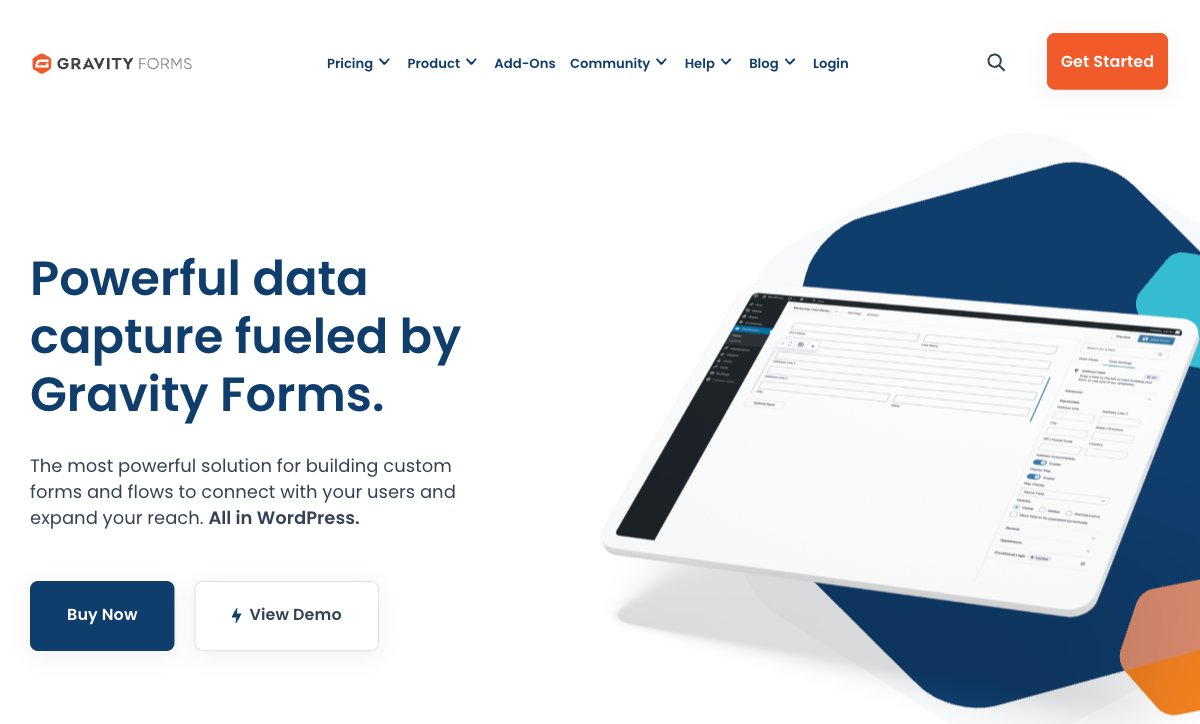
This is the most important difference. Gravity Forms receives regular updates: new features, security patches, WordPress version compatibility, and performance improvements. The team is actively building. Wufoo's last meaningful feature additions were years ago. The form builder interface hasn't been redesigned, mobile responsiveness is uneven, and there's no AI, no modern design system, no new integrations. For a tool you'll depend on for years, choosing an actively developed platform over a stagnating one is a fundamental risk decision.
Advanced Conditional Logic
Gravity Forms offers field-level conditional logic with multiple conditions per rule, conditional page breaks, conditional notifications, conditional confirmations, and conditional pricing. The logic engine is one of the most sophisticated in the form builder category. Wufoo has basic conditional logic (show/hide fields based on single conditions) but nothing approaching Gravity Forms' depth. For forms that need to adapt dynamically based on complex user inputs, Gravity Forms is categorically more powerful.
Payment Processing
Gravity Forms supports Stripe, PayPal, and Square through official add-ons with recurring payments, conditional pricing, and coupon support. Wufoo supports basic Stripe and PayPal but with simpler payment capabilities — no conditional pricing logic, no subscription management, no coupon systems. For collecting payments through forms, Gravity Forms is more capable.
Developer Ecosystem
Hundreds of hooks, filters, and API endpoints. Official add-ons for major CRMs, email platforms, and business tools. Third-party extensions like Gravity Flow (workflow automation) and GravityView (front-end display). Wufoo has a basic API and webhook support but no comparable ecosystem. The developer community has moved to actively-developed platforms — Gravity Forms being the primary WordPress choice.
WordPress-Native Performance
Forms rendered with your theme, data in your database, Gutenberg block for instant embedding, and hooks into your WordPress plugin stack. Wufoo embeds as an iframe from an external server. For WordPress sites, Gravity Forms is part of the site; Wufoo is a third-party widget. Performance, design consistency, and data handling are all superior with the native approach.
Where Wufoo Wins
No WordPress Required
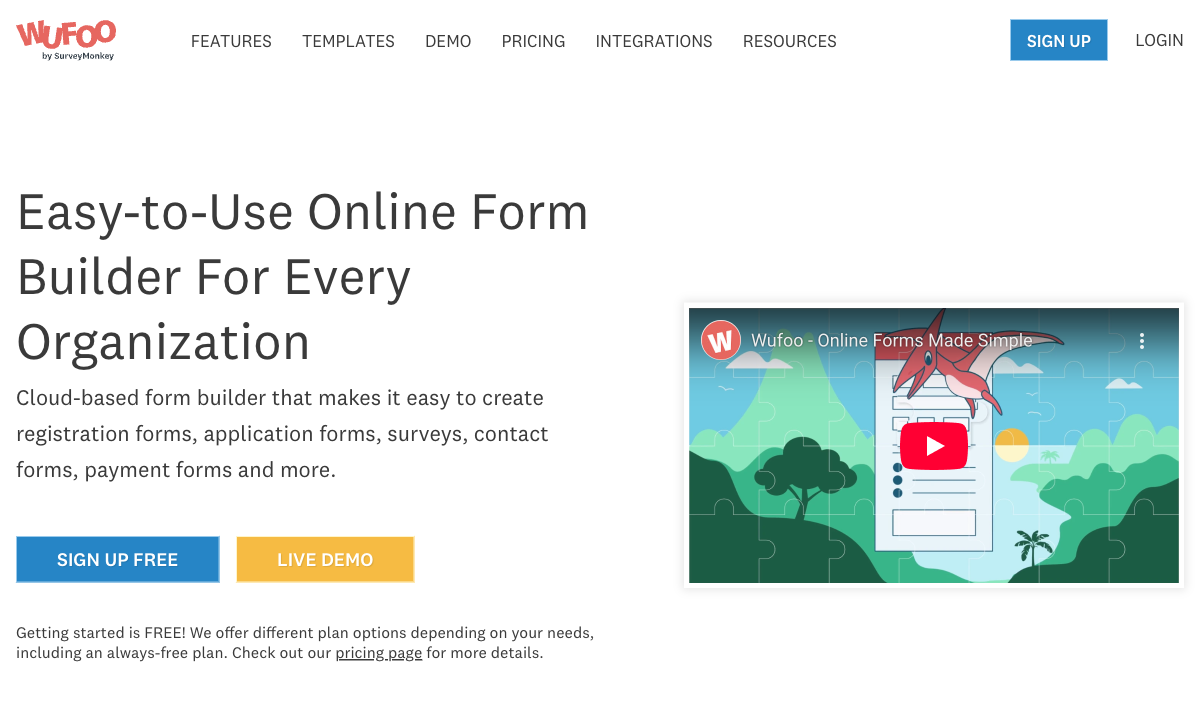
Wufoo is a standalone SaaS tool — create forms via web browser, embed anywhere, share links. No WordPress installation, no hosting management, no plugin updates. For teams that don't use WordPress and want a simple hosted solution, Wufoo works without infrastructure. Gravity Forms requires a WordPress site with hosting, which is an additional cost and maintenance responsibility.
Free Plan
Wufoo offers a free plan: 5 forms, 100 entries per month. It's limited but usable for very basic needs. Gravity Forms has no free tier — you must pay $59/year minimum. For individuals or tiny projects that need a free hosted form with zero infrastructure, Wufoo's free plan fills that niche.
Simplicity
Wufoo's builder is simple — perhaps too simple for power users, but approachable for non-technical users who want to create a basic form quickly without learning WordPress. The drag-and-drop interface is straightforward, and the learning curve is minimal. Gravity Forms is more powerful but also more complex, especially for users unfamiliar with WordPress.
Pricing Comparison
| Tier | Gravity Forms | Wufoo | Key Difference |
|---|---|---|---|
| Free | No free plan | 5 forms, 100 entries/month | Wufoo has a (very limited) free tier |
| Entry | $59/yr — 1 site, basic add-ons | $15/mo ($180/yr) — 10 forms, 500 entries | Gravity Forms is 67% cheaper with no entry limits |
| Professional | $259/yr — unlimited sites, all add-ons | $59/mo ($708/yr) — 100 forms, 5,000 entries | Gravity Forms Elite costs 63% less with unlimited forms/entries |
| Top Tier | Included in Elite ($259/yr) | $183/mo ($2,196/yr) — unlimited forms, 25K entries | Wufoo's top tier costs 8.5x Gravity Forms Elite |
Gravity Forms
Wufoo
| Product | Plan | Monthly Price | Annual Price (per month) | Free Plan | Free Trial | Limits |
|---|---|---|---|---|---|---|
| Gravity Forms | Basic | Not listed | $59/mo billed annually | No | 14 days | forms: Unlimited, submissions: Unlimited, storage: WordPress database (self-hosted), users: Unlimited (WordPress users) |
| Gravity Forms | Pro | Not listed | $159/mo billed annually | forms: Unlimited, submissions: Unlimited, storage: WordPress database (self-hosted), users: Unlimited (WordPress users) | ||
| Gravity Forms | Elite | Not listed | $259/mo billed annually | forms: Unlimited, submissions: Unlimited, storage: WordPress database (self-hosted), users: Unlimited (WordPress users) | ||
| Gravity Forms | Nonprofit | Not listed | $129/mo billed annually | forms: Unlimited, submissions: Unlimited, storage: WordPress database (self-hosted), users: Unlimited (WordPress users) | ||
| Wufoo | Free | Free | Free | Yes | No | forms: 5, submissions: 100/month, storage: N/A, users: 1 |
| Wufoo | Starter | $16.25/mo | $16.25/mo billed annually | forms: 10, submissions: 1,000/month, storage: 1 GB, users: 1 | ||
| Wufoo | Professional | $33.25/mo | $33.25/mo billed annually | forms: Unlimited, submissions: 5,000/month, storage: 5 GB, users: 5 | ||
| Wufoo | Advanced | $83.25/mo | $83.25/mo billed annually | forms: Unlimited, submissions: 25,000/month, storage: 10 GB, users: 20 | ||
| Wufoo | Ultimate | $210.25/mo | $210.25/mo billed annually | forms: Unlimited, submissions: 200,000/month, storage: 20 GB, users: 60 |
What Users Say
Gravity Forms receives consistently strong reviews for reliability, power, and developer-friendliness. Wufoo reviews are increasingly negative — users cite the dated interface, slow development, and declining value compared to modern alternatives. Legacy Wufoo users who've been on the platform for years express frustration at paying for a product that hasn't meaningfully improved. The review trajectory is clear: Gravity Forms is trending up; Wufoo is trending down.
Where Both Fall Short
- Design quality: Neither creates forms that look like designed landing pages. Gravity Forms inherits WordPress theme styling; Wufoo forms look dated.
- Calculation engine: Neither offers Excel-style formulas for dynamic pricing, conditional scoring, or computed outputs across form elements and integrations.
- E-signatures: Neither includes built-in e-signature capabilities.
- Template volume: Both have starter templates but neither offers comprehensive libraries with thousands of options.
Consider Paperform
If you want a modern, actively-developed form builder without WordPress dependency, Paperform is worth evaluating — especially if you're migrating away from Wufoo. Its document-style editor creates forms that look like designed landing pages. An Excel-style calculation engine powers dynamic pricing, scoring, and conditional logic. Five payment gateways (Stripe, PayPal, Square, Braintree, Google Pay) come standard on every plan including free.
Paperform is bootstrapped and profitable since 2016, starting at $29/month with a free tier, 30,000+ templates, built-in e-signatures (Papersign), and works on any website. For Wufoo users looking for a hosted alternative that's actually being developed, Paperform delivers modern capabilities at a comparable price point.
Try Paperform free | Gravity Forms alternatives | Wufoo alternatives
The Verdict
Gravity Forms wins this comparison on nearly every dimension. More powerful form building, active development, better payment processing, a thriving developer ecosystem, and dramatically better pricing (especially at higher tiers). For WordPress users, choosing Gravity Forms over Wufoo is straightforward.
Wufoo's only remaining advantages are its free plan and platform independence. If you don't use WordPress and need a simple, free hosted form builder, Wufoo technically fills that role. But even there, better alternatives exist — Wufoo's stagnation, dated interface, and uncertain future (SurveyMonkey's own ownership recently changed hands) make it a risky platform bet.
For existing Wufoo users: consider migration sooner rather than later. The platform's best days are behind it. Gravity Forms (for WordPress users) or a modern SaaS form builder (for non-WordPress users) will serve you better today and significantly better over the next few years.
Frequently Asked Questions
Is Wufoo still being actively developed?
Barely. Wufoo was acquired by SurveyMonkey in 2011, and development has stagnated significantly since. The interface hasn't been meaningfully updated in years, mobile responsiveness is inconsistent, and new features are rare. SurveyMonkey appears to maintain Wufoo primarily as a legacy product for existing customers rather than investing in its future. Gravity Forms, by contrast, is actively developed — regular updates, new features, security patches, and an expanding add-on ecosystem. For teams choosing a platform to invest in for years, Gravity Forms' active development is a significant advantage over Wufoo's maintenance-mode status.
Can I migrate from Wufoo to Gravity Forms?
Yes, though it requires manual work. There's no official one-click migration tool, but the process involves: (1) exporting Wufoo form submissions as CSV, (2) recreating form structures in Gravity Forms, and (3) importing historical data via CSV import add-ons or custom scripts. Third-party services can assist with migration. The effort is worthwhile if you're on WordPress — Gravity Forms offers dramatically more capability, active development, and long-term stability. Given Wufoo's stagnation, migrating sooner rather than later is advisable before the platform's maintenance status leads to further degradation.
Which has better payment processing?
Gravity Forms, significantly. It supports Stripe, PayPal, and Square through official add-ons, with recurring payments, conditional pricing, and coupon support. Wufoo supports basic Stripe, PayPal, and a few other processors, but the payment features are basic — simple charge fields without conditional pricing logic or subscription management. For WordPress businesses collecting payments through forms, Gravity Forms' payment infrastructure is more capable and actively maintained.
Does Wufoo work with WordPress?
Wufoo forms can be embedded on WordPress via shortcode or iframe, and there's a basic WordPress plugin. But it's an external embed — the form is hosted on Wufoo's servers, styled by Wufoo's themes (which look dated), and data lives on Wufoo's platform. Gravity Forms is a native WordPress plugin — forms in your database, rendered with your theme, integrated with your plugins. For WordPress sites, Gravity Forms provides a native experience while Wufoo provides an embedded one. The quality difference is significant.
Sources & References
- Wufoo vs Gravity Forms: Detailed Comparison — G2, 2026
- Best WordPress Form Plugins in 2026 — WPBeginner, 2026
Last updated March 21, 2026
Ready to try Paperform?
Create beautiful forms, payment pages, and workflows — no code required.