Gravity Forms vs HubSpot Forms: Which Is Better in 2026?
Gravity Forms and HubSpot Forms approach form building from opposite directions. Gravity Forms is a premium WordPress plugin — the most developer-friendly form builder in the WordPress ecosystem, with deep customisation, advanced conditional logic, and an extensive add-on marketplace. HubSpot Forms is a feature inside HubSpot's CRM platform — simple forms designed to feed contacts into HubSpot's marketing automation and sales pipeline.
The real question isn't which form builder is better. It's whether you need a powerful WordPress form plugin (Gravity Forms) or CRM-native lead capture (HubSpot Forms). Here's the detailed comparison.
Who Are These Platforms?
Gravity Forms launched in 2009 by Rocketgenius as a premium WordPress form plugin. It quickly became the go-to choice for WordPress developers and agencies who needed advanced form capabilities. The plugin remains independent and WordPress-focused, with a mature ecosystem of official and third-party add-ons. Pricing is annual licenses: $59-259/year depending on site count and add-on access.
HubSpot Forms is a feature within HubSpot's CRM and marketing platform. HubSpot was founded in 2006, went public in 2014 (NYSE: HUBS), and has grown into one of the dominant CRM platforms globally. Forms are the entry point to HubSpot's ecosystem — free to use, designed to capture leads that flow into CRM contacts, email automation, and sales pipelines. The forms are intentionally simple; the value is the platform behind them.
Quick Verdict
Choose Gravity Forms if:
- You run WordPress and need advanced form capabilities
- Developer customisation and API access matter
- You need payment processing, file uploads, and complex logic
- You want data stored in your own WordPress database
Choose HubSpot Forms if:
- You use HubSpot CRM and marketing automation
- Lead capture and nurturing are the primary use cases
- You want free forms with built-in CRM
- Progressive profiling and smart content matter for conversion
Feature Comparison
Side-by-side across every feature category.
| Feature | Gravity Forms | HubSpot Forms |
|---|---|---|
| Form Building | ||
| Drag-and-drop builder | Yes Basic | No |
| AI form creation | No | No |
| 30+ field types | Yes Basic | No |
| Multi-page forms | Yes Basic | Yes starter |
| Guided mode (one question at a time) | Yes Elite | No |
| Conditional logic | Yes Basic | Yes professional |
| Calculations field | Yes Basic | No |
| AI calculations assistant | No | No |
| Scoring | Yes Elite | No |
| Answer piping | Yes Basic | No |
| Pre-filling and hidden fields | Yes Basic | Yes |
| Save and resume | Yes Basic | No |
| Auto-close by number | No | No |
| Auto-close by date | No | No |
| Appointment/booking field | No | No |
| Signature field | Yes Elite | No |
| Color picker field | No | No |
| API-powered dropdowns | No | No |
| Google address search | No | No |
| Document-style editor | No | No |
| Question types | No | Yes |
| File uploads | No | Yes |
| Payments | ||
| Stripe payments | Yes Pro | Yes starter |
| PayPal payments | Yes Pro | No |
| Square payments | Yes Pro | No |
| Braintree payments | No | No |
| Google Pay | Yes Pro | No |
| Product sales (eCommerce) | Yes Basic | No |
| Subscriptions | Yes Pro | No |
| Coupons and discounts | Yes Elite | No |
| Custom pricing rules | No | No |
| Tax calculations | No | No |
| Quotes/invoices | No | No |
| Refunds | Yes Pro | No |
| 3D Secure | Yes Pro | No |
| Design & Customization | ||
| Template gallery | Yes Basic | Yes |
| Rich media (images, GIFs, videos) | Yes Basic | No |
| Unsplash and Giphy integration | No | No |
| Image editor | No | No |
| Language translation | Yes Basic | No |
| Advanced theming | Yes Basic | Yes starter |
| Custom form URL | No | No |
| Custom domains | No | No |
| Custom HTML & CSS | Yes Basic | Yes starter |
| Remove branding | Yes Basic | Yes starter |
| Custom email domains | Yes Elite | No |
| Adobe Creative Cloud | No | No |
| Analytics | ||
| Submission results and reports | Yes Basic | Yes |
| AI report insights | No | No |
| Paperform analytics | No | No |
| Google Analytics & Facebook Pixel | Yes Elite | Yes |
| Custom analytics scripts | Yes Basic | No |
| Partial submissions | Yes Elite | No |
| Drop-off analysis | No | No |
| Conversion analytics | No | Yes professional |
| Collaboration | ||
| Multi-user accounts | Yes Basic | Yes |
| User permissions and management | Yes Basic | Yes starter |
| Advanced permissions & admin | No | Yes enterprise |
| Form sharing (templates) | Yes Basic | Yes |
| Spaces and tag management | No | No |
| Workspace organization | No | No |
| Security | ||
| SOC 2 Type II | No | Yes |
| GDPR compliant | Yes Basic | Yes |
| SSL encryption | Yes Basic | Yes |
| Two-factor authentication | No | Yes |
| Enforce 2FA for all users | No | No |
| SSO (SAML) | No | Yes enterprise |
| reCAPTCHA | Yes Basic | No |
| Local data residency | Yes Basic | No |
| Custom S3 storage (BYO) | No | No |
| HIPAA compliant | No | No |
| Data residency | No | Yes enterprise |
| Custom S3 storage | No | No |
| Integrations & API | ||
| 50+ official add-ons | Yes Basic | No |
| Zapier | Yes Pro | Yes starter |
| Make (Integromat) | No | Yes starter |
| Webhooks | Yes Elite | Yes starter |
| Standard API | Yes Basic | No |
| Business API | No | No |
| WordPress plugin | Yes Basic | Yes |
| oEmbed support | No | No |
| Stepper workflow automation | No | No |
| Native integrations | No | Yes |
| API | No | Yes |
| Embed options | No | Yes |
Where Gravity Forms Wins
Form Building Depth
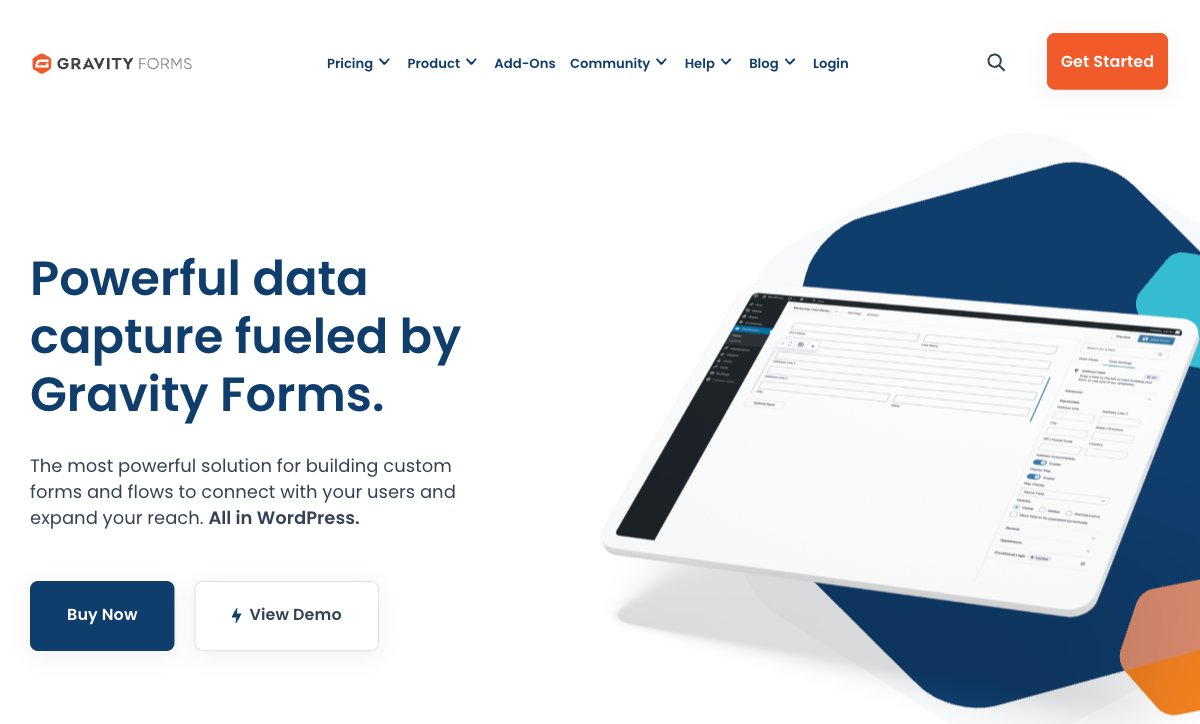
Gravity Forms is a dedicated form builder with capabilities that dwarf HubSpot's. Advanced conditional logic with multiple conditions per rule, 30+ field types, multi-page forms with save-and-resume, file uploads, pricing fields, post creation fields, and custom CSS classes per field. HubSpot Forms offers basic field types with simple dependent field logic. For any form that needs to do more than capture a name and email, Gravity Forms is incomparably more powerful.
Developer Extensibility
Gravity Forms has an extensive API with hundreds of hooks, filters, and actions. Developers can customise every aspect of form behaviour — validation, submission processing, field rendering, and notification routing. The add-on ecosystem includes Gravity Flow (workflow automation), GravityView (front-end data display), and dozens of CRM/payment/email integrations. HubSpot Forms has limited customisation — you're constrained to what the HubSpot builder offers. For teams with developers who need custom form behaviour, Gravity Forms is the extensible platform.
Payment Processing
Gravity Forms supports Stripe, PayPal, Square, and other payment gateways through official add-ons. You can build order forms, donation pages, and registration forms with conditional pricing. HubSpot handles payments through its Commerce Hub, but not through the forms builder itself. For WordPress sites collecting payments through forms, Gravity Forms is the capable solution.
Data Ownership
With Gravity Forms, submission data lives in your WordPress database on your server. You control backups, encryption, retention, and access. With HubSpot Forms, data lives on HubSpot's servers — governed by HubSpot's terms, subject to their data policies, and accessible only through their interface and API. For organisations with data sovereignty requirements, Gravity Forms provides complete control.
Add-On Ecosystem
Gravity Forms' marketplace includes official add-ons for Mailchimp, ActiveCampaign, Salesforce, Zoho, Slack, Trello, and more — plus hundreds of third-party extensions. This ecosystem means Gravity Forms can integrate with virtually any CRM, email platform, or business tool. HubSpot Forms integrates deeply with HubSpot's own products but has more limited connections to competing platforms. If your CRM isn't HubSpot, Gravity Forms likely has a native add-on for it.
Where HubSpot Forms Wins
Free CRM and Marketing Automation
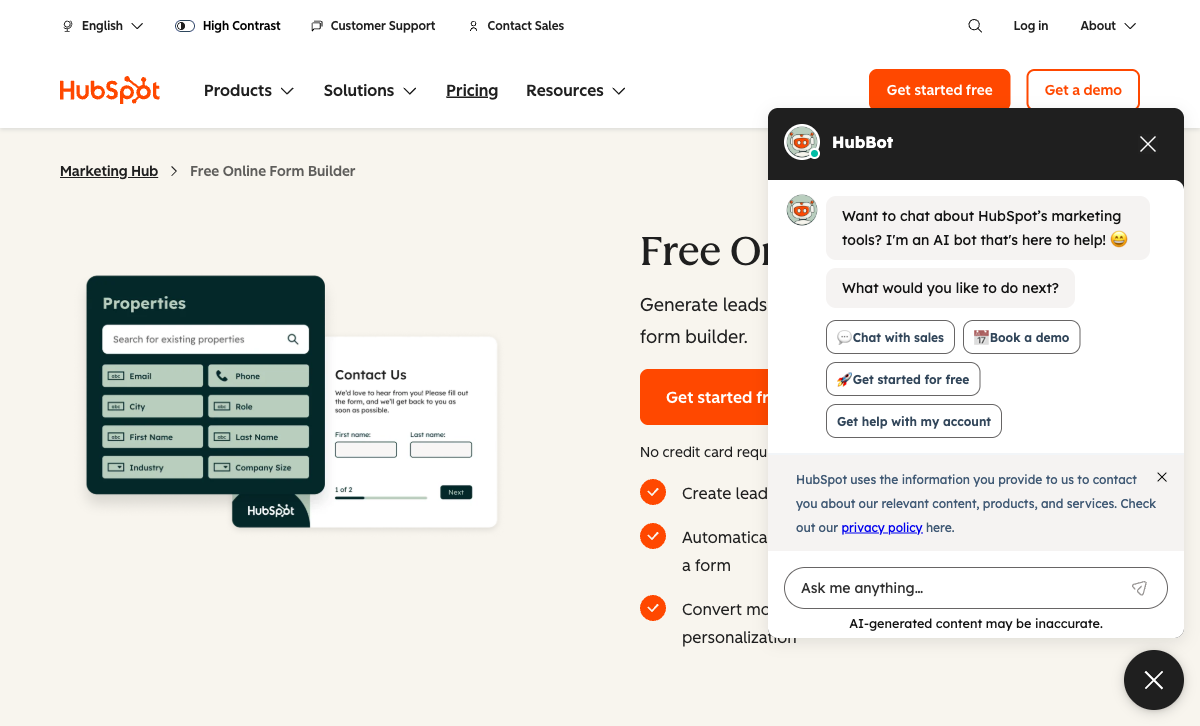
HubSpot's free tier includes forms and a fully functional CRM. Every form submission creates a contact record with activity history, deal association, and lifecycle tracking. Gravity Forms collects data; HubSpot Forms feeds a marketing machine. For teams that need both forms and a CRM, HubSpot's free offering is genuinely compelling — you get lead capture and contact management without paying for either.
Post-Submission Automation
A HubSpot form submission can trigger automated email sequences, update lead scores, change lifecycle stages, notify sales reps, and feed attribution models — all natively. Gravity Forms can trigger email notifications and connect to automation tools via add-ons, but there's no native marketing automation layer. For lead nurturing and sales pipeline automation, HubSpot's post-submission capabilities are vastly more sophisticated.
Progressive Profiling
HubSpot dynamically changes which fields appear based on what the CRM already knows about a visitor. Returning leads see different questions — reducing friction and collecting incremental data over time. Gravity Forms has conditional logic but not CRM-aware progressive profiling that adapts based on a contact's history. For conversion rate optimisation on lead capture forms, this is a genuine HubSpot advantage.
Platform Independence
HubSpot Forms work on any website — embed on WordPress, Shopify, Squarespace, or any HTML page. Gravity Forms is WordPress-only. For organisations with multiple web properties across different platforms, HubSpot forms can be deployed everywhere consistently. Gravity Forms is locked to WordPress installations.
Pricing Comparison
| Tier | Gravity Forms | HubSpot Forms | Key Difference |
|---|---|---|---|
| Free | No free plan | Unlimited forms + free CRM | HubSpot offers free forms; Gravity Forms is premium-only |
| Entry | $59/yr — 1 site, basic add-ons | $20/mo ($240/yr) — Marketing Hub Starter | Gravity Forms is 75% cheaper but WordPress-only |
| Pro | $259/yr — unlimited sites, all add-ons | $890/mo — Marketing Hub Professional | Full HubSpot marketing costs 40x Gravity Forms Elite |
Gravity Forms
HubSpot Forms
| Product | Plan | Monthly Price | Annual Price (per month) | Free Plan | Free Trial | Limits |
|---|---|---|---|---|---|---|
| Gravity Forms | Basic | Not listed | $59/mo billed annually | No | 14 days | forms: Unlimited, submissions: Unlimited, storage: WordPress database (self-hosted), users: Unlimited (WordPress users) |
| Gravity Forms | Pro | Not listed | $159/mo billed annually | forms: Unlimited, submissions: Unlimited, storage: WordPress database (self-hosted), users: Unlimited (WordPress users) | ||
| Gravity Forms | Elite | Not listed | $259/mo billed annually | forms: Unlimited, submissions: Unlimited, storage: WordPress database (self-hosted), users: Unlimited (WordPress users) | ||
| Gravity Forms | Nonprofit | Not listed | $129/mo billed annually | forms: Unlimited, submissions: Unlimited, storage: WordPress database (self-hosted), users: Unlimited (WordPress users) | ||
| HubSpot Forms | Free | Free | Free | Yes | 14 days | forms: Unlimited, submissions: Unlimited, users: 2 |
| HubSpot Forms | Marketing Hub Starter | $20/mo | $20/mo billed annually | forms: Unlimited, submissions: Unlimited, users: Per seat | ||
| HubSpot Forms | Marketing Hub Professional | $890/mo | $890/mo billed annually | forms: Unlimited, submissions: Unlimited, users: 3 included (additional seats extra) | ||
| HubSpot Forms | Marketing Hub Enterprise | $3600/mo | $3600/mo billed annually | forms: Unlimited, submissions: Unlimited, users: 5 included (additional seats extra) |
What Users Say
Gravity Forms is highly rated among WordPress developers for its reliability, extensibility, and powerful conditional logic. Common praise: "the most capable WordPress form plugin" and "developer-friendly with great hooks." HubSpot Forms scores well within the HubSpot ecosystem, with users praising CRM integration and lead tracking. Common HubSpot criticism: the steep price jump from Starter to Professional tiers, and limited form customisation on free plans. Each platform's fans are loyal to their respective ecosystems.
Where Both Fall Short
- Design quality: Neither creates forms that look like designed landing pages. Gravity Forms inherits WordPress theme styling; HubSpot Forms have a minimal, generic look.
- Calculation engine: Neither offers Excel-style formulas for dynamic pricing, conditional scoring, or computed outputs across form elements and integrations.
- E-signatures: Neither includes built-in e-signature capabilities.
- Template volume: Neither offers thousands of ready-to-use templates. Both have starter templates but not comprehensive libraries.
Consider Paperform
If you want more form-building power than HubSpot without being locked into WordPress (Gravity Forms), Paperform offers a platform-independent alternative. Its document-style editor creates forms that look like designed landing pages. An Excel-style calculation engine powers dynamic pricing, scoring, and conditional logic. Five payment gateways (Stripe, PayPal, Square, Braintree, Google Pay) come standard on every plan including free.
Paperform integrates with both HubSpot CRM and WordPress, with built-in e-signatures (Papersign), 30,000+ templates, and workflow automation. Bootstrapped and profitable since 2016, starting at $29/month with a free tier.
Try Paperform free | Gravity Forms alternatives | HubSpot Forms alternatives
The Verdict
Choose Gravity Forms if WordPress is your platform and forms are a core capability. The depth of form building, developer extensibility, payment processing, and data ownership make it the most powerful WordPress form plugin available. At $59-259/year, it's exceptional value for WordPress-based businesses.
Choose HubSpot Forms if you use HubSpot CRM and lead nurturing is the goal. The free CRM integration, marketing automation pipeline, and progressive profiling create a lead capture system that Gravity Forms can't replicate. The forms themselves are basic, but the post-submission value is enormous for marketing teams.
Many WordPress + HubSpot teams use both: HubSpot Forms for top-of-funnel lead capture, and Gravity Forms for everything else — payment forms, applications, registrations, and complex data collection. This hybrid approach gives you the best of both ecosystems.
Frequently Asked Questions
Can Gravity Forms integrate with HubSpot CRM?
Yes. There are several Gravity Forms add-ons (both official and third-party) that sync form submissions to HubSpot CRM — creating contacts, updating properties, and triggering workflows. This means you can use Gravity Forms' superior form-building capabilities on WordPress while still feeding data into HubSpot's CRM and marketing automation. However, you lose HubSpot-native features like progressive profiling and smart content, which require forms to be built inside HubSpot. For teams that want the best of both — Gravity Forms' WordPress power and HubSpot's CRM — this hybrid approach works well.
Is HubSpot Forms really free?
The basic form builder is free with HubSpot's free CRM — unlimited forms, unlimited submissions, basic analytics. The catch: free forms include HubSpot branding, and advanced features (progressive profiling, smart content, A/B testing, advanced automation) require Marketing Hub paid plans at $20-3,600+/month. For simple lead capture, the free tier is genuinely useful. For sophisticated marketing automation, you're buying the full HubSpot platform, not just forms. Gravity Forms costs $59-259/year with no free tier, but all form-building features are available at every license level.
Which is better for WordPress lead generation?
It depends on your CRM. If you use HubSpot CRM, HubSpot Forms provides the deepest integration — submissions automatically create contacts with full lifecycle tracking, lead scoring, and automation triggers. If you don't use HubSpot CRM, Gravity Forms is the better WordPress form builder — more field types, better conditional logic, deeper customisation, and integrations with multiple CRMs (Salesforce, Zoho, Mailchimp, ActiveCampaign). Gravity Forms also keeps data in your WordPress database, giving you more control. For WordPress + HubSpot shops, use HubSpot forms for lead capture and Gravity Forms for everything else.
Which has better conditional logic?
Gravity Forms, significantly. It offers field-level conditional logic with multiple conditions per rule, conditional page breaks, conditional notifications, conditional confirmations, and conditional pricing. The logic engine is one of the most sophisticated in any form plugin. HubSpot Forms has basic dependent fields (show/hide based on previous answers) but the logic is simpler — designed for marketing qualification paths rather than complex form branching. For forms that need to adapt dynamically with multiple interdependent conditions, Gravity Forms is the more powerful tool.
Sources & References
- Best WordPress Form Plugins Compared — WPBeginner, 2026
- HubSpot Forms vs WordPress Form Plugins — HubSpot, 2026
Last updated March 21, 2026
Ready to try Paperform?
Create beautiful forms, payment pages, and workflows — no code required.